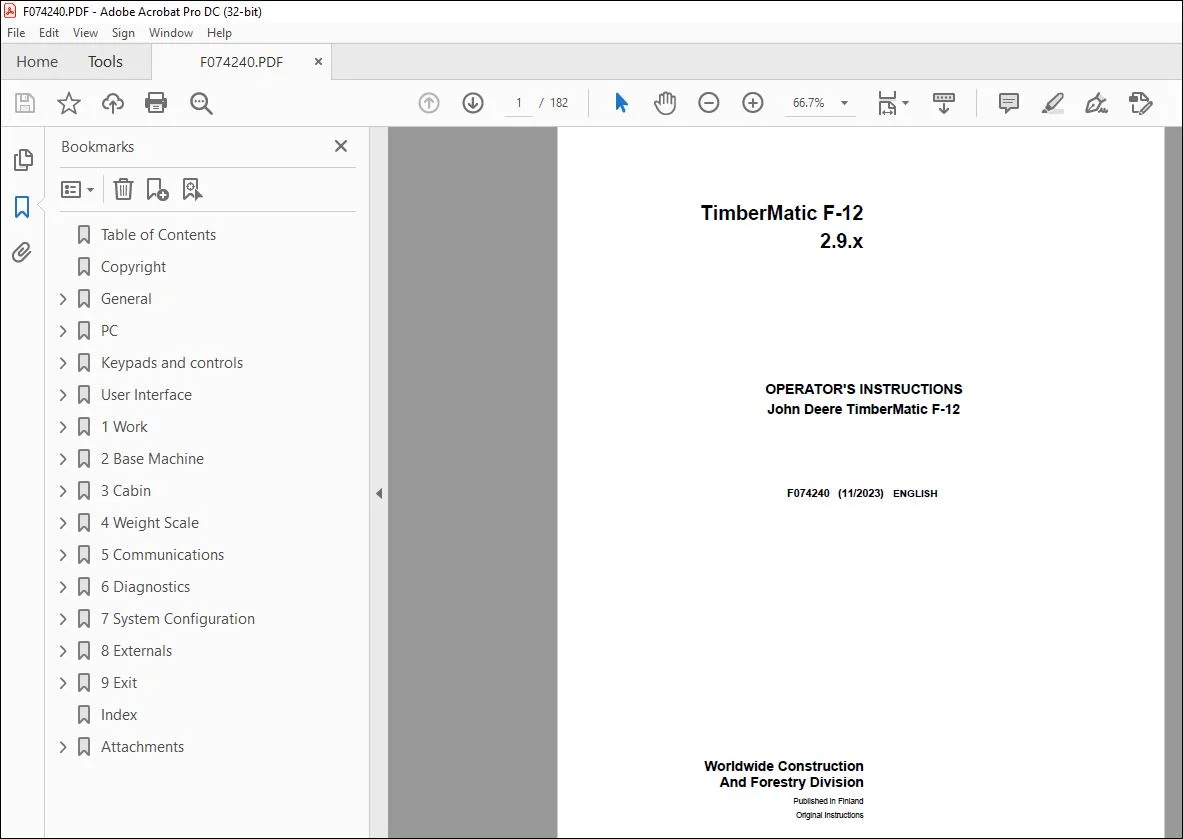
John Deere TimberMatic F-12 2.9.x Operator’s Manual F074240 – PDF DOWNLOAD
$28.95
John Deere TimberMatic F-12 2.9.x Operator’s Manual F074240 – PDF DOWNLOAD
Description
John Deere TimberMatic F-12 2.9.x Operator’s Manual F074240 – PDF DOWNLOAD
FILE DETAILS:
John Deere TimberMatic F-12 2.9.x Operator’s Manual F074240 – PDF DOWNLOAD
- P/N: F074240_14
- Language: English
- Division: Forestry
- Product Lines: Measuring And Control Systems
- Publication Type: Operator’s Manuals
- Associated Models: TIMBERMATIC F-09, 1010E, 1110E, 1210E, 1510E, 1910E, 810E
- Series: E SERIES
- Serial: 2.2.X
- Description: TimberMatic F-12 Operator’s instruction for all E-model platform options
IMAGES PREVIEW OF THE MANUAL:
TABLE OF CONTENTS:
John Deere TimberMatic F-12 2.9.x Operator’s Manual F074240 – PDF DOWNLOAD
Table of Contents 2
Copyright 7
General 8
Introduction 8
Processing of personal data 8
How to read TimberMatic™ manuals 9
Abbreviations 9
TimberMatic™ control system 10
CAN bus E-series IT4-platform (F-12) 12
CAN bus E-series Fixed Cabin (F-12) 13
CAN bus E-series update (F-09) 14
CAN bus E-series (F-09) 15
PC 16
Hardware 16
HPC21 (High spec) 17
XL4 PC (High Spec) 18
XL3 PC and connections 19
MPC21 20
XM2+, XM2 and XM PC 21
Installation dependency 21
Start-up and shutting down 21
User Interface initialization 22
Data management 22
Keypads and controls 24
Left keypad in forwarder 24
Right keypad in forwarder 25
Extra keypad 26
Boom controls 26
Forwarder IBC boom controls 27
TimberMatic F-12 button definitions 27
User Interface 31
Modes 31
Work mode 31
Work mode display: Management section 32
Shortcut navigation 32
Instant e-mail 33
File handling 33
File – save – summary 34
Reporting 35
Site information menu 36
Production overview 36
Operator information menu 37
Operator selection and shift change 38
Remote Display Access (RDA) 39
Quick adjustments 40
Immobilizer 40
Work mode display: Information section manual registration 41
Manual production registration 42
Work mode display: information section, ALS registration 43
Automatic production registration 44
ALS load space functions 44
Editing ALS registrations 45
Work mode display: information section, boom weight scale registration 46
Automatic production registration, boom weight scale 47
Editing boom weight scale registrations 48
Truck loading mode 48
Inclination display 49
Work mode display: Base machine section 50
Setting mode 52
Functions in setting mode 53
Tool tips 54
1 Work 55
1 1 Felling site 55
1 1 1 Sites 55
Add new site 56
1 Adding a new site 56
2 Edit site information 57
5 Select assortments 57
5-1 Select assortment source 58
5-2 Add assortments 58
7 Activate site 59
End site 59
Archive 60
1 1 3 Locations / Storage places 60
Add/Edit locations 61
Add/Edit storage place 62
1 1 B 1 General 63
1 1 B 2 Site archive 64
Site archive settings 64
1 1 B 3 Contractor 65
1 1 B 4 GPS 65
1 1 B 5 Automatic saving 66
Use automatic saving 66
Copy saved files 67
TimberOffice 5 setup 67
Custom file saving 68
1 1 C 1 Automatic saving recovery 68
1 1 C 2 GPS status 69
1 2 Bucking instructions 69
1 2 1 Tree species 69
1 UserID (Code) 70
2 Product groups 70
1 2 2 Assortments 70
1 UserID (Code) 71
2 Identity 71
3 Destination 72
4 Product group 72
5 Default volumes 73
6 Weight factors 73
1 2 3 Assortment buttons / Delivery buttons 74
1 2 4 Deliveries 74
1 2 B 1 Tree species buttons 75
1 2 B 2 Assortment library 75
Assortment library settings 76
1 2 B 3 Delivery library 76
1 2 B 4 Settings 77
Customize views 77
1 3 Work statistic 78
1 3 1 Shift change 79
1 3 2 Registrations 79
Document stop reason wizard 80
Repair 81
Disturbance 81
Maintenance 82
Trailer transport 82
1 3 3 Repairs 83
1 3 4 Maintenances 83
1 3 B 1 Settings 84
Division of working hours 86
1 3 B 2 Periodic service 87
2 Base Machine 88
2 1 Carrier 88
2 1 1 Driving 88
2 1 2 Engine 90
2 1 3 Working RPM 91
2 1 B 1 Driving 92
2 1 B 2 Drive adjustment 93
2 1 B 3 Trip meter 94
2 1 B 4 Clutch 94
2 1 B 6 Charge Pressure Valve (CPV) 95
2 1 C 1 Driving 96
Controller inputs and outputs 97
2 1 C 2 Cooling fan 98
2 1 C 3 Aftertreatment system 98
2 2 Boom 99
2 2 1 Speeds 99
2 2 B 1 Currents 100
2 2 B 2 Ramps 101
2 2 B 3 Progressions 101
2 2 B 4 Damping 102
2 2 B 5 Calibration 103
2 2 B 6 SBC 103
2 2 C 1 Movements 104
2 3 Auxiliary 104
2 3 1 Decking Blade 105
2 3 B 1 Currents 105
2 3 C 1 Movements 106
2 4 Configuration 106
2 4 1 Machine profile 106
Creating or editing machine profiles 107
2 4 2 Activate functions 108
Activate functions 108
Alternative joystick patterns 109
2 4 B 1 Function overrides 109
Sensors’/functions’ disabling effects 109
Function overrides at startup 111
2 4 B 2 Fuel sensor 111
2 4 B 3 Fluid quality 112
2 4 C 1 Statistics 112
2 5 IBC 113
2 5 1 Speeds 113
2 5 B 1 Currents 113
IBC parameters 115
Other parameters 119
2 5 B 2 Ramps 120
2 5 B 3 Progressions 121
2 5 B 4 Damping 122
3 Cabin 123
3 1 Movements 123
3 1 1 Automatic 123
3 1 2 Manual 124
3 1 B 1 Currents 125
3 1 B 2 Rotation 127
3 1 B 3 Levelling 128
3 1 B 4 VSS 129
3 1 C 1 Movements 130
3 2 Control devices 131
3 2 1 Joysticks 131
3 2 2 Levers 132
3 2 3 Drive pedal 133
3 2 C 1 Keypads 133
3 3 Conditions 133
3 3 1 Lights 134
3 3 2 Lights energy saving 134
4 Weight Scale 135
4 1 Registrations 135
4 1 1 Registration mode 135
4 1 2 Weight factors 136
4 1 3 Default volumes 137
4 2 Calibration (ALS) 137
4 2 1 Reference calibration 138
4 2 Calibration (BWS) 138
4 2 1 Accuracy control 139
4 2 B 1 Reference calibration 140
5 Communications 141
5 1 E-mail 141
5 1 1 Inbox 141
5 1 2 Outbox 142
5 1 3 Sent items 142
Creating new message 143
Address book 144
Add 144
5 1 B 1 Account 145
5 1 B 2 Security 146
5 1 B 3 Connections 146
5 1 B 4 Automatic sending 147
5 2 Notebook 147
5 2 1 Message 147
5 3 Wireless Data Transfer (WDT) 148
5 3 1 Configuration 148
6 Diagnostics 149
6 1 Logs 149
6 1 1 Alarms 149
6 1 2 Events 150
6 1 3 Alarm search 150
6 2 Controllers 151
6 2 1 Data log 151
Configure data log 152
6 2 2 Diagnostics file 152
Diagnostics file saving 153
6 2 C 1 Engineering sensors 153
6 2 C 2 MTG status 154
Call-up functions 154
7 System Configuration 155
7 1 Operator information 155
7 1 1 Operator information 155
Add / Edit operator 156
Compare operator settings 157
7 1 B 1 Service login 157
7 1 B 2 Available menus 158
7 2 Software 159
7 2 1 Versions (software) 159
Software update 160
Licensing 160
7 2 2 Backup 161
7 2 3 Language 162
7 2 4 ECU software 162
ECU remote programming 163
7 2 B 1 Parameters 167
Parameter comparison tool 167
7 2 B 2 PC Parameters 168
7 2 B 3 StanForD 168
7 3 Customization 169
7 3 1 Work mode 170
7 3 2 Warning limits 171
7 3 3 Sounds 172
7 3 4 Camera 172
7 3 5 TimberNavi 173
7 3 6 Units 174
7 3 8 TimberMatic™ Maps 174
8 Externals 175
8 Externals 175
9 Exit 176
9 Exit 176
Index 177
Attachments 180
a03420_Forwarder_arm_silicon 181
S.V 04/24