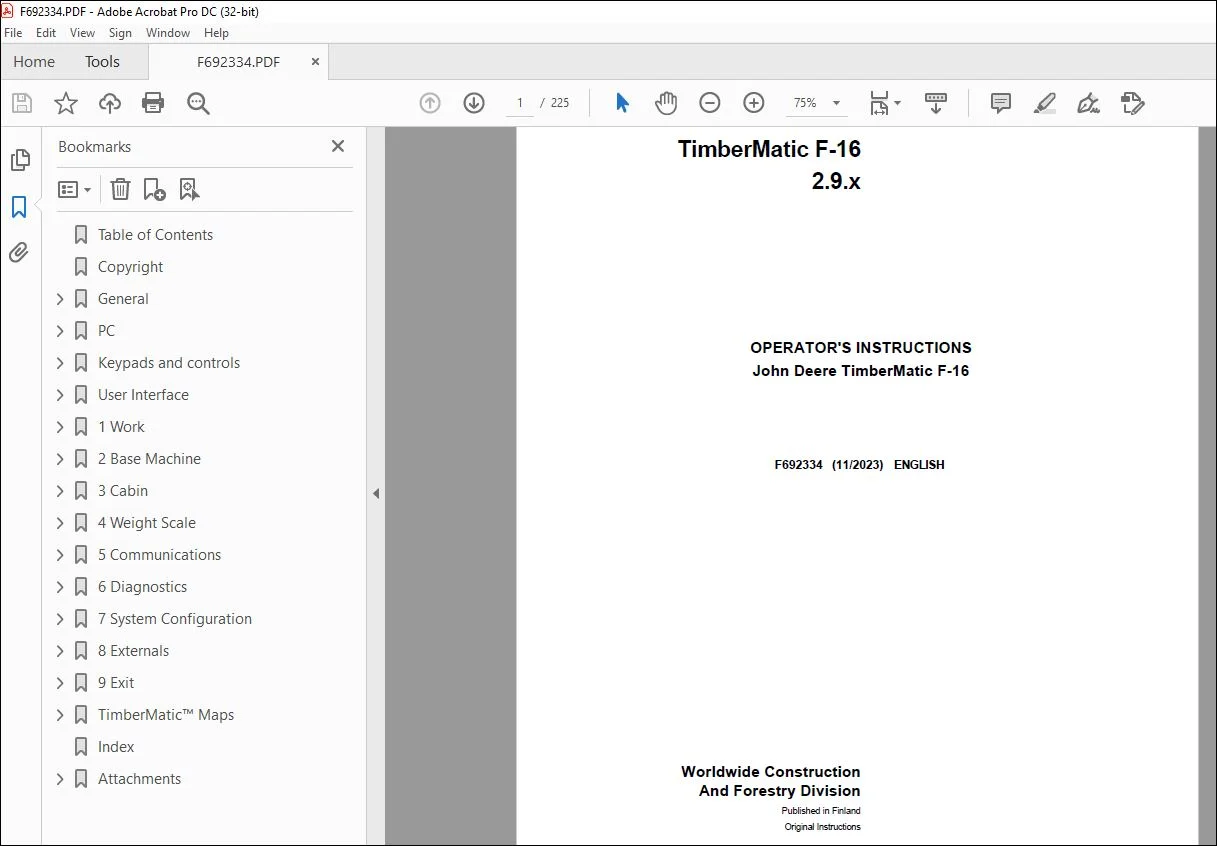
John Deere TimberMatic F-16 2.9.x Operator’s Manual F692334 – PDF DOWNLOAD
$28.95
John Deere TimberMatic F-16 2.9.x Operator’s Manual F692334 – PDF DOWNLOAD
Description
John Deere TimberMatic F-16 2.9.x Operator’s Manual F692334 – PDF DOWNLOAD
FILE DETAILS:
John Deere TimberMatic F-16 2.9.x Operator’s Manual F692334 – PDF DOWNLOAD
- P/N: F692334_14
- Language: English
- Division: Forestry
- Product Lines: Measuring And Control Systems
- Publication Type: Operator’s Manuals
- Associated Models: 1910G, TIMBERMATIC F-09, 910G, 1010G, 1110G FT4 FFC, 1110G FT4 RL, 1210G FT4 FFC, 1210G FT4 RL, 1510G FT4 FFC, 1510G FT4 RL
- Series: G SERIES
- Serial: 2.2.X
IMAGES PREVIEW OF THE MANUAL:
TABLE OF CONTENTS:
John Deere TimberMatic F-16 2.9.x Operator’s Manual F692334 – PDF DOWNLOAD
Table of Contents 2
Copyright 9
General 10
Introduction 10
Processing of personal data 10
How to read TimberMatic™ manuals 11
Abbreviations 11
TimberMatic™ control system 12
MECA controller design 13
G-series forwarder CAN architecture 14
PC 16
Hardware 16
HPC21 (High spec) 17
XL4 PC (High Spec) 18
MPC21 19
XM2+, XM2 and XM PC 20
Installation dependency 20
Touch screen 21
PC start-up and shutting down 21
User Interface initialization 22
Data management 22
Keypads and controls 24
Left keypad in forwarder 24
Right keypad in forwarder 25
Extra keypad 26
Boom controls 26
Forwarder IBC boom controls 27
Forwarder button configurations 27
User Interface 28
Modes 28
Work mode 28
Work mode display: Management section 29
Shortcut navigation 29
Instant e-mail 30
File handling 30
File – save – summary 31
Reporting 32
Site information menu 33
Production overview 33
Operator information menu 34
Operator selection and shift change 35
Remote Display Access (RDA) 36
Quick adjustments 37
Immobilizer 37
Work mode display: Information section manual registration 38
Manual production registration 39
Work mode display: information section, ALS registration 40
Automatic production registration 41
ALS load space functions 41
Editing ALS registrations 42
Work mode display: information section, boom weight scale registration 43
Automatic production registration, boom weight scale 44
Editing boom weight scale registrations 45
Truck loading mode 45
Tractive force and inclination display 46
Work mode display: Base machine section 47
Setting mode 49
Functions in setting mode 50
Tool tips 51
1 Work 52
1 1 Felling site 52
1 1 1 Sites 52
Add new site 53
1 Adding a new site 53
2 Edit site information 54
5 Select assortments 54
5-1 Select assortment source 55
5-2 Add assortments 55
7 Activate site 56
End site 56
Archive 57
1 1 3 Locations / Storage places 57
Add/Edit locations 58
Add/Edit storage place 59
1 1 B 1 General 60
1 1 B 2 Site archive 61
Site archive settings 61
1 1 B 3 Contractor 62
1 1 B 4 GPS 62
1 1 B 5 Automatic saving 63
Use automatic saving 63
Copy saved files 64
TimberOffice 5 setup 64
Custom file saving 65
1 1 C 1 Automatic saving recovery 65
1 1 C 2 GPS status 66
1 2 Bucking instructions 66
1 2 1 Tree species 66
1 UserID (Code) 67
2 Product groups 67
1 2 2 Assortments 67
1 UserID (Code) 68
2 Identity 68
3 Destination 69
4 Product group 69
5 Default volumes 70
6 Weight factors 70
1 2 3 Assortment buttons / Delivery buttons 71
1 2 4 Deliveries 71
1 2 B 1 Tree species buttons 72
1 2 B 2 Assortment library 72
Assortment library settings 73
1 2 B 3 Delivery library 73
1 2 B 4 Settings 74
Customize views 74
1 3 Work statistic 75
1 3 1 Shift change 76
1 3 2 Registrations 76
Document stop reason wizard 77
Repair 78
Disturbance 78
Maintenance 79
Trailer transport 79
1 3 3 Repairs 80
1 3 4 Maintenances 80
1 3 B 1 Settings 81
Division of working hours 83
1 3 B 2 Periodic service 84
2 Base Machine 85
2 1 Carrier 85
2 1 1 Driving 85
2 1 2 Engine 86
2 1 3 Working RPM 86
2 1 B 1 Driving 87
2 1 B 2 Drive adjustment 88
2 1 B 3 Trip meter 89
2 1 B 4 Clutch 90
2 1 B 6 Charge Pressure Valve (CPV) 91
2 1 C 1 Driving 91
2 1 C 2 Cooling fan 93
2 1 C 3 Aftertreatment system 93
2 1 C 4 SCR system 94
ECU I/O monitoring 95
2 2 Boom 95
2 2 1 Speeds 96
2 2 B 1 Currents 96
2 2 B 2 Ramps 97
2 2 B 3 Progressions 98
2 2 B 4 Damping 98
2 2 B 5 Calibration 99
2 2 B 6 SBC 100
2 2 C 1 Movements 100
2 3 Auxiliary 100
2 3 1 Decking Blade 101
2 3 B 1 Currents 101
2 3 C 1 Movements 102
2 4 Configuration 102
2 4 1 Machine profile 102
Creating or editing machine profiles 103
2 4 2 Activate functions 104
Activate functions 104
Alternative joystick patterns 105
2 4 B 1 Function overrides 105
Sensors’ / functions’ disabling effects 105
Function overrides at startup 107
2 4 B 2 Fuel sensor 107
2 4 B 3 Fluid quality 108
2 4 B 4 Power take-offs (PTO) 108
2 4 C 1 Statistics 109
2 5 IBC 109
2 5 1 Speeds 109
2 5 2 Extension rate 110
2 5 B 1 Currents 110
IBC parameters 112
Other parameters 116
2 5 B 2 Motion smoothness 117
2 5 B 3 Progressions 118
2 5 B 4 Damping 119
2 5 B 5 Grapple and rotator 119
3 Cabin 120
3 1 Movements 120
3 1 1 Automatic 120
3 1 2 Manual 121
3 1 B 1 Currents 122
3 1 B 2 Rotation 124
3 1 B 3 Levelling 125
3 1 B 4 VSS 126
3 1 C 1 Movements 127
3 2 Control devices 128
3 2 1 Joysticks 128
3 2 2 Levers 129
3 2 3 Drive pedal 130
3 2 C 1 Keypads 130
3 3 Conditions 130
3 3 1 Lights 131
3 3 2 Lights energy saving 131
3 3 3 Jib boom lights 132
4 Weight Scale 133
4 1 Registrations 133
4 1 1 Registration mode 133
4 1 2 Weight factors 134
4 1 3 Default volumes 135
4 2 Calibration (ALS) 135
4 2 1 Reference calibration 136
4 2 Calibration (BWS) 136
4 2 1 Accuracy control 137
4 2 B 1 Reference calibration 138
5 Communications 139
5 1 E-mail 139
5 1 1 Inbox 139
5 1 2 Outbox 140
5 1 3 Sent items 140
Creating new message 141
Address book 142
Add 142
5 1 B 1 Account 143
5 1 B 2 Security 144
5 1 B 3 Connections 144
5 1 B 4 Automatic sending 145
5 2 Notebook 145
5 2 1 Message 145
5 3 Wireless Data Transfer (WDT) 146
5 3 1 Configuration 146
6 Diagnostics 147
6 1 Logs 147
6 1 1 Alarms 147
6 1 2 Events 148
6 1 3 Alarm search 148
6 2 Controllers 149
6 2 1 Data log 149
Configure data log 150
6 2 2 Diagnostics file 150
Diagnostics file saving 151
6 2 3 CAN logs and debugs 151
6 2 C 1 Engineering sensors 152
I/O window 152
6 2 C 2 MTG status 153
Call-up functions 153
6 3 Automation system 154
6 3 1 System architecture 154
6 3 C 1 Controller status view 155
6 3 C 2 IBC sensors 155
IBC sensor diagnostics test 156
7 System Configuration 160
7 1 Operator information 160
7 1 1 Operator information 160
Add / Edit operator 161
Compare operator settings 162
7 1 B 1 Service login 162
7 1 B 2 Available menus 163
7 2 Software 164
7 2 1 Versions (software) 164
Software update 165
Licensing 165
7 2 2 Backup 166
7 2 3 Language 167
7 2 4 ECU software 167
ECU remote programming 168
7 2 B 1 Parameters 172
Parameter comparison tool 172
7 2 B 2 PC Parameters 173
7 2 B 3 StanForD 173
7 3 Customization 174
7 3 1 Work mode 175
7 3 2 Warning limits 176
7 3 3 Sounds 177
7 3 4 Camera 177
7 3 5 TimberNavi 178
7 3 6 Units 179
7 3 7 Measurement display 179
7 3 8 TimberMatic™ Maps 180
8 Externals 181
8 Externals 181
9 Exit 182
9 Exit 182
TimberMatic™ Maps 183
How to get started 183
Terms and abbreviations 183
System integration with TimberMatic™ 185
Main display 186
System menu 187
Sites 187
Site management 188
Creating and editing sites 189
Site statistics 190
Site actions 191
Map management 191
Map layers 192
Settings 193
General 193
Machine pairing 194
Production 194
Map items 196
Miscellaneous 197
System info 197
Help and support materials 198
Site management 198
Landing areas 199
Storing history 200
Truck loading 201
Production summary 201
Site functions 202
Show feature 203
Selected feature 204
Load feature 205
Alarms and notifications 206
Map tools 206
Viewing 207
Layers 207
PoI / AoI / LoI 208
Measuring 209
Log moving tool 209
Site planning tool 210
Workplace information 211
Messaging and file management 211
Index 213
Attachments 216
a03420_Forwarder_arm_silicon 217
TimberMatic_Quick_Reference_Guide_Forwarder_EN 219
S.V 04/24