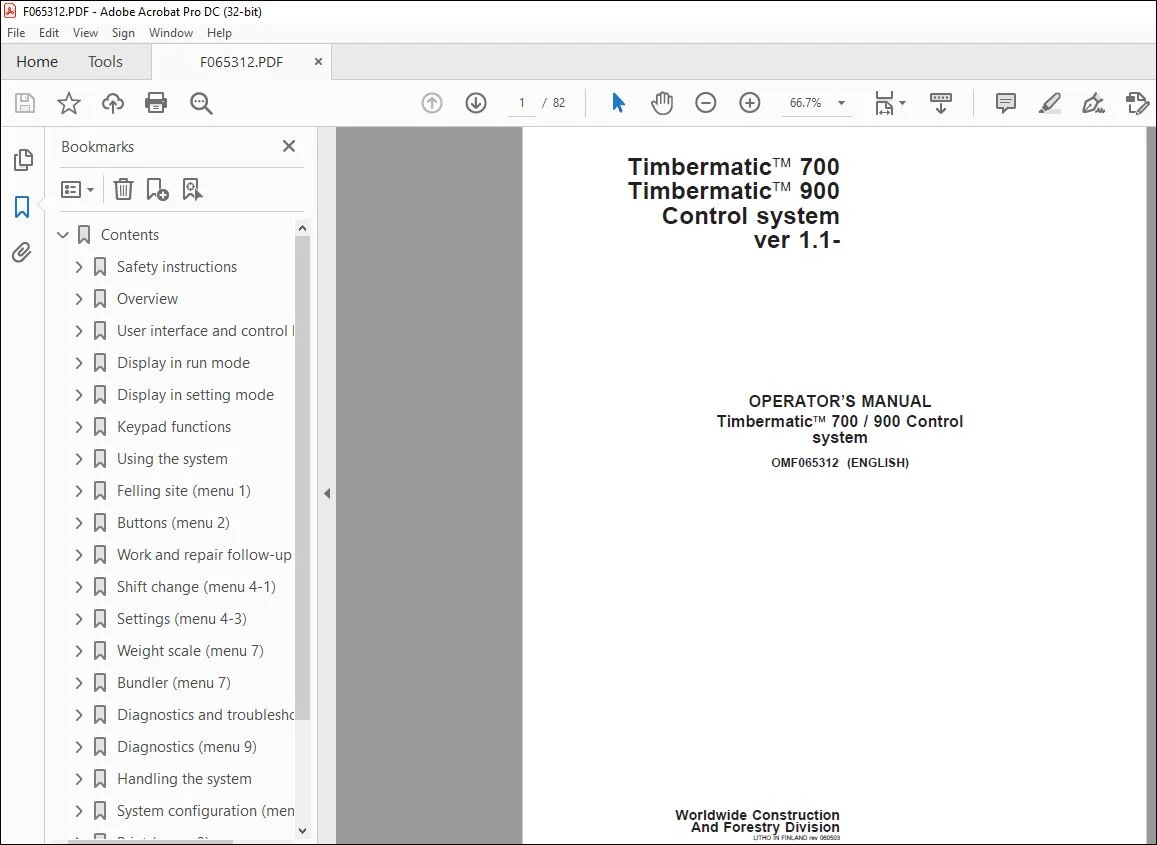
Operator’s Manual for John Deere Timbermatic 700/900 Control System PDF
$19.95
John Deere Timbermaticä 700 / 900 Control system Operator’s Manual – PDF DOWNLOAD
Description
John Deere Timbermaticä 700 / 900 Control system Operator’s Manual – PDF DOWNLOAD
FILE DETAILS:
John Deere Timbermaticä 700 / 900 Control system Operator’s Manual – PDF DOWNLOAD
P/N: F065312_RI
Language: English
Division: Forestry
Product Lines: Measuring And Control Systems
Publication Type: Operator’s Manuals
Associated Models: TIMBERMATIC™ 700, TIMBERMATIC™ 900
Serial: VER 1.1-
IMAGES PREVIEW OF THE MANUAL:
TABLE OF CONTENTS:
John Deere Timbermaticä 700 / 900 Control system Operator’s Manual – PDF DOWNLOAD
Contents 5
Safety instructions 7
General 7
Recognize Safety Information 7
Understand Signal Words 7
General safety rules 8
Operating safety precautions 9
Overview 10
General 10
CAN bus modules 11
Cabin and control system equipment 12
Abbreviations 13
General usage 14
User interface and control keypads 15
General 15
Start-up 15
Display in run mode 16
General 16
Timbermatic™ 700 16
Sensor and function symbols 18
Timbermatic™ 900 19
Display in setting mode 20
General 20
Main menu 21
Base machine functions 23
Administrative program 23
Externals 23
Keypad functions 24
Keypads, Timbermatic™ 700 24
PC keyboard 25
Keypads, Timbermatic™ 900 26
Using the system 27
Settings prior to operation 27
Assortment registration 28
TimberNavi™ 29
Reversing camera 30
Felling site (menu 1) 31
General 31
Overview (menu 1-1) 31
Edit (menu 1-2) 32
Site (menu 1-3) 33
Files (menu 1-4) 35
Buttons (menu 2) 36
Assortment buttons (menu 2-1) 36
Work and repair follow-up (menu 4) 37
General 37
Follow-up levels and implementation 37
Division of working hours 38
Overview (menu 4-2) 39
Shift change (menu 4-1) 40
General 40
Settings (menu 4-3) 41
Work and repair follow-up level 41
General 42
Weight scale (menu 7) 44
Weight factor (menu 7-1) 44
Bundler (menu 7) 45
Working mode (menu 7-1) 45
Bundler factors (menu 7-2) 45
Diagnostics and troubleshooting 46
General 46
Display and central processing unit 47
Welding instructions 49
Using booster batteries 50
Diagnostics (menu 9) 51
Event log (menu 9-1) 51
Error log (menu 9-2) 51
Handling the system 52
General 52
Saving files 52
Back up copy 53
Loading the software 54
System configuration (menu 0) 55
General 55
Display and sounds 55
Backup (menu 0-3) 56
Base machine (menu 0-4) 57
General settings (menu 0-5) 57
Print (menu 3) 58
General 58
Print shortcut (menu 3-1) 58
Select report (menu 3-2) 59
Print setup (menu 3-3) 60
E-mail (menu 5) 61
General 61
Settings 62
Send mail (menu 5-1) 63
Inbox (menu 5-2) 64
Notebook (menu 5-3) 64
Electric schemes 67
Timbermatic™ 700 67
Page Numbers 5
Section 011 7
1 7
2 8
3 9
Section 021 10
1 10
2 11
3 12
4 13
5 14
Section 031 15
1 15
Section 032 16
1 16
2 17
3 18
4 19
Section 033 20
1 20
2 21
3 22
4 23
Section 034 24
1 24
2 25
3 26
Section 041 27
1 27
2 28
3 29
4 30
Section 051 31
1 31
2 32
3 33
4 34
5 35
Section 061 36
1 36
Section 071 37
1 37
2 38
3 39
Section 072 40
1 40
Section 073 41
1 41
2 42
3 43
Section 081 44
1 44
Section 082 45
1 45
Section 101 46
1 46
2 47
3 48
4 49
5 50
Section 102 51
1 51
Section 111 52
1 52
2 53
3 54
Section 112 55
1 55
2 56
3 57
Section 113 58
1 58
2 59
3 60
Section 114 61
1 61
2 62
3 63
4 64
5 65
6 66
Section 115 67
1 67
2 68
3 69
4 70
5 71
6 72
7 73
8 74
9 75
10 76
11 77
12 78
13 79
14 80
15 81
16 82
S.V 03/24