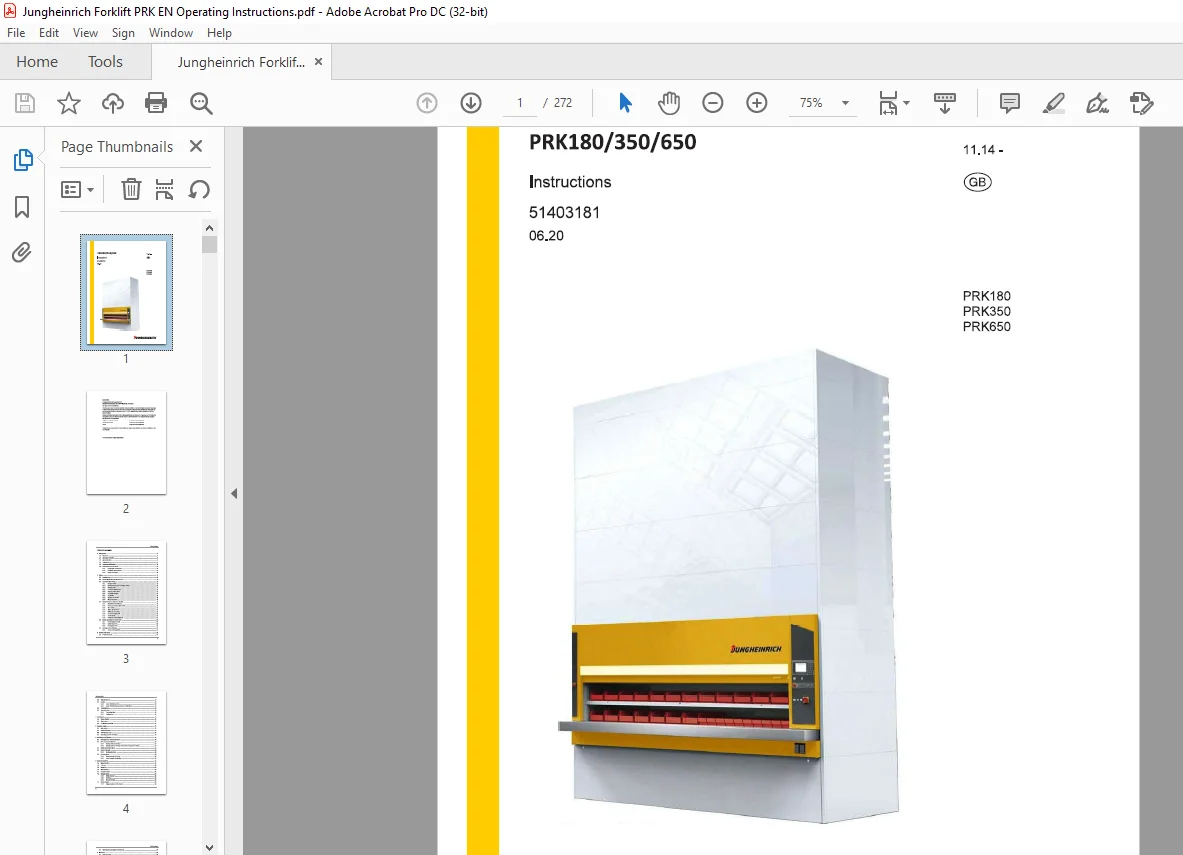
Jungheinrich Forklift PRKlS0/350/650 instructions Manual 51403181 – PDF DOWNLOAD
$26.95
Jungheinrich Forklift PRKlS0/350/650 instructions Manual 51403181 – PDF DOWNLOAD
Description
Jungheinrich Forklift PRKlS0/350/650 instructions Manual 51403181 – PDF DOWNLOAD
FILE DETAILS:
Jungheinrich Forklift PRKlS0/350/650 instructions Manual 51403181 – PDF DOWNLOAD
Language : English
Pages : 272
Downloadable : Yes
File Type : PDF
DESCRIPTION:
Jungheinrich Forklift PRKlS0/350/650 instructions Manual 51403181 – PDF DOWNLOAD
PRK 180
PRK 350
PRK 650
Introduction
1.1 Foreword
- This product is an automated storage and retrieval system that offers tailor-made solutions for the various storage and commissioning options.
- A highly diverse range of materials and parts are required in all areas of industry, commerce and service provision. Cost-effective and proper storage and retrieval are decisive factors that contribute to the achievement of the economic targets of a company.
- This product is a precision-engineered unit equipped with a modern electronic control system. The unit was designed and tested to ensure an appropriate level of safety for the operators and the surrounding area.
IMAGES PREVIEW OF THE MANUAL:
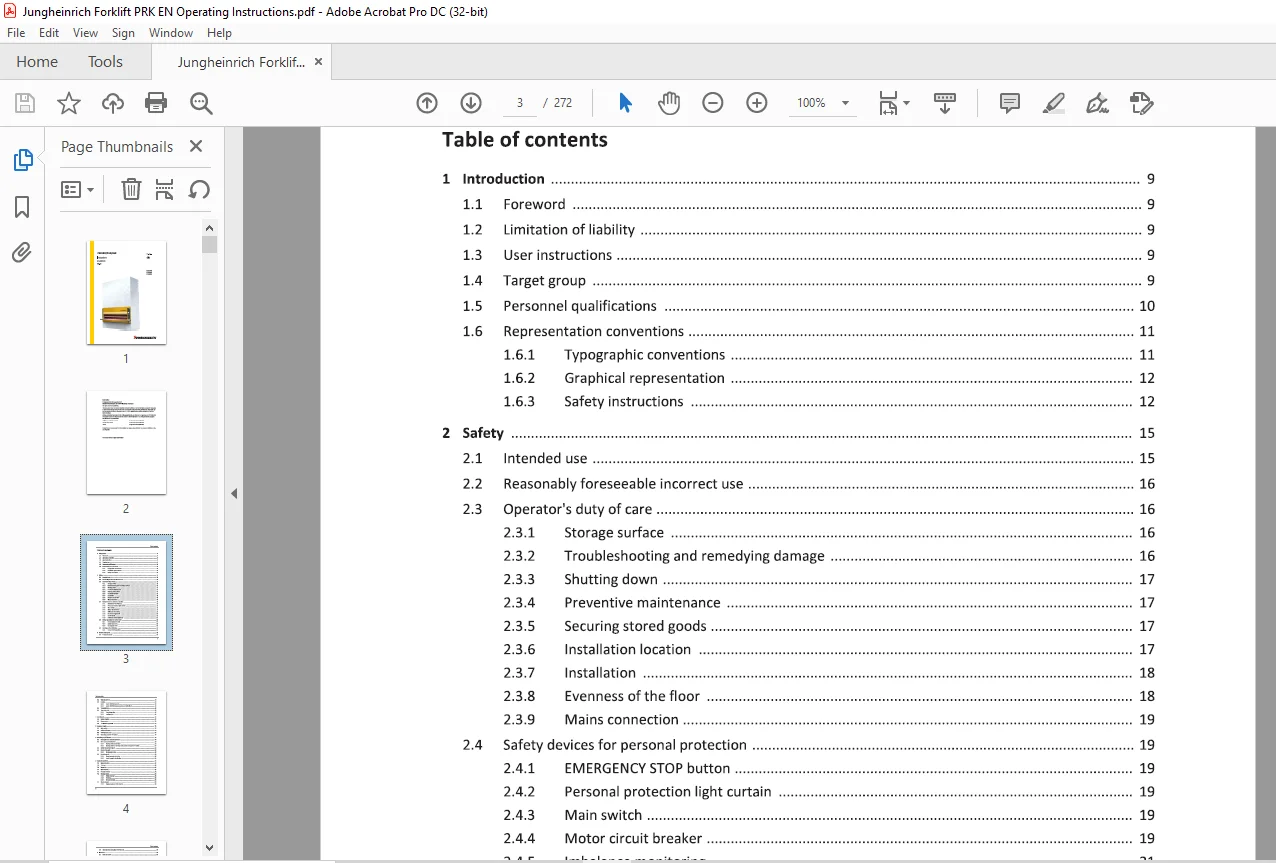
TABLE OF CONTENTS:
Jungheinrich Forklift PRKlS0/350/650 instructions Manual 51403181 – PDF DOWNLOAD
Table of contents
1 Introduction 9
1 1 Foreword 9
1 2 Lim itation of liability 9
1 3 User inst ructions 9
1 4 Target group 9
1 5 Personnel qualifications 10
1 6 Representat ion conventions 11
1 6 1 Typographic conventions 11
1 6 2 Graphical representation 12
1 6 3 Safety instructions 12
2 Safety 15
2 1 Intended use 15
2 2 Reasonably foreseeable incorrect use 16
2 3 Operator’s duty of care 16
2 3 1 Storage surface 16
2 3 2 Troubleshooting and remedying damage 16
2 3 3 Shutting down 17
2 3 4 Preventive maintenance 17
2 3 5 Securing stored goods 17
2 3 6 Installation location 17
2 3 7 Installation 18
2 3 8 Evenness of the floor 18
2 3 9 Mains connection 19
2 4 Safety devices for personal protect ion 19
2 4 1 EMERGENCY STOP button 19
2 4 2 Personal protection light curtain 19
2 4 3 Main switch 19
2 4 4 Motor circuit breaker 19
2 4 5 Imbalance monitoring 21
2 4 6 Tilt monitoring system 23
2 4 7 Service hatch 23
2 4 8 Additional safety equipment 24
2 5 Safety regulations for service work 25
2 5 1 De-energising the unit 27
2 5 2 Safety equipment 28
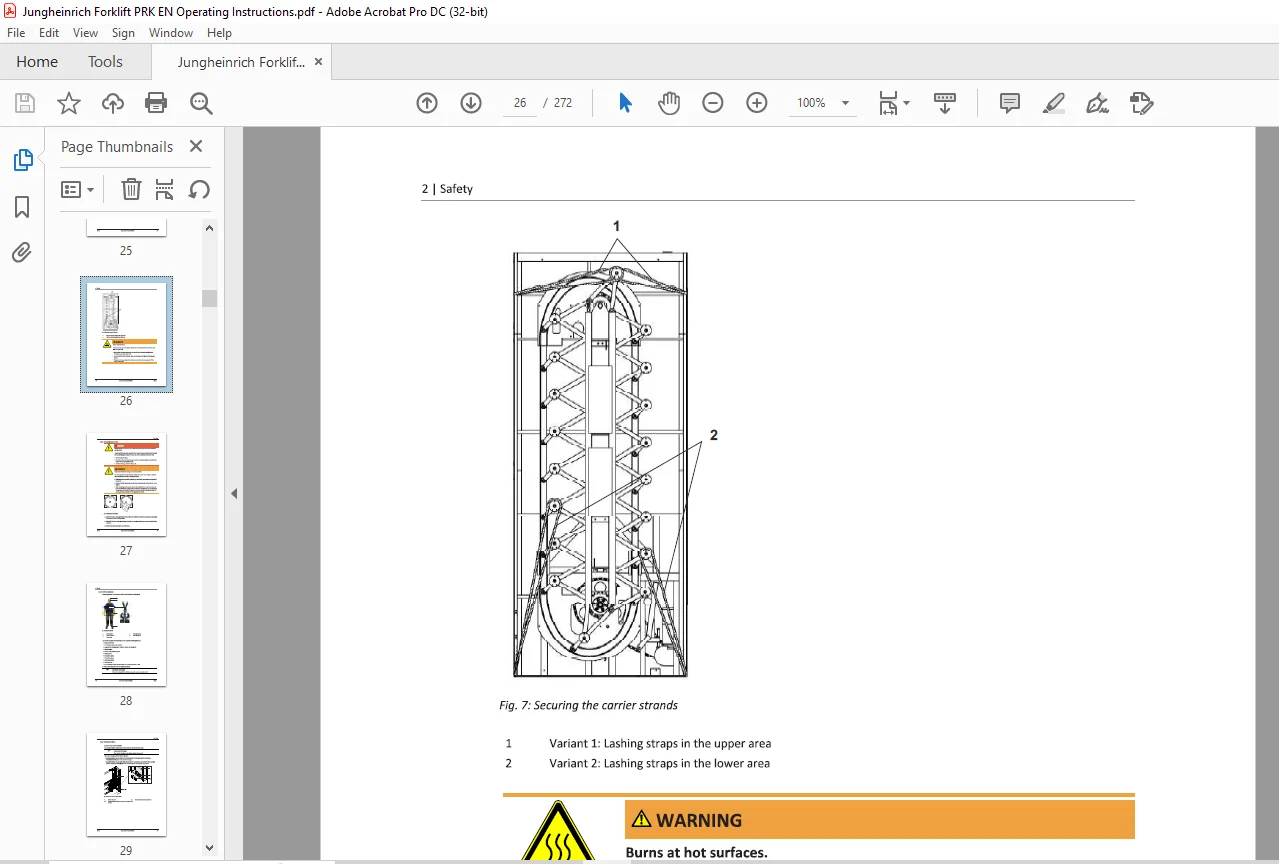
2 5 3 Blocking the drive 29
2 6 Markings and certificat ions 32
2 6 1 CE and TOV GS symbols 32
3 Product description 33
3 1 Product overview 33
3 2 Unit dimensions 34
3 3 Carriers 38
3 3 1 Carrier RSTB (standard) 39
3 3 2 Carrier RSTBGG (access opening on both sides) 50
3 4 Technical data 58
3 5 Type plate data 62
3 5 1 Type designation 64
3 5 2 Loading plate 64
4 Unit layout 67
4 1 Layout diagram 67
4 2 Floor anchors 70
4 3 Tilt monitoring system 71
5 Operator panels 73
5 1 Main switch 73
5 2 Additional button 74
5 3 OP0 operator panel 75
5 4 Operating panel OP JH-Control 76
6 Switching on/off the unit 79
6 1 Setting the unit ready for operation 79
6 2 Start menu after switch-on 81
6 2 1 Starting without user login 81
6 2 2 Starting with the user login menu (user management option) 82
6 3 Safety device interruption 83
6 4 Faults of the unit 83
6 4 1 Emergency service 83
6 5 Stand-by mode 86
6 5 1 Stand-by mode activation 86
6 5 2 stand-by mode deactivation 86
7 Basics of operation 87
7 1 Menu structure 87
7 2 Title bar 88
7 3 Status bar 88
7 4 User interface 90
7 5 Function buttons 92
7 6 Message types 93
7 6 1 Status message 93
7 6 2 Warning 93
7 6 3 System message 94
7 7 Display keypad 95
7 7 1 Display keyboard OPJH-Control 95
7 8 User interface navigation OPJH-Control 97
8 Operation 99
8 1 Menu structure 99
8 2 Main menu 99
8 3 Pen & Paper 100
8 3 1 Providing shelf (Pen & Paper) 104
8 4 Automatic mode (host communication) 105
8 5 Semi-automatic mode 108
8 5 1 Providing shelf (semi-automatic mode) 110
8 5 2 List mode (Semi-automatic mode) 112
8 6 Service 122
8 7 Administration 123
8 8 Information 124
8 8 1 Language selection (information) 125
8 8 2 Machine (information) 127
8 8 3 Config OP (Information) 134
9 Options 137
9 1 LED position indicator 138
9 1 1 Identifying material with the LED bar position indicator 139
9 2 Position indicator Matrix 140
9 3 Confirmation bar 141
9 3 1 Clearing material with the confirmation bar 141
9 4 Confirmation button above the access opening 142
9 5 Additional interfaces and sockets 143
9 6 Illumination 147
9 7 RFID reader 149
9 8 Unit software 151
9 9 Peripherals 151
9 10 Additional software 151
9 11 Controller option packages 152
9 12 User management 153
9 12 1 User rights/profiles 154
9 12 2 Activating user management 154
9 12 3 User login 155
9 12 4 Edit user 156
9 12 5 Edit user group 165
9 13 Fire detection contact 170
9 14 EMERGENCY STOP button left hand side 171
9 15 Automatic door 172
9 15 1 Opening and closing automatic doors 174
9 16 Electrical door lock 176
9 16 1 Activate electrical door locking 177
9 16 2 Manual door locking 178
9 16 3 Locking the automatic door 180
9 17 Operator panel above the access opening 182
9 18 Table surface 184
9 19 Access opening without table 185
9 20 Additional access openings 186
9 20 1 Requesting a bin from a unit with multiple access openings 189
9 21 Access opening with movable table element 190
9 22 Access opening with hinged table 192
9 22 1 Folding the table down/up 193
9 23 Clip-in front lips 194
9 24 Intermediate shelf RSZB (with base reinforcement) 200
9 25 Intermediate shelf RSZB (without base reinforcement) 201
9 26 Intermediate shelf RSZBGG (with base reinforcement, for access openings on both sides) 202
9 27 Spacer strips for intermediate shelves RSZO (carrier equipment) 203
9 28 Dividers 204
9 29 Middle wall set 206
9 30 Drawer blocks 207
9 31 Magnesite protective plate set 208
9 32 Panels with window (Makrolon) 209
9 33 Split end frame 210
9 34 Alternative locks 211
9 35 Emergency hand crank 213
9 35 1 Operating the unit with the emergency hand crank 214
9 36 4-pole cut-off 217
9 37 Roof panel with cut-out for sprinkler 218
9 38 Perforated roof panel with thermal foil 219
9 39 ESD version 220
9 40 Supply packages 225
10 Messages 227
10 1 Status messages 227
10 2 System messages 229
11 Troubleshooting 233
11 1 Removing parts from the unit that have fallen down 233
12 Maintenance 235
12 1 Service and maintenance intervals 235
12 2 Maintenance and check list 236
12 2 1 Visual and functional inspections of mechanical components 236
12 2 2 Visual inspection of the electrical system 236
12 2 3 Functional check/measurement electrical system 237
12 2 4 External visual and functional inspections 237
12 2 5 Visual and functional inspections of “Clean room” units 238
12 3 Mechanical checks 239
12 3 1 Check drive chain (motor) 239
12 3 2 Checking the screws on the spacer shaft 243
12 3 3 Checking the conveyor chain tension 245
12 3 4 Lubrication instructions 248
12 3 5 Checking the rubber profile 250
12 3 6 Checking the rollers 251
12 3 7 Checking ground anchors 251
12 4 Electrical checks 252
12 4 1 Personal protection light curtain 252
12 4 2 Checking EMERGENCY STOP buttons, safety switches and auxiliary mode switches 254
12 4 3 Maintaining the stop distance when the door is open 255
12 4 4 Check tilt monitoring system 256
12 4 5 Battery change 259
12 4 6 Check of the protective conductor, fault loop impedance and insulation resistance 259
12 5 Resetting the maintenance message 259
12 6 Checking warning and information signs 260
12 7 Cleaning 260
12 8 Technical support 260
13 EC Declaration of Conformity 261
14 Disassembly and disposal 263
15 Sticking instruction 265
Need help? Contact: [email protected]
PLEASE NOTE:
- This is the same manual used by the dealers to diagnose and troubleshoot your vehicle
- You will be directed to the download page as soon as the purchase is completed. The whole payment and downloading process will take anywhere between 2-5 minutes
- Need any other service / repair / parts manual, please feel free to contact [email protected] . We still have 50,000 manuals unlisted
S.M