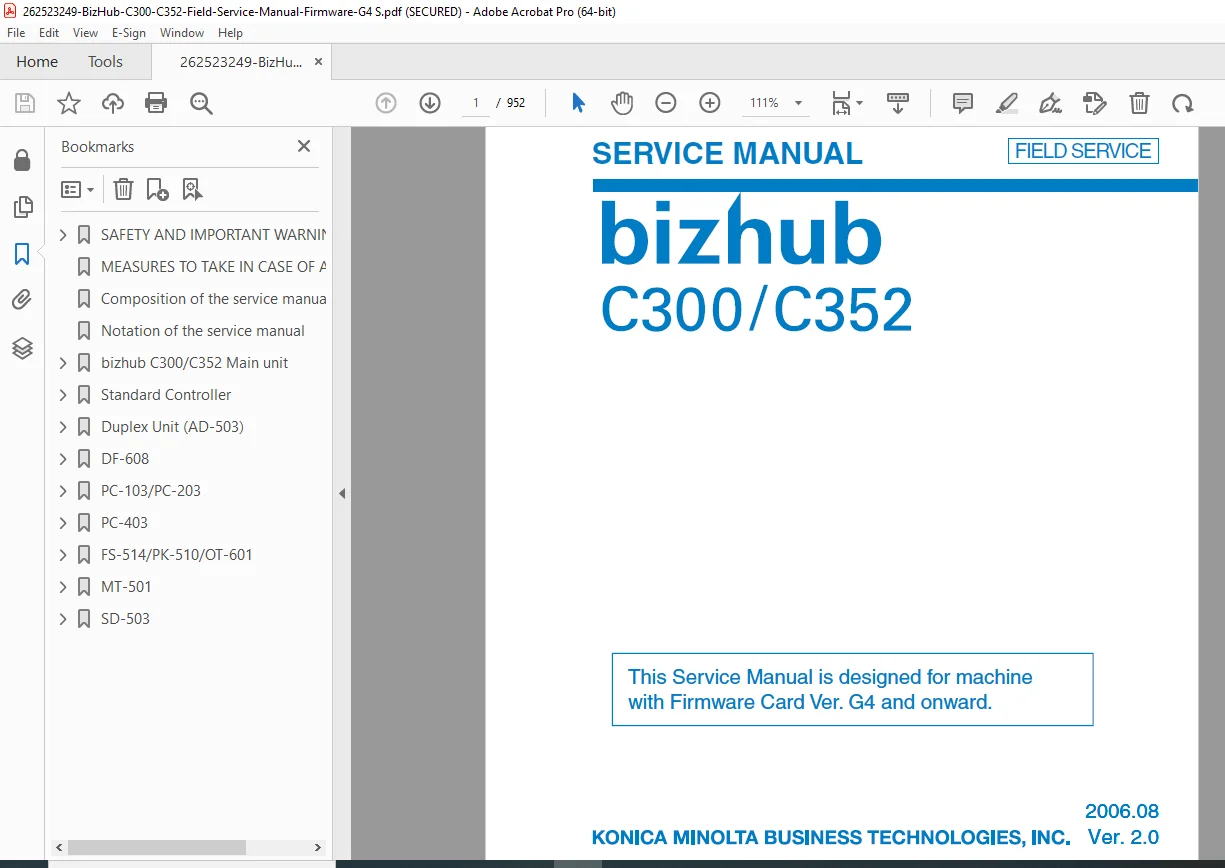
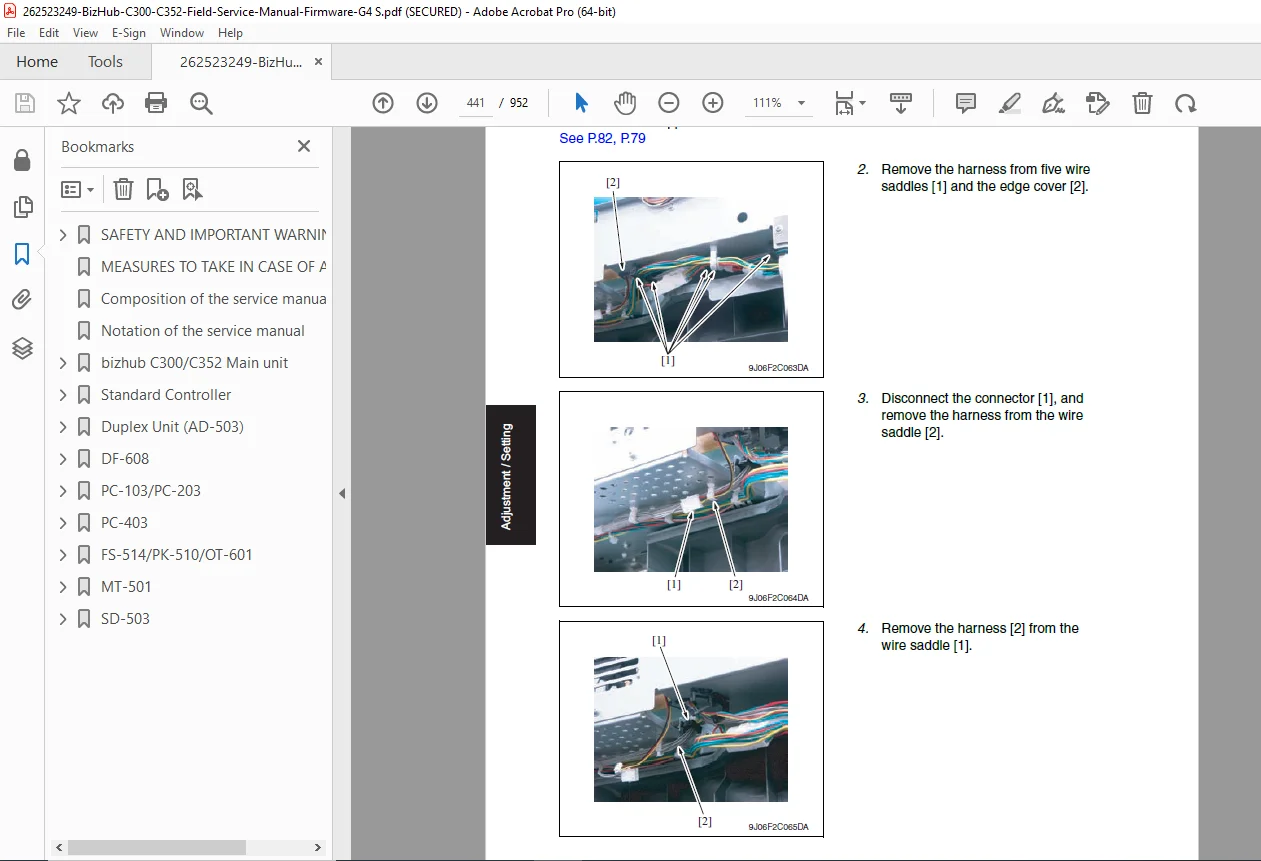
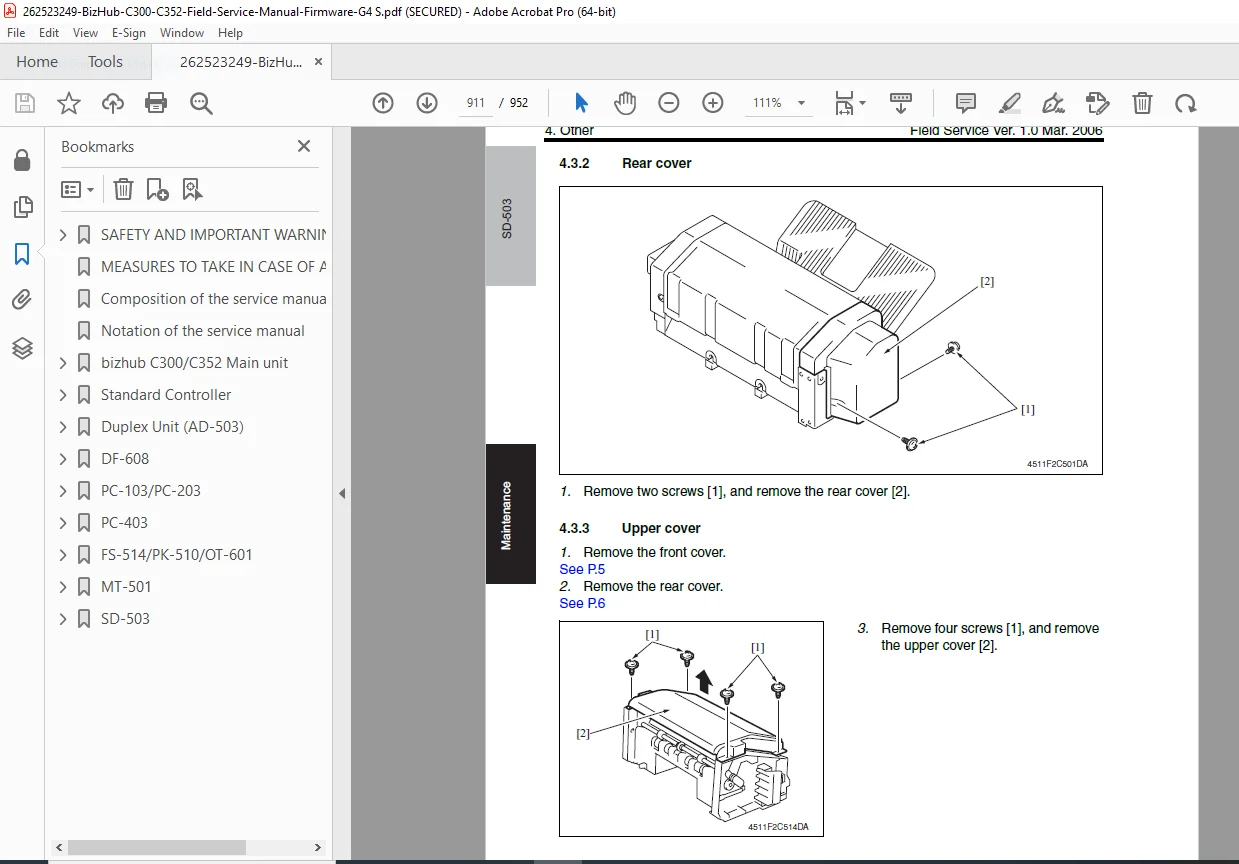
Konica Minolta bizhub C300/C352 Field Service Manual PDF
Original price was: $120.00.$21.95Current price is: $21.95.
Official Konica Minolta field service manual for bizhub C300/C352 color MFPs – massive 952-page guide with system specs, maintenance procedures, adjustments/settings, troubleshooting codes, firmware upgrades for main unit & all options. Ver. 2.0, 2006.
Description
Konica Minolta bizhub C300/C352 Field Service Manual (Firmware G4+) PDF DOWNLOAD
Description:
Instant download – Authentic Konica Minolta bizhub C300/C352 Field Service Manual for machines with Firmware Card Ver. G4 and onward (Ver. 2.0, August 2006). This comprehensive 952-page factory manual is designed for field technicians servicing these reliable A3 color multifunction printers/copiers.
Covers safety warnings, service manual composition/notation. Detailed sections for the main unit include system configurations/specs, periodical maintenance (schedules, user-replaceable parts, procedures for rollers/filters/toner/imaging/fuser/transfer belt), mechanical adjustments (sensors, belts, duplex, etc.), utility/security/counter/test modes, jam/malfunction/power/image troubleshooting, IC protectors, parts/connector layouts, timing charts.
Equivalent in-depth coverage for Standard Controller, AD-503 Duplex Unit, DF-608 Reverse Automatic Document Feeder, PC-103/PC-203/PC-403 Paper Feed Cabinets, FS-514 Finisher with PK-510 Punch Kit & OT-601 Output Tray, MT-501 Mailbin Kit, SD-503 Saddle Kit – each with general specs, maintenance, adjustments, troubleshooting.
Ideal for repair pros seeking the genuine konica minolta bizhub c300 service manual pdf or bizhub c352 field service manual download – the exact dealer resource for firmware upgrades, error codes, and keeping these workhorses operational.
Detailed Table of Contents:
Total Contents:
- Safety and Important Warning Items
- Measures to Take in Case of an Accident
- Composition of the Service Manual
- Notation of the Service Manual
bizhub C300/C352 Main Unit:
- General: System Configuration, Product Specifications
- Maintenance: Periodical Check (Service Schedule, Maintenance Items, Parts to be Replaced by Users (CBU), Maintenance Call (per 50,000/60,000-print), Periodical Parts Replacement 1 (per 120,000-print), Periodical Parts Replacement 2 (per 200,000-print), Periodical Parts Replacement 3 (per 300,000-print), Maintenance Parts (Replacement Parts, Cleaning Parts), Concept of Parts Life, Maintenance Procedure (Periodical Check Parts – Replacing Tray 1 Feed Roller, Tray 1 Separation Roller Assy, Bypass Tray Feed Roller, Bypass Tray Separation Roller Assy, Tray 2 Separation Roller, Tray 2 Feed Roller, Tray 2 Pick-Up Roller, Cleaning of the Registration Roller, Replacing the Waste Toner Bottle, Cleaning Around Waste Toner Collecting Port, Replacing Ozone Filter, Deodorant Filter, Dust Filter/Vertical Conveyance, Dust Filter/Cooling Fan, Replacing Toner Cartridge (C/M/Y/K), Replacing Imaging Unit (C/M/Y/K), Replacing Transfer Roller Unit, Replacing Fusing Unit, Replacing Transfer Belt Unit, Replacing 2nd Image Transfer Roller Unit)
- Adjustment/Setting: How to Use the Adjustment Section, Firmware Upgrade (USB Memory, Internet ISW, CS Remote Care), Mechanical Adjustment (Printer Front Side Positions, Printer Main Regist, Printer Sub Regist, Scanner Main Regist, Scanner Sub Regist, FD-Mag. (Printer), CD-Mag. (Printer), Scanner Main Zoom, Scanner Sub Zoom, FD-Mag. (ADF), CD-Mag. (ADF), Restart Timing, Lead Edge Erasure Width, Vertical Adjustment (Duplex 2nd Side), Horizontal Adjustment (Duplex 2nd Side), Feed Direction Adjustment (Duplex 2nd Side), Image Stabilization Setting, Color Registration Manual Adjustment, Color Registration Auto Adjustment, LPH Chip Adjust, LPH Rank Setting, LPH LED Check, LPH Unit Check, Printer Gamma Correction, Printer Gamma Sensor Correction, Background Voltage Margin, 2nd Transfer Adjust, ATVC (Auto Transfer Voltage Control) Adjustment, Transfer Belt Cleaning Timing Adjustment, Toner Density Adjustment, IDC Sensor Adjustment, Skew Adjustment Reset, Skew Adjustment, Skew Adjustment Operation Setting, LCT (Option) Main Regist, LCT (Option) Sub Regist, LCT (Option) Restart Timing, LCT (Option) Center Deviation Adjustment, LCT (Option) Paper Feed Direction Adjustment, Skew Adjustment Reset (LCT), Skew Adjustment (LCT), Skew Adjustment Operation Setting (LCT)), Utility Mode, Security Setting, Report Output, System Setting, Counter List, List Output, State Confirmation, Test Mode
- Troubleshooting: Jam Display, Malfunction Code, Power Supply Trouble, Image Quality Problem, IC Protector, Parts Layout Drawing, Connector Layout Drawing, Timing Chart
- Appendix: Parts Layout Drawing, Connector Layout Drawing, Timing Chart
Standard Controller:
- General: Controller Specifications
- Maintenance: Firmware Upgrade
- Adjustment/Setting: Utility Mode, Security Setting
- Troubleshooting: Troubleshooting
Duplex Unit (AD-503):
- General: Product Specifications
- Maintenance: Maintenance Procedure
- Adjustment/Setting: Mechanical Adjustment
- Troubleshooting: Jam Display
DF-608:
- General: Product Specifications
- Maintenance: Maintenance Procedure
- Adjustment/Setting: Mechanical Adjustment, Utility Mode
- Troubleshooting: Jam Display, Malfunction Code
PC-103/PC-203:
- General: Product Specifications
- Maintenance: Maintenance Procedure
- Adjustment/Setting: Mechanical Adjustment
- Troubleshooting: Jam Display
PC-403:
- General: Product Specification
- Maintenance: Maintenance Procedure
- Adjustment/Setting: Mechanical Adjustment
- Troubleshooting: Jam Display
FS-514/PK-510/OT-601:
- General: Product Specifications
- Maintenance: Maintenance Procedure
- Adjustment/Setting: Mechanical Adjustment, Utility Mode
- Troubleshooting: Jam Display, Malfunction Code
MT-501:
- General: Product Specification
- Maintenance: Maintenance Procedure
- Adjustment/Setting: Mechanical Adjustment
- Troubleshooting: Jam Display
SD-503:
- General: Product Specification
- Maintenance: Maintenance Procedure
- Adjustment/Setting: Mechanical Adjustment
- Troubleshooting: Jam Display
File Details:
- Manual Name: bizhub C300/C352 Field Service Manual
- Models Covered: bizhub C300, bizhub C352 (with Firmware Card Ver. G4 and onward)
- Year: 2006
- Manual PDF Quality: Original factory manual, excellent scans, clear diagrams/photos
- NO of Pages: 952