Kymco Bet & Win 250 Service Manual – PDF DOWNLOAD
$28.95
Kymco Bet & Win 250 Service Manual – PDF DOWNLOAD
Description
Kymco Bet & Win 250 Service Manual – PDF DOWNLOAD
FILE DETAILS:
Kymco Bet & Win 250 Service Manual – PDF DOWNLOAD
Language : English
Pages : 219
Downloadable : Yes
File Type : PDF
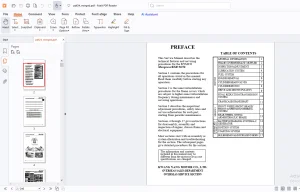
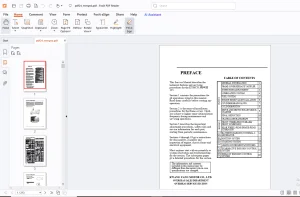
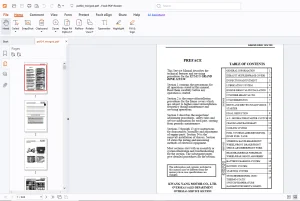
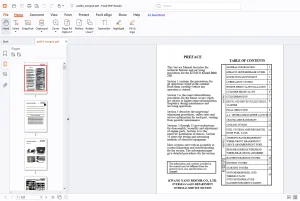
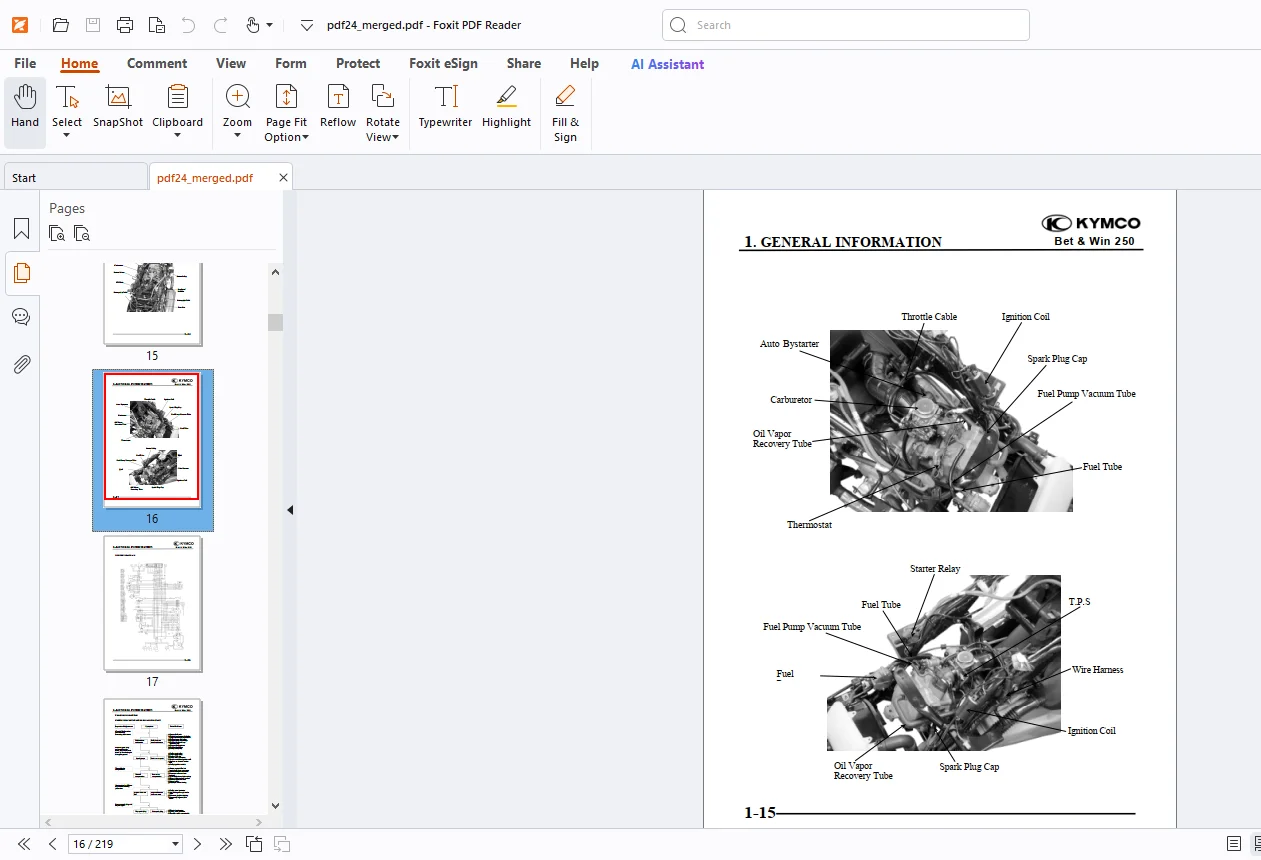
IMAGES PREVIEW OF THE MANUAL:
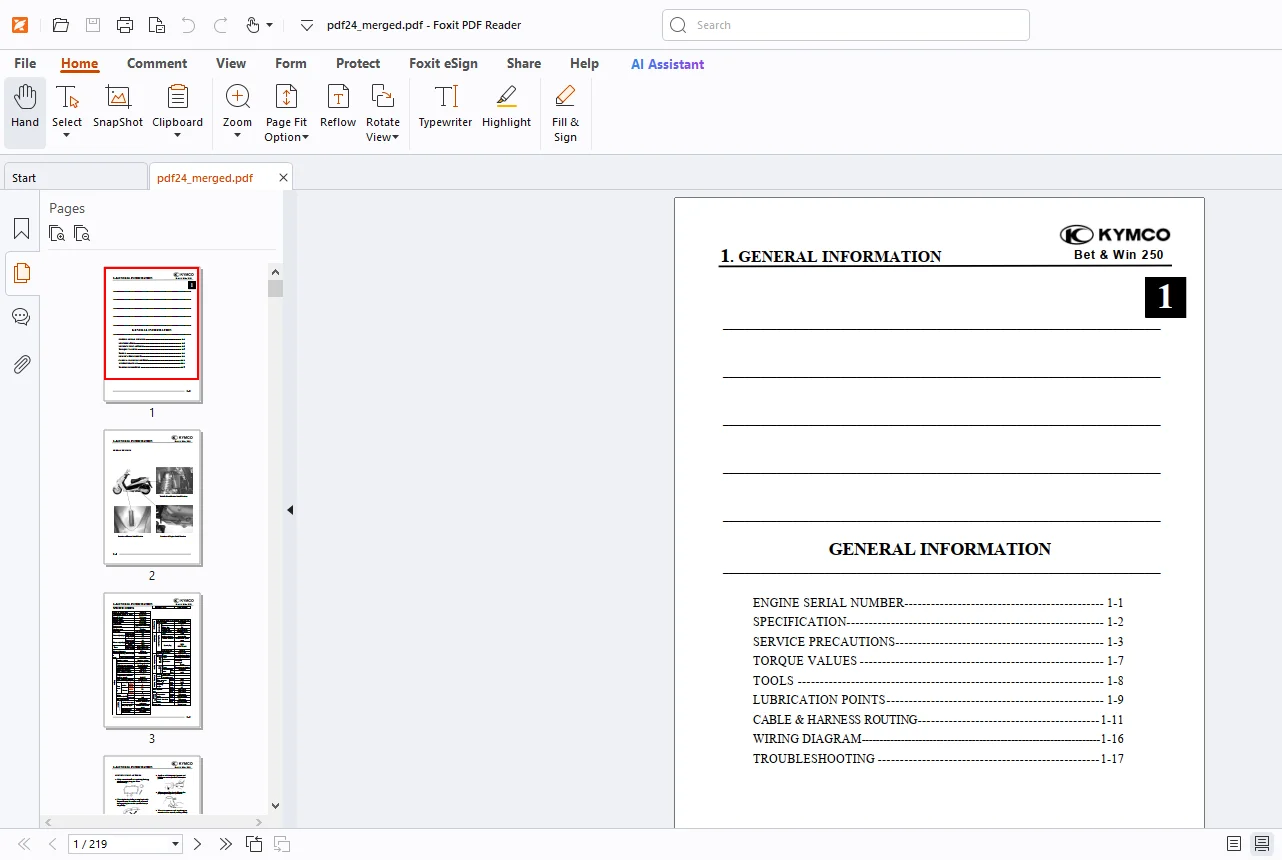
TABLE OF CONTENTS:
Kymco Bet & Win 250 Service Manual – PDF DOWNLOAD
1. GENERAL INFORMATION
2. EXHAUST MUFFLER/FRAME COVERS
3. INSPECTION/ADJUSTMENT
4. LUBRICATION SYSTEM
5. ENGINE REMOVAL/INSTALLATION
6. CYLINDER HEAD/VALVES
7. CYLINDER/PISTON
8. DRIVE AND DRIVEN PULLEYS/
KICK STARTER9. FINAL REDUCTION
9. FINAL REDUCTION
10. A.C. GENERATOR/STARTER CLUTCH
11. CRANKCASE/CRANKSHAFT
12. COOLING SYSTEM
13. FUEL SYSTEM/CARBURETOR/
FUEL PUMP/ FUEL TAN
14.STEERING HANDLEBAR/FRONT WHEEL/FRONT
BRAKE/FRONT SHOCKABSORBER/FRONT FORK
15. REAR BRAKE/REAR FORK/REAR
WHEEL/REAR SHOCK ABSORBER
16. BATTERY/CHARGING SYSTEM
17. IGNITION SYSTEM
18. STARTING SYSTEM
19. SWITCHES/HORN/FUELUNIT/THERMOSTATICSWITCH
/TEMPERATUREGAUGE/INSTRUMENTS/LIGHTS
DESCRIPTION:
Kymco Bet & Win 250 Service Manual – PDF DOWNLOAD
GENERAL INFORMATION:
- Bet & Win 250 n If the fuse is burned out, find the cause and repair it. Replace it with a new one according to the specified capacity. n After operation, terminal caps shall be installed securely.
- When taking out the connector, the lock on the connector shall be released before operation.
- Hold the connector body when connecting or disconnecting it.
- Do not pull the connector wire.
- Check if any connector terminal is bending, protruding or loose.
- The connector shall be inserted completely. n If the double connector has a lock, lock it at the correct position.
- Check if there is any loose wire.
- Before connecting a terminal, check for damaged terminal cover or loose negative terminal.
- Check the double connector cover for proper coverage and installation. n Insert the terminal completely.
- Check the terminal cover for proper coverage. n Do not make the terminal cover opening face up.
- Secure wire harnesses to the frame with their respective wire bands at the designated locations. Tighten the bands so that only the insulated surfaces contact the wire harnesses.
G.B 15/03/25