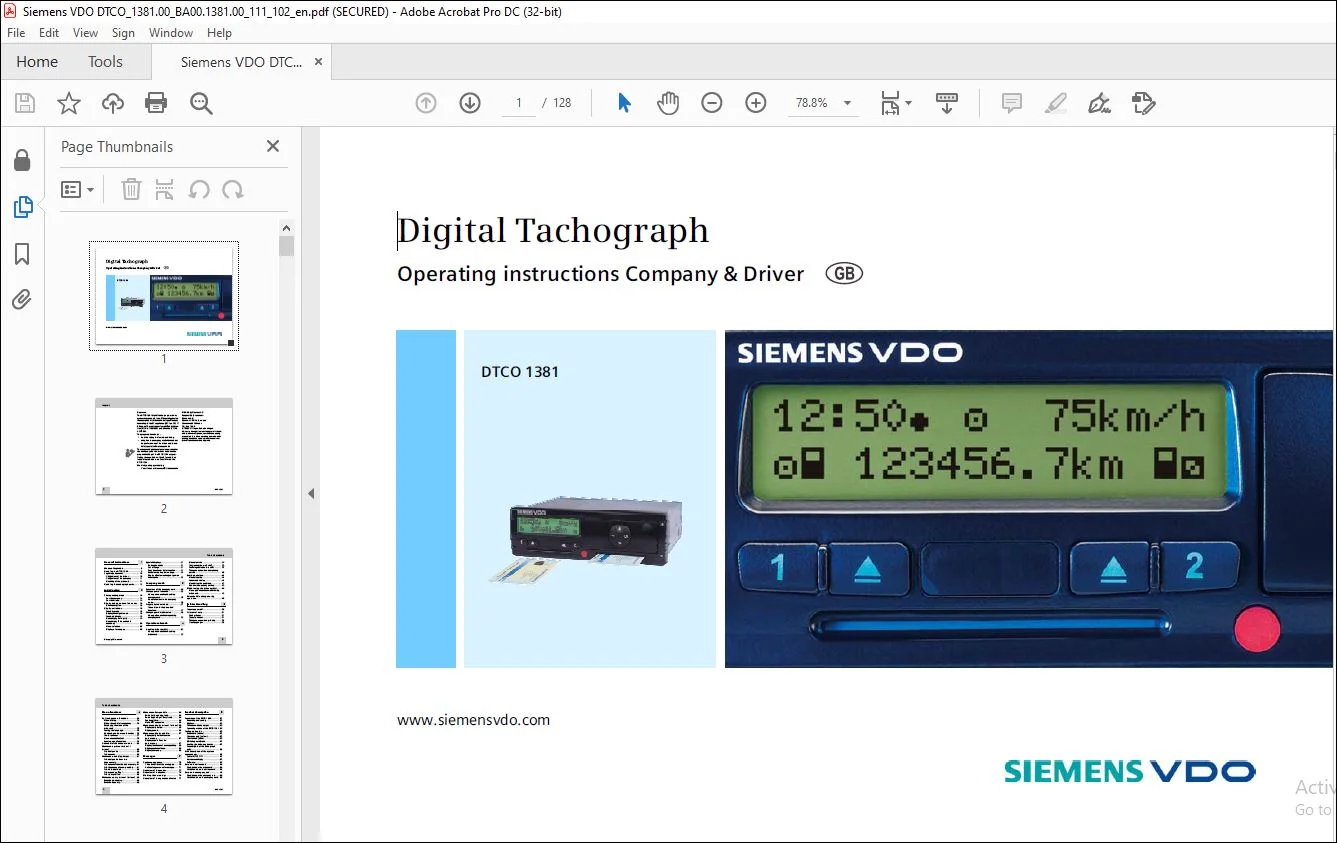
Liebherr Siemens VDO DTCP 1381 Digital Tachograph Operating Instruction Manual – PDF DOWNLOAD
$27.95
Liebherr Siemens VDO DTCP 1381 Digital Tachograph Operating Instruction Manual – PDF DOWNLOAD
Description
Liebherr Siemens VDO DTCP 1381 Digital Tachograph Operating Instruction Manual – PDF DOWNLOAD
FILE DETAILS:
Liebherr Siemens VDO DTCP 1381 Digital Tachograph Operating Instruction Manual – PDF DOWNLOAD
Language : English
Pages : 128
Downloadable : Yes
File Type : PDF
IMAGES PREVIEW OF THE MANUAL:
DESCRIPTION:
Liebherr Siemens VDO DTCP 1381 Digital Tachograph Operating Instruction Manual – PDF DOWNLOAD
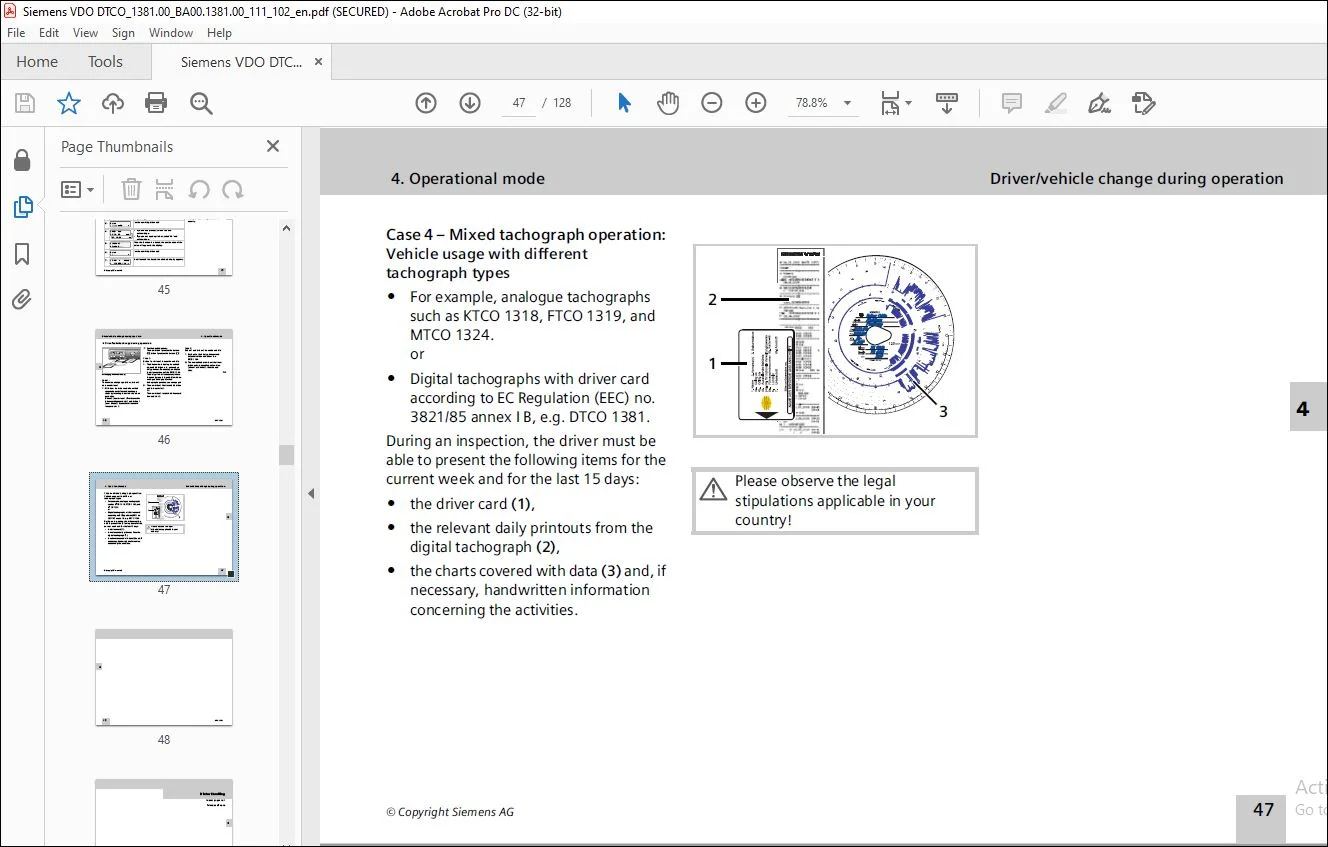
1. General instructions:
Means of depiction:
You will find the following emphases in these operating instructions:
Steps
1. The numbered steps describe actions –
You must do something. For example you will be guided through the menu step by step and asked to make an entry.
2. Further actions are numbered consecutively. Symbols
* The asterisk marks a special features /
options.
➥ This sign shows the page on which youwill find further information about the topic.
This sign indicates that the topic will be continued on the next page.
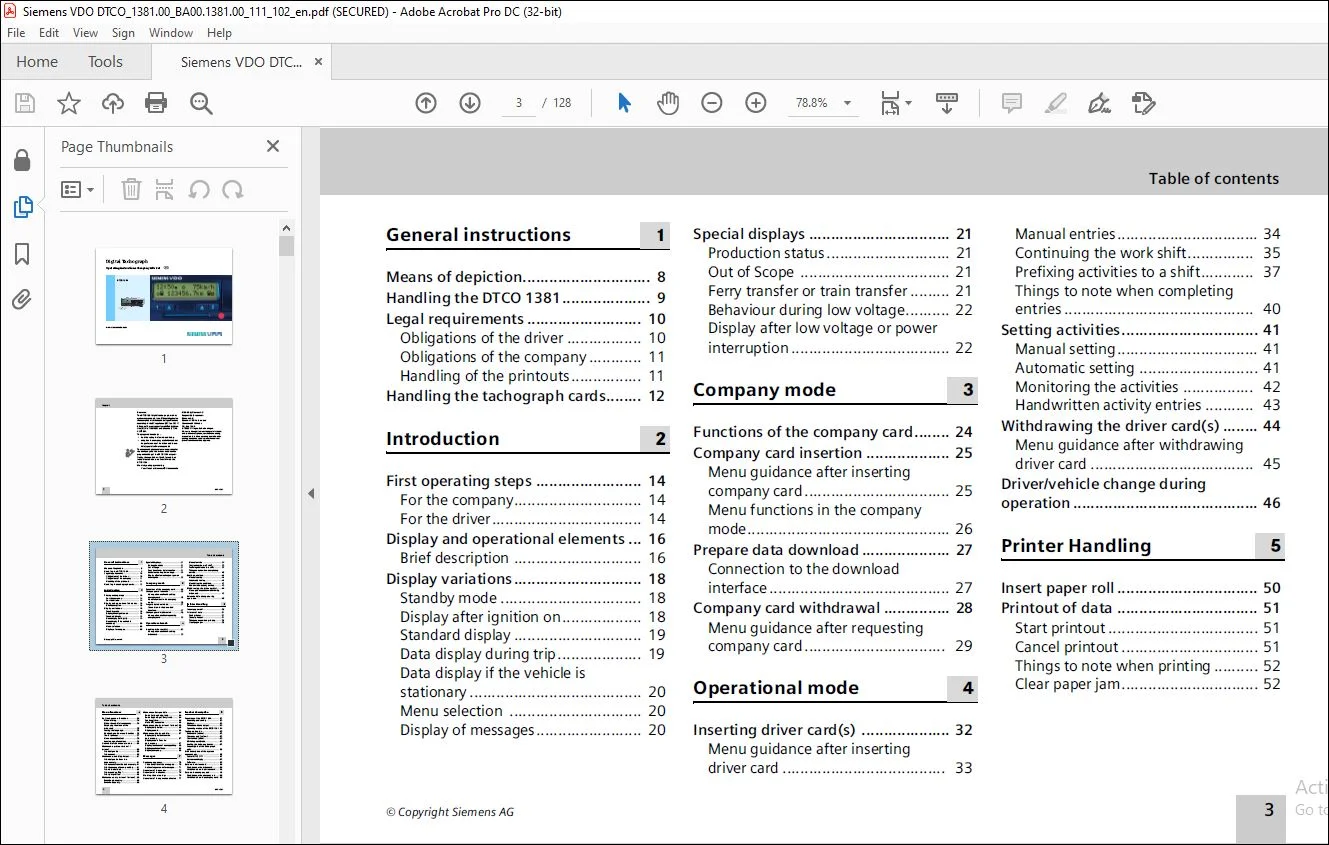
TABLE OF CONTENTS:
Liebherr Siemens VDO DTCP 1381 Digital Tachograph Operating Instruction Manual – PDF DOWNLOAD
General instructions
Means of depiction 8
Handling the DTCO 1381 9
Legal requirements 10
Obligations of the driver 10
Obligations of the company 11
Handling of the printouts 11
Handling the tachograph cards 12
Introduction
First operating steps 14
For the company 14
For the driver 14
Display and operational elements 16
Brief description 16
Display variations 18
Standby mode 18
Display after ignition on 18
Standard display 19
Data display during trip 19
Data display if the vehicle is
stationary 20
Menu selection 20
Display of messages 20
Special displays 21
Production status 21
Out of Scope 21
Ferry transfer or train transfer 21
Behaviour during low voltage 22
Display after low voltage or power
interruption 22
Company mode
Functions of the company card 24
Company card insertion 25
Menu guidance after inserting
company card 25
Menu functions in the company
mode 26
Prepare data download 27
Connection to the download
interface 27
Company card withdrawal 28
Menu guidance after requesting
company card 29
Operational mode
Inserting driver card(s) 32
Menu guidance after inserting
driver card 33
Manual entries 34
Continuing the work shift 35
Prefixing activities to a shift 37
Things to note when completing
entries 40
Setting activities 41
Manual setting 41
Automatic setting 41
Monitoring the activities 42
Handwritten activity entries 43
Withdrawing the driver card(s) 44
Menu guidance after withdrawing
driver card 45
Driver/vehicle change during
operation 46
Printer Handling
Insert paper roll 50
Printout of data 51
Start printout 51
Cancel printout 51
Things to note when printing 52
Clear paper jam 52
4 DTCO 1381
Table of contents
Menu functions
Retrieving menu functions 54
When driving 54
When the vehicle is stationary 54
Displaying the times of the
driver card 55
Setting the language 55
Navigating in the menu functions 56
Cancel printout 57
Menu access blocked! 58
Leaving menu functions 58
Overview of the menu structure 59
Main menu printout driver 1 /
driver 2 60
Print daily value 60
Print events 60
Main menu, vehicle printout 61
Print daily value from the
data memory 61
Print events from the data memory 61
Print instances of over-speeding 61
Print technical data 62
Print speed profiles * 62
Print rpm profiles * 62
Main menu entry driver 1 / driver 2 63
Enter Begin country 63
Enter End country 63
Main menu Entry vehicle 64
Enter Out beginning / end 64
Enter Beginning of ferry / train 64
Set Local time 64
Make UTC correction 65
Main menu display driver 1 / driver 2 66
Display daily value 66
Display events 66
Main menu display vehicle 67
Display daily value from the
data memory 67
Display events from the
data memory 67
Display instances of over-speeding 68
Display technical data 68
Display company 68
Messages
A message appears 70
Characteristics of the messages 70
Acknowledgement of messages 71
Overview of the events 72
Overview of the faults 74
Working time warnings 76
Overview of the operational notes 77
Product description
Functions of the DTCO 1381 82
Recording and saving 83
Displays 83
Printout and data output 83
Operating modes of the DTCO 1381 84
Tachograph cards 85
Driver card (white) 85
Company card (yellow) 85
Control card (blue) 85
Workshop card (red) 85
Locking the tachograph cards 85
Access rights of the tachograph
cards 86
Brief description of the system
components 87
Sensor KITAS 2171 87
Instrument display 87
Software 87
Data on the driver card 88
Fixed data on the driver card 88
Variable data on the driver card 88
Data on the company card 90
Fixed data on the company card 90
Variable data on the company card 90
Data in the data memory 91
Short explanation about the
saved data 91
Time management 93
Depiction of the time in the display 93
Converting local time to UTC time 94
Care and maintenance 95
Compulsory Tachograph inspections 95
Behaviour when repairing /
replacing the DTCO 1381 95
Cleaning the DTCO 1381 95
Cleaning tachograph cards 96
Disposal of the system components 96
Technical data 97
DTCO 1381 97
Paper roll 98
Tachograph cards 98
Pictograms and printout
samples
Overview of the pictograms 100
Pictogram combinations 101
Country symbols 103
Symbols of the regions 104
Printout examples 105
Daily printout: Activities of the
driver card 105
Printout: Events / faults from the
driver card 107
Daily printout: Driver activities
from the vehicle 108
Printout: Events / faults from
the vehicle 110
Printout: Over-speeding 111
Printout: Technical data 112
Printout: Speed profiles * 113
Printout: Rpm profiles * 114
Explanations of printout examples 115
Legend of the data blocks 115
Data record purpose during
events or faults 122
Coding of data record purpose 122
Coding for more detailed
description 124
Appendix
Keyword directory 125
Customer Support: [email protected]
https://vimeo.com/892249497?share=copy
S.V