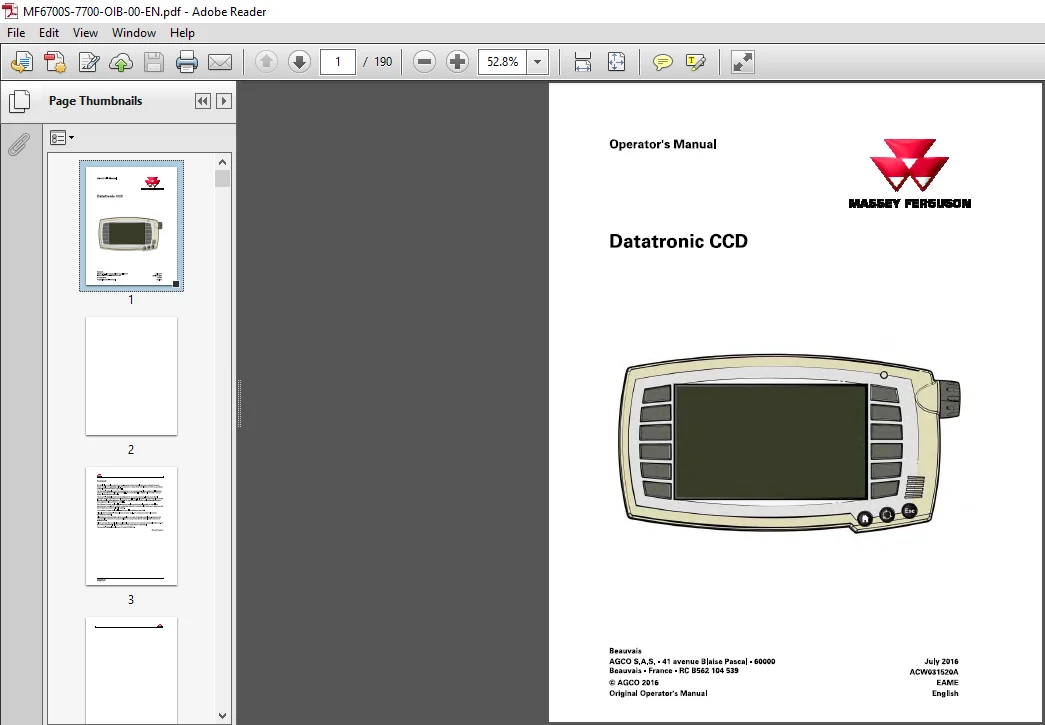
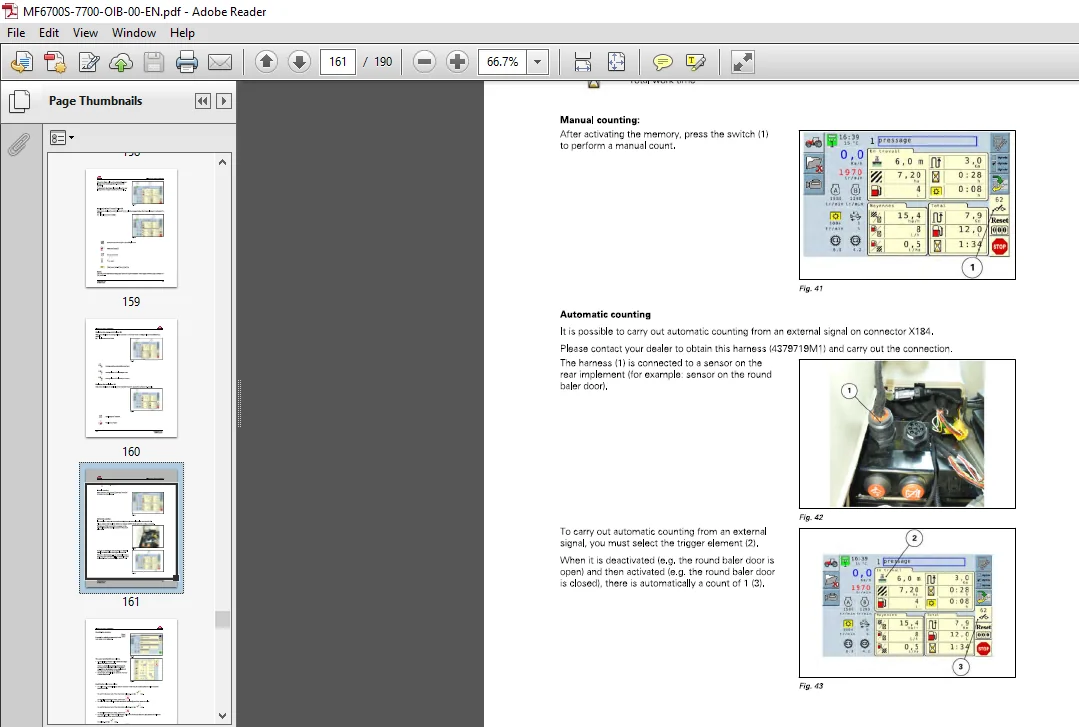
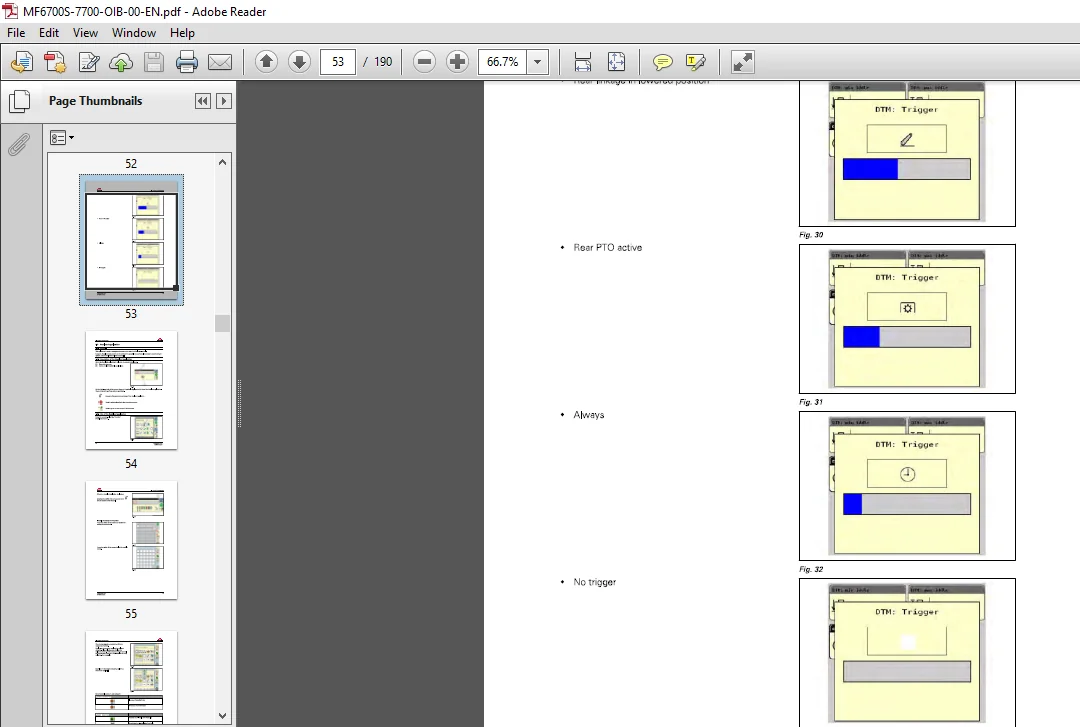
Massey Ferguson EU Tractor Datatronic CCD 6712S-7726 Dyna-6 Operator’s Manual – PDF DOWNLOAD
Original price was: $78.95.$23.95Current price is: $23.95.
Massey Ferguson EU Tractor Datatronic CCD 6712S-7726 Dyna-6 Operator’s Manual – PDF DOWNLOAD
Description
Massey Ferguson EU Tractor Datatronic CCD 6712S-7726 Dyna-6 Operator’s Manual – PDF DOWNLOAD
MASSEY FERGUSON EU TRACTOR DATATRONIC CCD 6712S-7726 DYNA-6 OPERATOR’S MANUAL – PDF DOWNLOAD:
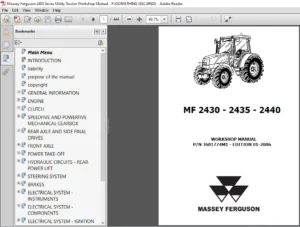
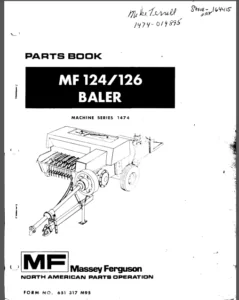
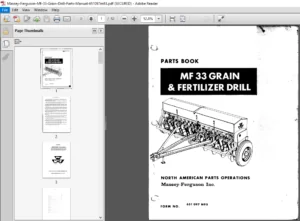
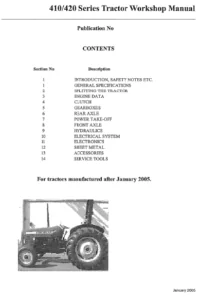
IMAGES PREVIEW OF THE MANUAL:
DESCRIPTION:
Massey Ferguson EU Tractor Datatronic CCD 6712S-7726 Dyna-6 Operator’s Manual – PDF DOWNLOAD
FOREWORD:
- We would like to welcome you to the ever-growing number of people who own a Massey Ferguson tractor; people who appreciate quality. We are proud of every tractor that leaves our factories, each being technically advanced and of a high quality. This Operator’s Manual contains the specifications for your new tractor. Please ensure that all operators read the instructions and follow them carefully. The pages that follow contain vital information on your tractor; please read them carefully.
- This Operator’s Manual contains the specifications for your new equipment. Please ensure that all operators read the instructions and follow them carefully. This will allow you to benefit from a long service life with complete safety and peace of mind. The pages that follow contain vital information about your new equipment; please read them carefully. Your Massey Ferguson dealer will guarantee you quality servicing and will provide you with all the assistance you need.
- When it comes to servicing, remember that your dealer knows your tractor best and that he wants you to be completely satisfied. Your Massey Ferguson dealer will guarantee you all the assistance you need. Please leave this Operator’s Manual in the tractor if resold. The subsequent owner will need the information it contains. All information and specifications in this manual are up to date at the time of publication.
- However, our ongoing policy to improve our products obliges us to reserve the right to make alterations at any time without notice. Please note that this manual relates to all models and refers to both standard and optional equipment. You may therefore find details relating to equipment that is not fitted on your tractor. This Operator’s Manual complies with Directive 2 010/5 2 EC.
General:
The on-board computer ( Datatronic C C D) is a measuring and setting unit providing information that helps to make optimum use of the tractor. It is located above the right-hand console in the cab. The Datatronic C C D comes on automatically when the tractor’s ignition is switched on. When the ignition is switched off, the Datatronic C C D stores all the data. The controller’s front panel is fitted with switches that provide access to the various applications displayed on the screen.
The Datatronic C C D enables parameters to be set for the following applications:
• Settings
• Transmission
• Dyna- T M,
• Headland
• Valves
• Joystick
• Instant
• Average
• Efficiency
• Map
• Engine
• Steering axle beam
• Rear linkage
• Dual Control
• Pointes
• Front linkage
• Memory name
• lsobus
• Task Controller,
• Video
TABLE OF CONTENTS:
Massey Ferguson EU Tractor Datatronic CCD 6712S-7726 Dyna-6 Operator’s Manual – PDF DOWNLOAD
1 General 9
1 1 General 11
1 1 1 General 1 1
1 2 Description 12
1 2 1 Description 1 2
2 Navigation 15
2 1 General 11
2 1 1 General 17
2 2 Navigation 19
2 2 1 Home screen 19
2 2 2 Tractor application 2 1
3 Settings application 29
3 1 General 31
3 1 1 General 3 1
3 2 Description of the Settings application 32
3 2 1 Description of the Settings application 3 2
3 3 Modifying the settings in the Settings application 33
3 3 1 Settings for units, language, decimal display, date and time 3 3
3 3 2 Adjusting the brightness, sound, number of lsobus implements and the lsobus
terminal 3 6
3 3 3 Settings for additional functions 38
3 3 4 Adjusting additional functions 39
4 Tractor application 41
4 1 Transmission application 43
4 1 1 General 4 3
4 1 2 Description of the Transmission application 4 3
4 1 3 Use of the Transmission application 4 3
4 2 Application 49
4 2 1 General 49
4 2 2 Description of the Upper and lower limits of the engine speed application 49
4 2 3 Using the Upper and lower limits of the engine speed application 49
4 3 Headland application 54
4 3 1 General 5 4
4 3 2 Description of the Headland application 5 4
4 3 3 Use of the Headland application 5 4
4 4 Valves application 68
4 4 1 General 68
4 4 2 Description of the Valves application 68
4 4 3 Use of the Valves application 68
4 5 Joystick application 78
4 5 1 General 78
4 5 2 Description of the Joystick application 78
4 5 3 Use of the Joystick application 78
4 6 Instant counter application 82
4 6 1 General 8 2
4 6 2 Description of the Instant counter application 8 2
4 6 3 Use of the Instant counter application 8 3
Datatronic CCD
ACW031520A
Table of contents
4 7 Average counter application 85
4 7 1 General 8 5
4 7 2 Description of the Average counter application 8 5
4 7 3 Use of the Average counter application 8 6
4 8 Efficiency application 88
4 8 1 General 8 8
4 8 2 Description of the Efficiency application 8 8
4 8 3 Modifying the settings in the Efficiency application 8 8
4 9 Map application 91
4 9 1 General 91
4 9 2 Description of the Map application 91
4 9 3 Use of the Map application 92
4 10 Engine application 95
4 10 1 General 95
4 10 2 Description of the Engine application 95
4 10 3 Use of the Engine application 95
4 11 Steering Axle Beam application 1 oo
4 11 1 General 100
4 11 2 Description of the Steering Axle Beam application 100
4 11 3 Use of the Steering Axle Beam application 101
4 12 Hitch application 105
4 12 1 General 105
4 12 2 Description of the Hitch application 105
4 12 3 Using the Rear linkage application 106
4 13 Dual Control application 110
4 13 1 General 110
4 13 2 Selecting the different Dual Control modes 110
4 13 3 Front Dual Control 111
4 13 3 1 Description of the Front Dual Control application 111
4 13 3 2 Use of the Front Dual Control application 112
4 13 3 3 Adjusting the front linkage position sensor 116
4 13 4 Rear Dual Control 117
4 13 4 1 Description of the Rear Dual Control application 117
4 13 4 2 Use of the Rear Dual Control application 118
4 13 4 3 Adjusting the rear implement position sensor 12 3
4 13 5 Trailed Implement Controls (TIC) 12 4
4 13 5 1 Description of the Trailed Implement Control (TIC) application 12 4
4 13 5 2 Use of the Trailed Implement Control (TIC) application 12 5
4 13 5 3 Adjusting the rear implement position sensor 12 7
4 14 Pointes application 129
4 14 1 General 12 9
4 14 2 Description of the Pointes application 12 9
4 14 3 Modifying the settings in the Pointes application 13 0
4 14 4 Steps to follow for setting off correctly 13 2
4 15 Front hitch application 133
4 15 1 General 13 3
4 15 2 Description of the Front hitch application 13 3
4 15 3 Using the Front linkage application 13 3
5 Memory name application 143
5 1 General 145
5 1 1 General 14 5
5 2 Description of the Memory name application 146
5 2 1 Description of the Memory name application 14 6
5 3 Use of the Memory name application 147
5 3 1 Modifying the settings in the Memory name application 14 7
Datatronic CCD
ACW031520A
Table of contents
5 3 2 Display in the Memory name application 1 58
5 3 3 Modifying the memory options 1 6 3
5 3 4 Memory transfer screen 1 6 5
6 lsobus application 1 69
6 1 General 171
6 1 1 General 17 1
6 2 Description of the lsobus application 1 72
6 2 1 Description of the lsobus application 17 2
6 3 Use of the lsobus application 1 73
6 3 1 Displaying the lsobus application 17 3
6 3 2 Displaying two lsobus screens at the same time 17 4
6 3 3 Configuration of the controls for the lsobus implement 177
7 Video application 179
7 1 General 181
7 1 1 General 18 1
7 2 Description of the Mode Video application 182
7 2 1 Description of the Video application 18 2
8 Task Controller application 183
8 1 General 185
8 1 1 General 185
8 2 Description of the Task Controller application 18 6
8 2 1 Saving and using the data from a Datatronic CC D memory in the Task Controller 186
Datatronic CCD
PLEASE NOTE:
- This is not a physical manual but a digital manual – meaning no physical copy will be couriered to you. The manual can be yours in the next 2 mins as once you make the payment, you will be directed to the download page IMMEDIATELY.
- This is the same manual used by the dealers inorder to diagnose your vehicle of its faults.
- Require some other service manual or have any queries: please WRITE to us at [email protected]
S.V