Mutoh RJ-900X & RJ-901X Service & Maintenance Manual PDF
Original price was: $95.00.$19.95Current price is: $19.95.
Minimize downtime and master your wide-format printer with the official Mutoh RJ-900X service manual. This comprehensive RJ-901X repair guide covers every aspect of onsite maintenance, from diagnosing Mutoh printer error codes to performing complex parts replacements like the print head and main board. Packed with self-diagnosis menus and adjustment protocols, this Mutoh RJ-900X troubleshooting PDF is essential for technicians and print shop owners.
Description
Mutoh RJ-900X & RJ-901X Service & Maintenance Manual PDF DOWNLOAD
DESCRIPTION
Keep your DrafStation running at peak performance with the complete Mutoh RJ-900X and RJ-901X Maintenance Manual. This industrial-grade document is the definitive resource for diagnosing hardware failures, calibrating print heads, and replacing internal components without relying on expensive external support.
Whether you are dealing with a “Life Counter” warning, a media feed error, or need to replace a clogged print head, this manual provides the factory-approved procedures. It includes detailed block diagrams, exploded views, and exclusive access codes for the Self-Diagnosis Mode and Maintenance Mode 2.
The manual is structured to guide you logically through the repair process:
Key Service Topics Covered:
Advanced Troubleshooting:
Error Messages: Comprehensive lookup tables for “Command Errors,” “Data Errors,” and critical “CPU System Errors.”
Non-Message Errors: Solutions for power failures, LCD malfunctions, and media skewing problems.
Mechanical Failures: Diagnosing CR Motor, PF Motor, and Heater control board issues.
Parts Replacement (Step-by-Step):
Electronics: Main Board, Power Board, Cooling Fans, and FFC Cables.
Drive System: CR Motor, PF Motor, Speed Reduction Belts, and Pulleys.
Ink System: Print Head Replacement, Dampers, Pump Cap Assembly, Wipers, and Waste Fluid Sensors.
Sensors: P_EDGE, P_REAR, Cover, and Lever sensors.
Adjustment & Calibration:
Mechanical: Belt tension adjustments (X & Y axis), Head Height, and Head Alignment (Slant/Vertical).
Software: Firmware updates, Parameter Backup/Recovery, and RTC (Real Time Clock) settings.
Diagnostic & Maintenance Modes:
Self-Diagnosis Menu: Test sensors, encoders, fans, and generate test patterns (Nozzle Check, Solid Print).
Maintenance Mode 2: Initialize life counters, update counter values, and perform deep cleaning cycles.
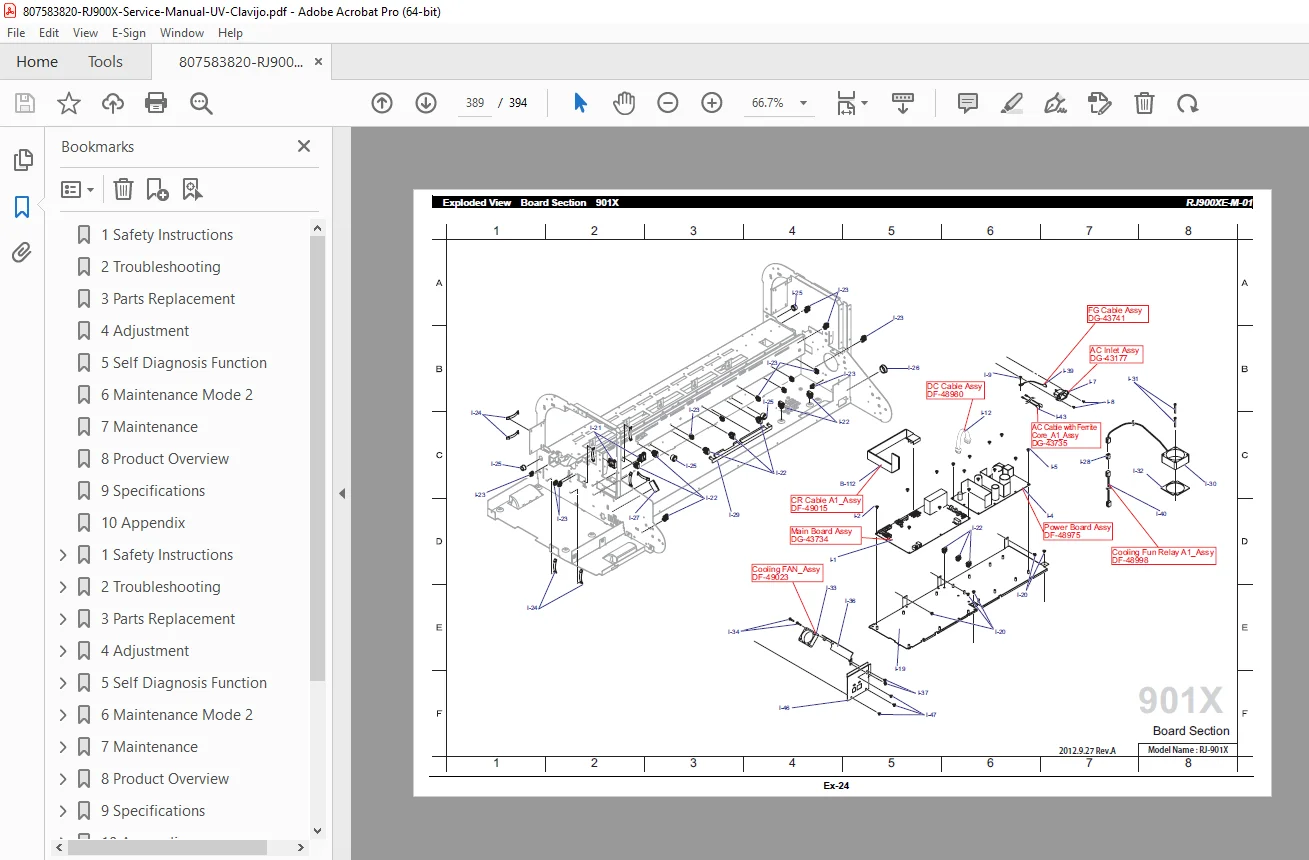
Exploded Views & Parts Lists:
Full schematics for the Frame, Plotter mechanism, and Board placement for accurate part ordering.
Table of Contents Overview:
Safety Instructions: Warning labels and handling precautions.
Troubleshooting: Error codes, operational status, and recovery actions.
Parts Replacement: Disassembly guides for Covers, Boards, PF Section, CR Section, and Ink System.
Adjustment: Tension adjustments, Head alignment, and MSA (Mutoh Service Assistance) software usage.
Self-Diagnosis Function: Test menus, Sensor checks, Endurance running, and Parameter initialization.
Maintenance Mode 2: Counter management and specialized cleaning.
Product Overview & Specifications: Part names and functional specs.
Appendix: Maintenance Part List and Exploded Views.
FILE DETAILS
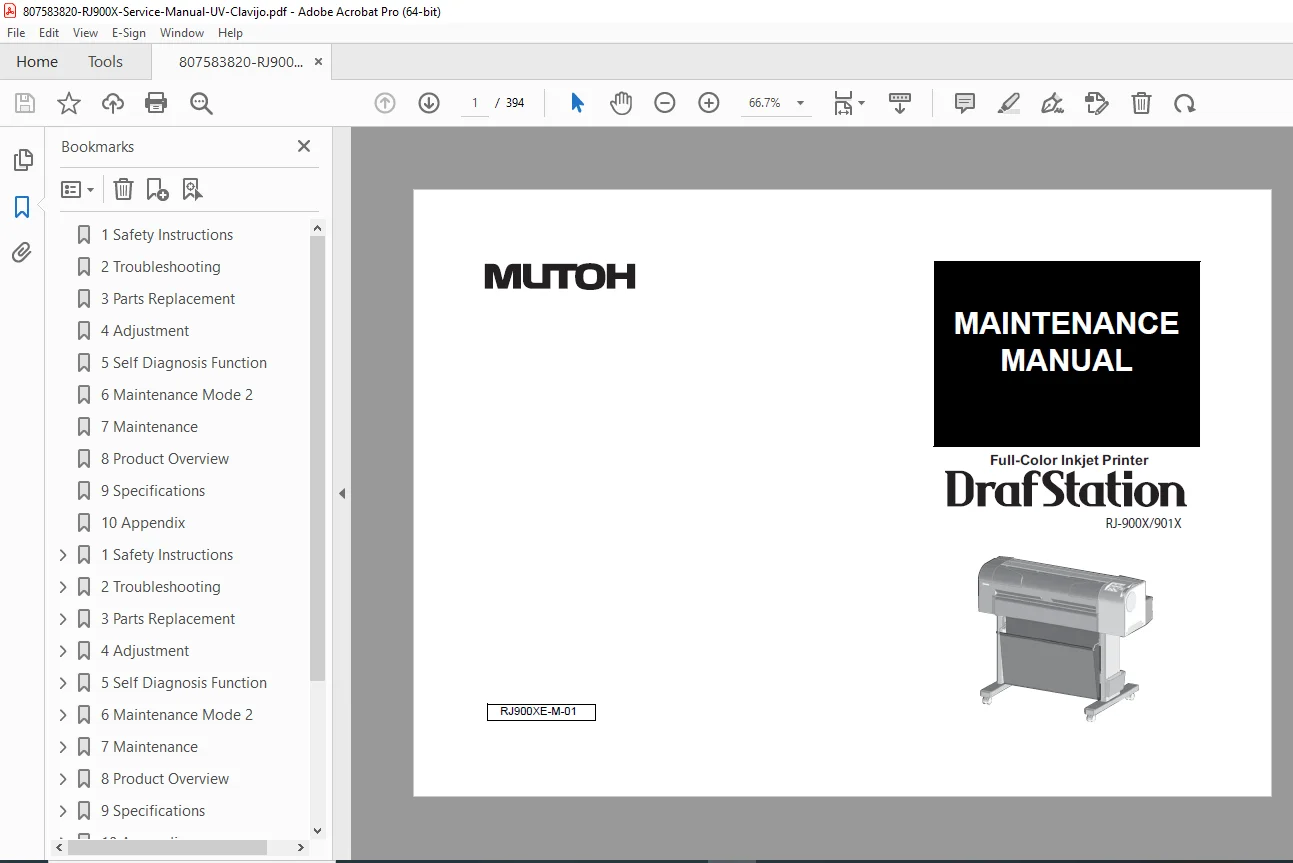
Manual Name: Mutoh RJ-900X / RJ-901X Maintenance Manual (RJ900XE-M-01)
Models Covered: Mutoh RJ-900X, Mutoh RJ-901X (DrafStation)
Year: 2012
Manual PDF Quality: High-Quality Digital PDF (Searchable Text, Vector Diagrams)
No. of Pages: 394
Don’t let a simple error code stop your production line. Download the Official Mutoh RJ-900X Service Manual now to unlock the self-diagnosis tools and repair instructions you need to get your printer back to work immediately!