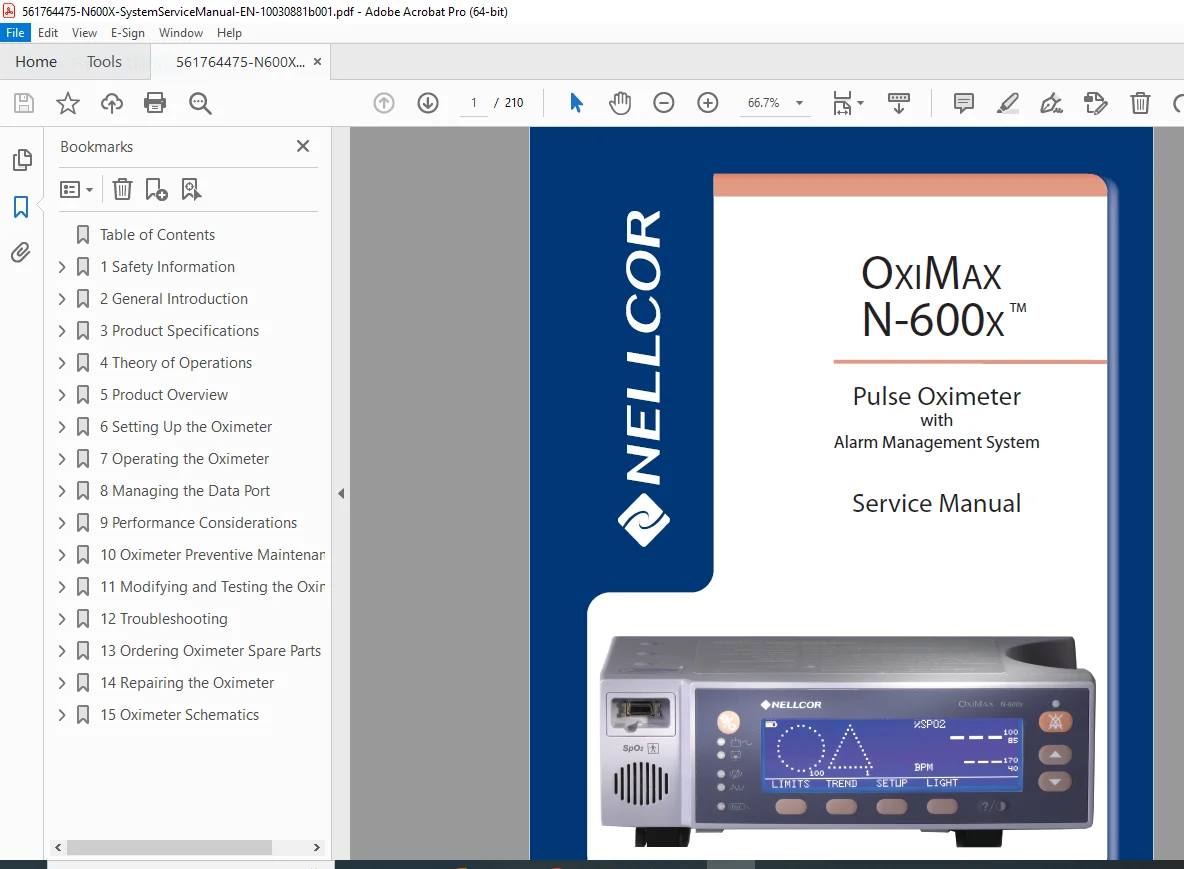
Nellcor OxiMax N-600x Pulse Oximeter Service Manual PDF
Original price was: $95.00.$32.95Current price is: $32.95.
Download the comprehensive Nellcor OxiMax N-600x service manual PDF for detailed guidance on pulse oximeter repair, troubleshooting, and maintenance. This 210-page guide covers N-600x alarm management system troubleshooting, OxiMax SPD alert feature setup, and SatSeconds alarm management configuration. Ideal for technicians handling Nellcor pulse oximeter service and repair, ensuring accurate performance verification and component replacement.
Description
Nellcor OxiMax N-600x Pulse Oximeter Service Manual PDF DOWNLOAD
Description:
The Nellcor OxiMax N-600x Pulse Oximeter Service Manual PDF is an essential resource for healthcare professionals and technicians specializing in medical device maintenance. This detailed guide provides in-depth information on the OxiMax N-600x pulse oximeter with alarm management system, including theory of operations, setup instructions, performance considerations, and repair procedures. Whether you’re dealing with N-600x alarm management system troubleshooting, pulse oximeter repair guide download, or OxiMax SPD alert feature setup, this manual equips you with step-by-step guidance to ensure optimal functionality and safety compliance.
Table of Contents:
- Chapter 1. Safety Information (Page 9)
- Overview
- Warnings
- Cautions
- Chapter 2. General Introduction (Page 13)
- Overview
- Related Documents
- Oximeter Description and Intended Use
- Description
- Intended Use
- List of Components
- Front Panel
- User Interface
- Oximeter Visual Indicators
- Monitoring Values
- Audible Indicators
- Rear Panel
- Rear Panel Symbols and Descriptions
- Oximeter Features
- OxiMax SPD™ Alert Feature
- SatSeconds™ Alarm Management Feature
- Pulse Rate Delay Alarm Management Feature
- Oximeter Display View Options
- Selecting Display Views
- General Care Format (GCF) Display
- Plethysmographic (Pleth) Display
- Blip Display
- Real-Time Trend Display
- Chapter 3. Product Specifications (Page 29)
- Overview
- Physical Characteristics
- Electrical Requirements
- Power
- Battery
- Rating of Nurse Call Relay
- Environmental Conditions
- Operating
- Transport and Storage
- Performance Specifications
- Measurement Range
- OxiMax™ Pulse Oximetry Sensors
- Product Compliance
- Product Standards for Compliance
- Product Safety Standards
- Electromagnetic Compatibility (EMC) Standards
- Manufacturer’s Declaration
- Basics
- Electromagnetic Compatibility (EMC)
- Electromagnetic Immunity
- Sensor and Cable Compliance
- Safety Tests
- Ground Integrity
- Leakage Current
- Chapter 4. Theory of Operations (Page 39)
- Overview
- Understanding Pulse Oximetry
- Theoretical Principles
- Automatic Calibration
- Functional versus Fractional Saturation
- Measured versus Calculated Saturation
- Oximeter Features
- SatSeconds™ Alarm Management Feature
- Pulse Rate Delay Alarm Management Feature
- OxiMax SPD™ Alert Feature
- OxiMax™ Pulse Oximetry Sensor Technology
- Functional Testers and Patient Simulators
- Chapter 5. Product Overview (Page 45)
- Overview
- Oximeter Block Diagram
- System Board Components
- System Board Component Overview
- Secondary Input Port/Secondary Output Port (SIP/SOP)
- NELL-1A Oximetry Module
- User Interface (UIF)
- Power
- Pulse Oximetry Sensors and Cables
- Chapter 6. Setting Up the Oximeter (Page 49)
- Safety Reminders
- Connecting to an AC Power Source
- Using Battery Power
- Overview
- Connecting an OxiMax™ Pulse Oximetry Sensor
- Reducing EMI (Electromagnetic Interference)
- Chapter 7. Operating the Oximeter (Page 55)
- Overview
- Monitoring Oximeter Power
- Battery Fuel Gauge
- Low Battery Indicator
- Powering the Oximeter
- Power Prerequisites
- Power-On Self-Test (POST)
- Automatic Shutdown and Power Off
- Using OxiMax™ Pulse Oximetry Sensors
- Sensor Detection
- Sensor Detection Failure
- Managing the Oximeter Backlight
- Managing the View Display
- Adjusting the Volume of Audible Tones
- Adjusting the Pulse Beep Volume
- Managing Oximeter Alarms
- Managing Audible Alarms
- Using Oximeter Softkey Menus
- Navigating Menu Options
- Adjusting the Factory Default Settings
- Using the OxiMax SPD™ Alert Feature
- Using the Pulse Rate Delay Alarm Management Feature
- Using the SatSeconds™ Alarm Management Feature
- Chapter 8. Managing the Data Port (Page 79)
- Managing Oximeter Trend Data
- Data Port Connectivity
- Overview
- Data Port Requirements
- Data Port Communications
- Accessing Data Using the Comm Port and a Computer
- Configuring the Data Port Interface
- Communication Protocol
- Managing the Data Port
- Data Printout Information
- Using the Nurse Call Interface
- Nurse Call Feature
- Setting Nurse Call RS-232 Polarity
- Calculating the Analog Voltage Output
- Chapter 9. Performance Considerations (Page 97)
- Overview
- Performance Considerations
- Primary Considerations
- Oximetry Considerations
- Patient Conditions
- OxiMax™ Pulse Oximetry Sensor Performance Considerations
- Safety Information
- Inaccurate Sensor Measurement Conditions
- Signal Loss
- Recommended Usage
- Chapter 10. Oximeter Preventive Maintenance (Page 101)
- Overview
- Cleaning
- Periodic Safety Checks
- Chapter 11. Modifying and Testing the Oximeter (Page 103)
- Overview
- Setting Institutional Defaults (Sample)
- Performance Verification
- Overview
- Required Equipment
- Safety Testing Standards
- Battery Check
- Battery Power
- Battery Charge
- Performance Tests
- Power-On Defaults and Alarm Ranges
- Operational Setup
- Overall Performance Check
- Pulse Oximetry Functional Tests
- Setting Nurse Call
- Service Function Menus
- Chapter 12. Troubleshooting (Page 137)
- Overview
- Help and Support
- Technical Services
- On-Screen Help
- Problem Resolution
- Prompts, Error Messages, and Error Codes
- Prompts and Error Messages
- Error Codes
- Error Codes for Non-correctable Failures
- Power
- Keys
- Display/Alarms
- Operational Performance
- Data Port
- Primary Speaker Failure
- Low and Critical Battery Conditions
- Obtaining Technical Assistance
- Returning your Oximeter
- Chapter 13. Ordering Oximeter Spare Parts (Page 161)
- Overview
- Ordering Replacement Parts
- Spare Parts List
- Chapter 14. Repairing the Oximeter (Page 165)
- Overview
- Fuse Replacement
- Oximeter Disassembly and Reassembly
- Disassembling the Oximeter
- Reassembling the Oximeter
- Battery Replacement
- Removing the Old Battery
- Replacing the Battery
- Power Entry Module (PEM) Replacement
- Removing the Power Entry Module
- Replacing the Power Entry Module
- Power Supply Replacement
- Removing the Power Supply
- Replacing the Power Supply
- Cooling Fan Replacement
- Removing the Cooling Fan
- Replacing the Cooling Fan
- Display PCB Replacement
- Removing the Display PCB
- Replacing the Display PCB
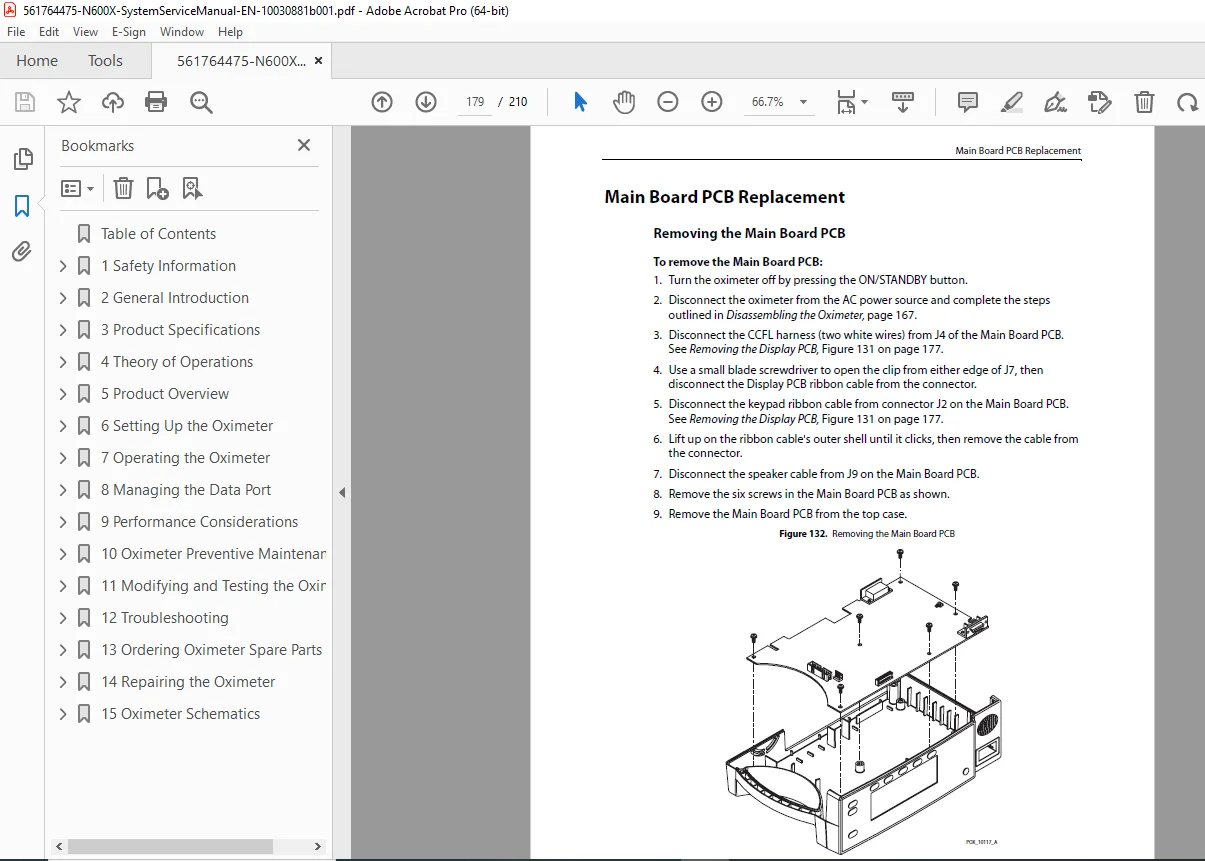
- Main Board PCB Replacement
- Removing the Main Board PCB
- Replacing the Main Board PCB
- Alarm Speaker Replacement
- Removing the Alarm Speaker
- Replacing the Alarm Speaker
- Top Case Assembly Replacement
- Removing the Top Case Assembly
- Replacing the Top Case Assembly
- Packing the Oximeter for Shipment
- Shipment Requirements
- Using the Original Carton
- Using a Generic Carton
- Chapter 15. Oximeter Schematics (Page 187)
File Details:
- Manual Name: OxiMax N-600x Pulse Oximeter with Alarm Management System Service Manual
- Models Covered: N-600x
- Year: 2008
- Manual PDF Quality: High-quality scan with clear text and diagrams
- Number of Pages: 210
This Nellcor OxiMax N-600x service manual PDF is your go-to for SatSeconds alarm management configuration and comprehensive pulse oximeter repair. Download instantly to resolve issues like error codes, battery replacement, and system board troubleshooting, saving time and ensuring reliable patient monitoring. Equip yourself with this indispensable tool today and keep your equipment running smoothly