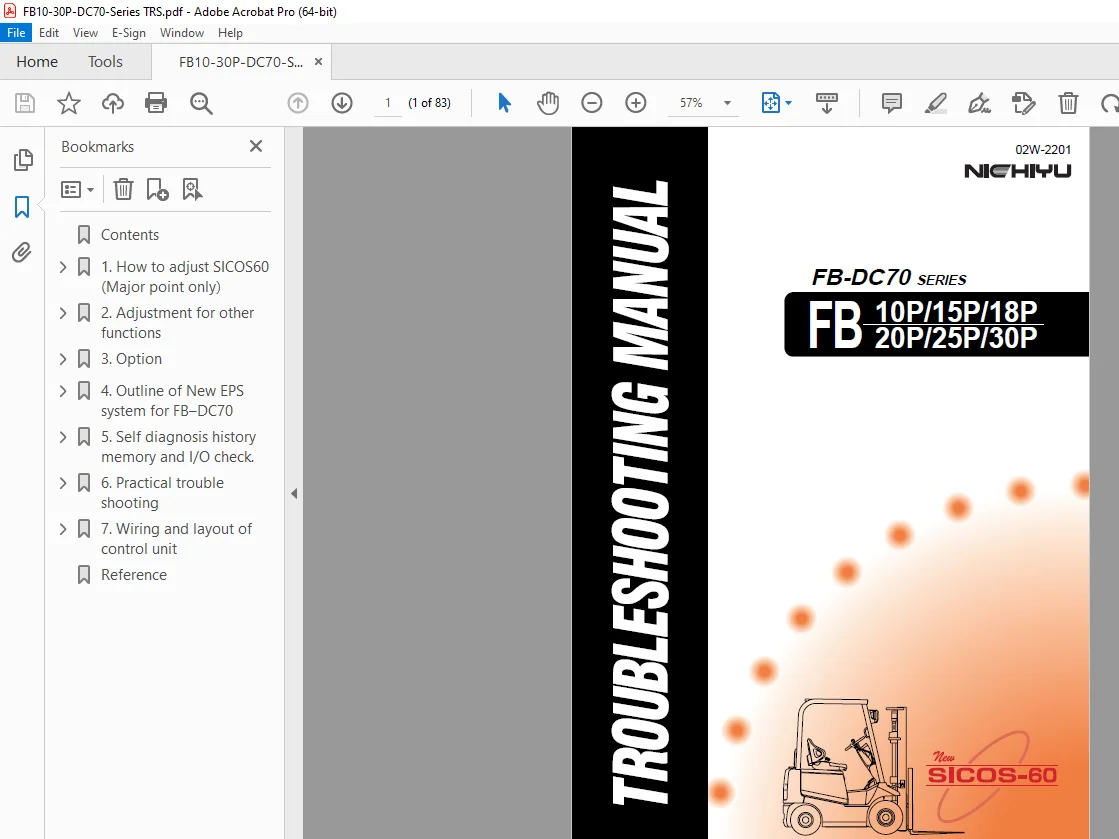
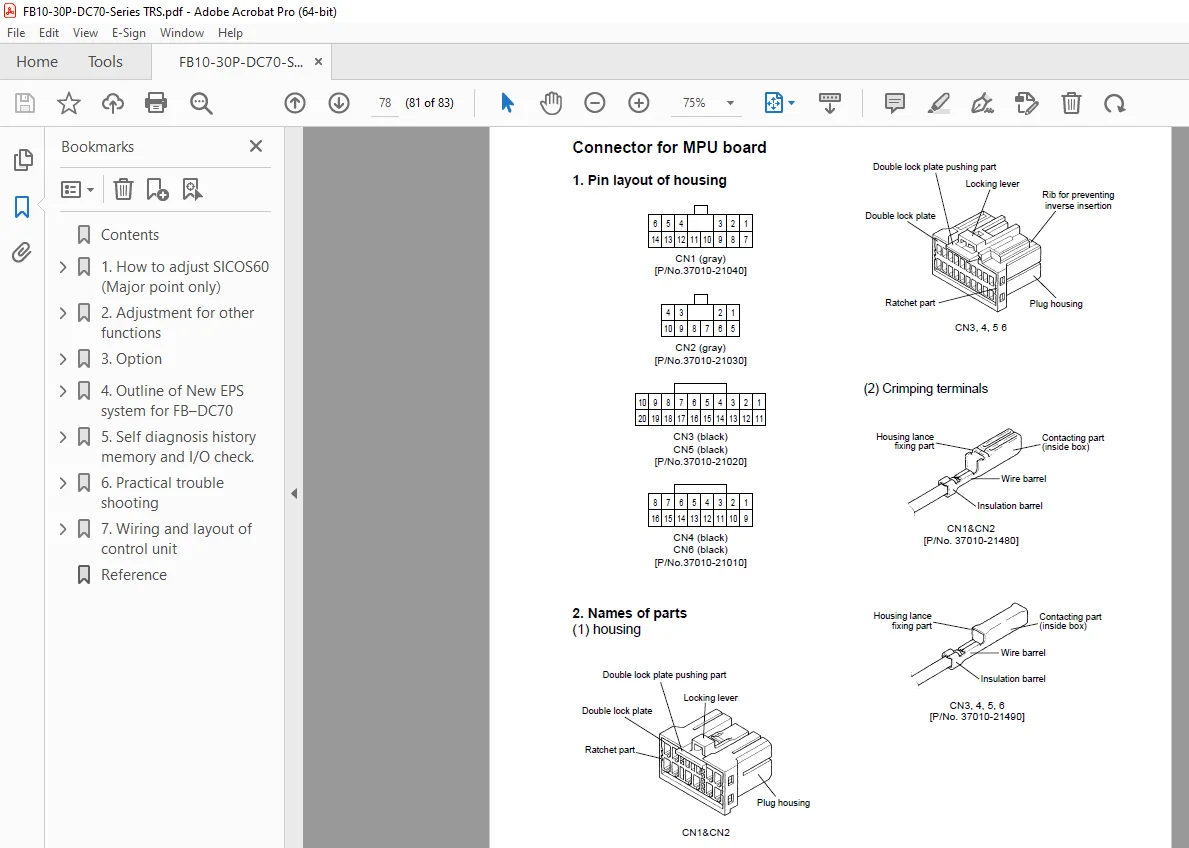
Nichiyu Forklift FB-DC70 SERIES FB 10P/15P/18P/20P/25P/30P Troubleshooting Manual PDF
$18.95
Nichiyu Forklift FB-DC70 SERIES FB 10P/15P/18P/20P/25P/30P Troubleshooting Manual – PDF DOWNLOAD
Description
Nichiyu Forklift FB-DC70 SERIES FB 10P/15P/18P/20P/25P/30P Troubleshooting Manual – PDF DOWNLOAD
FILE DETAILS:
Nichiyu Forklift FB-DC70 SERIES FB 10P/15P/18P/20P/25P/30P Troubleshooting Manual – PDF DOWNLOAD
Language : English
Pages : 83
Downloadable : Yes
File Type : PDF
IMAGES PREVIEW OF THE MANUAL:
TABLE OF CONTENTS:
Nichiyu Forklift FB-DC70 SERIES FB 10P/15P/18P/20P/25P/30P Troubleshooting Manual – PDF DOWNLOAD
Contents 2
1 How to adjust SICOS60 (Major point only) 4
1-1 The name and function of mode select switch 4
1 Slow speed mode button 4
2 Mode select button 4
3 Up button (2 functions) 4
4 Down button (2 functions) 5
1-2 How to set the each mode 5
1 Speed setting mode 6
2 Power setting mode 6
3 Acceleration feeling mode 6
4 Option setting 7
5 Language selection on LCD display 8
6 Safety monitor symbol 8
1-3 Adjustment of starting current and current limitation 9
1 Zero(0) adjusting for installed 9
2 Adjustment of starting current and cur-rent limitation 10
2 Adjustment for other functions 14
1 Auto-torque up 14
2 Safety circuit for out of control (contactor tripping) 14
3 Power setting 14
4 Hydraulic setting 15
5 Switch back braking distance (Plugging/Regenerative braking) 15
6 Regenerative braking force 16
7 Adjustment of brightness of the back light on monitor NOTE 17
8 Checking of speed sensor output 17
9 Hour meter working 18
10 Confirming the working of auto-power cut off function 18
11 Adjusting of battery voltage 18
3 Option 19
1 Confirming Over loading 19
2 Confirming the travel inhibit 19
3 Confirming the lift locking working at over discharge 19
4 Confirming the seat switch working 20
4 Outline of New EPS system for FB–DC70 21
4-1 Outline of New EPS system 21
4-2 Operation 22
4-3 Feature 22
1 Protection of overheat for motor 22
2 Self diagnosis function 22
4-4 Checking and Adjustment 23
1 Neutral adjustment of torque sensor 23
2 Checking by voltage 24
5 Self diagnosis history memory and I/O check 25
5-1 Self diagnosis history memory 25
5-2 I/O check 30
6 Practical trouble shooting 34
6-1 Before starting 34
1 Location of negative circuit 34
2 Layout of the connectors on MPU board and others 35
6-2 Attention for the troubleshooting 36
1 Visual checking 36
2 Fault finding NOTE 37
3 Error message and Possible defective part 38
6-3 Troubleshooting Procedure 39
6-4 Analysis of malfunction causes 39
1 No indications are made on the LCD display 40
2 Indication of the LCD display is normal, but the truck abnormally travels 41
3 On the LCD display, error messages appear 41
6-5 Flowchart for troubleshooting 42
7 Wiring and layout of control unit 71
FB10-30P-DC70 SYSTEM WIRING 72
FB10-30P-DC70 BODY WIRING 73
FB10-25P-DC70 BODY HARNESS 74
FB10-25P-DC70 BODY HARNESS (EEC) 75
FB30P-DC70 BODY HARNESS 76
FB30P-DC70 BODY HARNESS (EEC) 77
FB10-30P-DC70 CONTROL UNIT WIRING 78
FB10-25P-DC70 CONTROL UNIT HARNESS 79
FB30P-DC70 CONTROL UNIT HARNESS 80
Reference 81
S.V 06/24