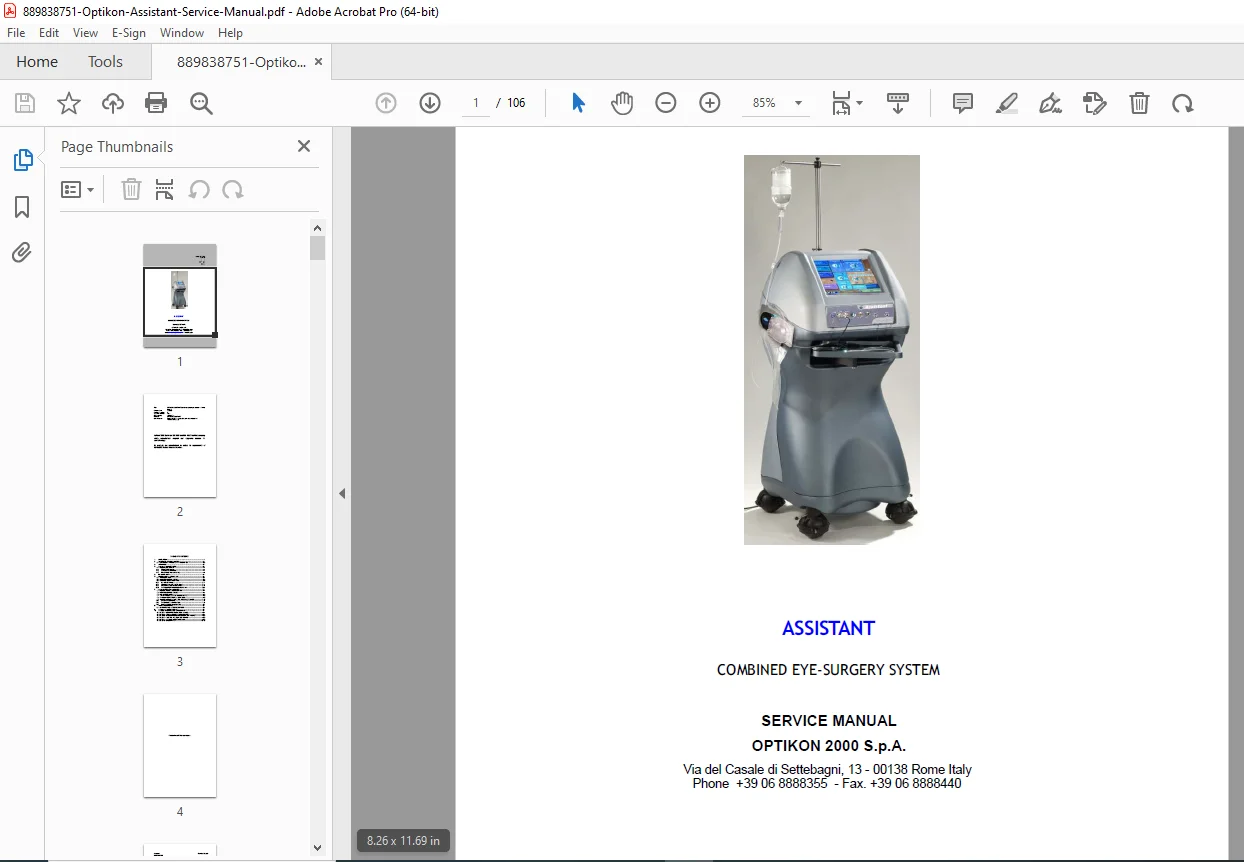
Optikon Assistant Eye Surgery Service Manual – PDF DOWNLOAD
$95.00 Original price was: $95.00.$15.95Current price is: $15.95.
Detailed service manual for the Optikon Assistant combined eye-surgery system, covering technical specs, principles of operation, checks, calibrations, troubleshooting, and upgrades for ophthalmic equipment. Includes diathermy power characteristics, equipment layout, internal views, and system calibration software guides from Optikon 2000 S.p.A. Essential for technicians handling Optikon Assistant troubleshooting and error messages, with ISO-compliant standards for eye surgery maintenance. 106 pages of proprietary technical info.
Description
Optikon Assistant Eye Surgery Service Manual – PDF DOWNLOAD
Description
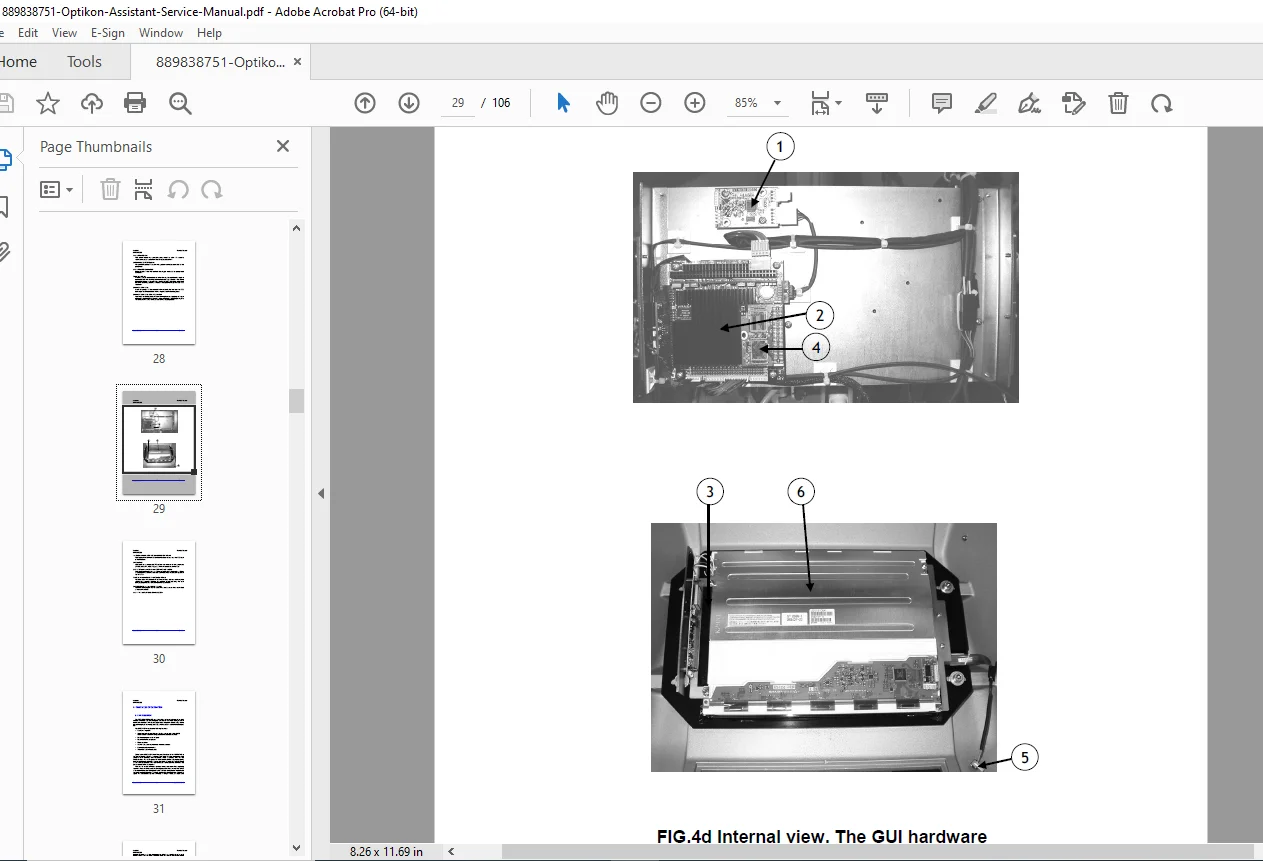
This comprehensive Optikon Assistant combined eye surgery system service manual from Optikon 2000 S.p.A. provides in-depth guidance for servicing the Assistant combined eye-surgery system, a certified ophthalmic device compliant with ISO 9001, ISO 13485, and 93/42/EEC Medical Devices Directive. Designed for authorized technicians, it details equipment layout (front, left side, rear views), internal components, and principles of operation for Optikon eye surgery system, including control boards, graphic user interfaces, U/S drivers, sensors, and power supplies. Key sections cover diathermy power characteristics for precise surgical applications, system upgrade and calibration procedures, and Optikon Assistant troubleshooting and error messages to ensure reliability and safety.
The manual emphasizes warnings, disclaimers, and IEC-compliant electrical installations, with proprietary information protected under Optikon 2000’s copyright. It supports upgrades, repairs, and calibrations only by authorized personnel, including steps for registering “Flow Max” values, installing programmer devices, uploading microprocessor software, and touchscreen calibration. For ophthalmic equipment calibration guide enthusiasts, it includes illumination module tests, optical alignment, thermostat verification, and vacuum signal filters. Available spare parts and system tests enhance maintenance efficiency for this Rome-based manufacturer’s product.
Extracted Table of Contents (Formatted for Clarity):
- 1. Disclaimer (Page 1-1)
- 2. Technical Specifications (Page 2-1)
- 2.1 Diathermy Power Characteristics (Page 2-5)
- 3. Warnings (Page 3-1)
- 4. General Information (Page 4-1)
- 4.1 Equipment Layout (Page 4-1)
- 4.1.1 Front View (Fig.1) (Page 4-1)
- 4.1.2 Left Side View (Fig.2) (Page 4-3)
- 4.1.3 Rear Panel (Figg. 3A & 3B) (Page 4-4)
- 4.1 Equipment Layout (Page 4-1)
- 5. Internal View (Page 5-1)
- 6. Principles of Operation (Page 6-1)
- 6.1 Introduction (Page 6-1)
- 6.2 Control Board 393200 (Page 6-5)
- 6.3 Graphic User Interface (Page 6-6)
- 6.3.1 U/S Driver 347888 (Page 6-14)
- 6.3.2 Sensors and Air Board 391120 (Page 6-23)
- 6.3.3 Vacuum Signal Filter 369130 (Page 6-28)
- 6.3.4 The Assistant Power Board 393130 (Page 6-30)
- 7. Checks and Calibrations (Page 7-1)
- 7.1 Power Supply Board 393130 (Page 7-1)
- 7.2 Control Board 393200 (Page 7-1)
- 7.3 U/S Driver 347888 (Page 7-2)
- 7.4 The System Calibration Software (Page 7-3)
- 7.5 System Tests and Calibrations (Page 7-8)
- 7.6 Illumination Module Test and Calibration (Page 7-12)
- 7.6.1 Optical Alignment (Page 7-13)
- 7.6.2 Thermostat Verification (Page 7-15)
- 7.6.3 Touch Screen Calibration (Page 7-3)
- 8. Troubleshooting (Page 8-1)
- 8.1 Warning and Error Messages (Page 8-1)
- 9. Available Spare Parts (Page 9-1)
- 10. System Upgrade and Calibration (Page 10-1)
- 10.1 Step 1 – Register “Flow Max” Value (Page 10-1)
- 10.2 Step 2 – Install Programmer Device (Page 10-4)
- 10.3 Step 3 – Upload Microprocessor Software (Page 10-5)
- 10.4 Step 4 – Install the New Software (Page 10-8)
- 10.5 Step 5 – Upload User Interface (Page 10-9)
- 10.6 Step 6 – Calibration (Page 10-13)
Key Highlights and Features (Incorporating Long Tail Keywords):
- Technical Specs: Outlines diathermy power characteristics, power outputs, and sensor integrations for safe ophthalmic procedures.
- Operation Principles: Microprocessor-based controls, U/S drivers for ultrasonic functions, and air/vacuum systems in the principles of operation for Optikon eye surgery system.
- Calibrations: Step-by-step Optikon 2000 ophthalmic equipment calibration guide, including system tests, illumination alignment, and touchscreen adjustments.
- Troubleshooting: Comprehensive Optikon Assistant troubleshooting and error messages section for quick diagnostics.
- Upgrades: Detailed system upgrade and calibration for Optikon Assistant, ensuring compliance and performance.
- Compliance: Manufactured to meet EU directives, with disclaimers on authorized service to maintain safety and reliability.
No index or bookmarks are explicitly present in the provided excerpt, but the structured TOC allows for efficient reference. This manual is vital for maintaining the Optikon Assistant combined eye surgery system service manual standards in clinical settings.
Short File Details
- Manual Name: OPTIKON ASSISTANT Combined Eye-Surgery System – Service Manual (Part Number 121008s)
- Models Covered: Optikon Assistant (combined eye-surgery system)
- Year: 2009 (print date 2009-07-24; software version 4.0.1)
- Manual PDF Quality: High-quality scanned document with clear text, figures, and layouts; minor artifacts from scanning but fully readable
- No of Pages: 106
What Our Customers Say
🌟 Related Products
Discover more professional manuals for your equipment

NEW HOLLAND LW80 WHEEL LOADER SERVICE REPAIR MANUAL PDF DOWNLOAD

Daewoo Doosan Excavator Electrical Hydraulic Schematic Manual - DH DX V III Series & Dozer Series DD80 DD80L - PDF DOWNLOAD

Case Tx130-40 Tx130-43 Tx130-45 Tx140-43 Tx140-45 Tx170-45 Telescopic Telehandlers Complete Workshop Service Repair Manual