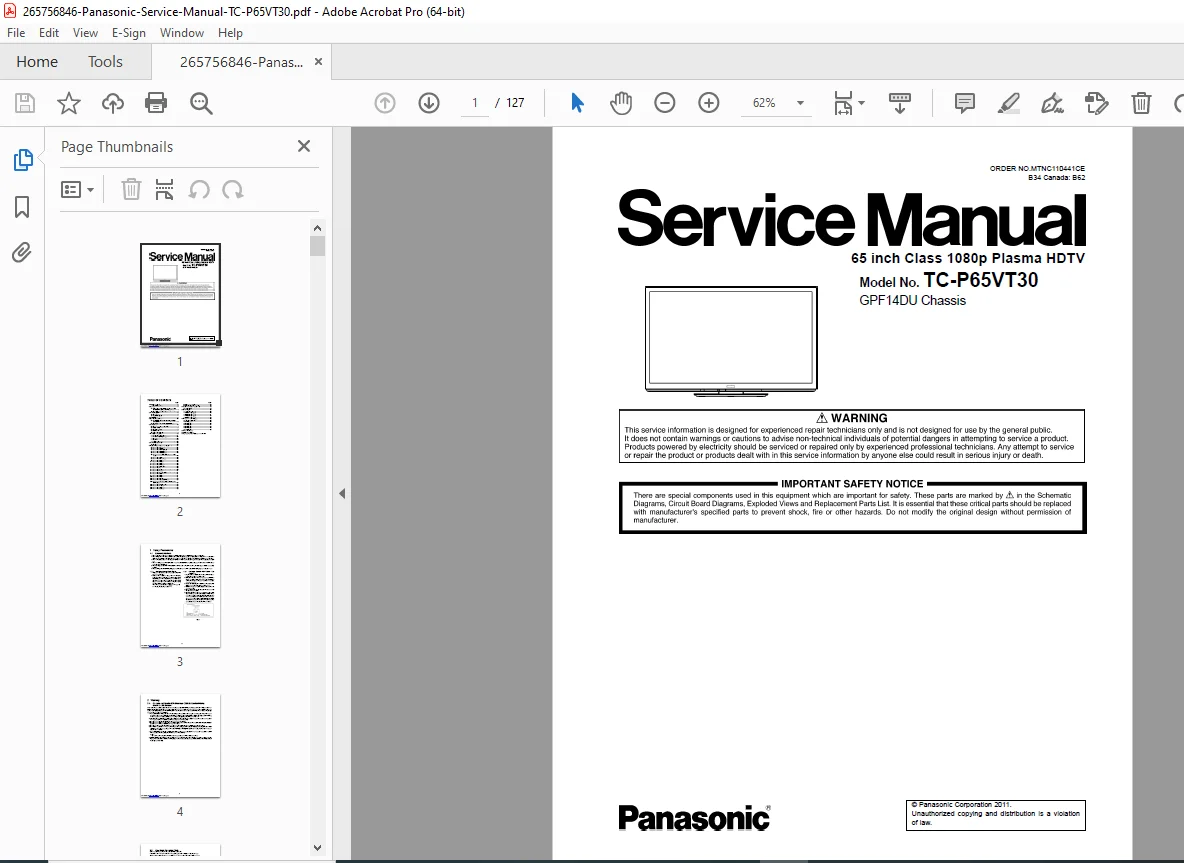
Panasonic TC-P65VT30 65-Inch 3D Plasma HDTV Service Repair Manual PDF
Original price was: $95.00.$18.95Current price is: $18.95.
Complete factory service manual for Panasonic TC-P65VT30 65-inch 3D plasma HDTV (GPF14DU chassis). Comprehensive 127-page technical documentation with detailed disassembly procedures, troubleshooting guides, block diagrams, schematic diagrams, and complete parts lists. Essential repair resource for professional TV technicians servicing 1080p Full HD plasma displays with VIERA Connect, 3D capability, and HDMI connectivity.
Description
Panasonic TC-P65VT30 65-Inch 3D Plasma HDTV Service Repair Manual PDF DOWNLOAD
FILE DETAILS
| Detail | Information |
|---|---|
| Manual Name | Panasonic TC-P65VT30 Service Manual |
| Model Covered | TC-P65VT30 (65-inch Class 1080p 3D Plasma HDTV) |
| Chassis | GPF14DU |
| Year | 2011 |
| Pages | 127 pages |
| PDF Quality | Excellent – factory original with detailed diagrams |
| Language | English |
| File Size | 7.8 MB |
| Order Number | MTNC110441CE |
DESCRIPTION
Official Panasonic Factory Service Manual for TC-P65VT30 65-Inch 3D Plasma HDTV
This comprehensive Panasonic TC-P65VT30 service manual is the complete factory technical documentation used by authorized Panasonic service centers worldwide. Essential professional guide for TV repair technicians servicing this premium 65-inch Full HD 3D plasma television with advanced VIERA Connect smart TV features.
Model Specifications:
Panasonic TC-P65VT30 – 65-inch Class Full HD 3D Plasma Television
Display Technology:
- 65-inch class plasma panel (64.7 inches measured diagonally)
- Visible screen size: 56.4″ × 31.7″ × 64.7″ (1,434mm × 806mm × 1,645mm)
- Resolution: 1920 × 1080 pixels (Full HD 1080p)
- Total pixels: 2,073,600 (5,760 × 1,080 dots)
- Aspect ratio: 16:9
- AC-type plasma drive method
- NeoPDP Advanced Panel Technology
3D Viewing Technology:
- Active 3D technology with liquid crystal shutter eyewear
- 3D Image Viewer support
- 3D Eyewear transmitter built-in
- Viewing range: Within 10 feet 5 inches (3.2m) from front
- Horizontal range: ± 35°, Vertical range: ± 20°
Audio System:
- Total audio output: 22W (6W + 6W + 10W, 10% THD)
- Built-in speakers with separate woofer
- Dolby Digital output via optical (SPDIF)
- PCM / Dolby Digital fiber optic digital audio out
Smart TV Features:
- VIERA Connect (Panasonic’s Smart TV platform)
- Built-in WiFi support (with DY-WL10 wireless LAN adaptor)
- Ethernet LAN port (10BASE-T/100BASE-TX)
- Media Player for USB playback
- SD Card slot for photo/video viewing
- DLNA network media streaming
- DTCP-IP content protection
- Netflix support (WMDRM)
- CinemaNow support (Widevine)
Connectivity:
- 4× HDMI inputs (HDMI 1-4) with HDAVI Control 5
- 3× USB 2.0 ports (DC 5V, max 500mA)
- 2× Component YPbPr inputs (with audio L/R)
- 1× Composite video input (with audio L/R)
- 1× PC VGA input (D-SUB 15-pin)
- 1× Ethernet LAN port (RJ45)
- 1× SD Card slot
- 1× RS-232C serial control port (D-sub 9-pin)
- 1× Digital audio output (optical)
Supported Input Signals:
- Component/HDMI: 480i, 480p, 720p, 1080i, 1080p
- PC VGA modes: VGA, SVGA, XGA, WXGA, SXGA
- Horizontal: 31-69 kHz
- Vertical: 59-86 Hz
Tuner Capabilities:
- Digital/Analog tuner
- VHF/UHF: Channels 2-69
- CATV: Channels 1-135
- Clear QAM digital cable support
Power Specifications:
- Power source: AC 120V, 60Hz
- Rated power consumption: 516W
- Standby power: 0.2W
Physical Dimensions:
- With pedestal: 61.9″ × 39.2″ × 15.8″ (1,570 × 994 × 400mm)
- TV only: 61.9″ × 37.7″ × 1.6-2.4″ (1,570 × 956 × 39-60mm)
- Weight with pedestal: 138.9 lbs (63.0 kg)
- Weight TV only: 123.5 lbs (56.0 kg)
Chassis Platform:
- GPF14DU chassis architecture
- Lead-free (PbF) solder construction
- RoHS compliant manufacturing
Comprehensive Manual Contents:
1. Safety Precautions (Pages 3)
- General service guidelines
- Leakage current cold check procedures
- Leakage current hot check procedures (with diagrams)
- Safety verification after repair
- Proper lead dress requirements
- Insulation barrier installation
2. Warnings (Pages 4-5)
- ESD (Electrostatic Discharge) prevention
- Electrostatically sensitive device handling
- Grounded-tip soldering requirements
- Anti-static device usage
- Lead-free solder information (PbF)
- Sn+Ag+Cu solder specifications
- Soldering temperature: 700 ± 20°F (370 ± 10°C)
- Higher melting point considerations
3. Service Navigation (Pages 6-7)
- PCB layout overview
- Circuit board location diagrams
- Applicable signal information
- Board identification reference
4. Specifications (Pages 8-9)
- Complete TV specifications
- 3D Eyewear specifications
- Wireless LAN adaptor specifications
- Operating conditions and environment
- Connection terminal details
5. Technical Descriptions (Pages 10-13)
- DTCP-IP key specifications for DLNA
- WMDRM specifications for Netflix
- Widevine specifications for CinemaNow
- Security key generation procedures
- Service port (M3 mini jack) specifications
- IC replacement procedures for security ICs
- Self-check procedures for key generation
6. Service Mode (Pages 14-20)
- How to enter service mode
- Option – Mirror mode
- Service tool mode navigation
- Hotel mode configuration
- Data copy procedures via SD card
- Service menu structure
- Adjustment and calibration options
7. Troubleshooting Guide (Pages 21-25)
- I²C bus line checking procedures
- Power LED blinking timing chart
- No Power diagnosis flowchart
- No Picture troubleshooting guide
- Local screen failure diagnosis
- Component-level troubleshooting
- Signal path verification
8. Service Fixture & Tools (Page 26)
- SC jig specifications
- Required service tools
- Test equipment recommendations
9. Disassembly and Assembly Instructions (Pages 27-33)
Complete Step-by-Step Removal Procedures:
- Remove rear cover
- Remove AC inlet
- Remove P(MAIN)-Board (main board)
- Remove P(SUS)-Board (sustain board)
- Remove P(SUB)-Board (sub board)
- Remove terminal covers and shield metals
- Remove A-Board
- Remove side unit assembly
- Remove SU-Board
- Remove SD-Board
- Remove SC-Board
- Remove SS-Board
- Remove SS2-Board
- Remove cooling fan
- Remove speakers (left/right)
- Remove woofer subwoofer
- Remove stand bracket
- Remove K-Board
- Remove S-Board
- Remove V-Board
- Remove handles
- Remove bottom cabinet assembly
- Remove plasma panel section from cabinet
- Remove contact metals
- Remove C1-Board, C2-Board, C3-Board
- Remove aluminum frames
- Replace plasma panel assembly
10. Measurements and Adjustments (Pages 34-38)
- Adjustment procedures
- Service mode calibration
- Picture quality settings
- Color temperature adjustments
- White balance calibration
- Service menu navigation for technicians
11. Block Diagrams (Pages 39-44)
- Main block diagram (system overview)
- Block diagram 1/4 – Input processing
- Block diagram 2/4 – Signal processing
- Block diagram 3/4 – Audio and control
- Block diagram 4/4 – Power and panel drive
- Signal flow documentation
- Component interconnections
12. Wiring Connection Diagrams (Pages 45-50)
- Caution statements for wiring
- Wiring diagram 1 – Main connections
- Wiring diagram 2 – Power distribution
- Wiring diagram 3 – Signal routing
- Wiring diagram 4 – Audio connections
- Wiring diagram 5 – Panel connections
- Wiring diagram 6 – Control and peripheral
- Cable identification and routing
- Connector pinout diagrams
13. Schematic Diagrams
- Complete circuit schematics
- Power supply circuits
- Main board schematics
- Sustain board circuits
- Sub board circuits
- Signal processing circuits
- Audio amplifier circuits
- Control circuits
- Panel driver circuits
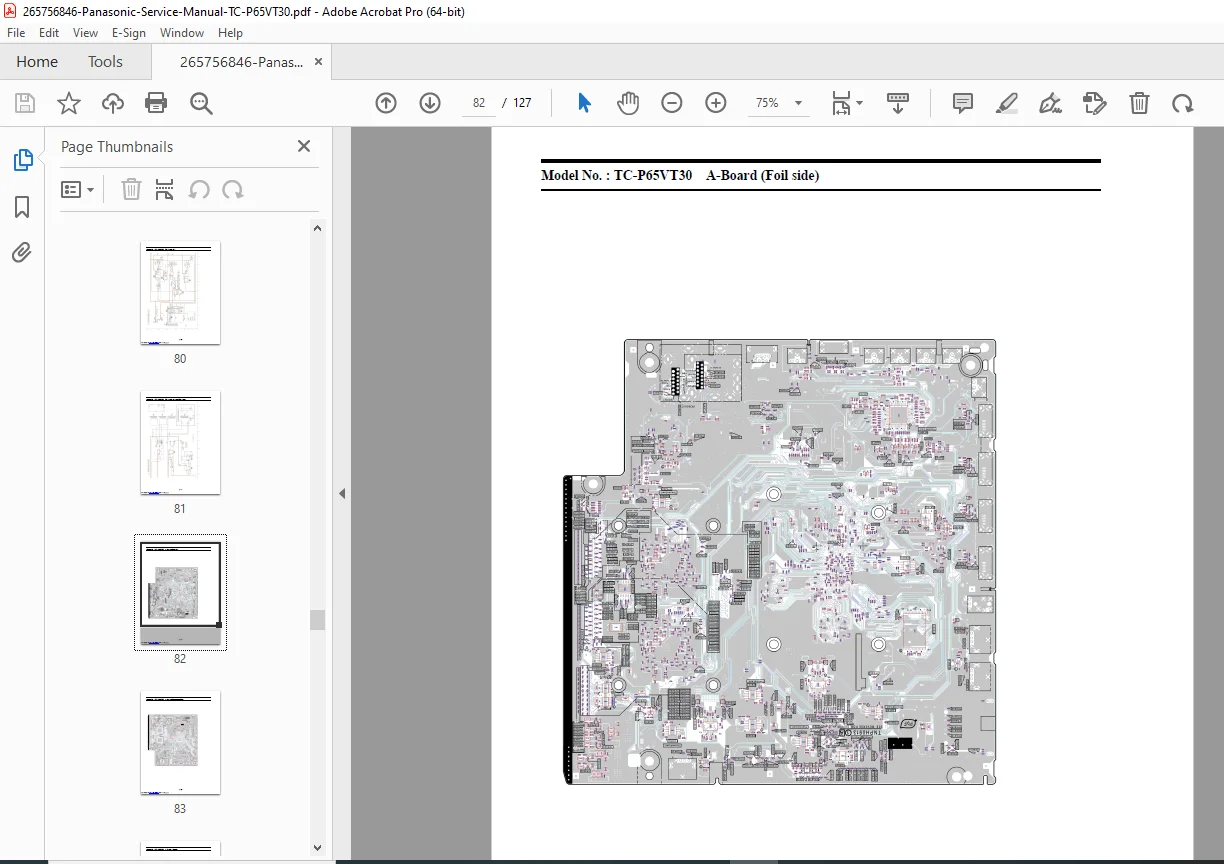
14. Printed Circuit Board Layouts
- Component location diagrams
- PCB top and bottom views
- Solder side illustrations
- Component identification
- Test point locations
- Connector locations
15. Exploded View and Replacement Parts List
- Exploded view diagrams
- Complete parts catalog
- Part numbers for all serviceable components
- Cabinet and mechanical parts
- Electronic component part numbers
- Accessories and hardware
Advanced Service Features:
3D Eyewear System:
- Liquid crystal shutter eyewear specifications
- Rechargeable lithium-ion polymer battery (DC 3.7V, 70mAh)
- Charging via TV USB port (DC 5V)
- Operation time: Approximately 30 hours
- Charging time: Approximately 2 hours
- Eyewear dimensions and weight specifications
Wireless LAN Adaptor (DY-WL10):
- IEEE 802.11n/a/g/b support
- Dual-band: 2.4GHz and 5GHz
- MIMO technology (Tx 1, Rx 2)
- Maximum transfer rates: 300 Mbps receive, 150 Mbps transmit
- WPA2-PSK/WPA-PSK security support
- Infrastructure mode operation
Security and Content Protection:
- DTCP-IP for network streaming
- WMDRM for Netflix DRM
- Widevine for CinemaNow
- Peak IC security processor
- EEPROM key storage
- Self-check key generation procedures
Professional Features:
- RS-232C serial control for custom integration
- Hotel mode for commercial installations
- Service tool mode for diagnostics
- Data copy via SD card for multi-unit setup
- V-Chip parental control
- Closed caption support
- 3D Y/C comb filter
Why This Manual is Essential:
This Panasonic plasma TV service manual provides complete factory documentation for professional television repair technicians. With detailed block diagrams, comprehensive schematic diagrams, step-by-step disassembly procedures with photos, and complete parts lists with Panasonic part numbers, you’ll have everything needed for efficient plasma television repair.
Perfect for:
- Professional TV repair technicians
- Consumer electronics service centers
- Authorized Panasonic service providers
- Home theater installation professionals
- Electronics repair shops
- Technical training institutions
- Commercial AV integrators
Complete Repair Coverage For:
- Plasma panel diagnosis and replacement
- Main board (GPF14DU chassis) repairs
- Power supply troubleshooting
- Sustain board plasma drive issues
- Audio amplifier and speaker repairs
- 3D system diagnostics
- VIERA Connect smart TV features
- HDMI input repairs
- Network connectivity issues
- Firmware and software troubleshooting
- Complete unit disassembly and reassembly
DOWNLOAD INSTANTLY AND START REPAIRS TODAY! Get immediate access to this official 127-page Panasonic factory service manual. Professional technical documentation with detailed schematics, wiring diagrams, and troubleshooting procedures trusted by authorized service centers worldwide!
Reasoning:
- Substantial 127-page professional service manual
- Premium 65-inch 3D plasma HDTV model
- GPF14DU chassis documentation
- Complete schematic and block diagrams
- Detailed parts lists with part numbers
- Advanced 3D technology servicing
- Smart TV features (VIERA Connect)
- High-end plasma display technology
- Professional troubleshooting procedures
- Specialty plasma panel service information