Philips Respironics V60 V60 Plus Ventilator Service Manual PDF 2019
Original price was: $95.00.$32.95Current price is: $32.95.
Official 2019 Philips Respironics V60 / V60 Plus Ventilator service manual — the complete Philips V60 ventilator repair and maintenance guide for certified biomedical engineers and respiratory equipment technicians. Covers full theory of operation, component removal, diagnostic codes, troubleshooting, performance verification, calibration, preventive maintenance, and illustrated parts lists. Download instantly in PDF — 328 pages, OEM-quality documentation.
Description
Philips Respironics V60 V60 Plus Ventilator Service Manual 2019 PDF DOWNLOAD
DESCRIPTION:
Philips Respironics V60 / V60 Plus Ventilator — Official Service Manual (2019, Rev K)
This is the complete OEM service manual for the Philips Respironics V60 and V60 Plus Ventilator, published in 2019 (Revision K, Part No. 1049766). Designed for certified biomedical equipment technicians (BMETs), respiratory therapy equipment specialists, and hospital biomedical engineering departments, this Philips V60 ventilator repair manual covers every aspect of servicing, maintaining, and verifying this critical non-invasive ventilation (NIV) platform.
📋 File Details
| Detail | Information |
|---|---|
| Manual Name | Respironics V60 / V60 Plus Ventilator Service Manual |
| Models Covered | V60 Ventilator, V60 Plus Ventilator |
| Part Number / Revision | 1049766 Rev K |
| Year | 2019 |
| Publisher | Philips Healthcare / Respironics California, LLC |
| PDF Quality | High quality, digitally produced, searchable text |
| Total Pages | 328 |
| File Format | PDF (Letter size, 612×792 pts) |
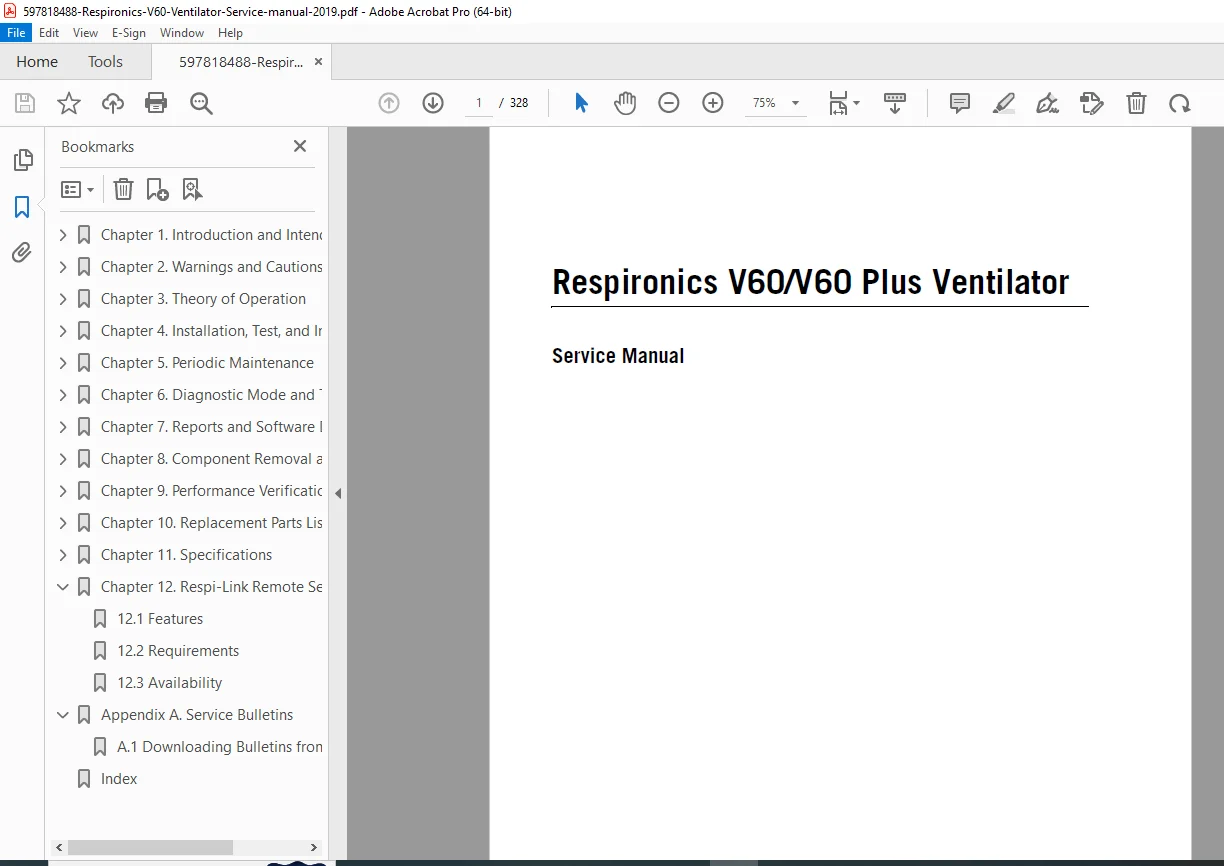
📑 Complete Table of Contents
Chapter 1 — Introduction and Intended Use
- Intended Use
- Recommended Test Equipment, Tools, and Supplies
- Where to Go for Help
Chapter 2 — Warnings and Cautions
- General Safety Warnings
- Preparing for Ventilation
- Operation
- Operation in High Flow Therapy (HFT)
- Alarms and Messages
- Care and Maintenance
- First-Time Installation
- Communications Interface
- Diagnostic Mode
Chapter 3 — Theory of Operation
- Pneumatics:
- Air Inlet & Air Inlet Filter
- Air Flow Sensor
- Machine and Proximal Pressure Transducers
- Barometric Pressure Transducer
- Oxygen Pressure Transducer
- Manifold, Oxygen Inlet Filter, Filter Element
- Oxygen Solenoid Valve & Oxygen Flow Sensor
- Blower
- Solenoid Valves
- Electronics:
- Power Management (PM) PCBA
- Power Supply
- Internal Battery
- CPU PCBA
- Motor Controller (MC) PCBA
- Data Acquisition (DA) PCBA
- Flow Sensors
- User Interface (UI)
- LCD Assembly & Backlight Inverter PCBA
- Touchscreen Assembly
- Nav-ring Assembly (Rotary Adjustment)
- Power Switch Overlay
- Switch PCBA & UI PCBA
- Electronic Signal Paths
Chapter 4 — Installation, Test, and Inspection
- Assembly and Installation
- Record Ventilator Information
- Electrical Safety
- Preoperational Check
- Returning the Ventilator to Operation
- Electrical Safety/Preoperational Check Data Form
Chapter 5 — Periodic Maintenance
- Exterior and Touchscreen Cleaning (Approved Agents & Instructions)
- Exterior and Touchscreen Disinfection (Approved Agents & Instructions)
- Annual Preventive Maintenance Instructions
Chapter 6 — Diagnostic Mode and Troubleshooting
- System Settings: Language Selection, Date/Time, Default Settings, Pressure Units, Software Options, Baud Rate, Alarm Volume Escalation
- Service: Viewing Ventilator Information, Pneumatic Controls, Output Controls, Miscellaneous
- Touchscreen Calibration
- Diagnostic Codes, Alarms, and Troubleshooting (comprehensive code reference)
- Miscellaneous Troubleshooting Tips
Chapter 7 — Reports and Software Downloads
- Setting Up the Service PC (Serial Interface via Tera Term)
- Generating a Diagnostic Report (DRPTA)
- Clearing the Significant Event Log
- Downloading Ventilator Software
- Preoperational Check Data Form
- Programming the Ventilator Serial Number and Power-On Hours
- Upgrading Power Management PCBA PMC (PIC) Firmware (MPLAB IDE V8.92 & MPLAB X IPE V2.10)
Chapter 8 — Component Removal and Installation (41 sub-sections)
- Repacking and Shipping
- Disconnecting All Power
- Air Inlet Filter, Internal Battery, Top Cover, AC Inlet, Fan
- Oxygen Inlet, DA/MC PCBA Cable, MC PCBA
- Front Panel, Gas Outlet Port, UI Retainer, Proximal Pressure Port
- Alarm Speakers, Power Management PCBA, Power Supply, CPU PCBA
- Real-Time Clock Battery, Left/Right Side Walls
- Gas Delivery Subsystem (GDS)
- Oxygen Inlet Filter, DA PCBA, Oxygen Solenoid Valve
- Air and Oxygen Flow Sensor Assembly, Solenoid Valves, Blower
- UI / Rear Bezel, Power Switch Overlay, Switch PCBA
- Front Bezel, Touchscreen, LCD (HYDIS & NEC), UI PCBA, Backlight Inverter PCBA
- LCD Tray, Bottom Feet, Labels
- Component Replacement Data Form
Chapter 9 — Performance Verification (11 test procedures)
- Performance Verification Tests
- Pneumatic Calibration Analyzer Setup
- Procedures: Electrical Safety, Leak Tests, Controls, Pressure Accuracy, Air Delivery/Flow Accuracy, Oxygen Flow Accuracy, Oxygen Mix Accuracy, S/T Performance, Alarms, Power Fail, Internal Battery
- Troubleshooting/Repair for each test
- Electrical Safety Data Form & Performance Verification Data Form
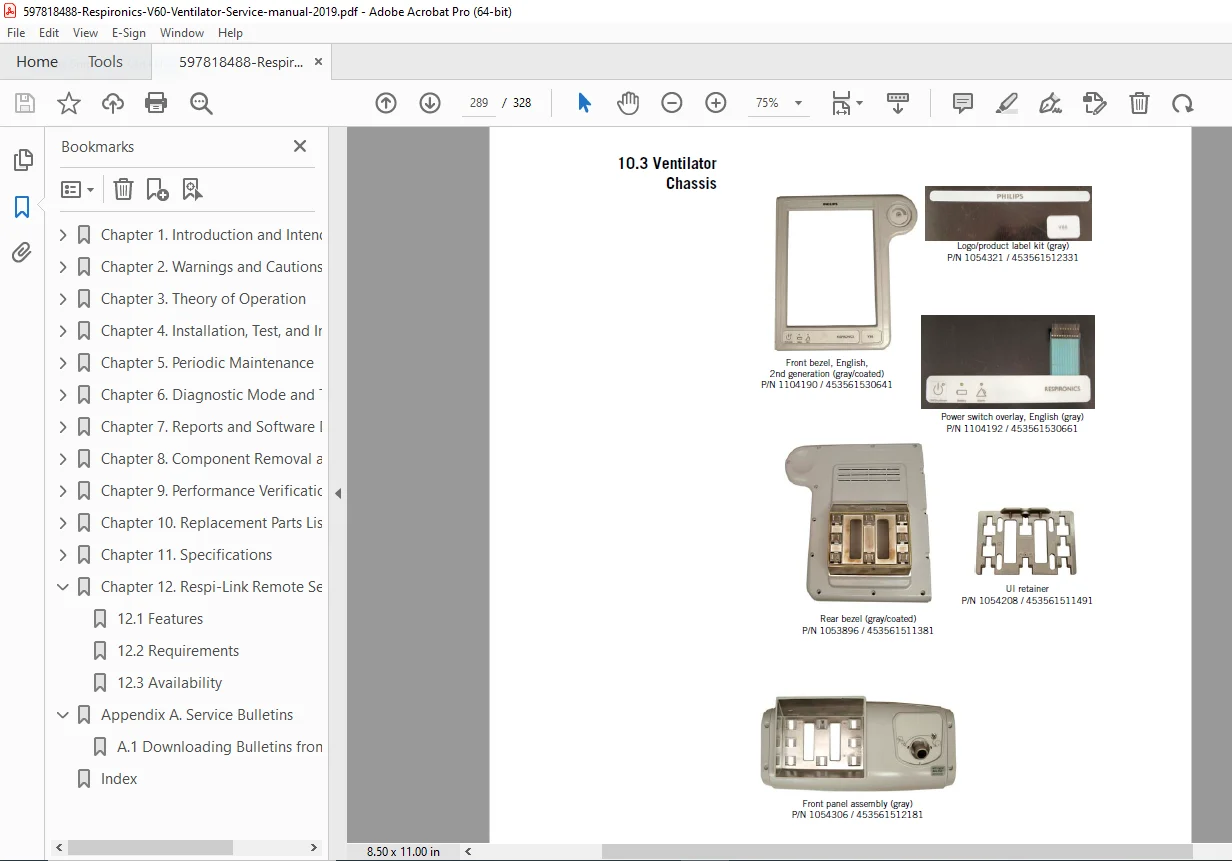
Chapter 10 — Replacement Parts List
- Complete Parts List
- Recommended Inventory Parts List
- Ventilator Chassis, Pneumatics, Electronics
- Accessory Part Numbers
- Universal Stand & V60/V60 Plus Stand parts
Chapter 11 — Specifications
- Control Settings
- Patient Data
- Alarms
- Menu Window Settings
- Operator-Accessible Diagnostic Mode Functions
- Physical Characteristics
- Environmental Specifications
- Pneumatic Specifications
- Electrical Specifications
- Other Specifications / Contact Information
Chapter 12 — Respi-Link Remote Services
- Features, Requirements, Availability
Appendix A — Service Bulletins
- Downloading Bulletins from InCenter
Index
🔑 Why Biomedical Technicians Need This Manual
- ✅ Full Philips V60 ventilator diagnostic codes and troubleshooting reference with resolution paths
- ✅ Step-by-step V60 component removal and replacement procedures for all PCBAs, pneumatic assemblies, and mechanical parts
- ✅ Complete V60 ventilator performance verification protocols (11 structured tests) with pass/fail data forms
- ✅ Annual preventive maintenance schedule and procedures
- ✅ Firmware upgrade procedures for the Power Management PCBA
- ✅ Software download and serial number programming instructions
- ✅ Full illustrated replacement parts list with part numbers for inventory planning
- ✅ Electrical safety testing per industry standards
- ✅ Touchscreen calibration and diagnostic mode access procedures
Every minute of ventilator downtime is a clinical risk. Get the official Philips Respironics V60 ventilator service and repair manual in your hands right now — download instantly after purchase and be diagnosing, repairing, and verifying your V60 with factory-level confidence today