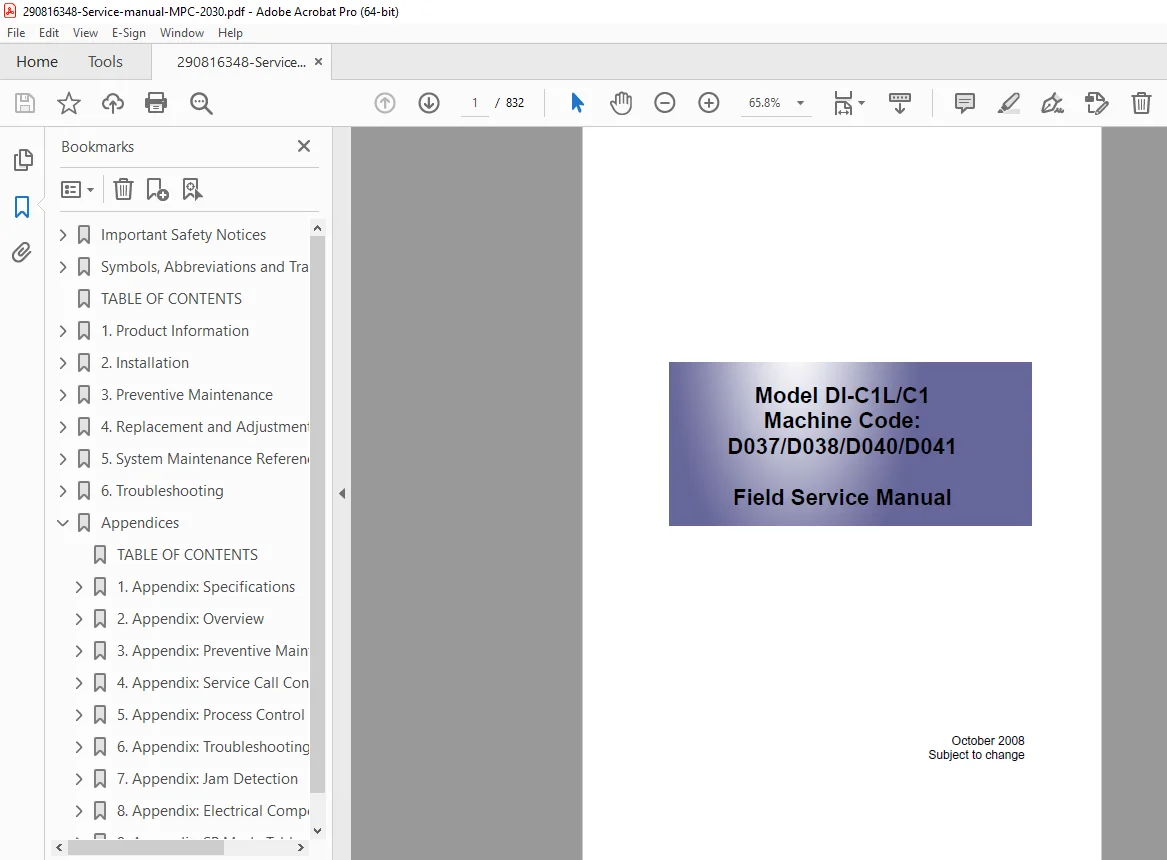
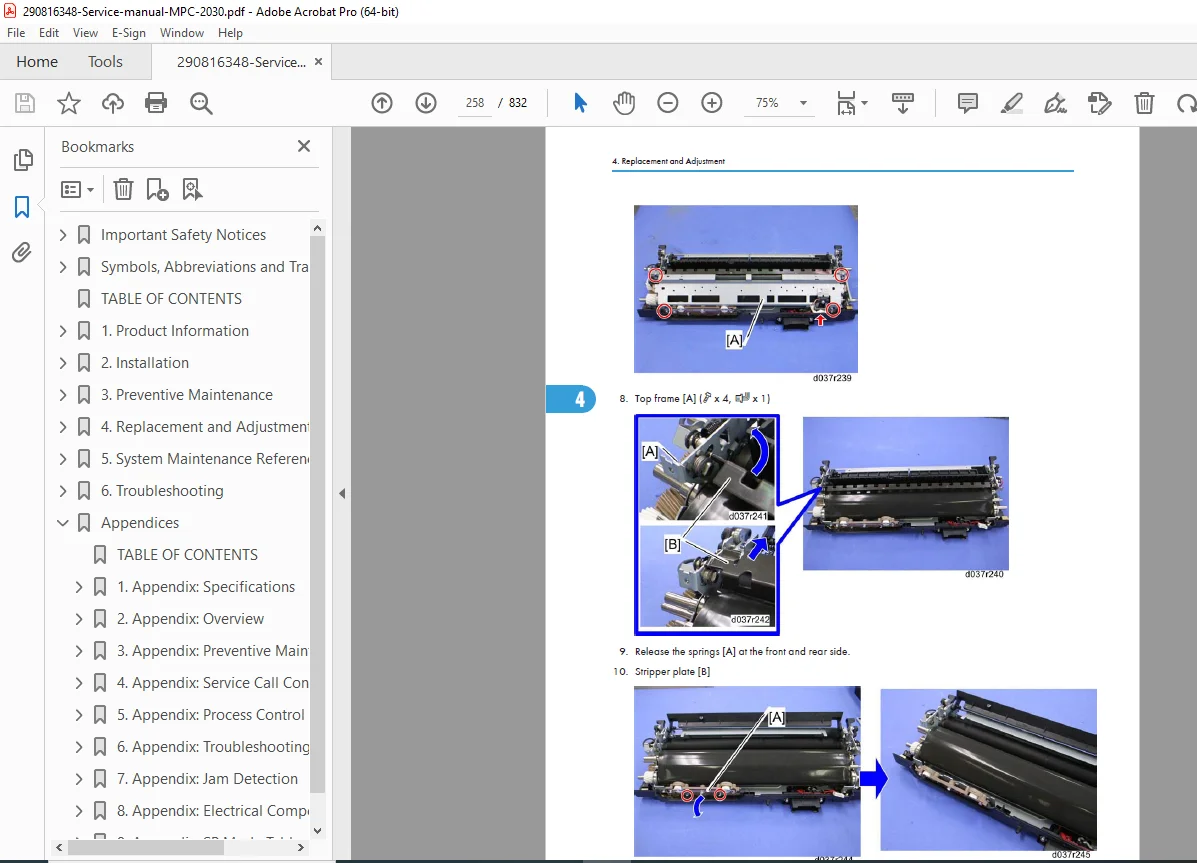
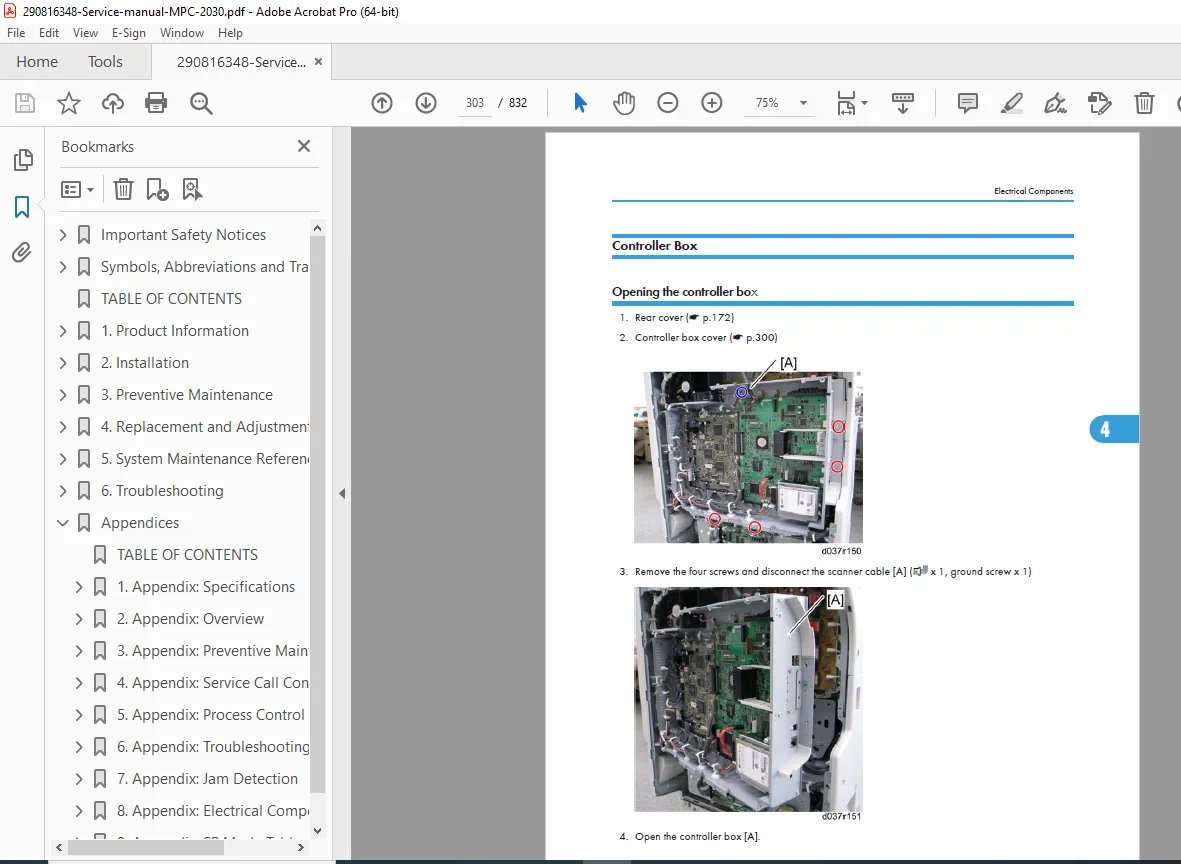
Ricoh Aficio MP C2030 Service Manual PDF DOWNLOAD
Original price was: $85.00.$18.95Current price is: $18.95.
Official Ricoh factory service manual for Aficio MP C2030/C2530 color MFPs (D037/D040/D038/D041) – 832-page guide with installation, preventive maintenance, replacement/adjustment procedures, troubleshooting SC codes, SP modes, firmware updates & detailed descriptions.
Description
Ricoh Aficio MP C2030 Service Manual PDF DOWNLOAD
Description:
Instant download – Authentic Ricoh service manual for Aficio MP C2030/MP C2530 series color multifunction printers (models D037/D040/D038/D041, including H-model and L-model variants). This massive 832-page factory manual is the ultimate resource for technicians, covering everything from safety precautions to detailed troubleshooting and system maintenance.
Includes comprehensive installation for mainframe and options (ARDF, paper feed units, finishers, etc.), preventive maintenance tables, step-by-step replacement and adjustment (image adjustment, scanner, laser optics, PCU, fusing, paper feed), system maintenance reference (SP modes, firmware update, NVRAM upload/download, debug log), troubleshooting (SC conditions, process control errors, jam detection, electrical defects), and appendices on specifications, overviews, PM tables, SC tables, and more.
Perfect for repair shops and service engineers searching for the genuine ricoh aficio mp c2030 service manual pdf, ricoh mp c2030 repair manual download d037 d040, or aficio mp c2030 replacement adjustment procedures – this is the exact dealer manual for these reliable A3 color copiers.
Detailed Table of Contents (exactly as in manual, cleanly formatted):
Important Safety Notices
- Responsibilities of the Customer Engineer
- Before Installation, Maintenance
- During Maintenance
- After Installation, Servicing
- Special Safety Instructions for Toner
- Safety Instructions for this Machine
- Laser Safety
- Symbols, Abbreviations and Trademarks
1. Product Information
- Specifications
- Machine Configuration
- H-Model
- L-Model
- Overview
2. Installation
- Installation Requirements
- Environment
- Machine Level
- Machine Space Requirements
- Power Requirements
- Optional Unit Combinations
- Machine Options
- Controller Options
- Copier Installation
- Power Sockets for Peripherals
- Installation Flow Chart
- Accessory Check
- Installation Procedure
- Moving the Machine
- Transporting the Machine
- Paper Feed Unit (D331)
- Accessory Check
- Installation Procedure
- Paper Feed Unit (D425)
- Component Check
- Installation Procedure
- Caster Table (D488)
- Component Check
- Installation Procedure
- ARDF (D366)
- Component Check
- Installation Procedure
- Platen Cover Installation (G329)
- Side Tray (D427)
- Component Check
- Installation Procedure
- 1-Bin Tray Unit (D426)
- Component Check
- Installation Procedure
- Shift Tray Unit (D428)
- Component Check
- Installation Procedure
- Internal Finisher (D429)
- Component Check
- Installation Procedure
- Punch Unit (D390)
- Component Check
- Installation Procedure
- USB2.0/SD Slot Type A
- Accessory Check
- Installation Procedure
- Testing the SD Card/USB Slot
- Mechanical Counter (NA Only)
- Installation Procedure
- Key Counter Bracket
- Installation Procedure
- Key Counter Interface Unit
- Installation Procedure
- Copy Data Security Unit Type F (B829)
- Installation
- Anti-Condensation Heater
- Installation Procedure
- Tray Heater (Mainframe)
- Installation Procedure
- Tray Heaters (Optional Unit)
- Installation Procedure
- Controller Options
- Overview
- SD Card Appli Move
- PostScript 3 (D038/D041 only)
- File Format Converter (D038/D041 only)
- IEEE1284 (D038/D041 only)
- IEEE 802.11 a/g, g (Wireless LAN: D038/D041 only)
- Bluetooth (D038/D041 only)
- DataOverwriteSecurity Unit Type I (D362: D038/D041 only)
- HDD Encryption Unit (D038/D041 only)
- PictBridge (D038/D041 only)
- VM Card Type I (D038/D041 only)
- Browser Unit Type E (D038/D041 only)
- Gigabit Ethernet (D038/D041 only)
- Memory Unit Type I 512MB (D038/D041 only)
- Check All Connections
3. Preventive Maintenance
- Maintenance Tables
- PM Parts Settings
- Before Removing the Old PM Parts
- After Installing the New PM parts
4. Replacement and Adjustment
- Beforehand
- Special Tools
- Image Adjustment
- Scanning
- ARDF
- Registration
- Erase Margin Adjustment
- Color Registration
- Printer Gamma Correction
- Exterior Covers
- PCDU Toner Collection Bottle
- Front Door
- ITB Cleaning Unit Cover
- Left Cover
- Rear Cover
- Rear Lower Cover
- Dust Filter
- Right Rear Cover
- Operation Panel
- Touch Panel Position Adjustment (D038/D041)
- Inner Right Cover
- Inner Cover
- Front Right Cover
- Right Upper Cover
- Left Frame and Left Frame Rear Cover
- Paper Exit Cover
- Inverter Tray
- Inner Tray
- Inner Rear Cover
- Scanner Unit
- Exposure Glass
- Original Length Sensors
- Exposure Lamp
- Scanner Motor
- Sensor Board Unit (SBU)
- Exposure Lamp Stabilizer
- Scanner HP Sensor
- Platen Cover Sensor
- Front Scanner Wire
- Rear Scanner Wire
- Laser Optics
- Caution Decal Location
- Laser Unit
- Polygon Mirror Motor
- Image Creation
- PCDU (Photo Conductor and Development Unit)
- Drum Unit and Development Unit
- Toner Hopper Unit
- Toner Supply Motor
- Toner Collection Motor
- PCDU Toner Collection Bottle Full Sensor
- PCDU Toner Collection Bottle Set Switch
- RFID Board
- Image Transfer
- ITB Cleaning Unit
- ITB Toner Collection Bottle Full Sensor
- ITB (Image Transfer Belt) Unit
- ITB Unit Motor
- Image Transfer Belt
- ITB Contact Motor
- ITB Contact Sensor
- Paper Transfer
- PTR (Paper Transfer Roller) Unit
- Opening the Paper Transfer Unit
- ID Sensor Board
- PTR Contact Motor
- PTR Contact Sensor
- Temperature and Humidity Sensor
- Drive Unit
- Gear Unit
- Registration Motor
- Paper Feed Motor: T1
- Paper Feed Motor: T2
- Drum Motor: CMY
- Development Motor: CMY
- Drum/Development Motor: K
- Development Clutch: K
- Fusing/Paper Exit Motor
- Fusing
- PM Parts
- Fusing Unit
- Entrance Guide Plate
- Stripper Plate
- Exit Guide Plate Cleaning Procedure
- Pressure Roller Fusing Lamp
- Heating Roller Fusing Lamp
- Fusing Belt
- Heating, Fusing and Tension Roller
- Pressure Roller
- Heating Roller Thermostats
- Heating Roller Thermistor
- Pressure Roller Thermistor
- Pressure Roller Thermostat
- Thermopile
- Cleaning Unit (Option) Installation Procedure
- Paper Feed
- Paper Tray
- Feed Roller
- Friction Pad
- Paper Size Switch
- Paper End Sensor
- Registration Sensor
- Vertical Transport Sensor
- Paper Exit
- Junction Gate Solenoid Fan
- Paper Exit Unit
- Fusing Exit
- Paper Exit Sensor
- Inverter Sensor
- Inverter Motor
- Fusing Front Fan
- Duplex Unit
- Duplex Unit
- Duplex Entrance Sensor
- Duplex Exit Sensor
- Duplex Entrance Motor
- Duplex Exit Motor
- By-pass Motor
- By-pass Tray Unit
- By-pass Paper Length Sensor
- By-Pass Paper Size Sensor
- By-pass Paper End Sensor
- By-pass Feed Roller
- By-pass Tray HP Sensor
- Electrical Components
- Boards
- Controller Box Cover
- Controller Box
- BCU
- HDD (Only for D038/D041)
- Controller Box Fan
- Fusing Rear Fan
- PSU
- HVPS: TTS Board
- HVPS: CB Board
- i-Controller Board
- NVRAM Replacement Procedure
- Machine Boot-Up
5. System Maintenance Reference
- Service Program Mode
- SP Tables
- Types of SP Modes for DI-C1 H-model (D038/D041)
- Types of SP Modes for DI-C1 L-model (D037/D040)
- Remarks
- Firmware Update
- Type of Firmware
- Before You Begin
- Updating Firmware
- Updating the LCDC for the Operation Panel
- Handling Firmware Update Errors
- Installing Another Language
- Reboot/System Setting Reset
- Software Reset
- System Settings and Copy Setting Reset
- Controller Self-Diagnostics
- Overview
- SD Card Appli Move
- Overview
- Move Exec
- Undo Exec
- Downloading Stamp Data
- NVRAM Data Upload/Download
- Uploading Content of NVRAM to an SD card
- Downloading an SD Card to NVRAM
- Address Book Upload/Download
- Information List
- Download
- Upload
- Using the Debug Log
- Overview
- Switching ON and Setting UP Save Debug Log
- Retrieving the Debug Log from the HDD
- Recording Errors Manually
- Card Save Function
- Overview
- Procedure
- Error Messages
6. Troubleshooting
- Service Call Conditions
- Process Control Error Conditions
- Troubleshooting Guide
- Sub-scan Magnification Error
- Trapezoid Image Adjustment
- Jam Detection
- Electrical Component Defects
- Scanner Test Mode
- SBU Test Mode
- IPU Test Mode
Appendix: Specifications
- Copier
- Printer
- Scanner
- Supported Paper Sizes
- Paper Feed
- Paper Exit
- Platen/ARDF Original Size Detection
- Software Accessories
- Printer and LAN Fax Drivers
- Scanner Driver
- Utility Software
- Optional Equipment
- ARDF (D366: Standard for H-Models (D038/D041))
- Paper Feed Unit (D425)
- Paper Feed Unit (D331)
- Internal Finisher (D429) and Punch Unit (D390)
- Shift Tray (D428)
- 1-bin Tray Unit (D426)
- Side Tray (D427)
Appendix: Overview
- Overview
- Mechanical Component Layout
- Paper Path
- Drive Layout
Appendix: Preventive Maintenance Tables
- Maintenance Tables
- Preventive Maintenance Items
- Others Yield Parts
Appendix: Service Call Conditions
- SC Tables
- Service Call Conditions
- SC1xx: Scanning
- SC 2xx: Exposure
- SC3xx: Image Processing – 1
- SC4xx: Image Processing – 2
- SC5xx: Paper Feed and Fusing
- SC6xx: Device Communication
- SC7xx: Peripherals
- SC8xx: Overall System
- SC9xx: Miscellaneous
Appendix: Process Control Error Conditions
- Process Control Error Conditions
- Developer Initialization Result
- Process Control Self-Check Result
- Line Position Adjustment Result
Appendix: Troubleshooting Guide
- Troubleshooting Guide
- Image Quality
- Line Position Adjustment
- Image Problems at Regular Intervals
Appendix: Jam Detection
- Jam Detection
- Paper Jam Display
- Jam Codes and Display Codes
Appendix: Electrical Component Defects
- Electrical Component Defects
- Sensors
- Blown Fuse Conditions
Appendix: SP Mode Tables
- System Service Mode
- Service Mode Table
- Input Check Table
- Output Check Table
- Test Pattern Printing
- Printer Service Mode
- Scanner SP Mode
- SP1-xxx (System and Others)
- SP2-XXX (Scanning-image quality)
File Details:
- Manual Name: Ricoh Aficio MP C2030 Service Manual
- Models Covered: Aficio MP C2030 / MP C2530 (D037/D040/D038/D041, H-model, L-model)
- Year: 2009
- Manual PDF Quality: Original factory manual, excellent scans, clear diagrams/photos
- NO OF pages: 832