Riso CR Series Service Manual v1.0 (Test Mode, PCBs, Error Codes) PDF
Original price was: $95.00.$18.95Current price is: $18.95.
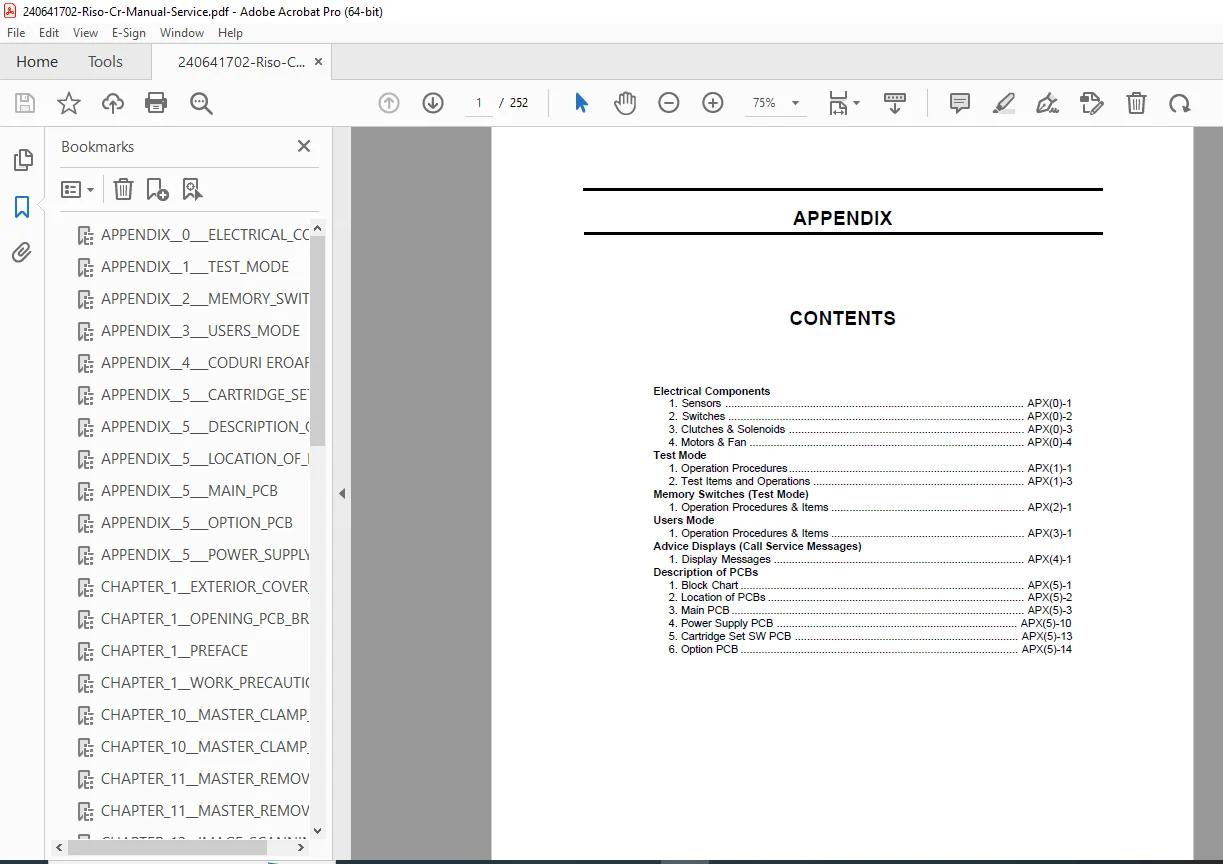
Troubleshoot and service Riso CR Series machines with this v1.0 Service Manual PDF. Includes electrical components (sensors/switches/motors/solenoids), Test Mode procedures & test numbers, Memory Switch settings, Users Mode, Advice Displays (E/C error codes), plus PCB block charts, locations, and connector details.
Description
Riso CR Series Service Manual v1.0 (Test Mode, PCBs, Error Codes) PDF DOWNLOAD
Description
✅ What this Service Manual Covers
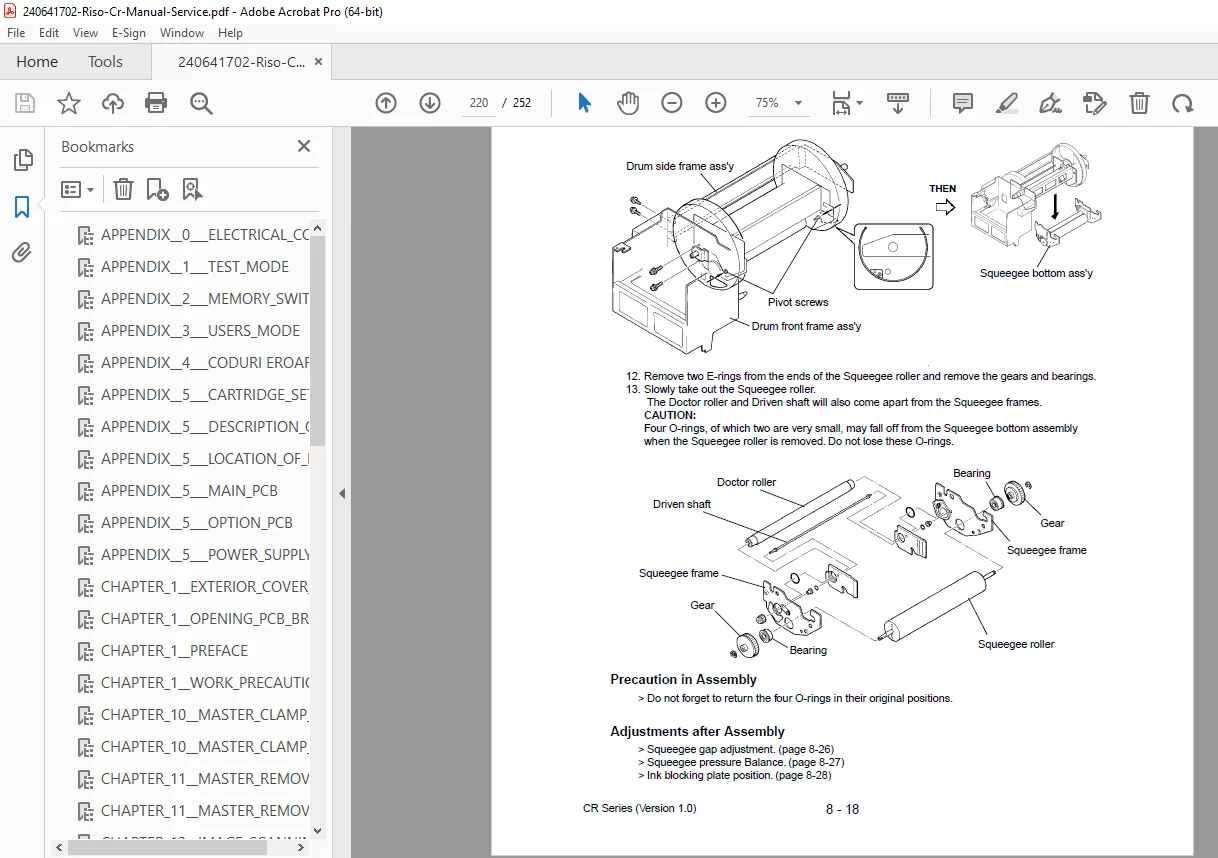
This Riso CR Series (Version 1.0) service manual is built for technicians who need fast diagnostics and accurate board/component reference.
⚡ Electrical Components (with locations/diagrams)
Includes detailed lists and diagrams for:
Sensors (paper, master, clamp, ink, overflow, elevator limits, etc.)
Switches (main power, drum safety, master unit switches, cutter position, etc.)
Clutches & solenoids (paper feed clutch, master loading clutch, pressure solenoid, etc.)
Motors & fans (main motor, clamp motor, elevator motor, inking motor, cutter motor, fans, etc.)
🧪 Test Mode (Service Diagnostics)
Use Test Mode to check each electrical component and operation sequence.
How to enter Test Mode
Power ON while pressing PRINT POSITION buttons on the operation panel
What you can test
Sensor/SW tests (with beep patterns for detection/no-detection)
Motor/Solenoid tests (main motor speeds, fans, clutches, clamp motor, scanner LED, etc.)
Sequential operation tests (inking operation, elevator up/down, clamp open/close, ADF feed cycles, printing without jam detection, aging operations, cutter one-cut, TPH test patterns, and more)
🧩 Memory Switches (Fine Adjustments via Test Mode)
Includes Memory Switch procedures and setting charts for:
Machine model setting
Scan position shift, image start position, master return after cut
Paper feed clutch ON/OFF timing, jam detection timing
Inkless timer settings & adjustment
Image elongation/shrinkage adjustments (scan + master making)
Master length/extension on drum
Models referenced in the Memory Switch charts include:
CR163, CR663, CR1630, CR1600, CR1650, CR1610
👤 Users Mode (Custom Settings)
Explains how operators set initial machine behavior such as:
Print speed, auto print, auto reset time
Minimum print quantity, ADF defaults
Density defaults and more
🚨 Advice Displays (Call Service Messages / Error Guidance)
Includes definitions and reset guidance for service errors such as:
Motor lock errors (main/elevator/clamp, etc.)
Ink overflow
Paper/master/original jam messages
Replace ink cartridge and other consumable/service prompts
🧠 PCB & Connector Reference (Board-Level Troubleshooting)
Includes:
PCB block charts & signal flow
PCB locations (main board, power supply board, panel board, etc.)
Main PCB indicators/LED meanings and test points
Cartridge set switch PCB guidance (drum size/color settings + connector mapping)
📄 File Details
| Item | Details |
|---|---|
| Manual Name | Riso CR Series Service Manual (Version 1.0) |
| Models Covered | CR163, CR663, CR1630, CR1600, CR1650, CR1610 |
| Year | Not stated (manual labeled Version 1.0) |
| PDF Quality | Illustrated technical PDF (text + diagrams) |
| Pages | 252 pages |
If you’re dealing with error codes, sensor faults, motor locks, printing jams, or PCB diagnostics, this manual gives you the exact test numbers and settings to fix the problem confidently. Instant download—start troubleshooting right away.