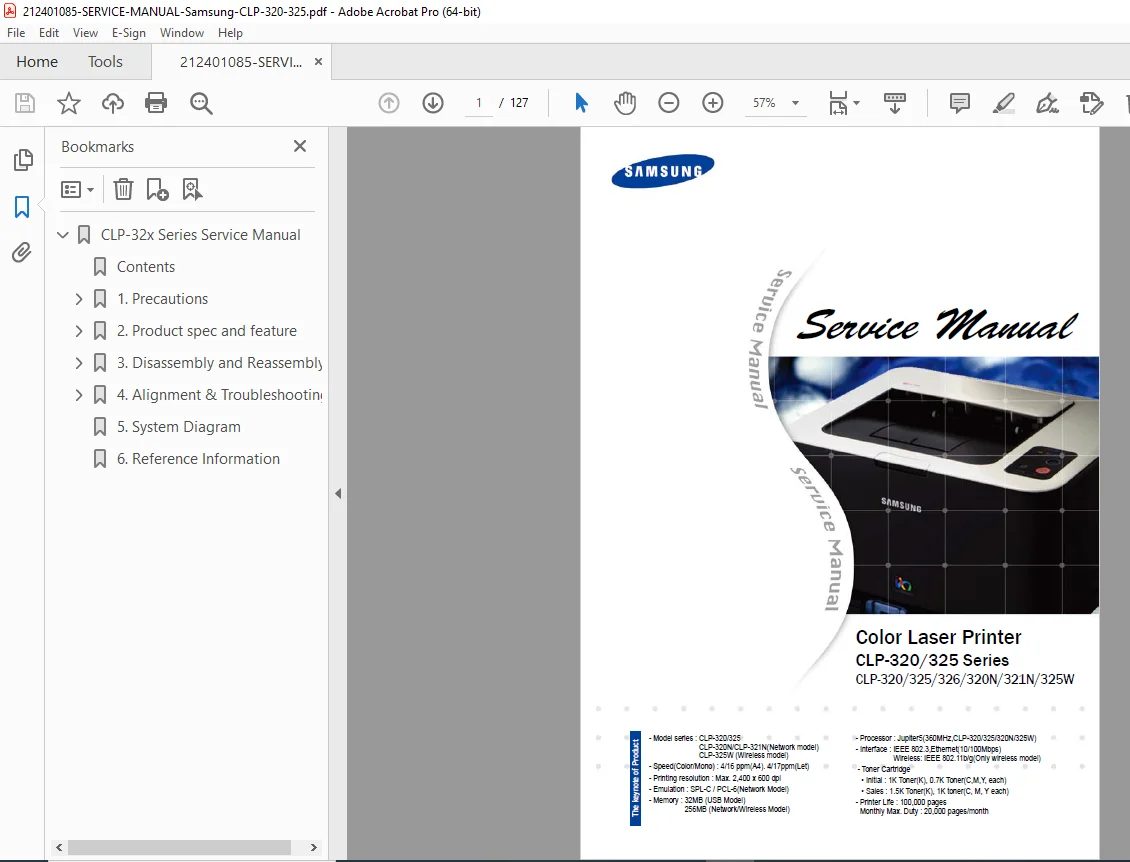
Samsung CLP-320/325 Series Service Manual PDF DOWNLOAD
Original price was: $95.00.$16.95Current price is: $16.95.
Official Samsung CLP-320/325/326/320N/321N/325W color laser printer service manual. Complete repair guide with disassembly/reassembly, troubleshooting, adjustments, parts replacement, and firmware info. Essential for technicians – instant high-quality 127-page PDF download.
Description
Samsung CLP-320/325 Series Service Manual PDF DOWNLOAD
Description
Download the complete official Samsung CLP-320/325 Series Color Laser Printer Service Manual covering models CLP-320, CLP-325, CLP-326, CLP-320N, CLP-321N, and CLP-325W (including network and wireless variants). This 127-page factory service manual is the definitive resource for technicians, repair shops, and advanced users maintaining or fixing these compact color laser printers.
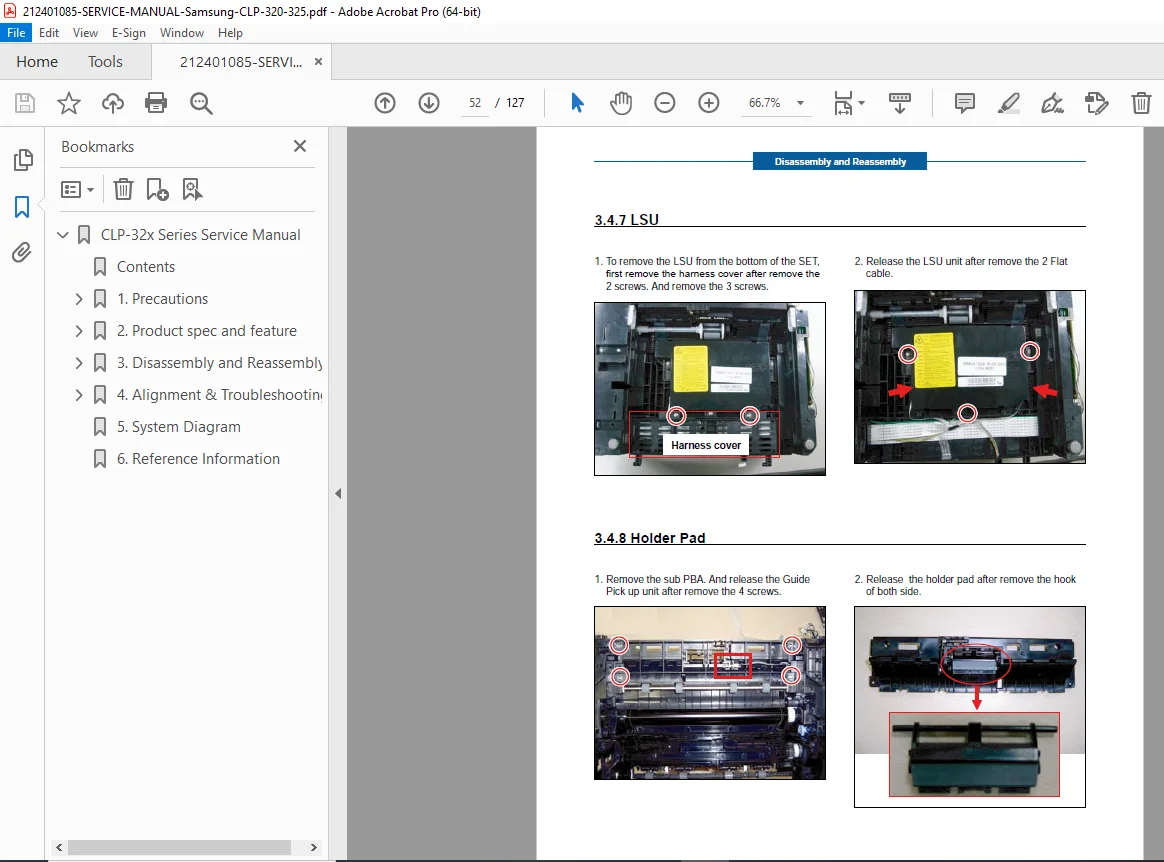
Includes detailed step-by-step disassembly and reassembly procedures with clear diagrams, troubleshooting for print quality issues, jam removal, error diagnosis, firmware upgrades, periodic defect analysis, EDC mode usage, and preventive maintenance schedules. Perfect for resolving toner issues, fuser problems, ITB replacement, LSU faults, or network/wireless connectivity on these reliable 4/16 ppm color laser printers.
Table of Contents
Chapter 1: Precautions
- 1.1 Safety Warning
- 1.2 Caution for Safety
- 1.3 ESD Precautions
Chapter 2: Product Overview
- 2.1 Product Specifications
- 2.1.1 Product Overview
- 2.1.2 Product Specification
- 2.1.3 Model Comparison Table
- 2.2 System Overview
- 2.2.1 System Structure
- 2.2.2 Main PBA Description
- 2.2.3 CRUM
- 2.3 S/W Structure and Descriptions
- 2.3.1 Architecture
- 2.3.2 Language Monitor
- 2.3.3 Status Monitor
- 2.3.4 Network Interface
- 2.3.5 Printer Driver <> Status Monitor
- 2.3.6 System F/W Flow
- 2.3.7 CRUM Overview
- 2.3.8 Initialize Flow
Chapter 3: Disassembly and Reassembly
- 3.1 Precautions when Replacing Parts
- 3.1.1 Precautions when Assembling and Disassembling
- 3.1.2 Precautions when Handling PBA
- 3.1.3 Releasing Plastic Latches
- 3.2 Parts for Maintenance and Repair
- 3.2.1 Replacement Interval for Parts with a Limited Life
- 3.2.2 Printer Cleaning
- 3.3 Information Related to Disassembly and Assembly
- 3.3.1 Special Service Parts
- 3.3.2 Screws Used in the Printer
- 3.4 Disassembly Procedure
- 3.4.1 Cover
- 3.4.2 ITB
- 3.4.3 Fuser Unit
- 3.4.4 HVPS Board
- 3.4.5 Main PBA
- 3.4.6 SMPS Board
- 3.4.7 LSU
- 3.4.8 Holder Pad
- 3.4.9 Transfer Roller
- 3.4.10 OPE PBA
- 3.4.11 Pick Up Roller
Chapter 4: Alignment and Troubleshooting
- 4.1 Alignment and Adjustments
- 4.1.1 Control Panel
- 4.1.2 Jam Removal
- 4.1.3 Firmware Upgrade
- 4.1.4 Periodic Defective Image
- 4.1.5 Using the Smart Panel Program
- 4.1.6 How to Use EDC (Engine Diagnostic Control) Mode
- 4.2 Troubleshooting
- 4.2.1 Procedure of Checking the Symptoms
- 4.2.2 Troubleshooting Checklist
- 4.2.3 Solving General Printing Problems
- 4.2.4 Solving Print Quality Problems
- 4.2.5 Common Windows Problems
- 4.2.6 Common Macintosh Problems
File Details
- Manual Name: Samsung CLP-320/325 Series Color Laser Printer Service Manual
- Models Covered: CLP-320, CLP-325, CLP-326, CLP-320N, CLP-321N, CLP-325W
- Year: 2010-2011 era (based on model release)
- PDF Quality: High-resolution, clear diagrams, fully searchable text
- Total Pages: 127
Instant digital download – get your Samsung CLP-320/325 series color laser printer repaired fast with the exact factory service manual used by authorized technicians. Download now and restore perfect prints today!