Samsung CLX-3185 Series Service Manual PDF – Complete Repair Guide Download
Original price was: $85.00.$16.95Current price is: $16.95.
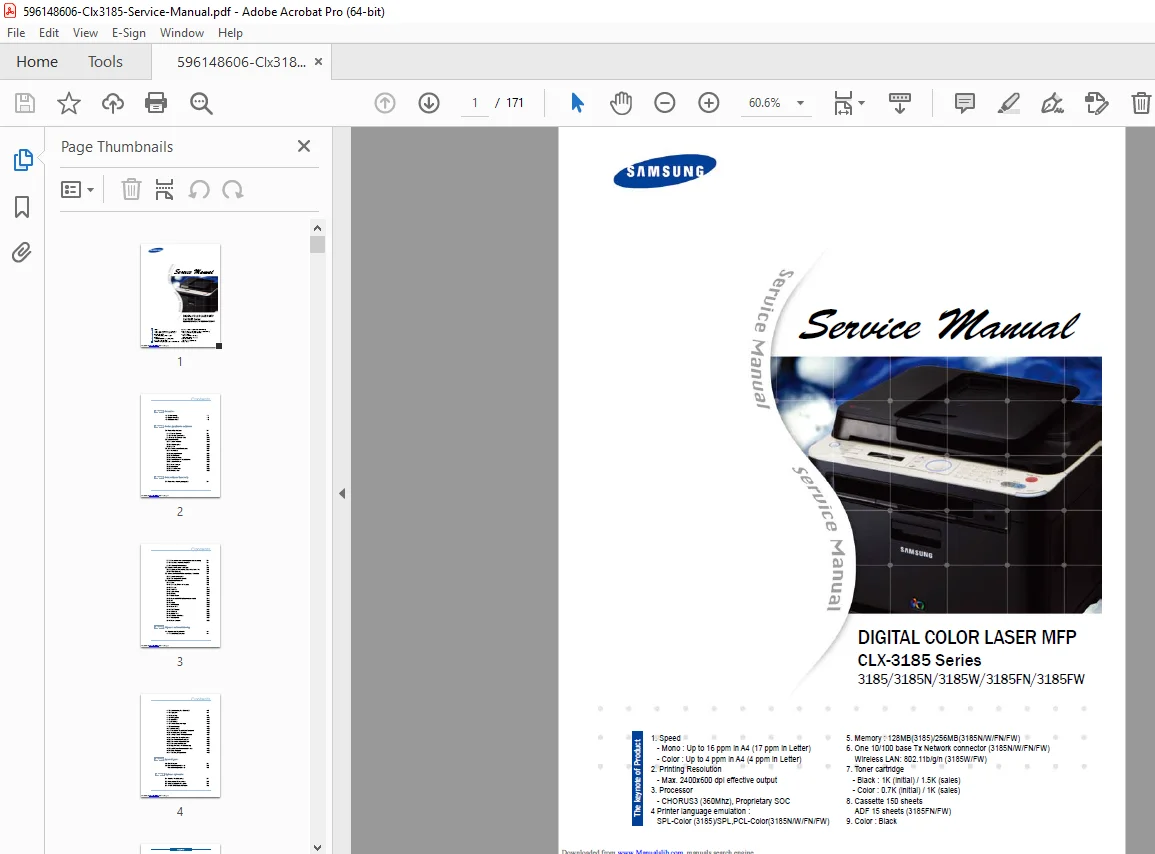
Professional service manual for Samsung CLX-3185 Series Digital Color Laser MFP. Covers models 3185, 3185N, 3185W, 3185FN, and 3185FW. Complete 171-page technical documentation with detailed disassembly procedures, troubleshooting guides, system diagrams, alignment instructions, and component specifications. Essential resource for certified technicians performing maintenance and repair on Samsung color laser multifunction printers.
Description
Samsung CLX-3185 Series Service Manual PDF – Complete Repair Guide Download
DESCRIPTION:
Samsung CLX-3185 Service Manual – Professional Repair & Maintenance Guide
This comprehensive Samsung CLX-3185 service manual PDF is the definitive technical resource for service technicians working on Samsung’s Digital Color Laser MFP series. This factory-authorized CLX-3185 series repair guide download provides complete documentation for professional maintenance, troubleshooting, and component replacement.
Models Covered:
- Samsung CLX-3185
- Samsung CLX-3185N (Network)
- Samsung CLX-3185W (Wireless)
- Samsung CLX-3185FN (Fax + Network)
- Samsung CLX-3185FW (Fax + Wireless)
Key Features of This Samsung Color Laser MFP Troubleshooting Manual:
Product Specifications:
- Print Speed: Up to 16 ppm (Mono), 4 ppm (Color) in A4
- Resolution: Maximum 2400×600 dpi effective output
- Processor: CHORUS3 (360MHz), Proprietary SOC
- Memory: 128MB (3185) / 256MB (3185N/W/FN/FW)
- Network: 10/100 Base-TX Ethernet (N/FN models)
- Wireless: 802.11b/g/n (W/FW models)
- Paper Capacity: 150-sheet cassette, 15-sheet ADF (FN/FW)
Complete Manual Contents:
Chapter 1: Precautions
- 1.1 Safety Warnings – Factory-trained technician requirements, Samsung replacement parts policy
- 1.2 Safety Cautions:
- Toxic material handling (LCD liquid, toner powder)
- Electric shock and fire prevention protocols
- Handling precautions for safe operation
- Assembly/disassembly safety guidelines
- High-temperature component warnings
- 1.3 ESD Precautions – Electrostatic discharge protection procedures
Chapter 2: Product Specifications and Features
- 2.1 Product Specifications:
- Detailed product overview
- Complete technical specifications
- Model comparison tables (3185/3185N/3185W/3185FN/3185FW)
- 2.2 System Overview:
- Complete system architecture and structure
- Hardware component descriptions
- CRUM (Customer Replaceable Unit Monitor) technology
- 2.3 Software Structure:
- System architecture overview
- Language monitor functionality
- Status monitor operations
- Network interface configurations
- Printer driver integration
- System firmware flow diagrams
- Alarm shortage protocols
- Error status codes and handling
- CRUM overview and initialization procedures
Chapter 3: Disassembly and Reassembly
Samsung CLX-3185N 3185W 3185FN service documentation includes step-by-step Samsung CLX-3185 disassembly instructions PDF:
- 3.1 Parts Replacement Precautions:
- Assembly/disassembly best practices
- PBA (Printed Board Assembly) handling guidelines
- Plastic latch release techniques
- 3.2 Maintenance and Repair Parts:
- Replacement intervals for limited-life components
- Printer cleaning procedures and schedules
- 3.3 Assembly Information:
- Special service parts identification
- Screw specifications and locations
- 3.4 Complete Disassembly Procedures:
- Cover removal
- ADF Assembly (4-in-1 models)
- OPE unit removal
- Sheet ADF disassembly
- Scanner assembly removal
- CIS unit extraction
- Middle cover removal
- Wireless LAN PBA (wireless models)
- ITB (Intermediate Transfer Belt) removal
- Fuser unit disassembly
- HVPS board removal
- Main PBA extraction
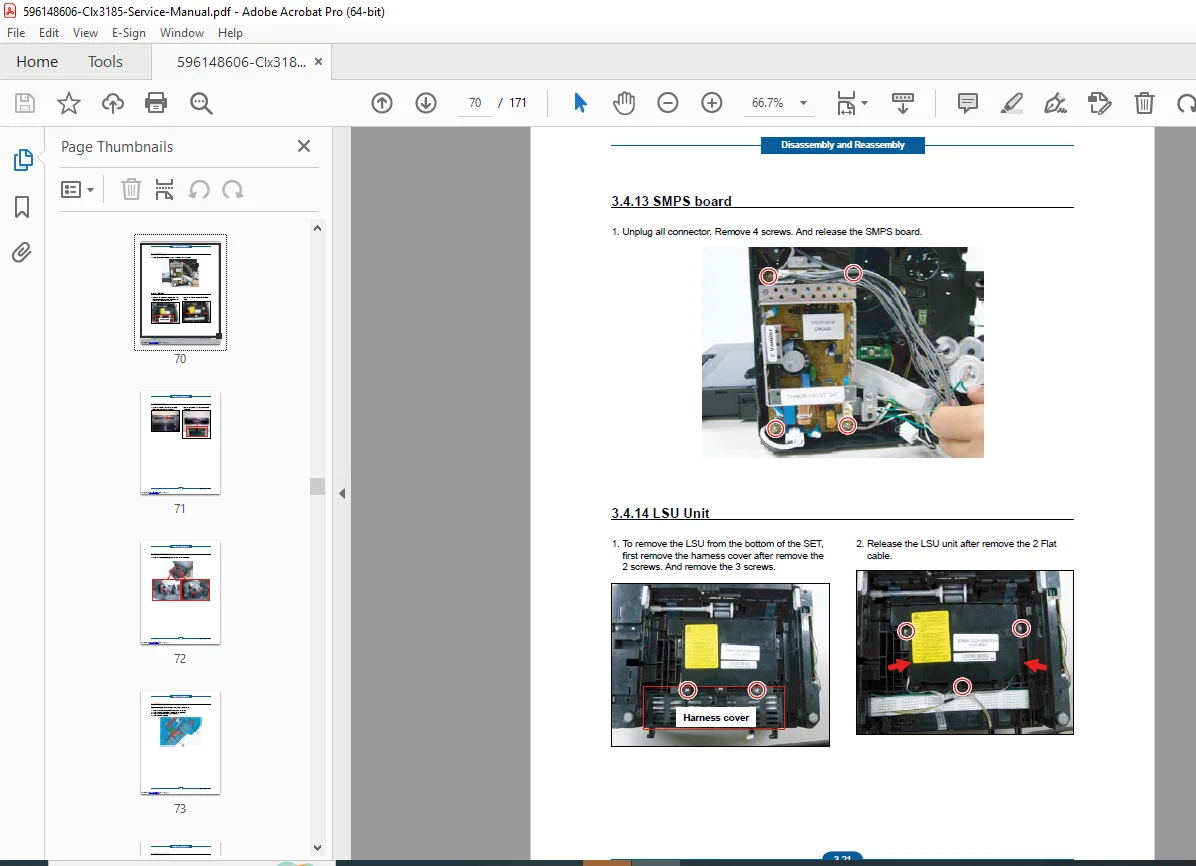
- SMPS board removal
- LSU (Laser Scanning Unit) disassembly
- Holder pad removal
- Transfer roller assembly
- Pick-up roller replacement
- Main drive unit disassembly
Chapter 4: Alignment and Troubleshooting
This digital color MFP technical service manual provides comprehensive troubleshooting:
- 4.1 Alignment and Adjustments:
- Control panel operation overview
- Status LED indicators and meanings
- Paper path diagrams and flow
- Complete menu map navigation
- Firmware upgrade procedures
- Tech Mode access and functions
- EDC (Error Detection and Correction) Mode
- Periodic defective image analysis
- Error message interpretations
- 4.2 Troubleshooting Procedures:
- Systematic diagnostic approaches
- Component-specific troubleshooting
- Print quality issue resolution
- Network connectivity problems
- Paper handling issues
Chapter 5: System Diagrams
- Electrical schematics
- Mechanical assembly diagrams
- Wiring harness layouts
- Block diagrams for all subsystems
Chapter 6: Reference Information
- Tools required for service
- Abbreviations and terminology
- Location space requirements
- Additional technical resources
File Details:
| Specification | Details |
|---|---|
| Manual Name | Samsung CLX-3185 Series Service Manual |
| Models Covered | CLX-3185, 3185N, 3185W, 3185FN, 3185FW |
| Year | 2015 (Manual Publication) |
| Total Pages | 171 pages |
| PDF Quality | High-quality factory manual with clear diagrams and images |
| File Size | 16.5 MB |
| Language | English |
| Publisher | Samsung Electronics |
| Manual Type | Official Factory Service Manual |
Who Needs This Manual?
This Samsung CLX-3185 service manual PDF is essential for:
- ✓ Certified printer technicians and repair specialists
- ✓ IT professionals managing Samsung MFP fleets
- ✓ Service center technicians
- ✓ Advanced users performing DIY repairs
- ✓ Technical training institutions
- ✓ Warranty repair facilities
Why Download This Service Manual?
Comprehensive Coverage: Every aspect of service and repair is documented with factory precision, including all five model variations in the CLX-3185 series.
Professional Diagrams: High-quality technical illustrations, exploded views, and system diagrams make complex procedures clear and manageable.
Safety First: Detailed safety precautions protect technicians from high-voltage components, laser systems, and other hazards.
Time-Saving: Quick reference troubleshooting charts and error code tables enable rapid diagnosis and repair.
Cost-Effective: Avoid expensive service calls by performing authorized repairs in-house with official Samsung documentation.
Important Service Information:
⚠ Laser Safety: This manual includes critical laser safety information for Class I laser products. Only factory-trained service technicians should perform internal service.
⚠ Genuine Parts: Use only Samsung-authorized replacement parts to maintain safety certifications and warranty compliance.
⚠ ESD Protection: Follow proper electrostatic discharge precautions when handling sensitive electronic components.
Instant PDF Download
Download your Samsung CLX-3185 series repair guide immediately after purchase. This searchable PDF manual works on all devices and can be printed for shop use. Keep this essential Samsung color laser MFP troubleshooting manual in your technical library for quick reference.