Savin CLP28 CLP28S Color Laser Printer Service Manual Repair Guide PDF
Original price was: $85.00.$18.95Current price is: $18.95.
Official Ricoh/Savin CLP28 and CLP28S color laser printer service manual for professional technicians. This comprehensive 524-page PDF covers complete installation, maintenance, troubleshooting, and repair for these G080/G367 color laser printers. Includes detailed disassembly procedures, electrical schematics, parts catalogs, adjustment procedures, color calibration, and diagnostic information. Also applicable to Gestetner, Ricoh, and Lanier branded equivalents. Essential for copier/printer service centers and office equipment technicians.
Description
Savin CLP28 CLP28S Color Laser Printer Service Manual Repair Guide PDF DOWNLOAD
DESCRIPTION
Savin CLP28/CLP28S Color Laser Printer Service Manual – Complete Professional Color Printer Service Reference
This is the official factory service manual for the Savin CLP28 and CLP28S color laser printers (model numbers G080/G367). Published in 2003 by Ricoh Corporation, this professional-grade technical documentation is essential for qualified service technicians, color laser printer specialists, and authorized service centers who install, maintain, and repair these professional color printing systems.
📋 FILE DETAILS
- Manual Name: G080/G367 Service Manual
- Printers Covered:
- Savin CLP28 Color Laser Printer (G080)
- Savin CLP28S Color Laser Printer (G367)
- Also applies to equivalent models from:
- Gestetner brand
- Ricoh brand
- Lanier brand
- Manufacturer: Ricoh Corporation and Ricoh Group Companies
- Publication Date: March 2003 (Last Modified: February 2004)
- Document Number: 001582MIU
- Total Pages: 524 pages
- File Format: PDF
- PDF Quality: High-quality official manual with detailed diagrams
- Language: English
- Page Size: A4 format
🔧 COMPREHENSIVE COVERAGE INCLUDES:
Warning and Legal Information
Service Manual Warning:
- Service techniques and procedures
- Spare parts information
- User qualification requirements
- Ricoh Technical Training Program certification
- Personal injury warnings
- Property damage warnings
- Warranty protection information
Confidentiality Notice:
- Document confidentiality requirements
- Distribution restrictions
- Prior permission requirements
Copyright Notice:
- © 2003 Ricoh Corporation
- All rights reserved
- No reproduction without permission
Trademark Information:
- Product names and trademarks
- Domain names
- Desktop images
- Registered trademarks of respective companies
Safety Information (Critical Service Requirements)
Before Disassembly/Assembly:
- Power cord unplugging requirements
- Wall outlet accessibility
- Component drive warnings during warm-up
- Moving parts precautions
- Hot component warnings
- Customer service personnel requirements
Service Personnel Requirements:
- Qualified service technicians only
- Proper training certification
- Safety procedure knowledge
Installation Procedures
Unpacking the Printer:
- Carton removal procedures
- Protective material removal
- Component inventory
- Inspection procedures
Placement Options:
- Paper feed unit (PFU) installation
- Large capacity tray (LCT) installation
- Proper positioning
- Clearance requirements
Installation Steps:
- Place printer on PFU or LCT
- Assemble rack during printer installation
- Dock printer and rack
- Install printer mainframe per Setup Guide
- Position printer (shift 3.9″ / 10 cm as needed)
- Insert printer between racks
- Set to desired height
Brand Configuration:
- Machine configuration for proper brand (Gestetner, Ricoh, Savin, or Lanier)
- Plug and play setup
- Default setting: “Ricoh”
- Brand customization procedures
Controller Installation:
- DIMM #1 (SYSTEM/PRT) installation
- Upper slot replacement
- Memory module configuration
- Controller screws (M3 x 6)
Power Connections:
- Printer power cord connection
- Scanner power cord (if applicable)
- Multi-device power management
- Main switch cover attachment
Optional Equipment Installation:
- Finisher installation
- Multi-bin installation
- Additional paper trays
- Accessories mounting
Post-Installation Procedures:
- Transport/moving adjustments
- User location setup completion
- Calibration requirements
Color Calibration and Adjustment
Printer Gamma Settings:
- NVRAM gamma storage
- Three printer gamma settings:
- Current settings
- Previous settings
- Factory default settings
- Color balance adjustment
- Gamma adjustment procedures
Color Calibration:
- Initial color calibration
- Post-transport calibration
- Periodic color adjustment
- Test pattern printing
- Color measurement
- Adjustment procedures
Laser Safety Information
Class IIIb Laser:
- Wavelength: 655 nm
- Laser safety classification
- Safety precautions
- Service procedures
- Optical unit handling
Disassembly and Assembly Procedures
Component Removal:
- External covers
- Paper feed units
- Paper trays
- Fuser unit
- Transfer unit
- Imaging units (4-color)
- Toner cartridges
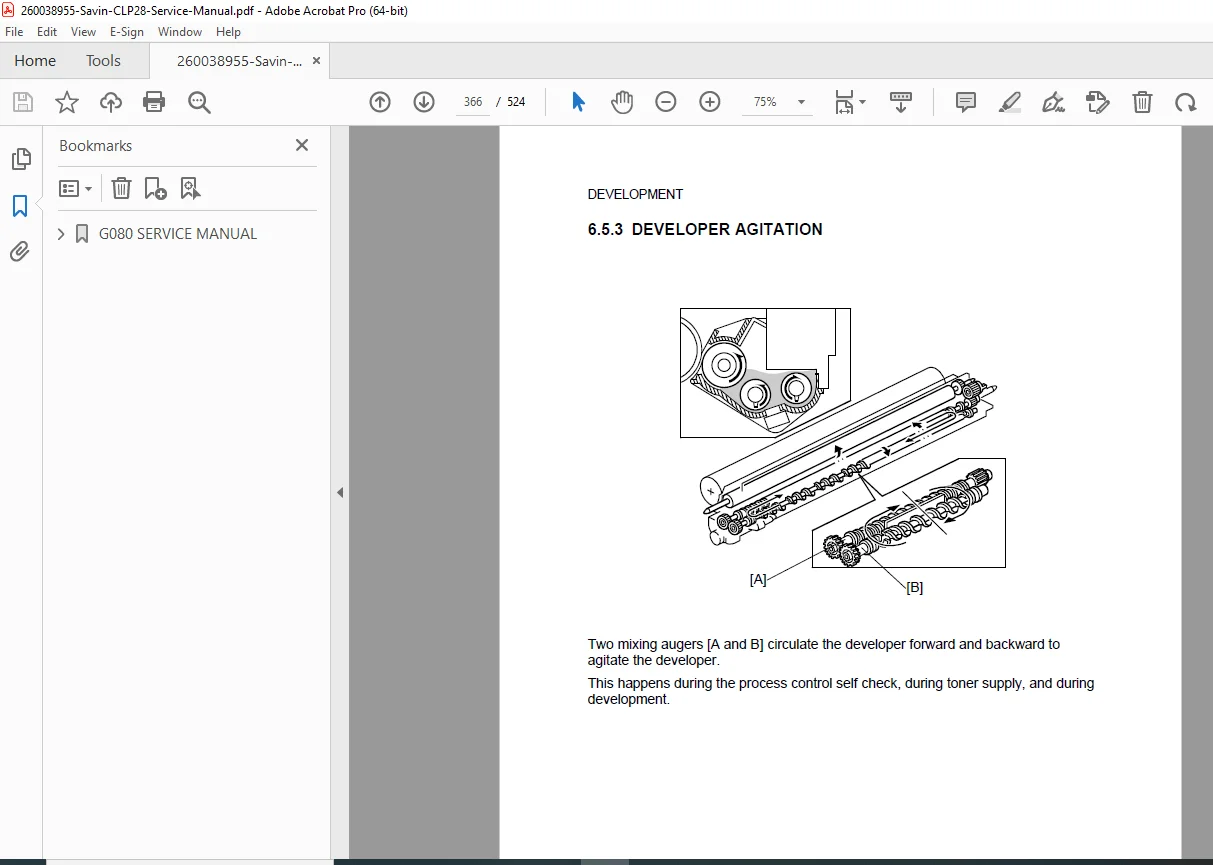
- Developer units
- Drum units
- Laser scanning unit
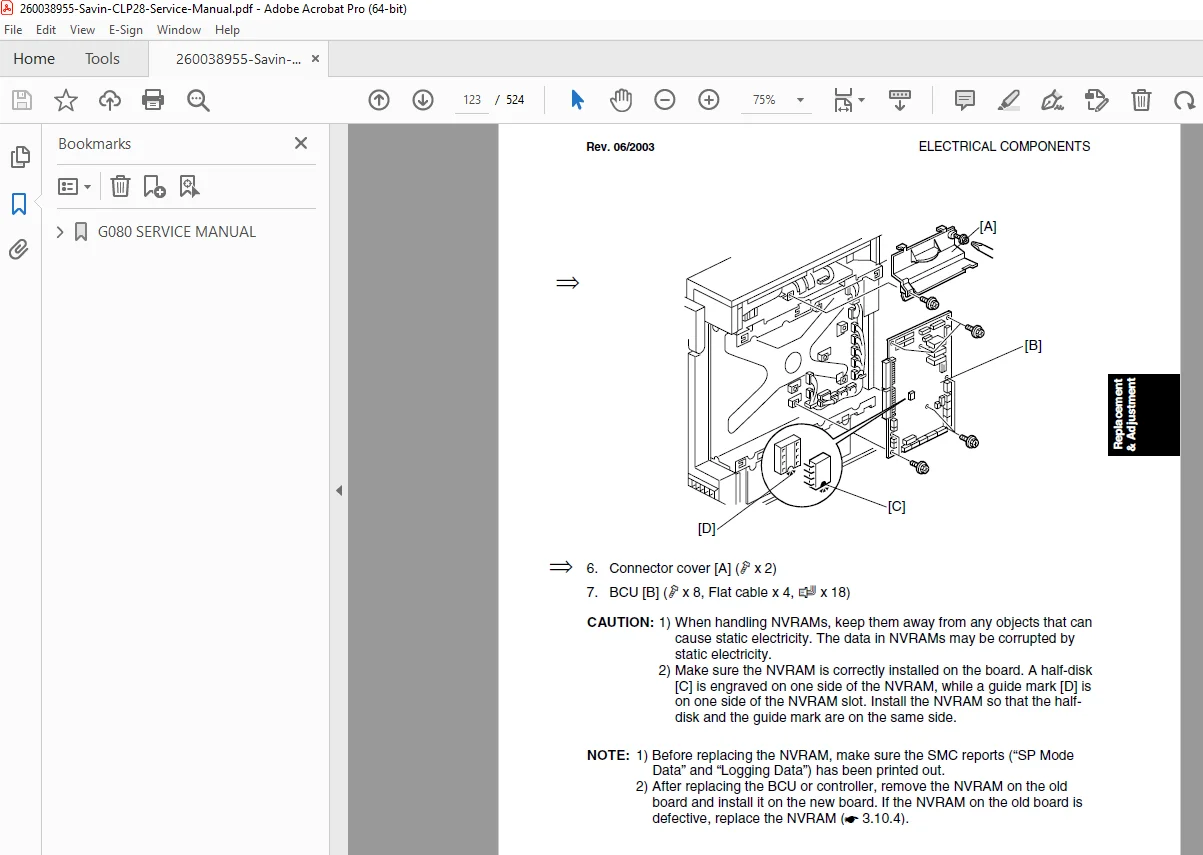
- Controller board
- Power supply
- Finisher unit (if installed)
- Optional equipment
Detailed Removal Procedures:
- Step-by-step instructions
- Tool requirements
- Screw locations
- Cable disconnections
- Connector identification
- Parts handling precautions
Electrical System
Circuit Diagrams:
- Complete electrical schematics
- Power distribution
- Control circuits
- Interface circuits
- Sensor circuits
- Motor drive circuits
Controller Board:
- Microprocessor circuits
- Memory configuration
- Interface connections
- Communication ports
- Signal routing
Power Supply:
- Main power supply
- Secondary power supplies
- Voltage regulation
- Protection circuits
Troubleshooting
Diagnostic Procedures:
- Error code interpretation
- Symptom analysis
- Component testing
- Signal tracing
- Voltage measurements
Common Problems:
- Paper jams
- Image quality issues
- Color registration problems
- Feeding problems
- Fuser problems
- Communication errors
- Network issues
Diagnostic Tools:
- Service mode access
- Test print functions
- Calibration patterns
- Error logs
- Component tests
Maintenance Procedures
Preventive Maintenance:
- Cleaning procedures
- Lubrication points
- Component inspection
- Replacement schedules
- Performance testing
Cleaning:
- Optical system cleaning
- Paper path cleaning
- Corona wire cleaning
- Transfer belt cleaning
- Fuser roller cleaning
Adjustments:
- Paper feed timing
- Image registration
- Color registration
- Transfer voltage
- Fuser temperature
- Density adjustments
Parts Catalog
Complete Parts Lists:
- Part numbers
- Part descriptions
- Assembly locations
- Exploded view diagrams
- Quantities required
Major Assemblies:
- Imaging units (C, M, Y, K)
- Fuser assembly
- Transfer assembly
- Paper feed assemblies
- Controller boards
- Power supplies
- Optical units
- Mechanical components
Consumable Items:
- Toner cartridges
- Developer units
- Drum units
- Transfer belts
- Fuser components
- Waste toner containers
Specifications
Print Technology:
- Electrophotographic laser printing
- 4-drum color system (CMYK)
- Separate imaging units
- Transfer belt system
Print Speed:
- Color printing specifications
- Monochrome printing specifications
- First page out time
Resolution:
- Maximum resolution
- Print quality modes
- Color depth
Paper Handling:
- Input capacity
- Paper sizes supported
- Media types
- Output capacity
- Optional trays
Connectivity:
- Network interface
- USB interface
- Parallel port (if applicable)
- Print protocols
Service Mode Functions
Service Menu Access:
- Entry procedures
- Password requirements
- Menu navigation
Service Functions:
- Component tests
- Calibration routines
- Counter readings
- Error history
- Configuration settings
- Firmware updates
Diagnostic Tests:
- Print engine tests
- Color registration tests
- Density tests
- Feed tests
- Sensor tests
- Communication tests
🎯 SAVIN CLP28/CLP28S SPECIFICATIONS:
Color Printing: ✅ 4-drum color laser technology
✅ CMYK (Cyan, Magenta, Yellow, Black)
✅ Separate imaging units per color
✅ Professional color output
Performance: ✅ Color and monochrome printing
✅ Network connectivity
✅ High-volume capability
✅ Professional quality output
Paper Handling: ✅ Multiple paper trays
✅ Optional LCT (Large Capacity Tray)
✅ Paper feed unit (PFU)
✅ Optional finisher
✅ Multi-bin output
System Options: ✅ Scanner integration capability
✅ Finisher options
✅ Additional paper capacity
✅ Network integration
Brand Variants: ✅ Savin CLP28/CLP28S
✅ Gestetner equivalent
✅ Ricoh equivalent
✅ Lanier equivalent
💡 IDEAL FOR:
✅ Authorized Ricoh/Savin service centers
✅ Color laser printer service technicians
✅ Office equipment service companies
✅ Copier/printer repair specialists
✅ Corporate IT service departments
✅ Managed print service providers
✅ Document imaging service technicians
✅ Multi-function device specialists
✅ Anyone servicing Ricoh Group color printers
🌟 KEY BENEFITS:
- Massive 524 Pages: Most comprehensive technical documentation
- Multiple Brands Covered: Savin, Gestetner, Ricoh, Lanier equivalents
- Professional Color Printer: 4-drum color laser technology
- Complete Installation Guide: Setup and configuration procedures
- Detailed Disassembly: Component removal instructions
- Electrical Schematics: Complete circuit diagrams
- Color Calibration: Gamma adjustment and color management
- Parts Catalog: Full parts list with part numbers
- Troubleshooting Guide: Diagnostic procedures
- Official Ricoh Documentation: Factory service procedures
📊 TECHNICAL HIGHLIGHTS:
4-Drum Color Technology:
- Separate drum for each color
- Independent imaging units
- Transfer belt system
- High-quality color reproduction
Laser System:
- Class IIIb laser (655 nm wavelength)
- Precision laser scanning
- Polygon mirror system
- Optical sensors
Control System:
- Microprocessor control
- DIMM memory configuration
- Network capability
- Diagnostic functions
Paper Path:
- Multiple paper sources
- Duplex capability (if equipped)
- Precision registration
- Output options
⚙️ SERVICE CAPABILITIES:
Installation:
- Complete setup procedures
- Brand configuration
- Network setup
- Peripheral integration
Calibration:
- Color calibration
- Printer gamma adjustment
- Registration adjustment
- Density calibration
Diagnostics:
- Service mode functions
- Error code analysis
- Component testing
- Performance verification
Maintenance:
- Preventive maintenance schedules
- Cleaning procedures
- Lubrication
- Component replacement
📥 DOWNLOAD INFORMATION:
- Instant Download: Immediate access after purchase
- Format: PDF with bookmarks for easy navigation
- Compatibility: Works on PC, Mac, tablet, smartphone
- Searchable: Full-text search for quick reference
- Printable: Print entire manual or specific sections
- High Quality: Clear diagrams, schematics, and photographs
- Bookmarked: Navigate easily to any chapter
- Professional: Official Ricoh Corporation documentation
⚠️ IMPORTANT NOTES:
- This is a professional service manual for qualified service technicians
- Requires Ricoh Technical Training Program certification
- Contains Class IIIb laser safety information
- Official Ricoh Corporation documentation
- Confidential service information
- ESD precautions required
- Proper tools and test equipment necessary
- Safety procedures mandatory
🔧 REQUIRED SERVICE EQUIPMENT:
- Digital Multimeter
- Oscilloscope
- Color measurement equipment
- Print quality analyzer
- ESD protection equipment
- Torque wrenches
- Specialized Ricoh service tools
- Calibration targets
- Test print software
- Standard hand tools
🌟 WHY CHOOSE THIS MANUAL?
This is the authentic Ricoh Corporation factory service manual, not third-party documentation. It contains proprietary diagnostic procedures, disassembly instructions, color calibration methods, and service procedures developed by Ricoh engineers. The CLP28/CLP28S represents professional 4-drum color laser technology requiring factory-level service procedures to maintain color accuracy and print quality.
The manual’s comprehensive 524-page coverage of installation, service, and repair procedures makes it invaluable for authorized service centers supporting Ricoh Group color printing systems.
Order now for immediate download access to complete Savin CLP28/CLP28S color laser printer service documentation!