Seiko IP-6600 Plotter Maintenance Manual PDF (Service Mode & Troubleshooting)
Original price was: $120.00.$18.95Current price is: $18.95.
Official IP-6600 Color Ink Jet Printer maintenance manual PDF covering maintenance procedures, inspection routines, full maintenance mode menu tree, diagnostics, error logs, print quality troubleshooting, engine/SCSI controller errors, Dryer 64 troubleshooting, detailed parts replacement (disassembly/reassembly), precision adjustments (belt tension, head alignment, feed correction), and operational system theory. Instant download.
Description
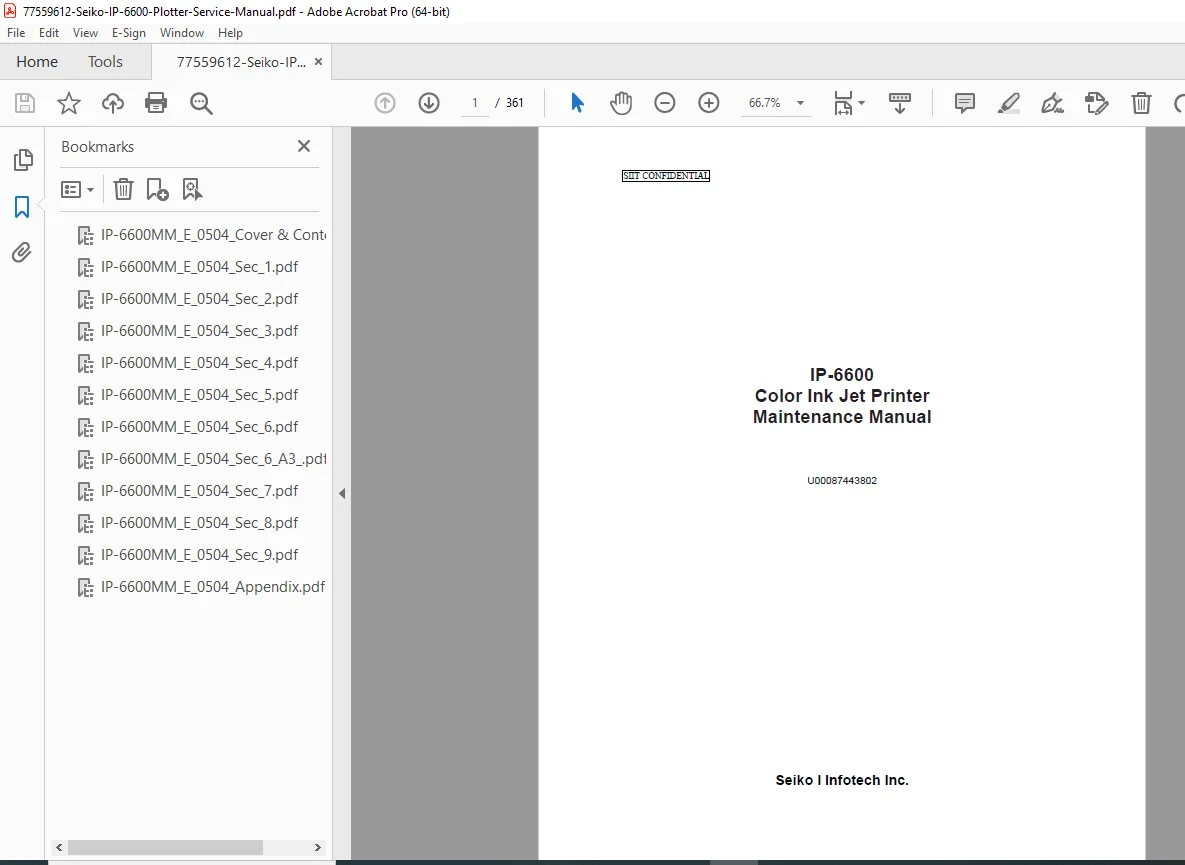
Seiko IP-6600 Plotter Maintenance Manual (Service Mode & Troubleshooting) PDF DOWNLOAD
Description
This is the factory maintenance manual for the IP-6600 Color Ink Jet Printer by Seiko I Infotech Inc.. It’s designed for field technicians and service personnel and includes everything you need to maintain, diagnose, adjust, and repair the plotter—right down to the service mode menu structure, sensor monitoring, actuator tests, error logs, and detailed replacement procedures.
🔧 What you can do with this manual
✅ Perform daily/monthly maintenance (caps, wipers, head wash, ink charge, storage procedures)
🧠 Use Maintenance Mode for adjustments, diagnostics, counters, and system information
🖨️ Fix print quality defects (nozzle issues, alignment, feed accuracy, head positioning)
⚠️ Diagnose operator/service call errors and engine error codes
🔥 Troubleshoot Dryer 64 electrical/heater/fan/timer issues
🧩 Replace major assemblies with step-by-step disassembly/reassembly instructions
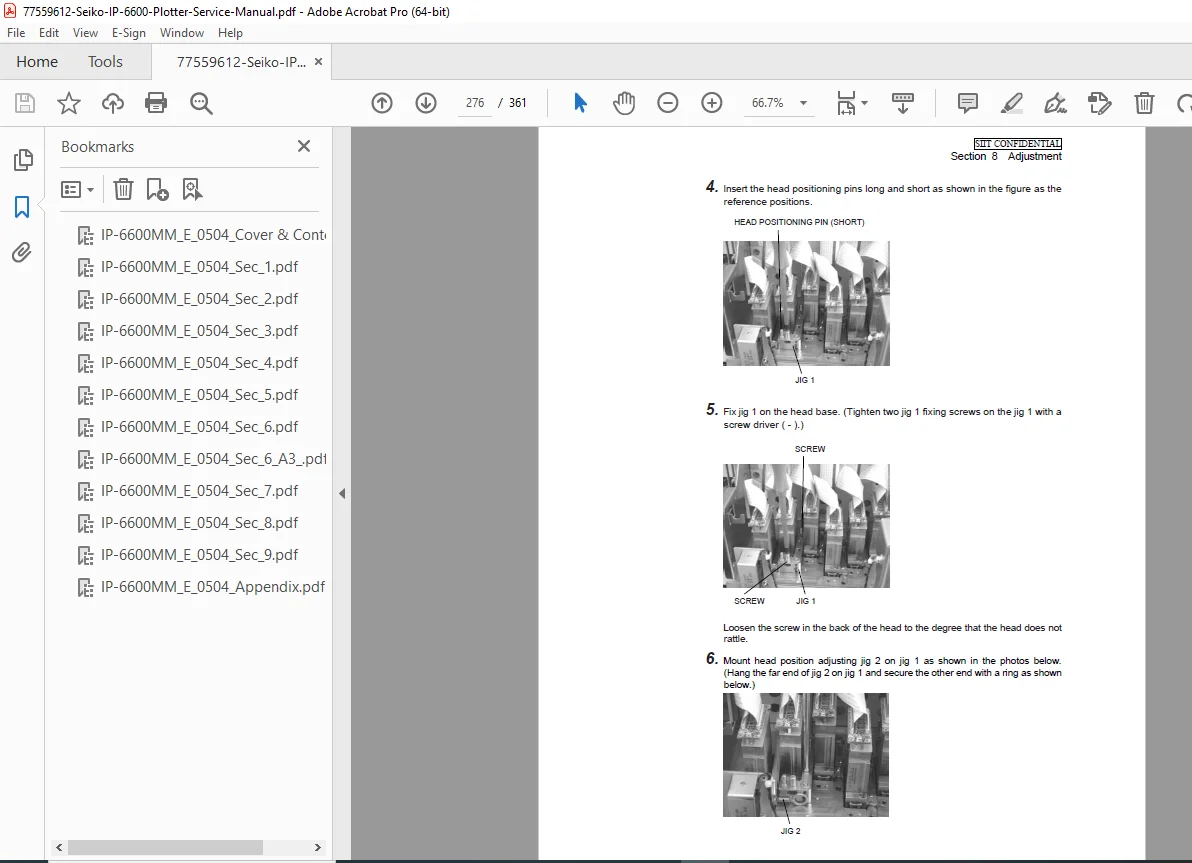
📏 Carry out precision adjustments (belt tension, cap/wipe position, head position, margins, feed)
⚙️ Understand operation theory (paper transport, carriage system, ink system, firmware/boards, power/heater)
🧩 Contents / What’s Inside (Neatly Organized)
Section 1 — Maintenance Procedure Overview
Maintenance workflow, required tools, external views/part names, required maintenance space
Section 2 — Inspection and Maintenance
Daily inspection/cleaning routines (cap cleaning, wiper cleaning, waste ink handling)
Storage/return-to-service procedures (service clean, head wash, ink charge)
Section 3 — Maintenance Mode Menu Operations and Functions
Entering maintenance mode + basic operations
Full menu tree including:
MEC. ADJ / H. ADJ / H. MNTE / RESET / TEST-PRN / SYSTEM / FEED
MONITOR / DIAG / SETUP / ACTUATOR / FUNCTION / COUNTER
System info print, error log print, cleaning history, counters, sensor monitoring
Section 4 — Troubleshooting (General)
General fault isolation and service flow
Section 5 — Troubleshooting (Engine and SCSI Controllers)
Print quality defects, communication warnings, operator/service call errors
Self-diagnostic errors at power-on (RAM/SRAM/Flash/PIO/NVRAM/FPGA/ASIC/SCSI/DRAM/power rails)
Engine error codes (home sensor, wiping/capping, temperature, fan, head drive IC, ink sensors, servo, etc.)
Firmware composition/version upgrade procedures (engine FW, ASIC program, heater FW)
Post-replacement settings (engine board, head replacement system information)
Section 6 — Troubleshooting (Dryer 64)
Error indications + countermeasures by subsystem (power supply, fan, heater, timer)
Error code / replacement association tables
Section 7 — Parts Replacement (Disassembly/Reassembly)
Covers/foot assemblies, Y drive unit, X drive unit, electrical unit
Carriage/head unit, wiping unit, capping unit, ink cartridge unit, sub tank unit
Heater unit, winder unit, Dryer 64 components (SSR, relay, thermostat, PCB, fans, etc.)
Section 8 — Adjustment
Belt tension adjustments (steel belt / sync belt / deceleration belt)
Wiping/capping height + position corrections
Nozzle check, ink charge/extraction, head drive voltage setting
Head position corrections, bi-directional corrections, feed amount correction
Side/top margin sensor adjustments
Section 9 — Operations
System operation overview: paper transport, carriage transport, ink system, print functions
Head drive principle, print modes
Board-level overview (engine control board), firmware function blocks
Power supply specs + ON/OFF sequence
Heater unit blocks/wiring and Dryer 64 operation outline
📌 File Details
| Item | Details |
|---|---|
| Manual Name | IP-6600 Color Ink Jet Printer – Maintenance Manual |
| Models Covered | IP-6600 |
| Year | Updated through April 2005 (document history shows earlier 2004 revisions) |
| Manual PDF Quality | Clear service-manual layout with diagrams, tables, and menu trees |
| Pages | 361 pages |
Stop wasting ink and time on trial-and-error—use the real IP-6600 maintenance manual to diagnose faults, run service mode tests, and replace parts correctly. Download instantly and get your plotter running right again