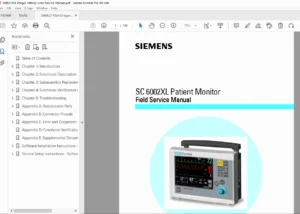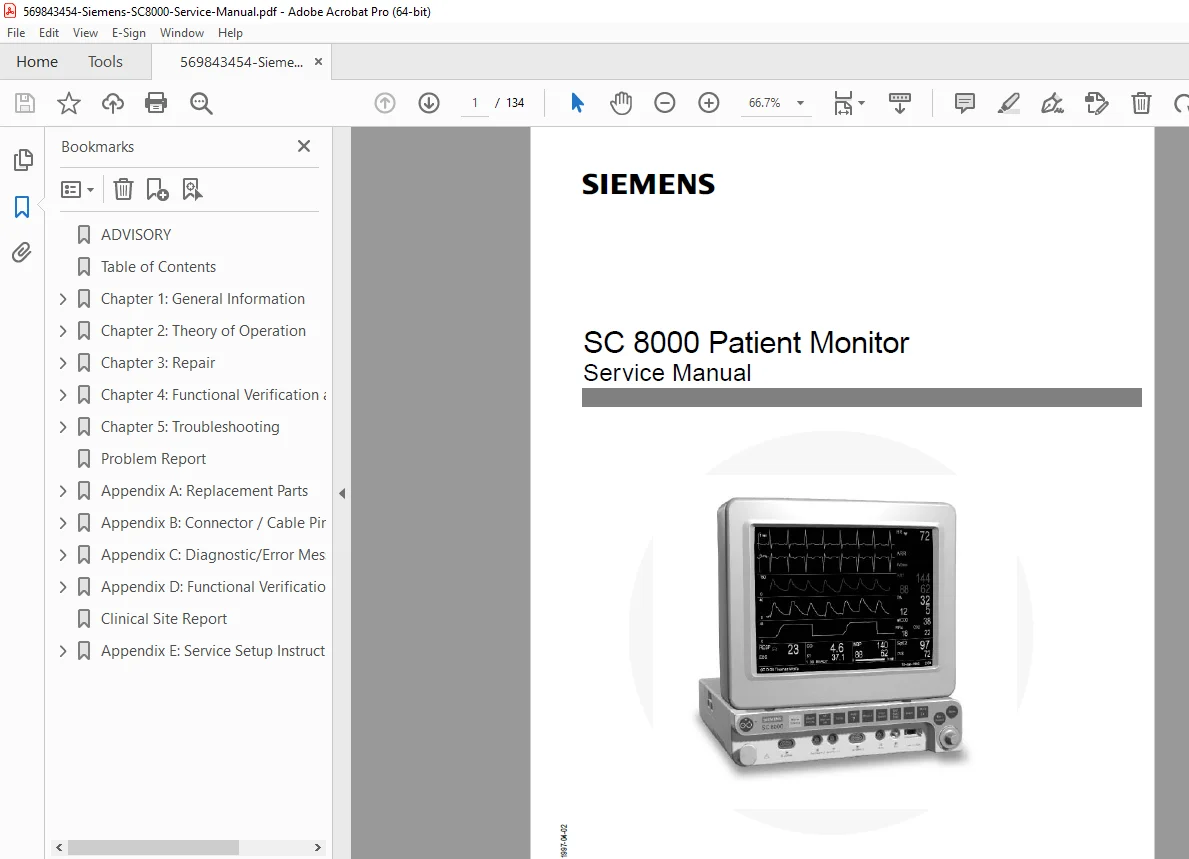
Siemens SC 8000 Patient Monitor Service & Repair Manual – PDF
Original price was: $85.00.$26.95Current price is: $26.95.
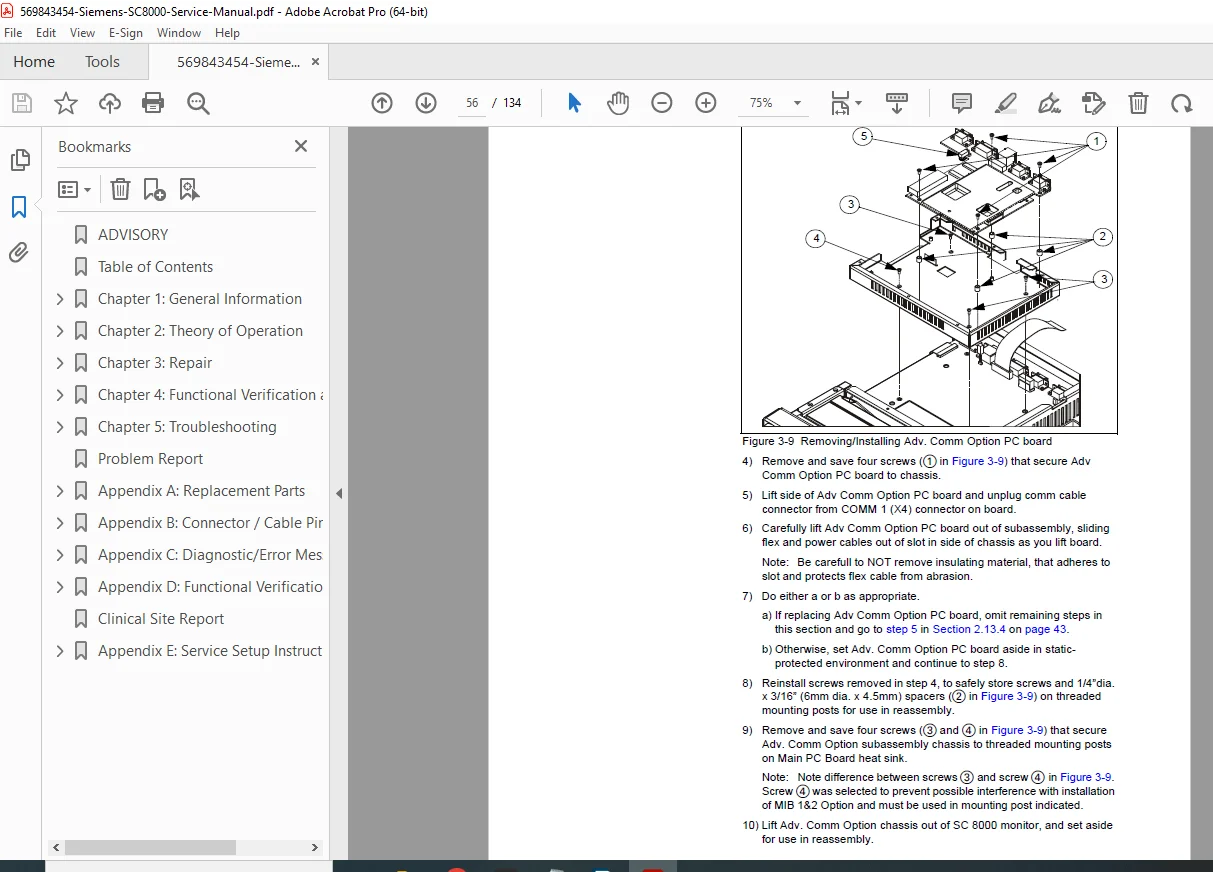
This official Siemens SC 8000 Service Manual is the definitive technical resource for biomedical engineers maintaining the SC 8000 Patient Monitor. It covers critical procedures like the diagnostic log upload and software installation via PCMCIA card. The manual includes detailed troubleshooting charts for power failures, NBP errors, and SpO2 malfunctions. It also provides step-by-step guides for disassembling the monitor to replace subassemblies like the power supply, main PCB, and rotary knob, ensuring precise repair and calibration.
Description
Siemens SC 8000 Patient Monitor Service & Repair Manual – PDF DOWNLOAD
Description
The Siemens SC 8000 Patient Monitor Service Manual provides comprehensive technical information for qualified service personnel. It details the monitor’s single-board architecture, including the MultiMed and HemoMed front ends, and offers in-depth guidance on maintenance, functional verification, and repair
This manual is essential for advanced diagnostics, explaining how to access the Service Menu (password 4712) to configure network settings, language, and alarm sounds. It includes specific procedures for downloading configurations and uploading diagnostic logs to a Data Card, critical for remote troubleshooting.
Technicians will find extensive troubleshooting tables for solving issues ranging from power-up failures to cable malfunctions. The manual also covers the functional verification of all parameters, including ECG, SpO2, Temperature, and invasive/non-invasive blood pressure.
📋 Table of Contents & Key Sections
Chapter 1: General Information
Monitor Controls: Overview of fixed keys and rotary knob functions.
Passwords: Clinical and Service password access.
Menus: Navigating Main and Service Menus.
Software & Configuration: Install Monitoring Software, Configuration Download Procedure, Diagnostic Log Upload Procedure.
Chapter 2: Theory of Operation
Computer Architecture: Dual MPC860 processor design, bus structure.
Power Conversion: Power control, battery charging, and fault protection.
Front Ends: MultiMed (ECG, Resp, SpO2, Temp) and HemoMed (IBP, Cardiac Output) functional descriptions.
NBP: Pneumatic subassembly, transducers, and safety timer.
etCO2 Pod: Sensing process and system memory.
Chapter 3: Repair
Disassembly Procedures: Opening the monitor.
Component Replacement: Replacing Fan, Battery, Power Supply, Connector I/O PCB, Main Processor PCB, NBP Pump, Speaker, Front Bezel, Rotary Knob, Optical Encoder.
Option Installation: Adv Comm Option and MIB 1&2 Option removal/installation.
Chapter 4: Functional Verification and Calibration
Power & Start-up: Checking power circuits and sequence.
Controls & Display: Verifying rotary knob, LCD, and fixed keys.
Parameter Testing: ECG/RESP, SpO2, Temperature, NBP Calibration Check, etCO2, IBP, Cardiac Output.
Safety: Leakage Tests (Resistance and Current).
Chapter 5: Troubleshooting
Power Problems: No response, power-up sequence failure.
Component Malfunctions: Rotary knob, Fan, Display, Fixed Keys.
Parameter Issues: NBP Error Messages, etCO2 Malfunctions, IBP Malfunctions.
Software/Network: Loading problems, network communication loss.
Appendices
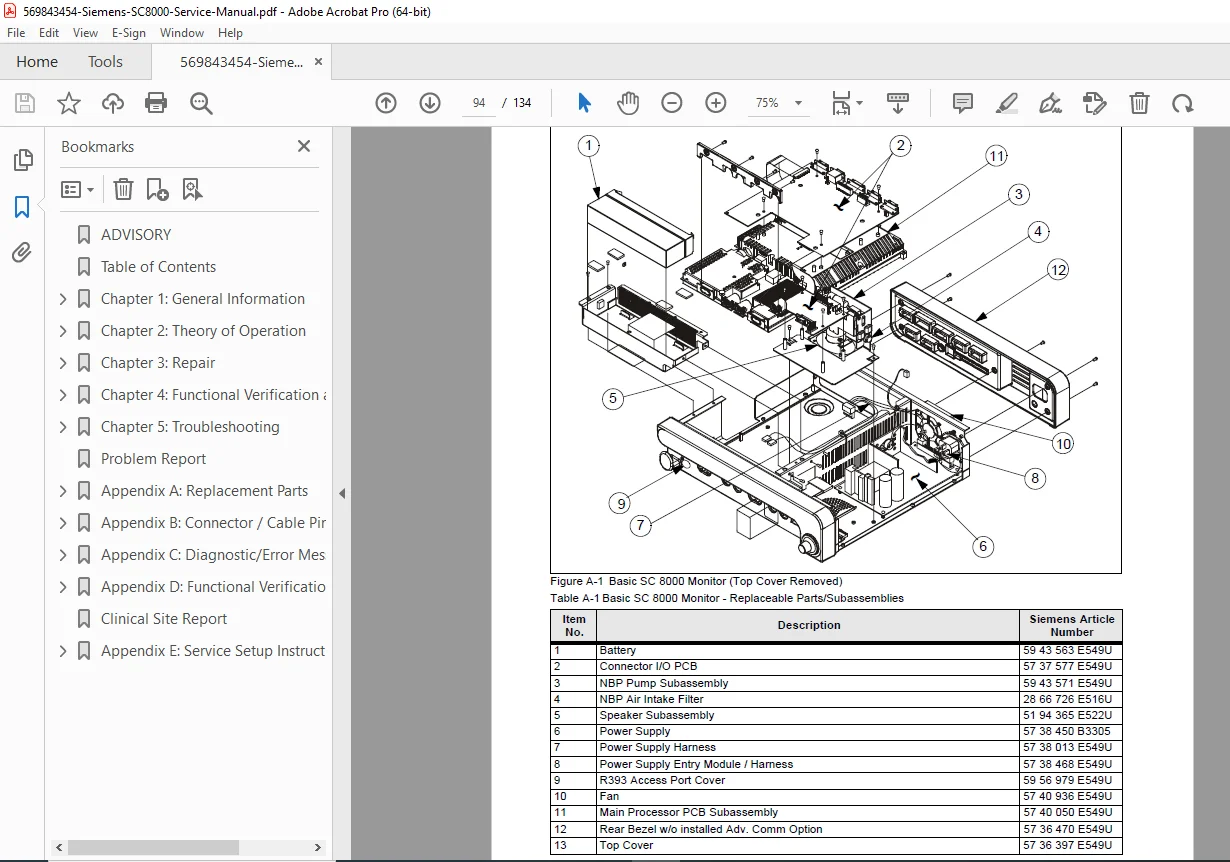
A: Replacement Parts: Illustrated parts list.
B: Connector / Cable Pinouts: Detailed pinouts for all pods and connectors.
C: Diagnostic/Error Messages: Complete table of error codes (e.g., 80007xxx) with causes and actions.
D: Functional Verification Checklist.
E: Service Setup Instructions: Configuring the monitor for network use.
🗃️ File Details
Manual Name: SC 8000 Patient Monitor Service Manual
Models Covered: Siemens SC 8000
Year: September 1999
Manual PDF Quality: High Quality (Text-searchable, clear diagrams and schematics)
No. of Pages: 117