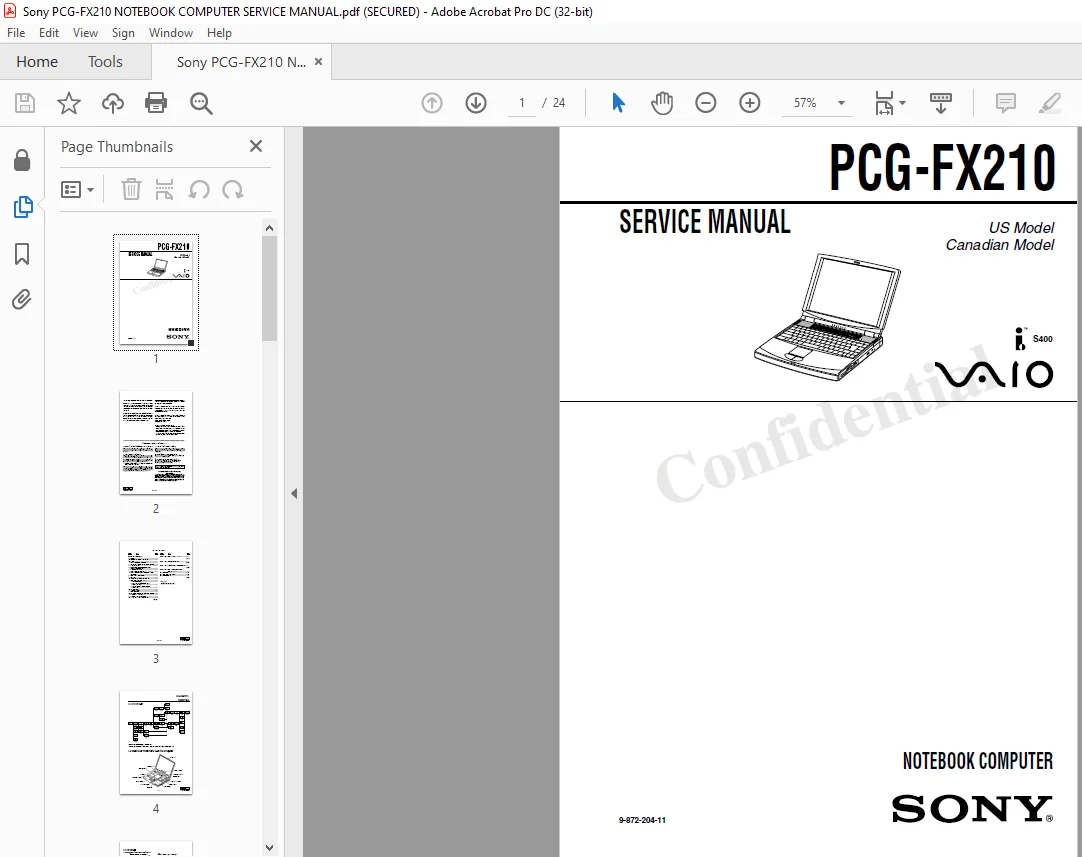
Sony PCG-FX210 NOTEBOOK COMPUTER SERVICE MANUAL – PDF DOWNLOAD
Original price was: $70.00.$15.95Current price is: $15.95.
Sony PCG-FX210 NOTEBOOK COMPUTER SERVICE MANUAL – PDF DOWNLOAD
9-872-204-11
Description
Sony PCG-FX210 NOTEBOOK COMPUTER SERVICE MANUAL – PDF DOWNLOAD
Service and Inspection Precautions|
1. Obey precautionary markings and instructions Labels and stamps on the cabinet, chassis, and components identify areas requiring special precautions. Be sure to observe these precautions, as well as all precautions listed in the operating manual and other associated documents.
2. Use designated parts only The sets components possess important safety characteristics, such as noncombustibility and the ability to tolerate large voltages. Be sure that replacement parts possess the same safety characteristics as the originals. Also remember that the A made which appears in circuit diagrams and parts lists, denotes components that have particularly important safety functions; be extra sure to use only the designated components.
3. Always follow the original design when mounting parts and routing wires The original layout includes various safety features, such as inclusion of insulating materials (tubes and tape) and the mounting of parts above the printer board. In addition internal Wiring has been routed and clamped so as to keep it away fiom hot or high-voltage parts. When mounting parts or routing wires, therefore, be sure to duplicate the original layout.
4. Inspect after completing service After servicing, inspect to make sure that all screws, components, and wiring have been returned to their original condition Also check the area around the repair location to ensure that repair work has caused no damage, and confirm safety.
5. When replacing chip components… Never reuse components. Also remember that the negative side of tantalum capacitors is easily |damaged by heat.
6. When handling flexible print boards… – The temperature of the soldaing—iron tip should be about 270C. – Do not apply the tip more than three times to the same pattern. – Handle patterns with care; never apply force.
Sony PCG-FX210 NOTEBOOK COMPUTER SERVICE MANUAL – PDF DOWNLOAD
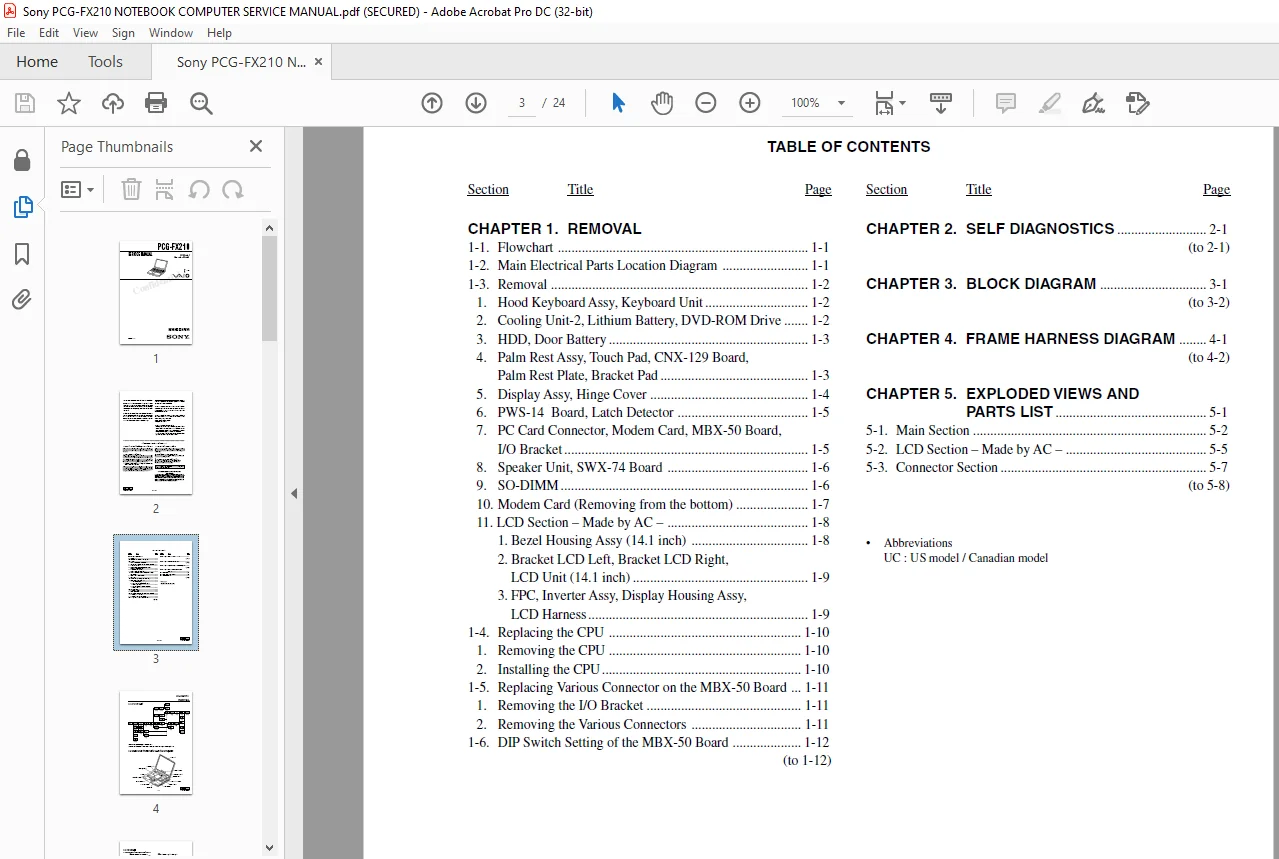
Cover…………………………………………………………………….. 1
TABLE OF CONTENTS………………………………………………………….. 3
CHAPTER 1. REMOVAL…………………………………………………………. 4
1-1. Flowchart…………………………………………………………. 4
1-2. Main Electrical Parts Location Diagram……………………………….. 4
1-3.Removal……………………………………………………………. 5
1. Hood Keyboard Assy, Keyboard Unit………………………………….. 5
2. Cooling Unit-2, Lithium Battery, DVD-ROM Drive………………………. 5
3. HDD, Door Battery………………………………………………… 6
4. Palm Rest Assy, Touch Pad, CNX-129 Board, Palm Rest Plate, Bracket Pad…. 6
5. Display Assy, Hinge Cover…………………………………………. 7
6. PWS-14 Board, Latch Detector………………………………………. 8
7. PC Card Connector, Modem Card, MBX-50 Board, I/O Bracket……………… 8
8. Speaker Unit, SWX-74 Board………………………………………… 9
9. SO-DIMM…………………………………………………………. 9
10. Modem Card (Removing from the bottom)………………………………10
11. LCD Section – Made by AC –………………………………………..11
1. Bezel Housing Assy (14.1 inch)………………………………….11
2. Bracket LCD Left, Bracket LCD Right, LCD Unit (14.1 inch)………….12
3. FPC, Inverter Assy, Display Housing Assy, LCD Harness……………..12
1-4.Replacing the CPU……………………………………………………13
1. Removing the CPU………………………………………………….13
2. Installing the CPU………………………………………………..13
1-5. Replacing Various Connectors on the MBX-50 Board……………………….14
1. Removing the I/O Bracket…………………………………………..14
2. Removing the Various Connectors…………………………………….14
1-6. DIP Switch Setting of the MBX-50 Board………………………………..15
CHAPTER 2. SELF DIAGNOSTICS………………………………………………….16
CHAPTER 3. BLOCK DIAGRAM…………………………………………………….17
CHAPTER 4. FRAME HARNESS DIAGRAM……………………………………………..18
CHAPTER 5. EXPLODED VIEWS AND PARTS LIST………………………………………19
5-1. Main Section……………………………………………………….20
5-2.LCD Section – Made by AC –……………………………………………22
5-3.Connector Section……………………………………………………23
PLEASE NOTE:
- This is the same manual used by the DEALERSHIPS to SERVICE your vehicle.
- The manual can be all yours – Once payment is complete, you will be taken to the download page from where you can download the manual. All in 2-5 minutes time!!
- Need any other service / repair / parts manual, please feel free to contact us at heydownloadss @gmail.com . We may surprise you with a nice offer
S.M