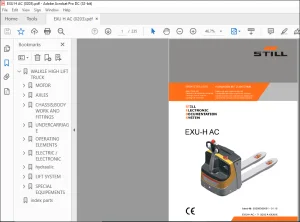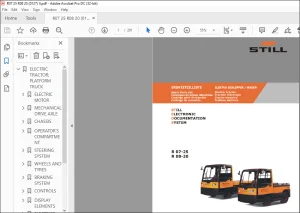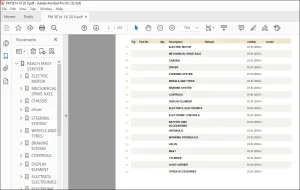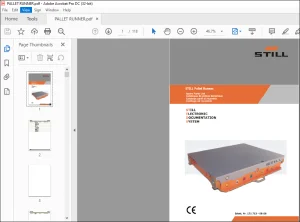
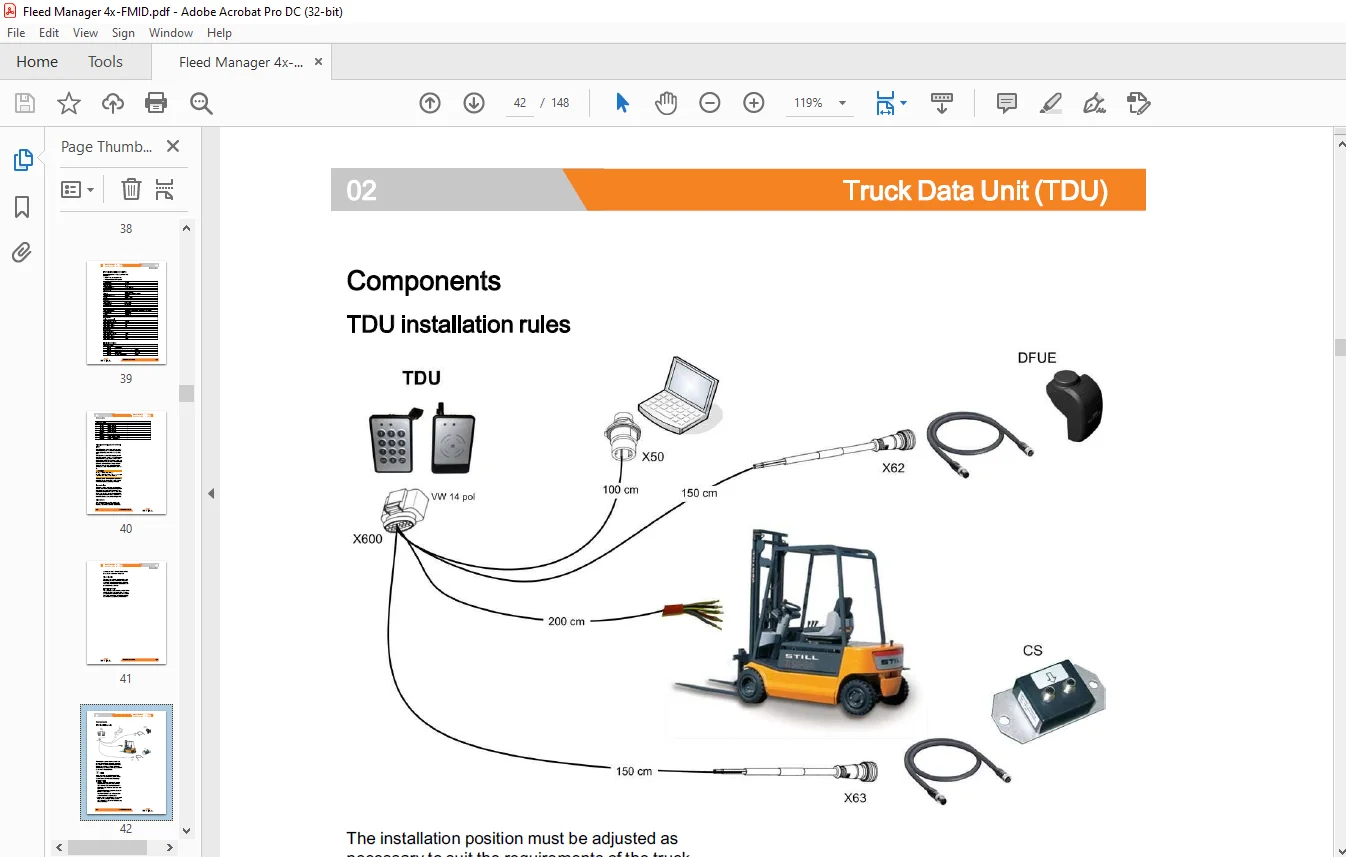
Still STED forklift FleetManager™ 4.x A key function of the FDS Workshop Manual – PDF DOWNLOAD
$24.95
Still STED forklift FleetManager™ 4.x A key function of the FDS Workshop Manual – PDF DOWNLOAD
Description
Still STED forklift FleetManager™ 4.x A key function of the FDS Workshop Manual – PDF DOWNLOAD
FILE DETAILS:
Still STED forklift FleetManager™ 4.x A key function of the FDS Workshop Manual – PDF DOWNLOAD
Language : English
Pages : 148
Downloadable : Yes
File Type : PDF
DESCRIPTION:
Still STED forklift FleetManager™ 4.x A key function of the FDS Workshop Manual – PDF DOWNLOAD
Introduction
FleetManager
FleetManager is a component of the Fleet Data Services and replaces older versions of STILL FleetManager?. The information below provides merely a general description of FleetManager. FleetManager is a system for recording and evaluating operating data. FleetManager assists ?eet managers with the management, administration and evaluation of their ?eet.
FleetManager performs four main tasks:
? Access checking for trucks.
? Detection of regular and event-oriented
operating data from the truck. The data is
displayed graphically or in a table in the form of
reports
? Detection of special operating data in the event
of an shock event by means of the acceleration
sensor
? Use of master data in the ?eet information
system as a basis for management tasks and
as the basis for the object-oriented evaluation
of operating data.
Different transmission methods can be used to transfer the data between the truck and the communication server depending on the preference of the customer:
? Remote data transfer (DFUE) via GPRS.
? Data transfer via Bluetooth and Data Shuttle.
- The data is transferred from the communication server to the application server. The database containing all the con?guration ?les and collected operating data is located on the application server, as is the FleetManager program. The ?eet manager processes the data via an Internet connection.
- Different versions of FleetManager are available with truck-speci?c components adapted to the various trucks. These different versions and components are described below. Information and support relating to the FleetManager program are not part of this workshop manual.
IMAGES PREVIEW OF THE MANUAL:
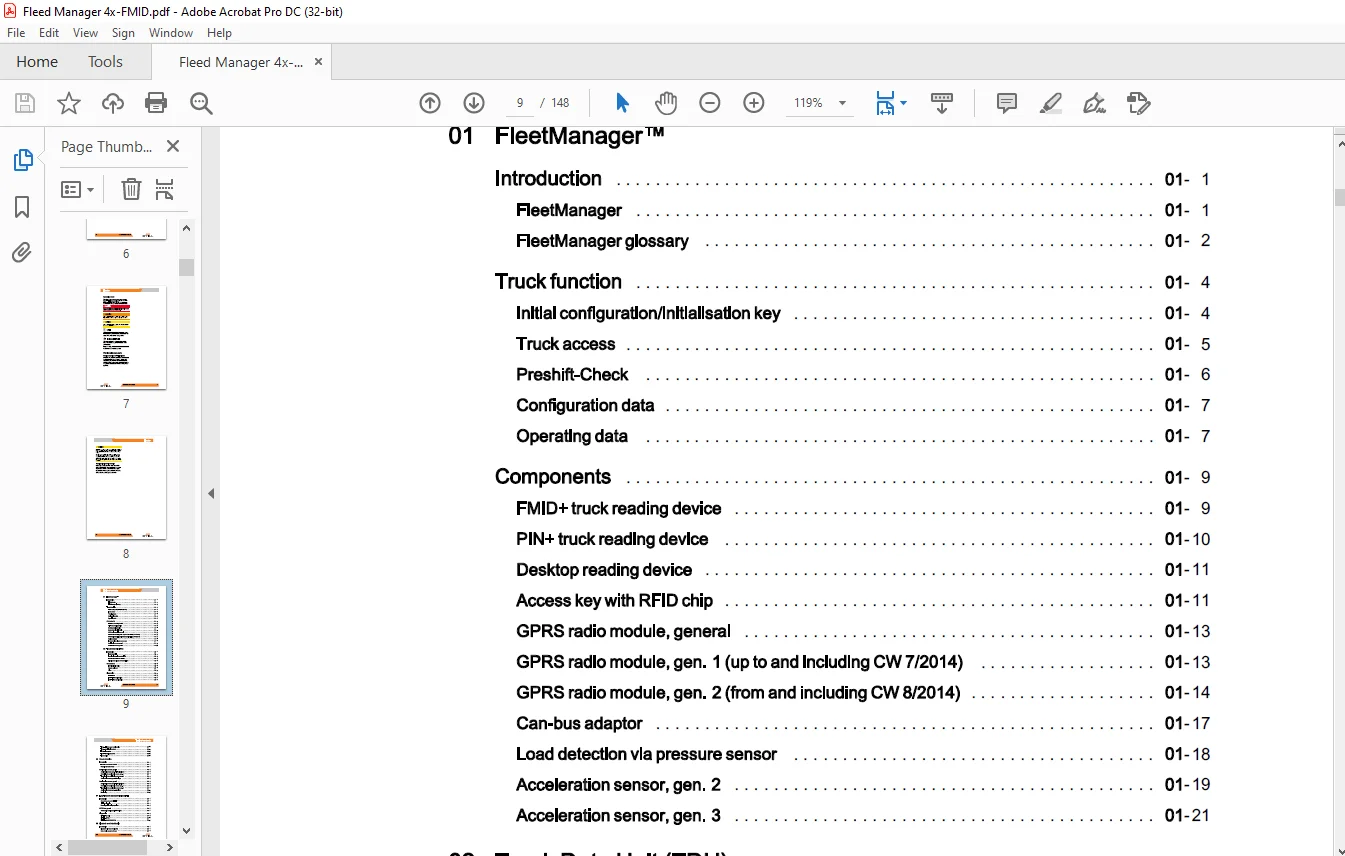
TABLE OF CONTENTS:
Still STED forklift FleetManager™ 4.x A key function of the FDS Workshop Manual – PDF DOWNLOAD
01 FleetManager TM
Introduction 01
FleetManager 01
FleetManager glossary 01
Truck function 01
Initial configuration/initialisation key 01
Truck access 01
Preshift-Check 01
Configuration data 01
Operating data 01
Components 01
FMID+ truck reading device 01
PIN+ truck reading device 01
Desktop reading device 01
Access key with RFI D chip 01
GPRS radio module, general 01
GPRS radio module, gen. 1 {up to and including CW 7/2014) 01
GPRS radio module, gen. 2 {from and including CW 8/2014) 01
Can-bus adaptor 01
Load detection via pressure sensor 01
Acceleration sensor, gen. 2 01
Acceleration sensor, gen. 3 01
02 Truck Data Unit (TDU)
Introduction 02
Truck Data Unit 02
Technical data- integrated TDU 02
Technical data – external TDU 02
Signal processing by the external TDU 02
Components 02
TDU installation rules 02
Adaptor cable set 02
Relay 02
Diagnostics 02
TDU-Jobs 02
TDU – TDU configuration 02
TDU – Truck configuration
– FleetManager configuration 02
TDU -Acceleration sensor 02
TDU – Hour meter 02
TDU – Reading out errors 02
TDU error list 02
03 Shock detection
Introduction 03
Function of the shock recorder 03
Reaction to shock events 03
Acceleration sensor, gen. 2 03
Acceleration sensor, gen. 2 – Functional test 03
Retrofitting the acceleration sensor, gen. 2 03
Teaching in the acceleration sensor, gen. 2 03
Acceleration sensor, gen. 2 – Settings 03
Acceleration sensor, gen. 3 03
Acceleration sensor, gen. 3 – Functional test 03
Retrofitting the acceleration sensor, gen. 3 03
Teaching-in the acceleration sensor, gen. 3 03
Acceleration sensor, gen. 3 – Settings 03
Monitoring 03
04 Long-distance data transmission DFUE
Introduction 04
Remote data transfer (DFUE) 04
Initial configuration 04
Reconfiguration during operation 04
GPRS box, gen. 2 04
GPRS radio module, gen. 2 – Overview 04
Diagnostics 04
DFUE-general 04
DFUE-GPRS 04
DFUE-measurement area 04
05 Bluetooth and Data Shuttle
Introduction 05
Bluetooth with Data Shuttle (DS) 05
Data Shuttle readout software
Initial configuration 05
06 Repairs
Components 06
Reading device FMID+/PIN+ 06
Truck Data Unit, external 06
GPRS radio module 06
Acceleration sensor 06
07 Retrofitting forklift truck RX
Components 07
Retrofitting for RXS0, RX20, RX60, RX70 07
Parameters for RXS0, RX20, RX60, RX70 07
Acceleration sensor 07
Load measurement via pressure sensor 07
Installation of the pressure sensor 07
Diagnostics 07
Diagnostic start point 07
Truck – CAN bus 07
FleetManager- main functions 07
FleetManager – shock detection 07
FleetManager- load measurement 07
FleetManager- FleetManager 4x 07
FleetManager- DFUE 07
Measurement- DFUE 07
08 FM-X (model 1801) retrofits
Components (FM-X 1801) 08
FM-X (model 1801) retrofits 08
Acceleration sensor (FM-X 1801) 08
Diagnostics (FM-X 1801) 08
FMID – Jobs (FM-X 1801) 08
FMID – Diagnostic Start Points (FM-X 1801) 08
FMID – Main functions (FM-X 1801) 08
FMID – FleetManager 4x (FM-X 1801) 08
FMID – Shock detection (FM-X 1801) 08
FMID – DFUE (FM-X 1801) 08
Truck options 1 (FM-X 1801)
FleetManager/accident recorder (FM-X 1801)
08 FM-X (model 19xx) retrofits
Components (FM-X 19xx)
FM-X (model 19xx) retrofits
Acceleration sensor (FM-X 19xx)
Diagnostics (FM-X 19xx)
Diagnostic Start Points (FM-X 19xx)
Truck – CAN bus (FM-X 19xx)
FleetManager – Main functions (FM-X 19xx)
FleetManager – Shock detection (FM-X 19xx)
09 Retrofit for trucks with an internal TDU
VNA components
Retrofitting by installing the internal TDU
Annex
X Circuit diagrams and drawings
Circuit diagrams
TDU adaptor cable harness
Need help? Contact: [email protected]
https://vimeo.com/856698817?share=copy
PLEASE NOTE:
- This is the SAME exact manual used by your dealers to fix your vehicle.
- The same can be yours in the next 2-3 mins as you will be directed to the download page immediately after paying for the manual.
- Any queries / doubts regarding your purchase, please feel free to contact [email protected]
S.M