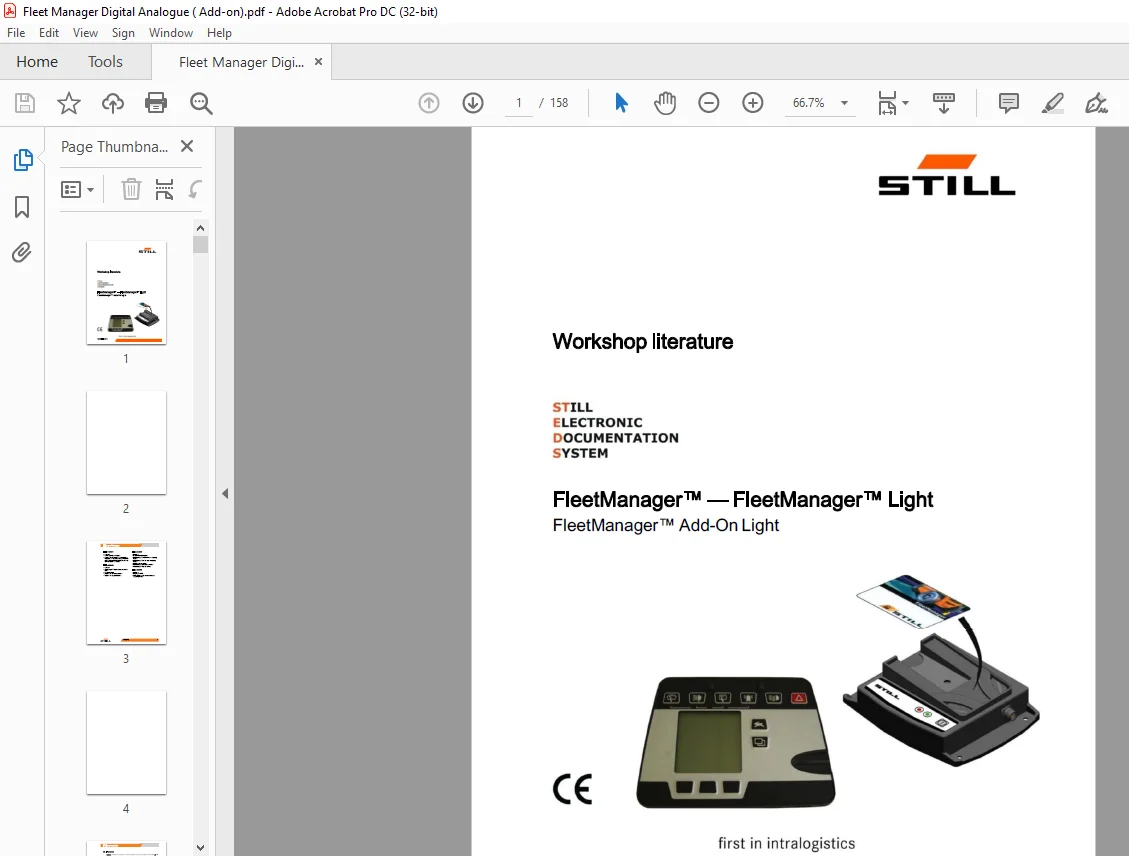
STILL STED Forklift FleetManager™ – FleetManager™ Light FleetManager Add-On Light Workshop Manual – PDF DOWNLOAD
$25.95
STILL STED Forklift FleetManager™ – FleetManager™ Light FleetManager Add-On Light Workshop Manual – PDF DOWNLOAD
Description
STILL STED Forklift FleetManager™ – FleetManager™ Light FleetManager Add-On Light Workshop Manual – PDF DOWNLOAD
FILE DETAILS:
STILL STED Forklift FleetManager™ – FleetManager™ Light FleetManager Add-On Light Workshop Manual – PDF DOWNLOAD
Language : English
Pages : 158
Downloadable : Yes
File Type : PDF
DESCRIPTION:
STILL STED Forklift FleetManager™ – FleetManager™ Light FleetManager Add-On Light Workshop Manual – PDF DOWNLOAD
Safety
Essentials for safe operation
For retro?tting the FleetManager? in industrial trucks manufactured by both STILL GmbH and other manufacturers, the following must be taken into account:
? Retro?tting may be introduced only for correct
use in industrial trucks in accordance with ISO
5053 (with the exception of straddle carriers).
? Installation must be carried out in consideration
of the speci?cations in the STILL GmbH
workshop manual.
? Installation may be performed only by the
STILL service centre.
Introduction
About the STILL FleetManagerTM
STILL FleetManager™
The STILL FleetManager? is a system for recording and evaluating operating data. The STILL FleetManager? supports the ?eet manager with the management, administration and evaluation of his ?eet of industrial trucks.
The STILL FleetManager? performs four main tasks:
- Detection of regular and event-oriented operating data in the truck, and its graphic or tabular display.
- Detection of special operating data in the event of an accident, by means of the accident recorder
- Access control to the industrial trucks by transferring access codes using freely parameterisable data cards.
- Use of master data in the
- Meet information system as a basis for management tasks and as the foundation for the object-oriented evaluation of operating data.
TABLE OF CONTENTS:
STILL STED Forklift FleetManager™ – FleetManager™ Light FleetManager Add-On Light Workshop Manual – PDF DOWNLOAD
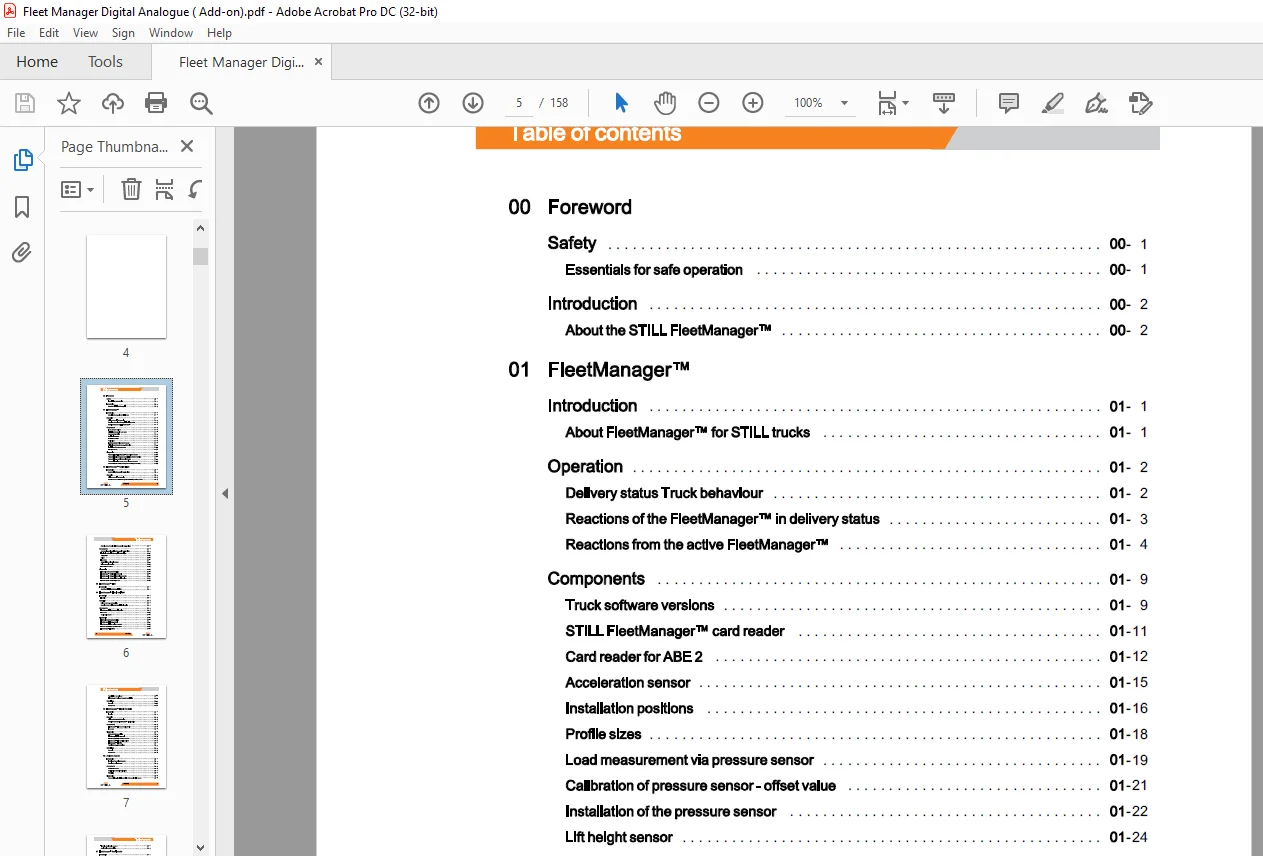
00 Foreword
Safety 00
Essentials for safe operation 00
Introduction 00
About the STILL FleetManager™ 00
01 FleetManager TM
Introduction 01
About FleetManager™ for STILL trucks 01
Operation 01
Delivery status Truck behaviour 01
Reactions of the FleetManager™ in delivery status 01
Reactions from the active FleetManager™ 01
Components 01
Truck software versions 01
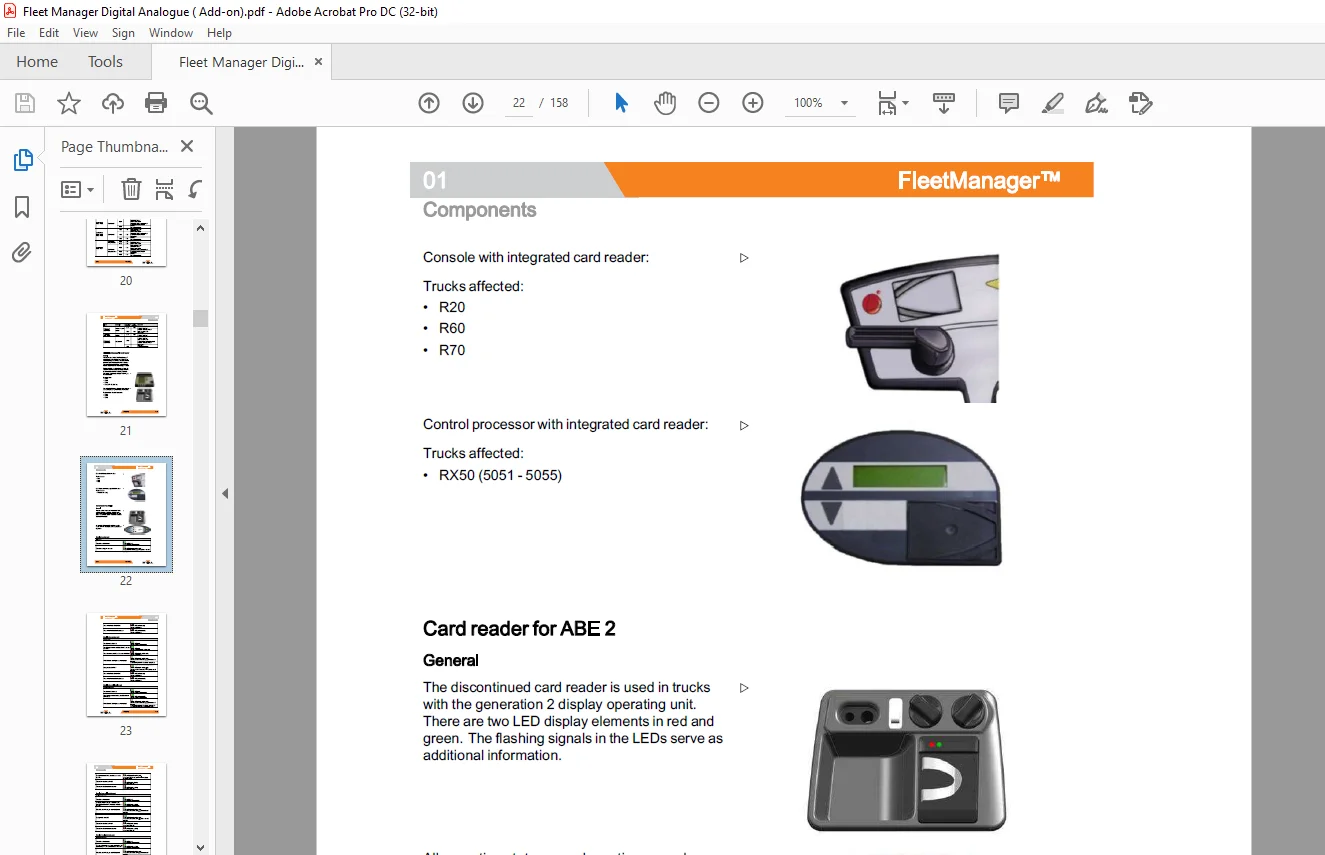
STILL FleetManager™ card reader 01
Card reader for ABE 2 01
Acceleration sensor 01
Installation positions 01
Profile sizes 01
Load measurement via pressure sensor 01
Calibration of pressure sensor – offset value 01
Installation of the pressure sensor 01
Lift height sensor 01
Diagnostics 01
Parameterising – FleetManager™ and accident recorder 01
Parameterising – emergency operation in the event of card loss 01
Parameterising – reaction to accident event 01
Parameterising – load measurement via pressure sensor 01
Parameterising – warning message for remaining card validity 01
02 FleetManagerTM Add-On Light
Introduction 02
About the FleetManager™ Add-On Light 02
Operation 02
Delivery status Truck behaviour 02
Reactions from the FleetManager™ Add-On Light Delivery status 02
Table of contents
Reactions from the active FleetManager™ Add-On Light 02
Components 02
Card reading device for FleetManager™ Add-On Light 02
Installation of the FleetManager™ Add-On Light 02
Voltage filter 02
Relays 02
Hour meter 02
Add-On Light acceleration sensor 02
Maintenance instructions 02
Electrical connections 02
Diagnostics 02
Information about parameterising 02
FleetManager™ Add-On Light General 02
FleetManager™ Add-On Light Accident recorder 02
FleetManager™ Add-On Light Special functions 02
FleetManager™ Add-On Light Jobs 02
03 FleetManager™ Light
Introduction 03
About the STILL FleetManager™ Light 03
04 FleetManager™ Light in the FM-X
Introduction 04
Function 04
Operation 04
Delivery status – truck behaviour 04
Reactions when the FleetManager™ Light is active 04
Components 04
FleetManager™ Light card reading device 04
Hour meter 04
Acceleration sensor 04
Diagnostics 04
Information about parameterising 04
FleetManager™ Light – general 04
FleetManager™ Light accident recorder 04
FleetManager™ Light special functions 04
FleetManager™ Lightjobs 04
Table of contents
ParaDigFMx truck options 1 04
FleetManager / Accident recorder ParaDigFMx 04
Retrofitting 04
General 04
Components 04
05 FleetManager™ Light in the MX-X
Introduction 05
Function 05
Operation 05
Delivery status – truck behaviour 05
Reactions when the FleetManager™ Light is active 05
Components 05
FleetManager™ Light card reading device 05
Hour meter 05
Diagnostics 05
Notes about parameterising 05
FleetManager™ Light- general 05
FleetManager™ Light accident recorder 05
FleetManager™ Light special functions 05
FleetManager™ Lightjobs 05
ParaDigManUp_2 truck options 05
Retrofitting 05
General 05
Components 05
06 Accident recorder
Introduction 06
Function of the accident recorder 06
Reaction to accident event 06
Components 06
Acceleration sensor 06
Acceleration sensor Functional test 06
Retrofitting 06
Diagnostics 06
Parameterising- installation position of the acceleration sensor 06
Table of contents
Teach-in Acceleration sensor 2 06
Acceleration sensor Settings 06
07 FleetManagerrM Data Transfer
Introduction 07
Aboutthe FleetManager™ Data Transfer 07
Components 07
FleetManager™ Data Transfer 07
FleetManager™ box and accessories 07
FleetManager™ truck list 07
Performing a Data Transfer 07
Importing the vdx file 07
Problems with the Data Transfer 07
08 FleetManager™ Add-On
Introduction 08
About FleetManager™ Add-On 08
Operation 08
Delivery status – truck behaviour 08
Components 08
Card reading device 08
Control unit add-on 08
Acceleration sensor add-on 08
Acceleration sensor Functional test 08
Voltage filters 08
Relays 08
Electrical connections FleetManager® add-on 08
Diagnostics 08
Parameterising via card reader 08
Parameterising the FleetManager® add-on 08
Acceleration sensor parameterising add-on
IMAGES PREVIEW OF THE MANUAL:
Need help? Contact: [email protected]
https://vimeo.com/858136960?share=copy
PLEASE NOTE:
- This is the SAME MANUAL used by the dealerships to diagnose your vehicle
- No waiting for couriers / posts as this is a PDF manual and you can download it within 2 minutes time once you make the payment.
- Your payment is all safe and the delivery of the manual is INSTANT – You will be taken to the DOWNLOAD PAGE.
- So have no hesitations whatsoever and write to us about any queries you may have : heydownloadss @gmail.com
S.M