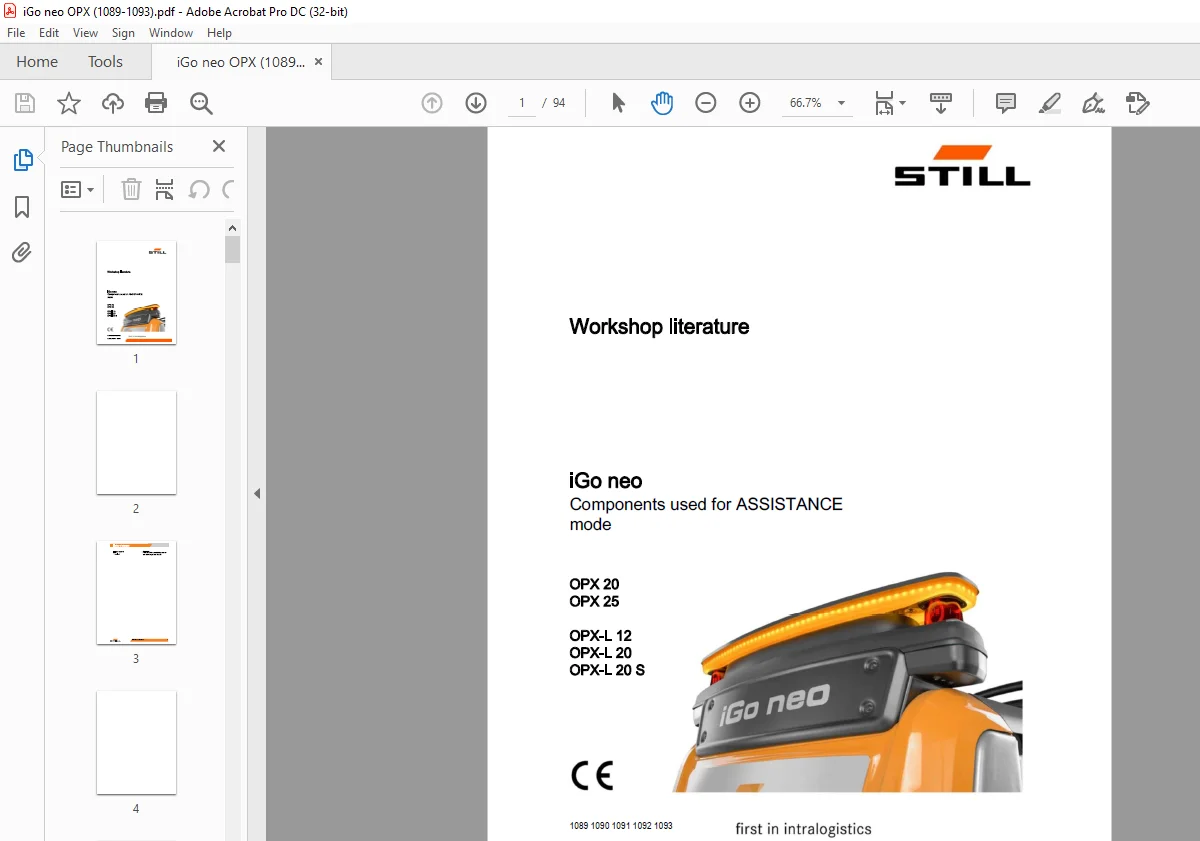
STILL STED FORKLIFT iGo neo Components used for ASSISTANCE mode OPX20 OPX25 OPX-L 12 OPX-L 20 OPX-L 20 S Workshop Manual
$21.95
STILL STED FORKLIFT iGo neo Components used for ASSISTANCE mode OPX20 OPX25 OPX-L 12 OPX-L 20 OPX-L 20 S Workshop Manual – PDF DOWNLOAD
Description
STILL STED FORKLIFT iGo neo Components used for ASSISTANCE mode OPX20 OPX25 OPX-L 12 OPX-L 20 OPX-L 20 S Workshop Manual – PDF DOWNLOAD
FILE DETAILS:
STILL STED FORKLIFT iGo neo Components used for ASSISTANCE mode OPX20 OPX25 OPX-L 12 OPX-L 20 OPX-L 20 S Workshop Manual – PDF DOWNLOAD
Language : English
Pages : 94
Downloadable : Yes
File Type : PDF
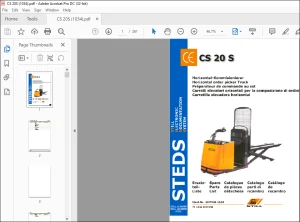
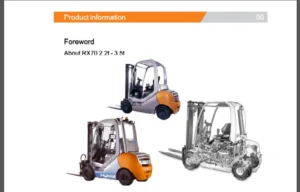
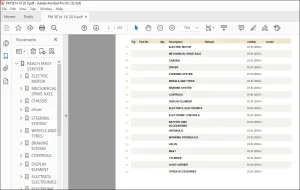
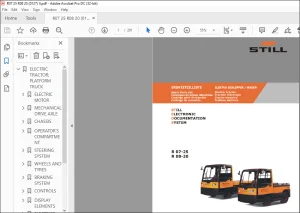
IMAGES PREVIEW OF THE MANUAL:
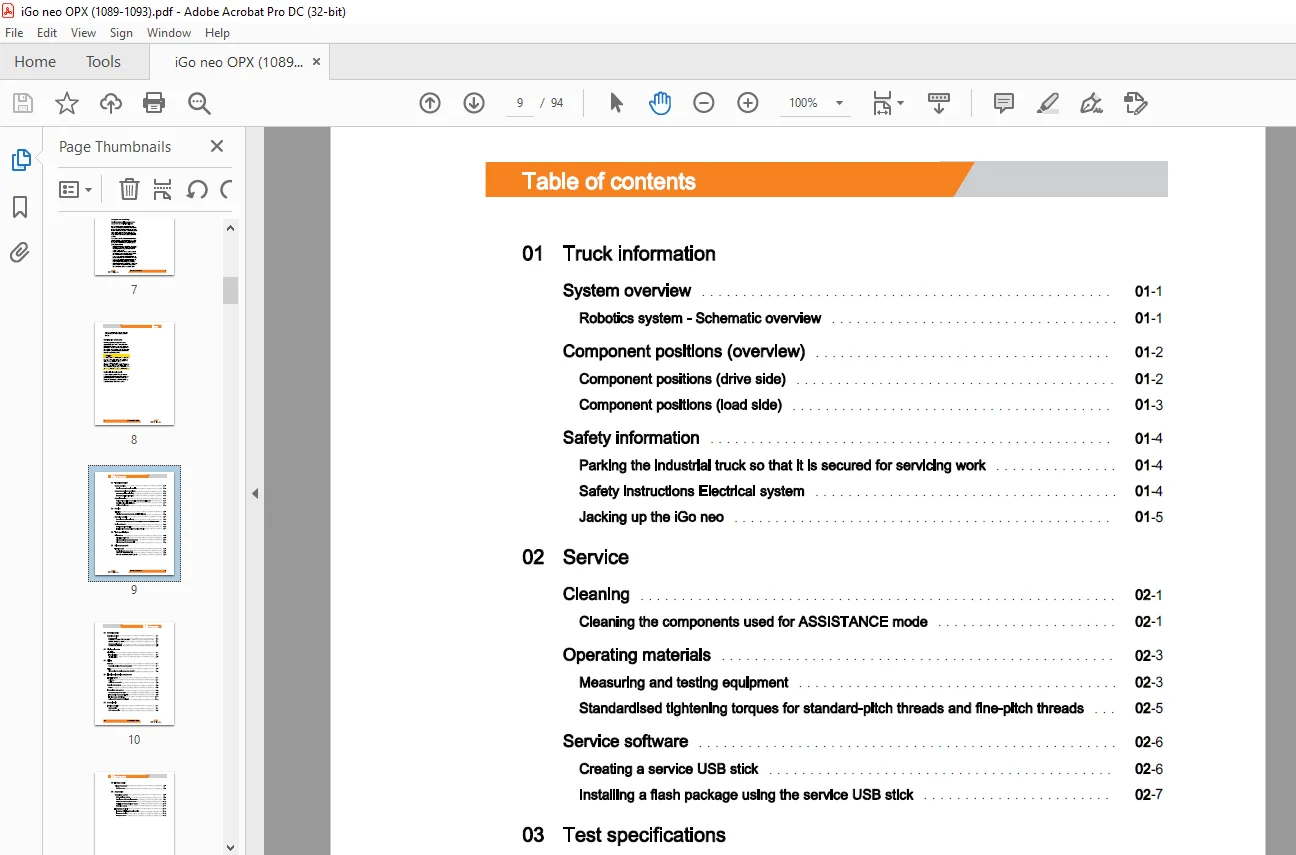
TABLE OF CONTENTS:
STILL STED FORKLIFT iGo neo Components used for ASSISTANCE mode OPX20 OPX25 OPX-L 12 OPX-L 20 OPX-L 20 S Workshop Manual – PDF DOWNLOAD
01 Truck information
System overview 01
Robotics system – Schematic overview 01
Component positions (overview) 01
Component positions (drive side) 01
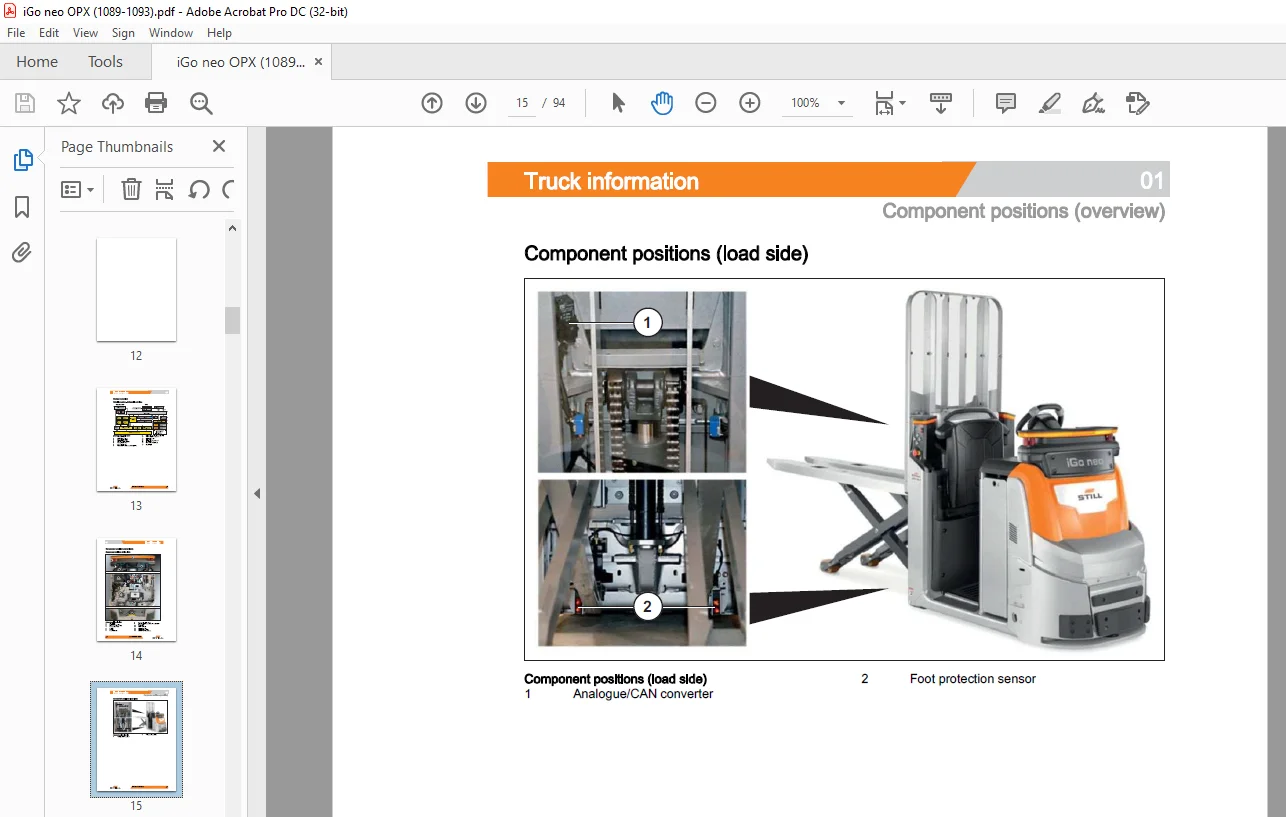
Component positions {load side) 01
Safety information 01
Parking the industrial truck so that it is secured for servicing work 01
Safety instructions Electrical system 01
Jacking up the iGo neo 01
02 Service
Cleaning 02
Cleaning the components used for ASSISTANCE mode 02
Operating materials 02
Measuring and testing equipment 02
Standardised tightening torques for standard-pitch threads and fine-pitch threads 02
Service software 02
Creating a service USB stick 02
Installing a flash package using the service USB stick 02
03 Test specifications
Maintenance 03
Maintaining the iGo neo 03
Maintenance – 500 hours/every 6 months 03
Maintenance – 1000 hours/annually 03
21 Drive components
Traction motor 21
Rotational speed sensor system
Incremental transducer (speed) -1
Odometry converter (revolution speed)
43 Operating units
Operating devices 43
Remote control 43
Remote control antennae 43
44 Display elements
Signal lights 44
Front signal light 44
Side signal lights 44
61 Wiring
CAN bus 61
Schematic overview of the CAN bus system 61
Wiring 61
Disconnecting the robotics system from the OPX 61
62 Electrics/electronics components
Electrical system 62
Switch box 62
Serial ethernet converter 62
Acoustic components 62
Beeper 62
Transmitters and sensors 62
2nd steering angle sensor 8B30 62
Foot protection sensors (OPX L20-S) 62
Lift height sensor (OPX L20-S) 62
Analogue/CAN converter (OPX L20-S) 62
64 Control units
Traction controller 64
Robot controller 64
MCU safety controller 64
Table of contents
65 Energy supply
Voltage transformer 65
DC/DC converter 65
69 Automation
Safety laser scanner 69
S300 safety laser scanner 69
Checking the S300 safety laser scanner 69
Aligning the S300 safety laser scanner 69
Replacing the S300 safety laser scanner 69
R20001aserscanner 69
Emergency off circuit 69
Emergency off circuit – Schematic overview 69
Emergency off switch 69
Emergency off box
Need help? Contact: [email protected]
https://vimeo.com/858885567?share=copy
PLEASE NOTE:
- This is the same manual used by the dealers to diagnose and troubleshoot your vehicle
- You will be directed to the download page as soon as the purchase is completed. The whole payment and downloading process will take anywhere between 2-5 minutes
- Need any other service / repair / parts manual, please feel free to contact [email protected] . We still have 50,000 manuals unlisted
S.M