STILL STED forklift iGo neo CX20 Workshop Manual – PDF DOWNLOAD
$28.95
STILL STED forklift iGo neo CX20 Workshop Manual – PDF DOWNLOAD
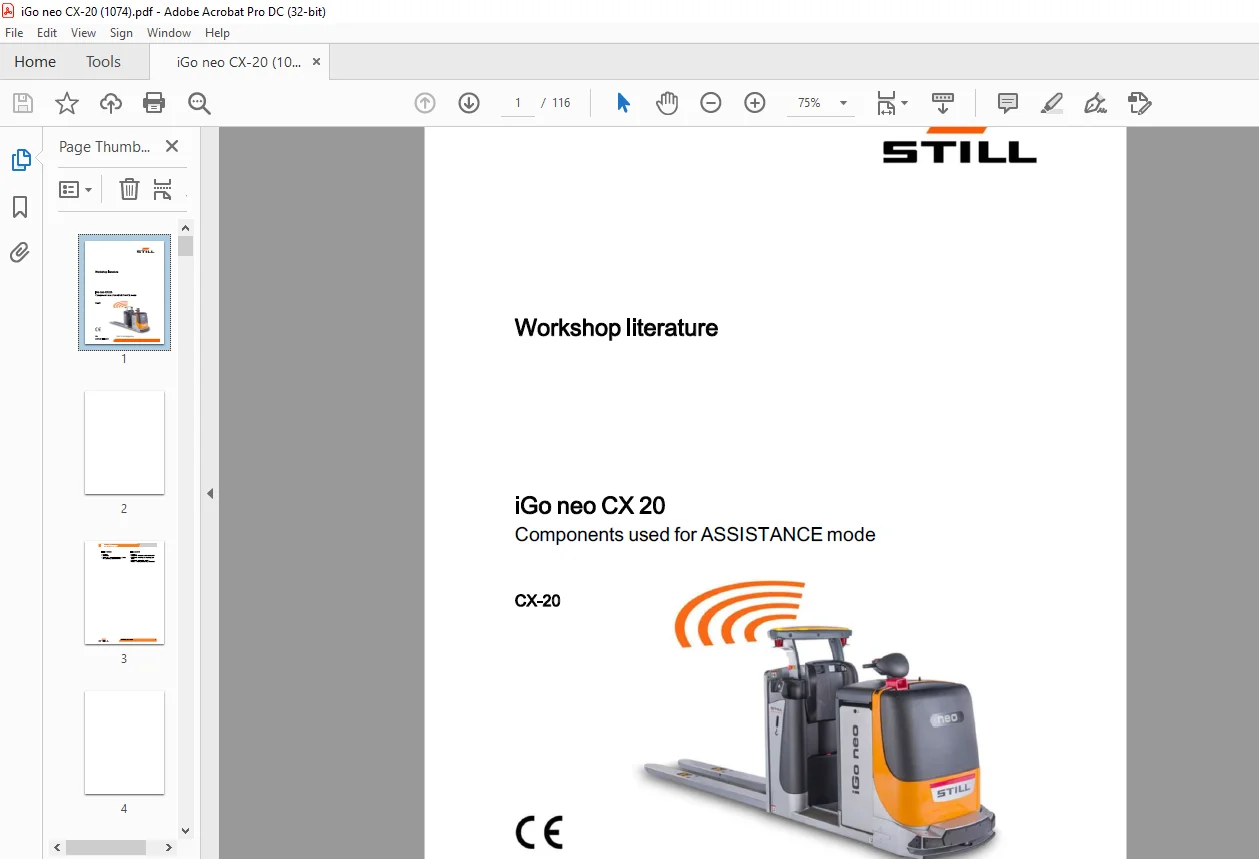
iGo neoCX20
Components used for ASSISTANCE mode
Description
STILL STED forklift iGo neo CX20 Workshop Manual – PDF DOWNLOAD
FILE DETAILS:
STILL STED forklift iGo neo CX20 Workshop Manual – PDF DOWNLOAD
Language : English
Pages :116
Downloadable : Yes
File Type : PDF
DESCRIPTION:
STILL STED forklift iGo neo CX20 Workshop Manual – PDF DOWNLOAD
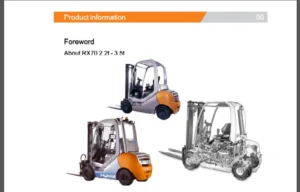
Foreword
Product overview of the iGo neo CX 20
- The iGo neo is based on a manually operated STILL series-production truck that has been equipped with additional navigation and safety components.
- The truck can switch between different modes of operation: MANUAL and ASSISTANCE.
MANUAL mode corresponds to normal operation
of the series-production truck:
? Ride-on mode
? Pedestrian mode with cockpit (slow travel with
drive switch)
? Pedestrian mode with push button (special
equipment)
ASSISTANCE mode is the additional operating mode of the iGo neo
- When order picking, the truck automatically detects the aisle and the position of the operator. As soon as the operator climbs down from the truck, the truck automatically follows the operator at the same level along the racks. The truck maintains a constant distance to the racking, so that items can be transferred between the truck and the rack without interruption.
- ASSISTANCE mode can also be controlled by the operator using a remote control
IMAGES PREVIEW OF THE MANUAL:
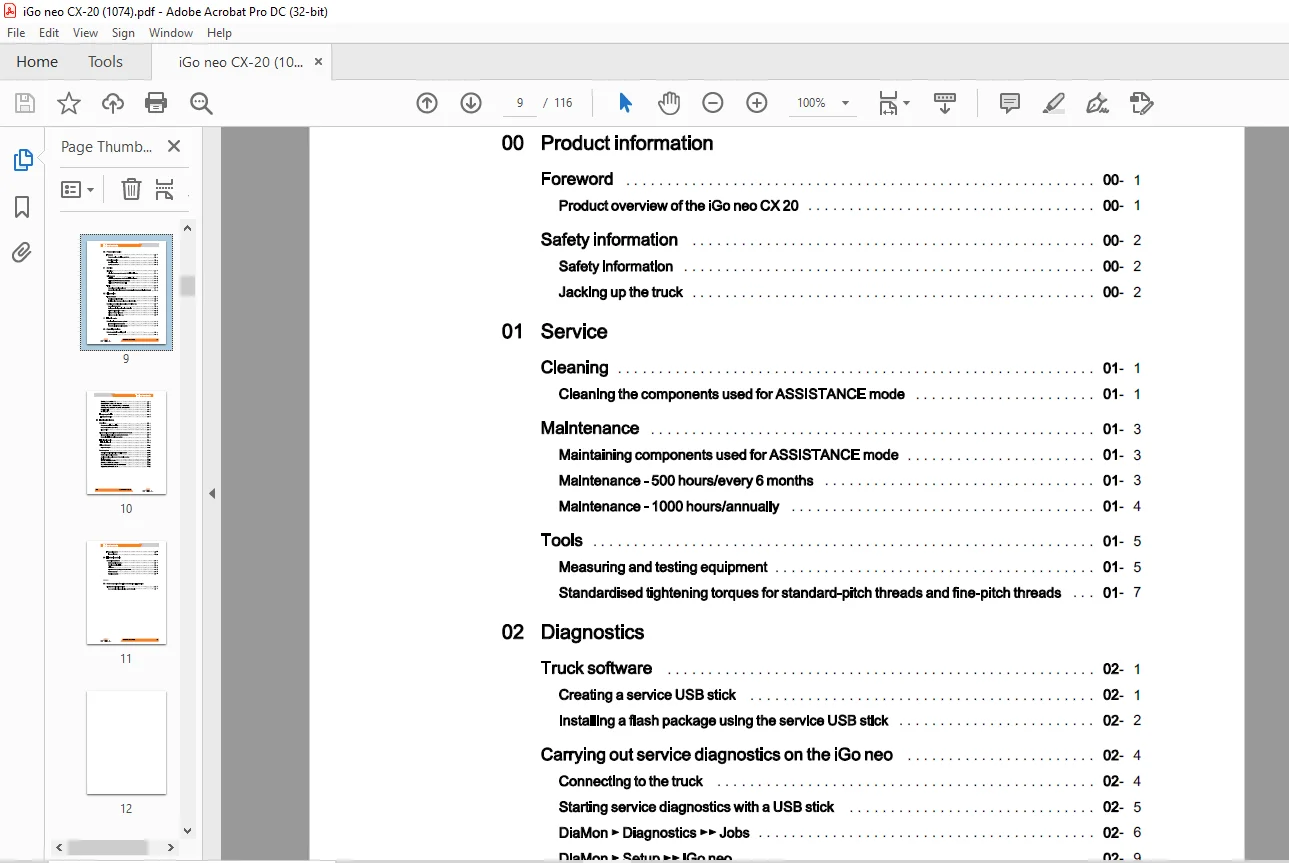
TABLE OF CONTENTS:
STILL STED forklift iGo neo CX20 Workshop Manual – PDF DOWNLOAD
00 Product information
Foreword 00
Product overview of the iGo neo CX 20 00
Safety information 00
Safety information 00
Jacking up the truck 00
01 Service
Cleaning 01
Cleaning the components used for ASSISTANCE mode 01
Maintenance 01
Maintaining components used for ASSISTANCE mode 01
Maintenance – 500 hours/every 6 months 01
Maintenance – 1000 hours/annually 01
Tools 01
Measuring and testing equipment 01
Standardised tightening torques for standard-pitch threads and fine-pitch threads 01
02 Diagnostics
Truck software 02
Creating a service USB stick 02
Installing a flash package using the service USB stick 02
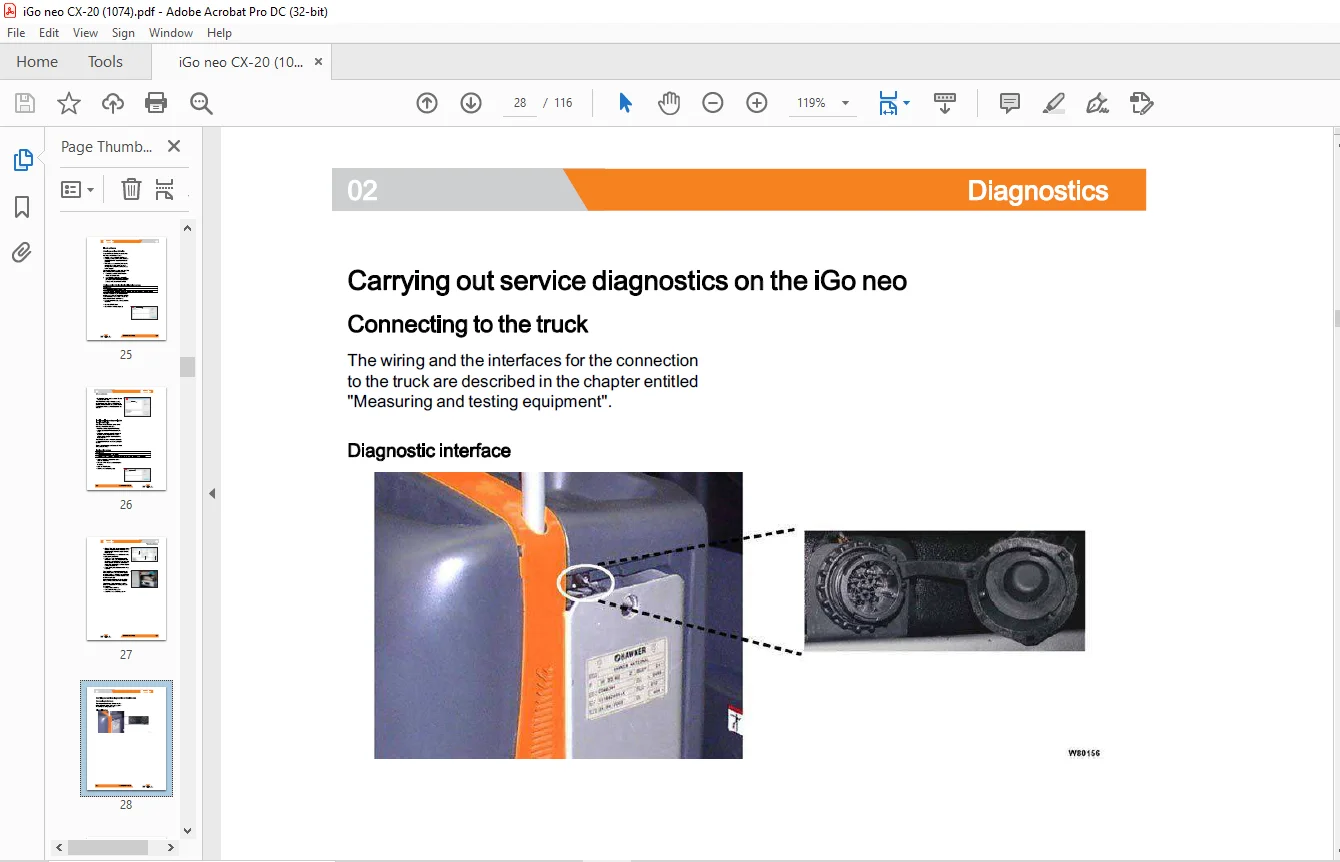
Carrying out service diagnostics on the iGo neo 02
Connecting to the truck 02
Starting service diagnostics with a USB stick 02
DiaMon ►Diagnostics►► Jobs 02
DiaMon ► Setup ►► iGo neo 02
DiaMon ► Monitor►► iGo neo 02
11 Electric motor
Rotational speed sensor system 11
Incremental transducer ( speed) 11
Odometry signal transmitter (speed) 11
50 Operating devices
Remote control/ receiving unit 50
Remote control 50
STILL
Checking the remote control – 1
Changing the remote control – Overview – 1
Saving pairing codes on the receiving unit of the truck – 2
Deleting pairing codes on the receiving unit of the truck – 4
SICK laser scanner overview -17
Checking the SICK laser scanner -20
Removing and installing the SICK laser scanner -26
Aligning the SICK laser scanner -26
VIII 50108012001 EN – 04/2018
Receiving unit
Emergency off switch
Emergency off switch
60 Electrical enclosure
Overviews
Component positions (overview)
Data and signal flow (overview)
Plug overview
Disconnecting the assistance system from the truck
Disconnecting the assistance system from the truck
Recommissioning the assistance system
LED signalling unit
LED signalling unit
Digisound beeper
Digisound beeper
Sensor system
Safety information for lift height restriction sensor
R2000 motion tracking sensors
Absolute steering angle sensor of the robotics system
Sick laser scanner
Table of contents
Table of contents
Fuse assignment
Fuse assignment
64 Electronic controls
Control components
Safety controller (MCU2)
Steering controller (LES)
Switch box
Signal converter (analogue/CAN) IN/OUT
DC/DC converter
Robotics computer
Annex
02 Summary table of the iGo neo service diagnostics
DiaMon functional overviews
Summary table of diagnostics iGo neo CX 20 (total 16
Need help? Contact: [email protected]
PLEASE NOTE:
- This is the same manual used by the dealers to diagnose and troubleshoot your vehicle
- You will be directed to the download page as soon as the purchase is completed. The whole payment and downloading process will take anywhere between 2-5 minutes
- Need any other service / repair / parts manual, please feel free to contact [email protected] . We still have 50,000 manuals unlisted
S.M