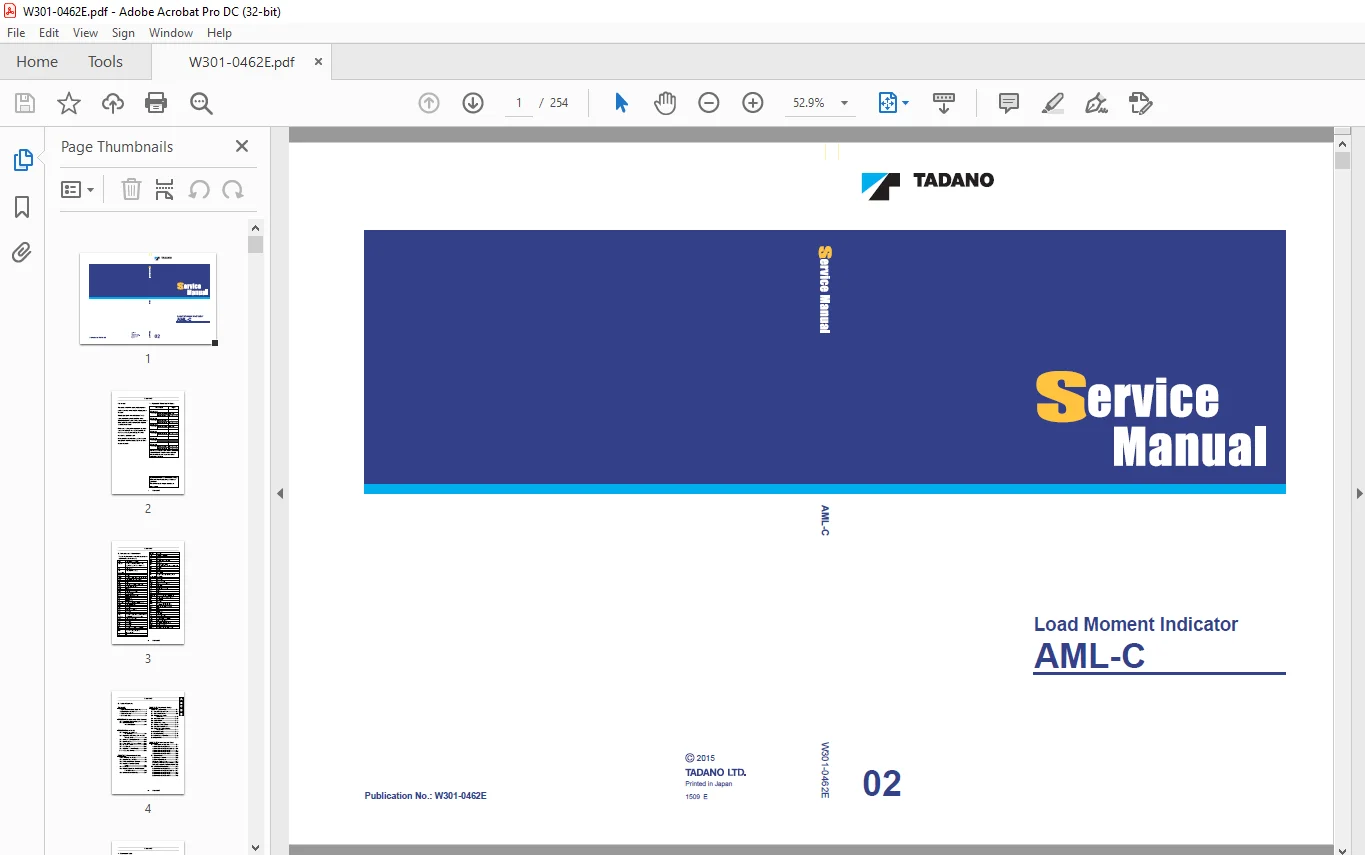
Tadano AML-C Load Moment Indicator Service Manual W301-0462E – PDF DOWNLOAD
$28.95
Tadano AML-C Load Moment Indicator Service Manual W301-0462E – PDF DOWNLOAD
Description
Tadano AML-C Load Moment Indicator Service Manual W301-0462E – PDF DOWNLOAD
FILE DETAILS:
Tadano AML-C Load Moment Indicator Service Manual W301-0462E – PDF DOWNLOAD
Language : English
Pages : 254
Downloadable : Yes
File Type : PDF
DESCRIPTION:
Tadano AML-C Load Moment Indicator Service Manual W301-0462E – PDF DOWNLOAD
Foreword:
This service manual covers the Overload Prevention device (AML) installed on the TADANO cranes in the chart below.
- In undertaking repair, refer to the separate operation and maintenance manual, parts catalog, and crane-covering service manual for pertinent information.
- If the parts replacement is required, check the disassembly and order units from the applicable parts catalog.
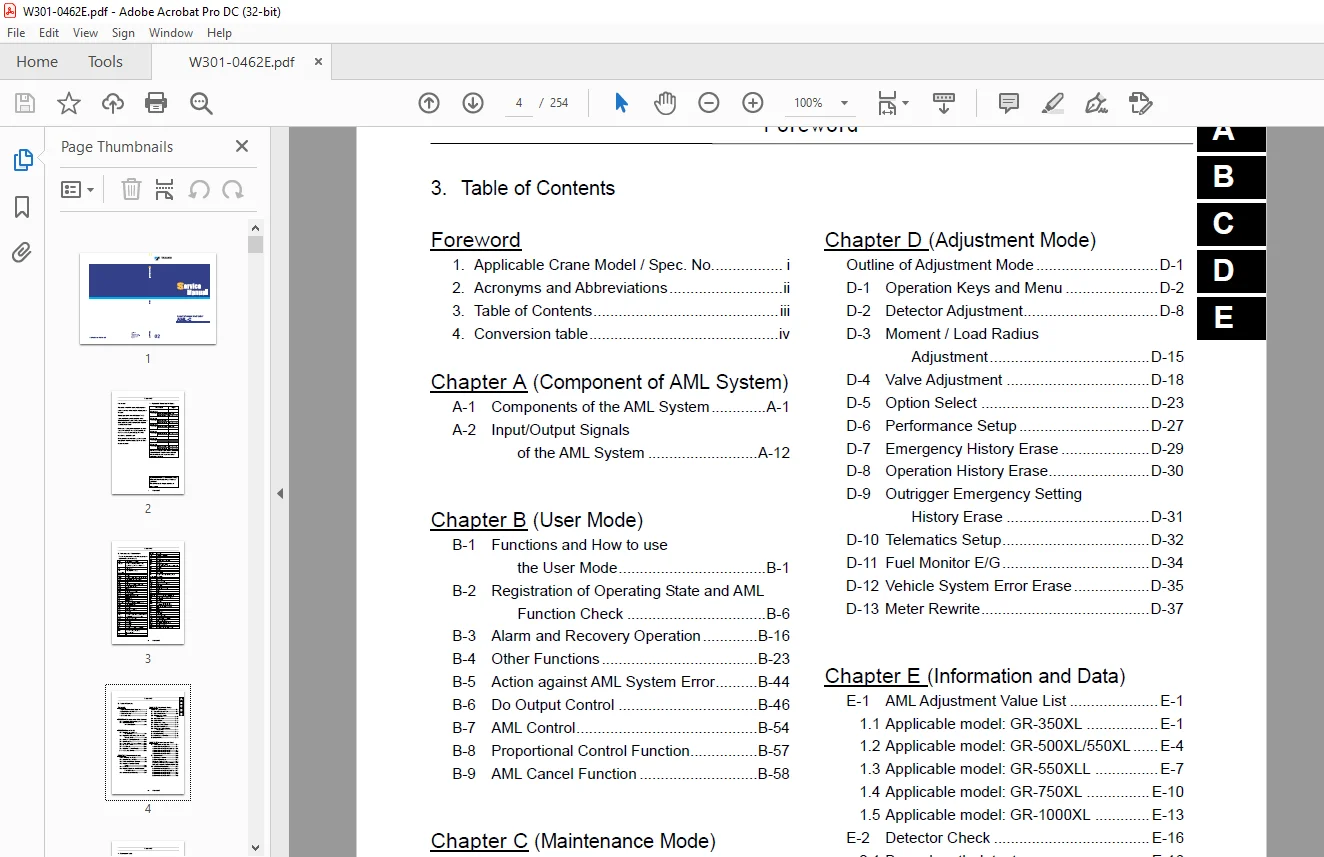
TABLE OF CONTENTS:
Tadano AML-C Load Moment Indicator Service Manual W301-0462E – PDF DOWNLOAD
W301-0351E 1
Foreword 2
1 Applicable spec No / Crane model 2
2 Contents 3
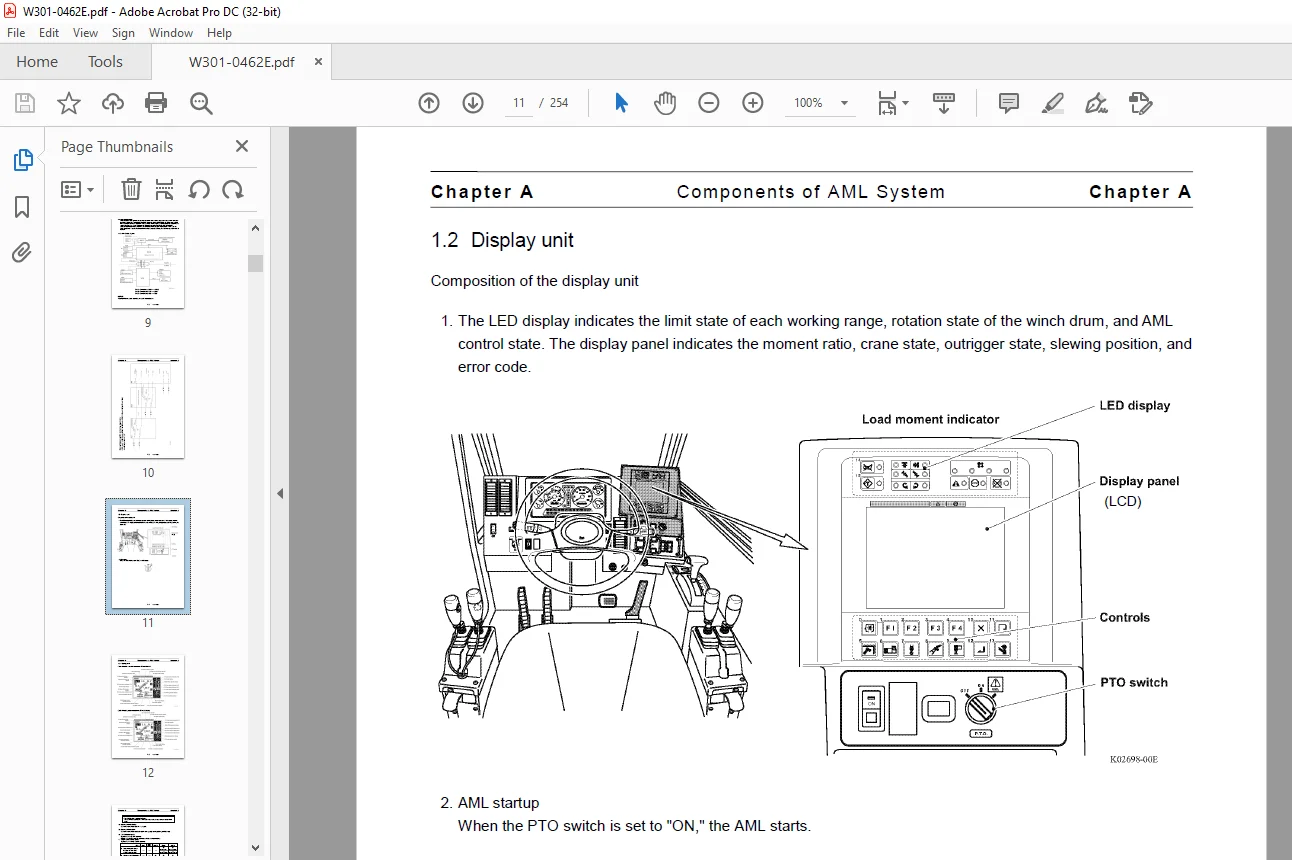
Components of the AML(AML-L D) Main Unit 5
1 Panel 5
2 Internal view and name plate 6
3 Internal block diagram 7
Diagram of the AML System (TL-300E-3) 8
Input/output Signals of the AML System (TL-300E-3) 9
[OPERATION] 14
Functions of and How to Use User Mode (TL-300E-3) 14
Mode Structure 14
Configuration and Functions of the AML System 15
Names and Functions of AML Main Unit Parts 18
Selecting Operational Status 24
Selecting Front Jack Status 25
AML Pre-operational Inspection 28
How to Use the Working Range Limit Function 29
Display Alteration 32
[ADJUSTMENT AND MAINTENANCE] 33
General: Adjustment Mode and Maintenance Mode 33
1 Keys and Switches for Adjustment and Maintenance 33
2 Mode Structure and Menu 34
3 Method of Shifting Modes 36
4 Method of Menu Selection 37
Required Adjustment After AML System Parts Replacement 38
Functions of and How to Use Adjustment Mode 39
Adjustment Procedures 39
1 Adjustment Initialization 40
1 1 Procedure of Conversion Factors Resetting 40
1 2 Procedures of Moment Adjustment Resetting 40
2 Capacity Setting 41
2 1 Procedure of Head-off Capacity Setting 41
2 2 Procedure of Jib Selection 42
2 3 Procedure of Single Top Selection 42
2 4 Procedure of Winch Drum Position Setting 43
3 Boom Length Adjustment 43
4 Boom Angle Adjustment 45
5 Swing Angle Adjustment 46
6 Outrigger Extension Width Adjustment 47
7 Moment Adjustment 48
7 1 Moment Zero-point Adjustment 49
7 2 Moment Span Preliminary Adjustment 50
7 3 Moment Zero-point Check and Fine Adjustment 50
7 4 Load Radius Adjustment 51
7 5 Moment Span Fine Adjustment 51
7 6 Moment Zero-point Recheck 51
8 Clock Adjustment 53
Other Functions and How to Use Them 54
1 Language 54
2 Overload History Display 54
3 Erasing the Overload History 55
Functions of and How to Use Maintenance Mode 56
1 Program Version Display 56
2 Data ID Number Display 56
3 Di Check 56
4 Ai Check 57
5 Elevating Cylinder Oil Pressure Monitor 57
6 Do Check 57
7 MDT Monitor (Multiplex Data Transmitter Monitor) 58
8 Key Switch Check 58
9 Display Check 59
10 Error Data Display 59
11 Erasing the Error Data 59
12 Option Board Check 60
13 Ao Check 60
14 Sio Check 61
15 Adjust Monitor 61
16 Overload History Display 61
17 Erasing the Overload History 61
18 Clock Adjustment 61
Error Message 62
1 Display of Error Message 62
2 How to Read the Error Message 62
3 How to Read the Error History 62
4 Troubleshooting Table 63
4 1 Group Code 0 63
4 2 Group Code 1 72
4 3 Group Code 2 74
4 4 Group Code 3 77
Disassembly of AML Main Unit 78
1 Removing Front Panel/Display Board 78
2 Removing Rear Panel/Connector Board 78
3 Removing CPU Board/Analog Board /Power Board 79
3 1 Notes on ROM/EEPROM Replacement 79
[INFORMATION AND DATA] 80
Adjustment Value Table (TL-300E-3) 80
Specification No : TL-300E-3-00107 (2M2D-specification) 80
Checking the Detectors (TL-300E-3) 82
1 Boom Length Detector 82
2 Boom Angle Detector 82
3 Swing Angle Detector 83
4 Outrigger Extension Width Detector 83
5 Pressure Sensor for Moment Detection 83
Fuses 85
Replacing the Clock Battery 86
History of revision 87
IMAGES PREVIEW OF THE MANUAL:
Contact us: [email protected]
PLEASE NOTE:
- This is the SAME MANUAL used by the dealerships to diagnose your vehicle
- No waiting for couriers / posts as this is a PDF manual and you can download it within 2 minutes time once you make the payment.
- Your payment is all safe and the delivery of the manual is INSTANT – You will be taken to the DOWNLOAD PAGE.
- So have no hesitations whatsoever and write to us about any queries you may have : heydownloadss @gmail.com
S.V