Trusted Business
Verified & Licensed
Virus Free Files
100% Safe Downloads
Secure Payment
SSL Protected
Instant Delivery
Available Immediately
Tadano Faun AML-LIID Overload Prevention Device Service Manual W301-0251E – PDF DOWNLOAD
$27.95
Tadano Faun AML-LIID Overload Prevention Device Service Manual W301-0251E – PDF DOWNLOAD
Instant PDF Download
Available immediately
Save to Your Device
Download & keep forever
Antivirus Scanned
100% virus-free
Trusted Worldwide
175,000+ customers
Description
Tadano Faun AML-LIID Overload Prevention Device Service Manual W301-0251E – PDF DOWNLOAD
FILE DETAILS:
Tadano Faun AML-LIID Overload Prevention Device Service Manual W301-0251E – PDF DOWNLOAD
Language : English
Pages : 122
Downloadable : Yes
File Type : PDF
DESCRIPTION:
Tadano Faun AML-LIID Overload Prevention Device Service Manual W301-0251E – PDF DOWNLOAD
Foreword:
This service manual is compiled to provide information on the AML-LIID (overload prevention device) that is mounted on the Truck Crane TS-75M-1, GT-250C-1, and GT-350C-1.
- “Diagram of the AML-LIID System” and “Input/Output Signals of the AML-LIID System” offers the general description on the electrical circuit. For the detailed electrical circuit, refer to the service manual (electrical circuit diagrams) of each model.
- For the actual works, perform appropriate repair and service with referring to the separate operation and maintenance manual, parts catalog, and service manual for each model.
- When part replacement is needed, refer to the parts catalog first to check the disassembly unit as well as the parts sales unit.
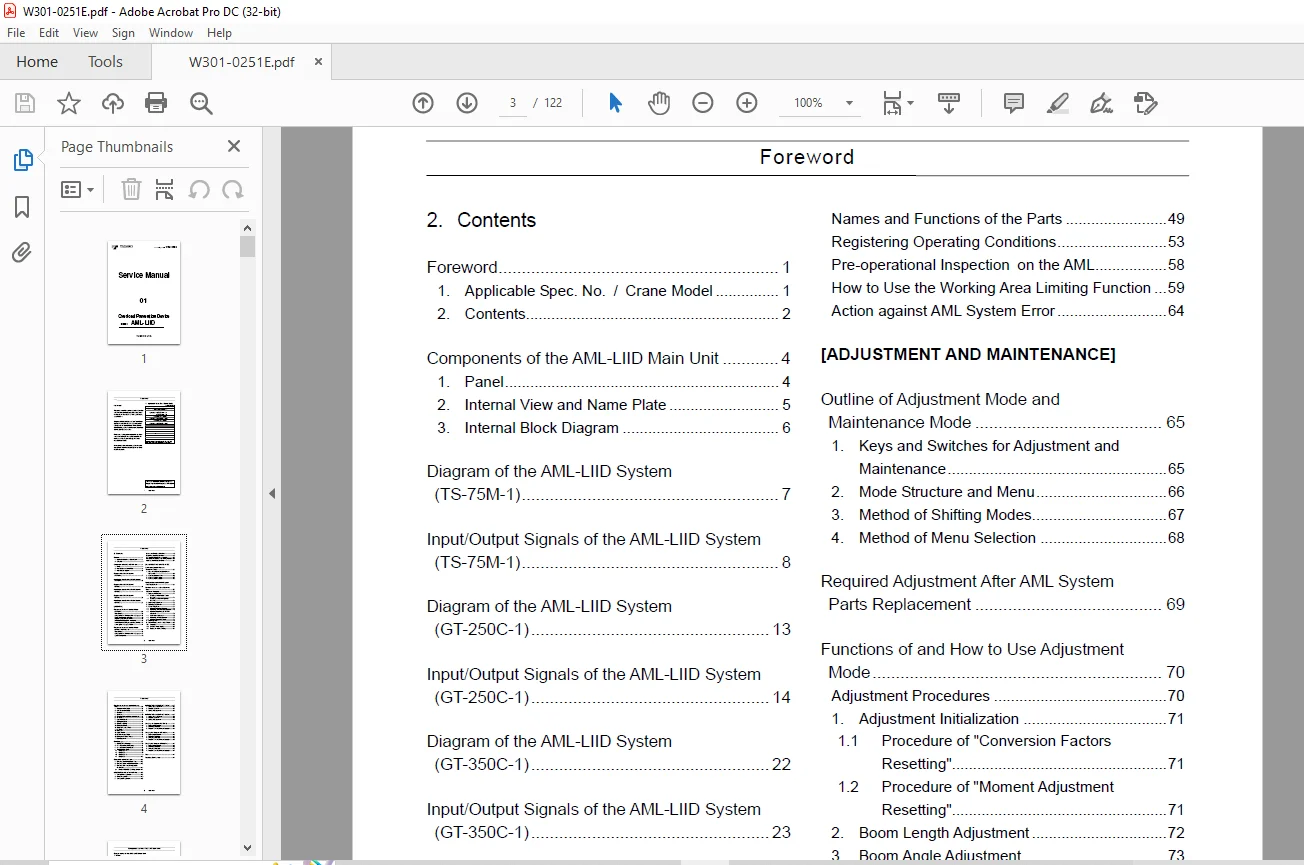
TABLE OF CONTENTS:
Tadano Faun AML-LIID Overload Prevention Device Service Manual W301-0251E – PDF DOWNLOAD
W301-0251E 1
Foreword 2
1 Applicable Spec No / Crane Model 2
2 Contents 3
Components of the AML-LIID Main Unit 5
1 Panel 5
2 Internal View and Name Plate 6
3 Internal Block Diagram 7
Diagram of the AML-LIID System (TS-75M-1) 8
Input/Output Signals of the AML-LIID System (TS-75M-1) 9
Diagram of the AML-LIID System (GT-250C-1) 14
Input/Output Signals of the AML-LIID System (GT-250C-1) 15
Diagram of the AML-LIID System (GT-350C-1) 23
Input/Output Signals of the AML-LIID System (GT-350C-1) 24
[OPERATION] 33
Functions of and How to Use User Mode (TS-75M-1) 33
Mode Structure 33
Configuration and Functions of the AML System 34
Names and Functions of the Parts 36
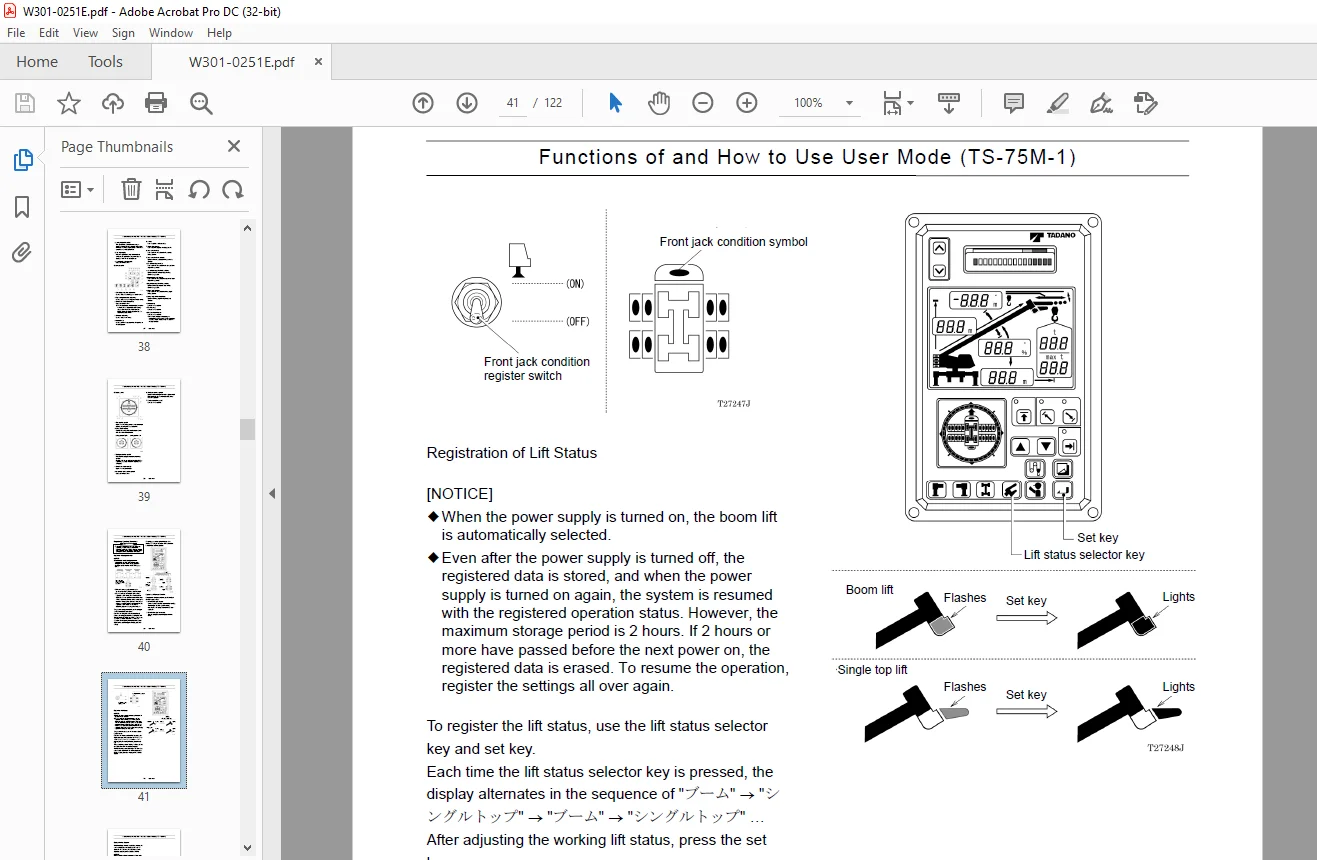
Registering Operating Conditions 40
Pre-operational Inspection on the AML 43
How to Use the Working Area Limitng Function 44
Action against AML System Error 45
Functions of and How to Use User Mode (GT-250C-1/GT-350C-1) 46
Mode Structure 46
Configuration and Functions of the AML System 47
System Configuration 49
Names and Functions of the Parts 50
Registering Operating Conditions 54
Pre-operational Inspection on the AML 59
How to Use the Working Area Limiting Function 60
Action against AML System Error 65
[ADJUSTMENT AND MAINTENANCE] 66
Outline of Adjustment Mode and Maintenance Mode 66
1 Keys and Switches for Adjustment and Maintenance 66
2 Mode Structure and Menu 67
3 Method of Shifting Modes 68
4 Method of Menu Selection 69
Required Adjustment After AML System Parts Replacement 70
Functions of and How to Use Adjustment Mode 71
Adjustment Procedures 71
1 Adjustment Initialization 72
1 1 Procedure of “Conversion Factors Resetting” 72
1 2 Procedure of “Moment Adjustment Resetting” 72
2 Boom Length Adjustment 73
3 Boom Angle Adjustment 74
4 Moment Adjustment 75
4 1 Moment Zero-point Adjustment 76
4 2 Moment Span Preliminary Adjustment 76
4 3 Moment Zero-point Check and Fine Adjustment 77
4 4 Load Radius Adjustment 77
4 5 Moment Span Fine Adjustment 78
4 6 Moment Zero-point Recheck 79
5 Clock Adjustment 80
6 Other Functions and How to Use Them 81
6 1 Language 81
6 2 Overload History Display 81
6 3 Erasing the Overload History 82
Functions of and How to Use Maintenance Mode 83
1 Program Version Display 83
2 Data ID Number Display 83
3 Di Check 83
4 Ai Check 84
5 Elevating Cylinder Oil Pressure Monitor 84
6 Do Check 84
7 Key Switch Check 85
8 Display Unit Check 85
9 Error Data Display 85
10 Erasing the Error Data 86
11 Option (OP) Board Check 86
12 Ao Check 86
13 Sio Check 87
14 Adjust Monitor 87
15 Overload History Display 88
16 Erasing the Overload History 88
17 Clock Adjustment 88
Error Message 89
1 Display of Error Message 89
2 How to Read the Error Message 89
3 How to Read the Error History 89
4 Troubleshooting Table 90
4 1 Group Code 0 90
4 2 Group Code 1 98
4 3 Group Code 2 100
4 4 Group Code 3 103
Disassembly of AML Main Unit 104
1 Removing Front Panel/Display Board 104
2 Removing Rear Panel/Connector Board 104
3 Removing CPU Board/Analog Board /Power Board 105
3 1 Notes on ROM/EEPROM Replacement 105
INFORMATION AND DATA
106
(TS-75M-1) 106
1 Setting before adjustment 106
2 Detector adjustment 106
3 Setting after adjustment 107
(GT-250C-1) 108
1 Setting before adjustment 108
2 Detector adjustment 108
3 Setting after adjustment 109
(GT-350C-1) 110
1 Setting before adjustment 110
2 Detector adjustment 110
3 Setting after adjustment 111
Checking the Detectors
112
(TS-75M-1) 112
1 Boom Length Detector 112
2 Boom Angle Detector 112
3 Pressure Sensor for Moment Detection 113
(GT-250C-1) 114
1 Boom Length Detector 114
2 Boom Angle Detector 115
3 Swing Angle Detector 116
4 Pressure Sensor for Moment Detection 116
(GT-350C-1) 117
1 Boom Length Detector 117
2 Boom Angle Detector 117
3 Swing Angle Detector 118
4 Pressure Sensor for Moment Detection 118
Fuse 119
Replacing Clock Battery 120
History of Revision
121
IMAGES PREVIEW OF THE MANUAL:
Questions? Email us: [email protected]
PLEASE NOTE:
- This is the SAME manual used by the dealers to troubleshoot any faults in your vehicle. This can be yours in 2 minutes after the payment is made.
- Contact us at [email protected] should you have any queries before your purchase or that you need any other service / repair / parts operators manual.
S.V