Trusted Business
Verified & Licensed
Virus Free Files
100% Safe Downloads
Secure Payment
SSL Protected
Instant Delivery
Available Immediately
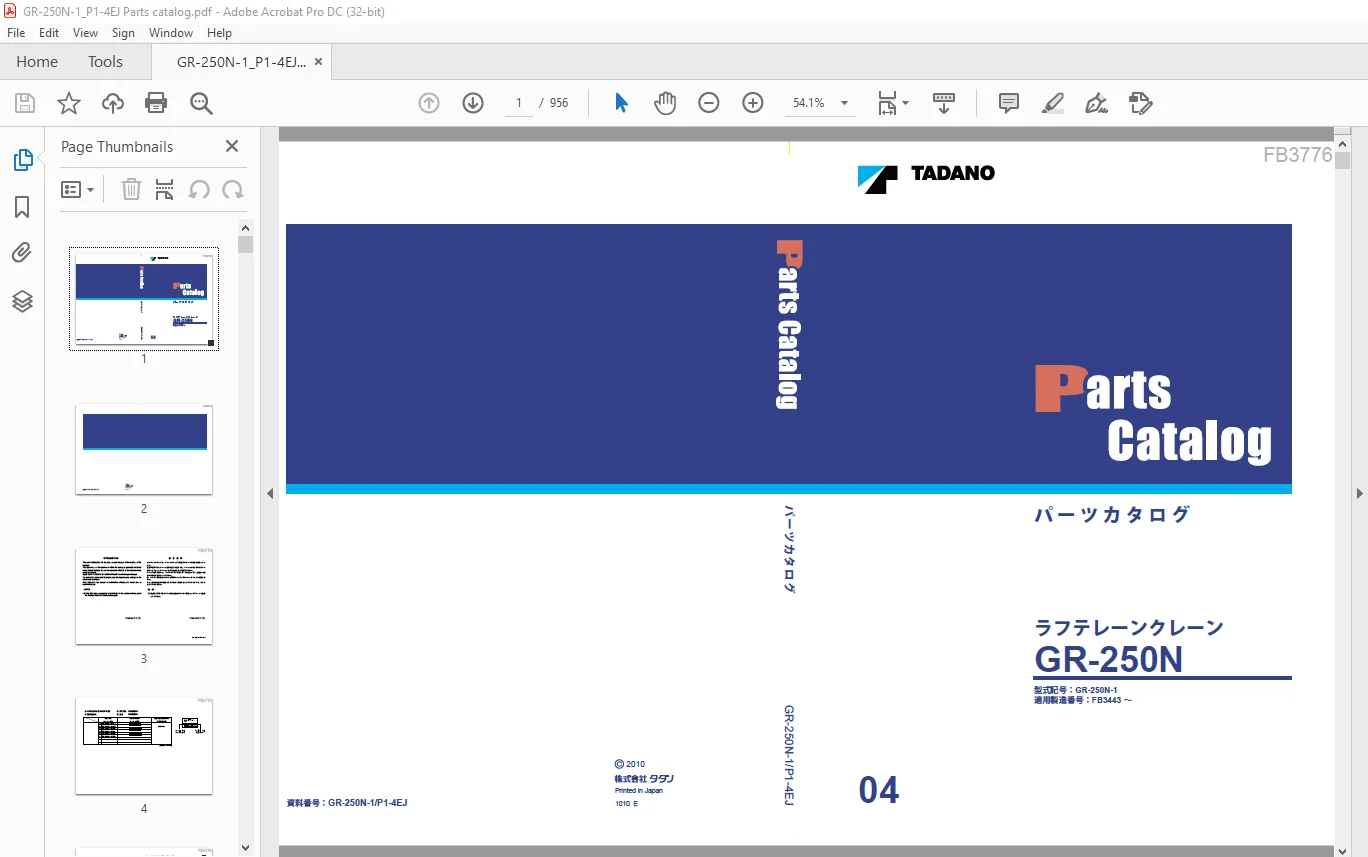
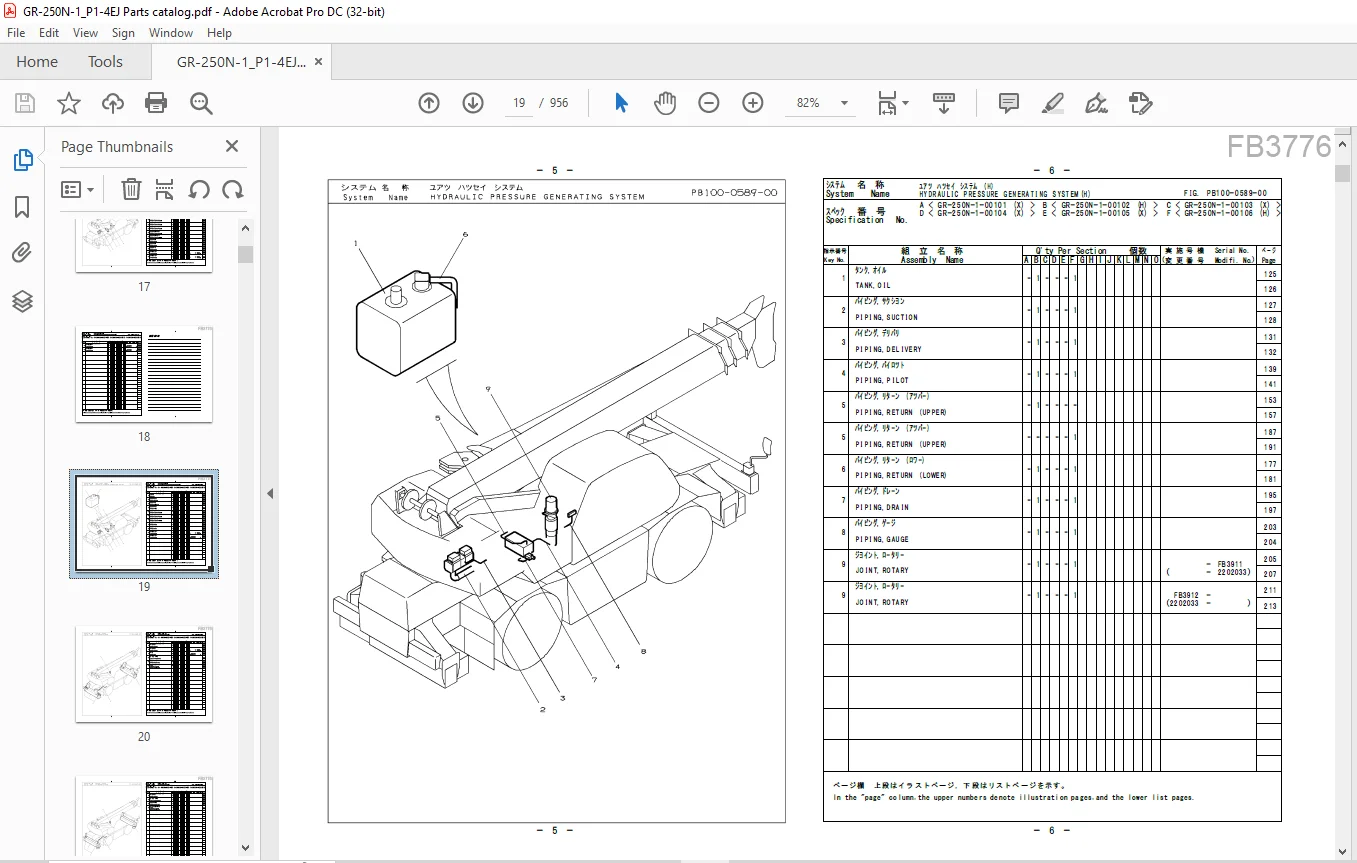
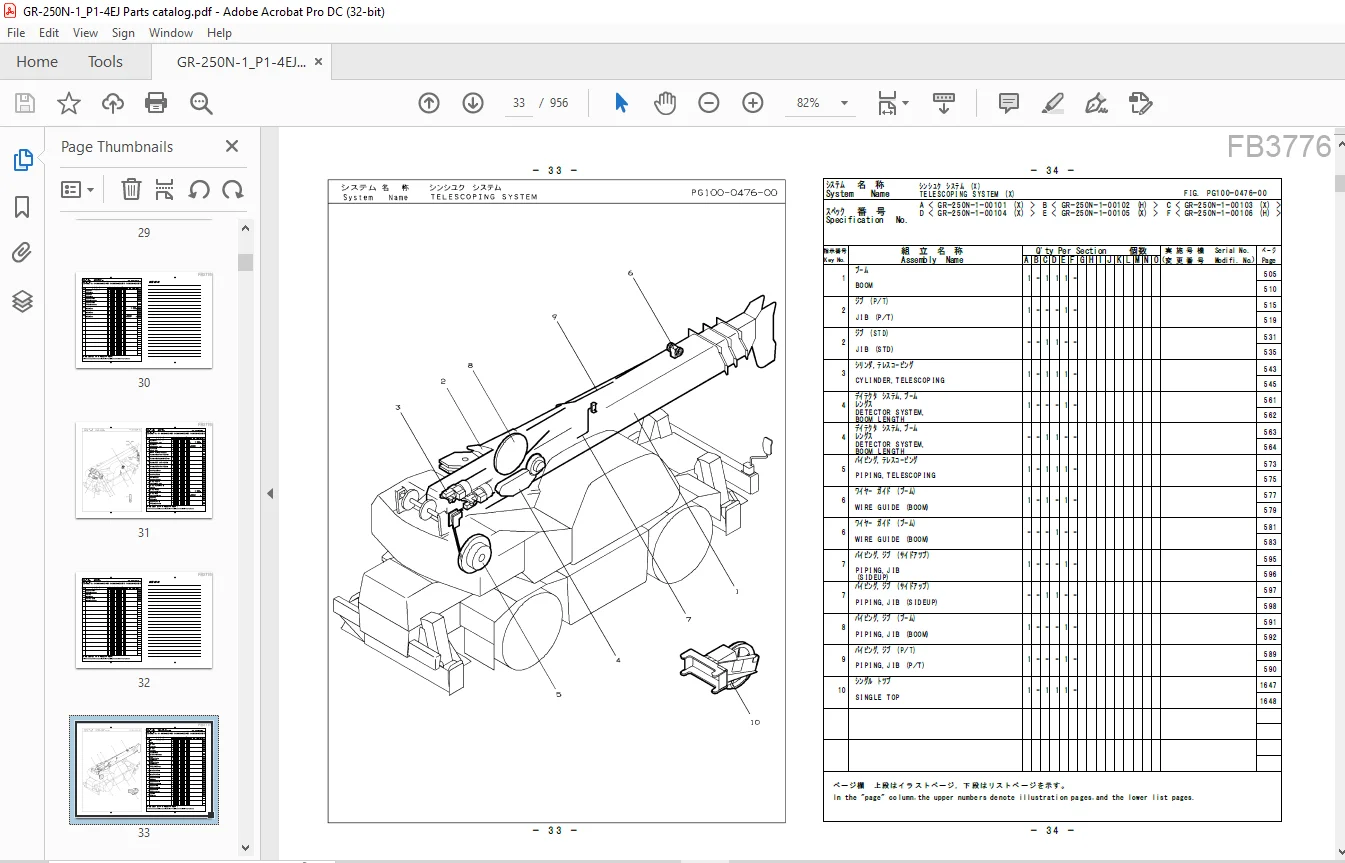
Tadano Faun GR-250N Crane Parts Catalog Manual SN FB3443 – PDF DOWNLOAD
$34.95
Tadano Faun GR-250N Crane Parts Catalog Manual SN FB3443 – PDF DOWNLOAD
Instant PDF Download
Available immediately
Save to Your Device
Download & keep forever
Antivirus Scanned
100% virus-free
Trusted Worldwide
175,000+ customers
Description
Tadano Faun GR-250N Crane Parts Catalog Manual SN FB3443 – PDF DOWNLOAD
FILE DETAILS:
Tadano Faun GR-250N Crane Parts Catalog Manual SN FB3443 – PDF DOWNLOAD
Language : English
Pages : 956
Downloadable : Yes
File Type : PDF
DESCRIPTION:
Tadano Faun GR-250N Crane Parts Catalog Manual SN FB3443 – PDF DOWNLOAD
INTRODUCTION:
- This parts catalog lists all the parts, except the parts of the engine, of the machine.
- The Spec. Nos. of the machine to which this catalog is applicable are listed below. Check the Spec. No. on the nameplate attached to the machine before using this catalog.
- Read “HOW TO USE THIS PARTS CATALOG” for efficient part retrieval. For parts of the carrier and the engine, use the separate parts catalogs for the carrier and the engine.
- Note that parts are subject to modification without prior notice due to modification, etc.
(NOTE)
(1) If the item to be searched for is not included in the system sections, check
the “Options” in the SYSTEM section again.
HOW TO USE THIS PARTS CATALOG:
1.FINDING SYSTEMS
Find out under which system your machine part falls from the illustrations in the Vol.
Systems.
2.FINDING ASSEMBLIES
Find out under which assembly your machine part, seen in Process 1. The page number is
shown at the right end on the same column with the Key No. in the list.
If the same Key No. occupies two or more columns, choose the part based on the spec.
symbols in the Q’ty per section.
You must choose it according to the denotation in the Serial No. column. (The same
can be said also with FINDING PART NO.) Take note that in this case the Page No.
on the lower column is more important.
Find out under which system your machine part falls from the illustrations in the Vol.
Systems.
2.FINDING ASSEMBLIES
Find out under which assembly your machine part, seen in Process 1. The page number is
shown at the right end on the same column with the Key No. in the list.
If the same Key No. occupies two or more columns, choose the part based on the spec.
symbols in the Q’ty per section.
You must choose it according to the denotation in the Serial No. column. (The same
can be said also with FINDING PART NO.) Take note that in this case the Page No.
on the lower column is more important.
3.FINDING PARTS NOS.
Before entering this process, perform the above 1 and 2 without fail.
3-1 From the corresponding illustration in Vol. Assemblies (above ), find out in which
illustration lies your part.
By means of the Key No., read out the Part No. and necessary quantity.
3-2 Where a page number is given in the PAGE column (rightmost column) in the list, refer
to that page, and look up the wanted part in the page.
4.NOTES
4-1 Design change
When the wanted part has been changed in design, find the applicable part by
checking the effective Serial Nos. in the Serial No. column.
4-2 Index
The INDEX at the end of the catalog is used when the part no. is known. Find from
thepart no. the area in which the wanted part is built.
Before entering this process, perform the above 1 and 2 without fail.
3-1 From the corresponding illustration in Vol. Assemblies (above ), find out in which
illustration lies your part.
By means of the Key No., read out the Part No. and necessary quantity.
3-2 Where a page number is given in the PAGE column (rightmost column) in the list, refer
to that page, and look up the wanted part in the page.
4.NOTES
4-1 Design change
When the wanted part has been changed in design, find the applicable part by
checking the effective Serial Nos. in the Serial No. column.
4-2 Index
The INDEX at the end of the catalog is used when the part no. is known. Find from
thepart no. the area in which the wanted part is built.
IMAGES PREVIEW OF THE MANUAL:
Contact us: [email protected]
https://vimeo.com/840412032?share=copy
PLEASE NOTE:
- This is the same manual used by the dealers to diagnose and troubleshoot your vehicle
- You will be directed to the download page as soon as the purchase is completed. The whole payment and downloading process will take anywhere between 2-5 minutes
- Need any other service / repair / parts manual, please feel free to contact [email protected] . We still have 50,000 manuals unlisted
S.V