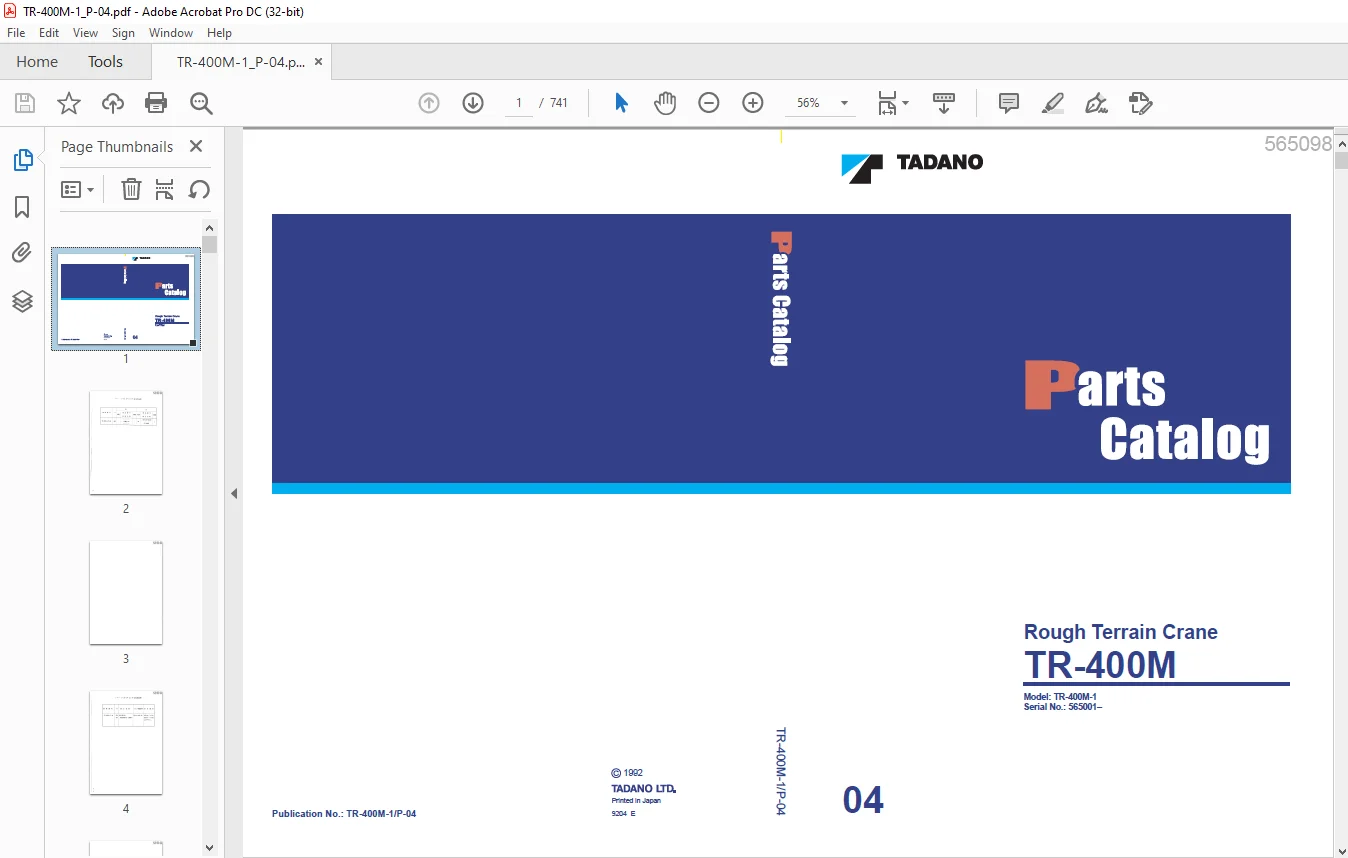
Tadano Faun TR-400M Rough Terrian Crane Parts Catalog Manual SN 565001 – PDF DOWNLOAD
$32.95
Tadano Faun TR-400M Rough Terrian Crane Parts Catalog Manual SN 565001 – PDF DOWNLOAD
Description
Tadano Faun TR-400M Rough Terrian Crane Parts Catalog Manual SN 565001 – PDF DOWNLOAD
FILE DETAILS:
Tadano Faun TR-400M Rough Terrian Crane Parts Catalog Manual SN 565001 – PDF DOWNLOAD
Language : English
Pages : 741
Downloadable : Yes
File Type : PDF
DESCRIPTION:
Tadano Faun TR-400M Rough Terrian Crane Parts Catalog Manual SN 565001 – PDF DOWNLOAD
INTRODUCTION:
- This parts catalog lists all the parts, expect for the parts of the engine,
of the Model TR-400M SERIES cranes from Serial No. 565001 onward. - The Spee. Nos. for which this catalog is applicable are listed below.
Check the Spee. No. on the nameplate attached to your crane before using
this catalog. - Read “How to Use This Parts Catalog”, for efficient! y finding the part
you look for. - For parts of the engine, use the separate parts catalog for the engine.
Note that parts are subject to modification for improvement, etc.,
without prior notice.
HOW TO USE THIS PARTS CATALOG:
1 . FINDING SYSTEM:
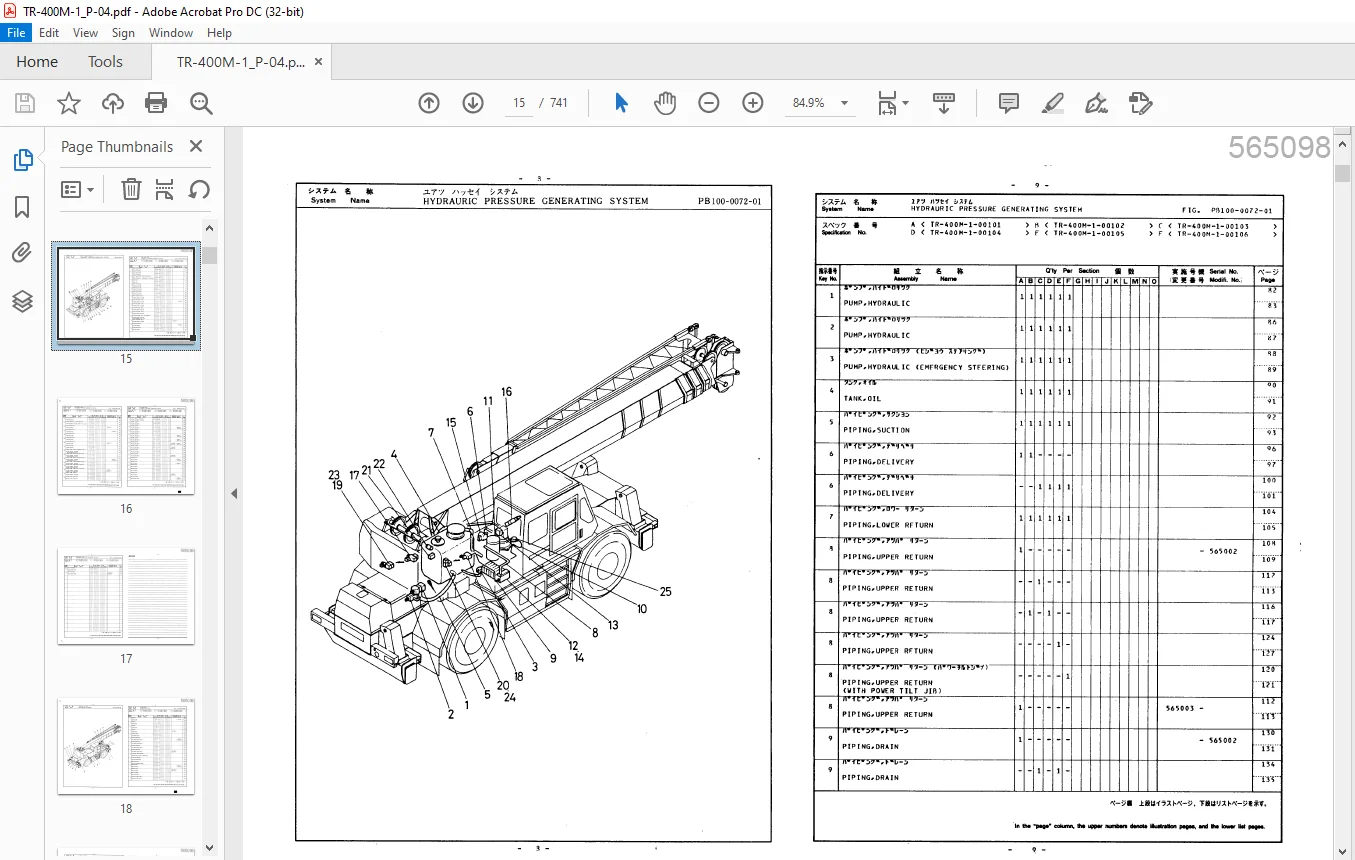
Find the system that contains the wanted part, by using the illustrations
on the SYSTEM pages.
2. FINDING ASSEMBLY:
In the applicable SYSTEM page, find the assembly that contains the
wanted part, find the PAGE assigned to that assembly, and open the
catalog at this page.
Where the same Key No. is given to two or more assemblies, identify
the relevant one by the Spee. code in the Q’ty column. In some cases,
the applicable assembly must be identified by the Serial No. in the Serial
No. column. (The same applies to part no. retrieval.)
3. FINDING PART NO.:
1. Find the wanted part in the illustration, and retrieve the Part No. and
the quantity used by referring to the Key No.
2. Where a page number is given in the PAGE column (rightmost column)
in the list, refer to that page, and look up the wanted part in the page.
4. NOTES:
1. Design change
When the wanted part has been changed in design, find the applicable
part by checking the effective Serial Nos. in the Serial No. column.
2. Interchangeability
When the wanted part has been changed in design, check for the interchangeability
in the PARTS REVISION LIST, using the Modifi. No.
in the Serial No. column as a key.
IMAGES PREVIEW OF THE MANUAL:
TABLE OF CONTENTS:
Tadano Faun TR-400M Rough Terrian Crane Parts Catalog Manual SN 565001 – PDF DOWNLOAD
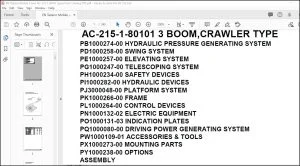
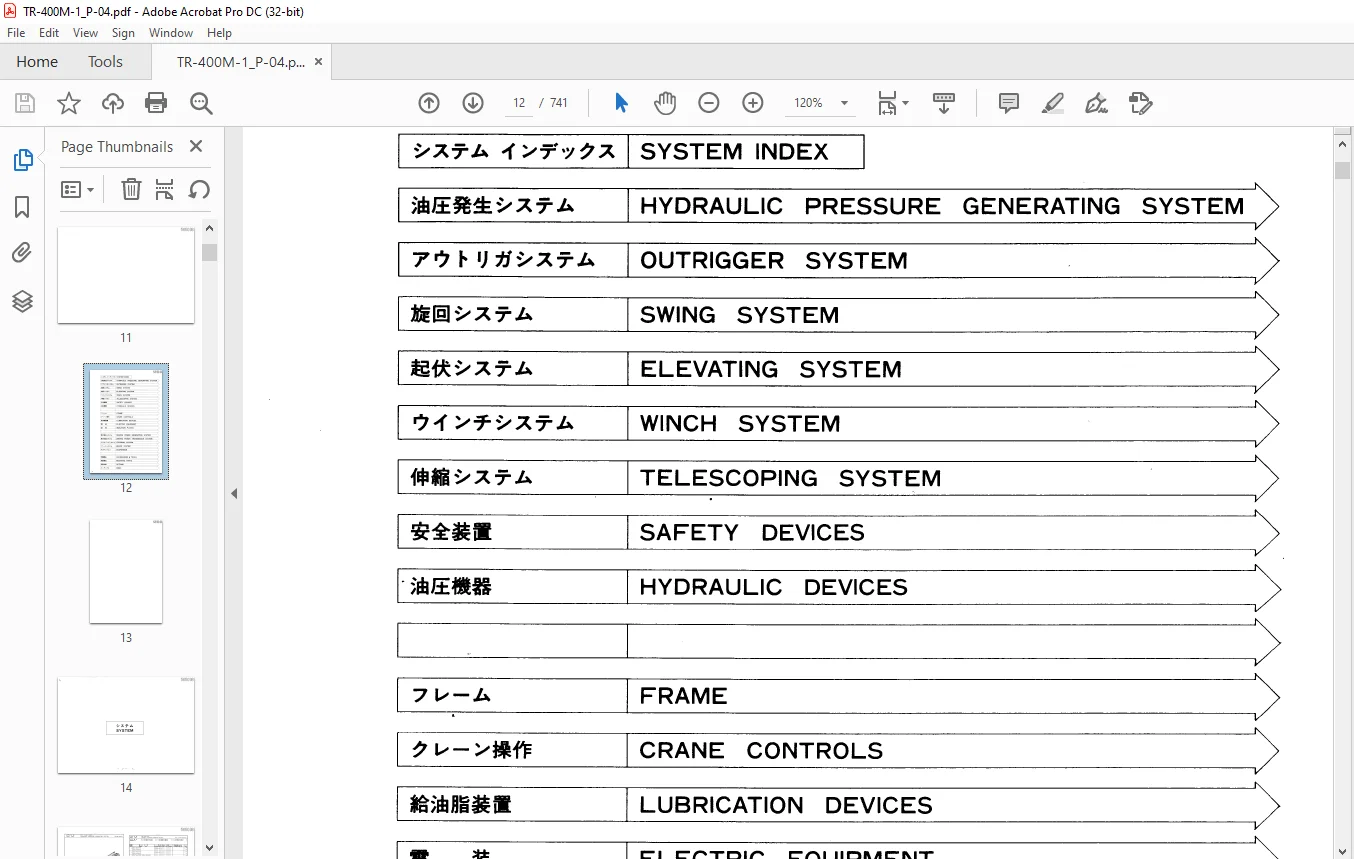
SYSTEM INDEX
HYDRAULIC PRESSURE GENERATING SYSTEM
OUTRIGGER SYSTEM
SWING SYSTEM
ELEVATING SYSTEM
WINCH SYSTEM
TELESCOPING SYSTEM
SAFETY DEVICES
HYDRAULIC DEVICES
FRAME
CRANE CONTROLS
LUBRICATION DEVICES
ELECTRIC EQUIPMENT
INDICATION PLATES
DRIVING POWER GENERATING SYSTEM
DRIVING POWER TRANSMISSION SYSTEM
STEERING SYSTEM
BRAKE SYSTEM
SUSPENSION
ACCESSORIES & TOOLS
MOUNTING PARTS
OPTIONS
INDEX
Customer Support: [email protected]
PLEASE NOTE:
- This is the SAME manual used by the dealers to troubleshoot any faults in your vehicle. This can be yours in 2 minutes after the payment is made.
- Contact us at [email protected] should you have any queries before your purchase or that you need any other service / repair / parts operators manual.
S.V