Description
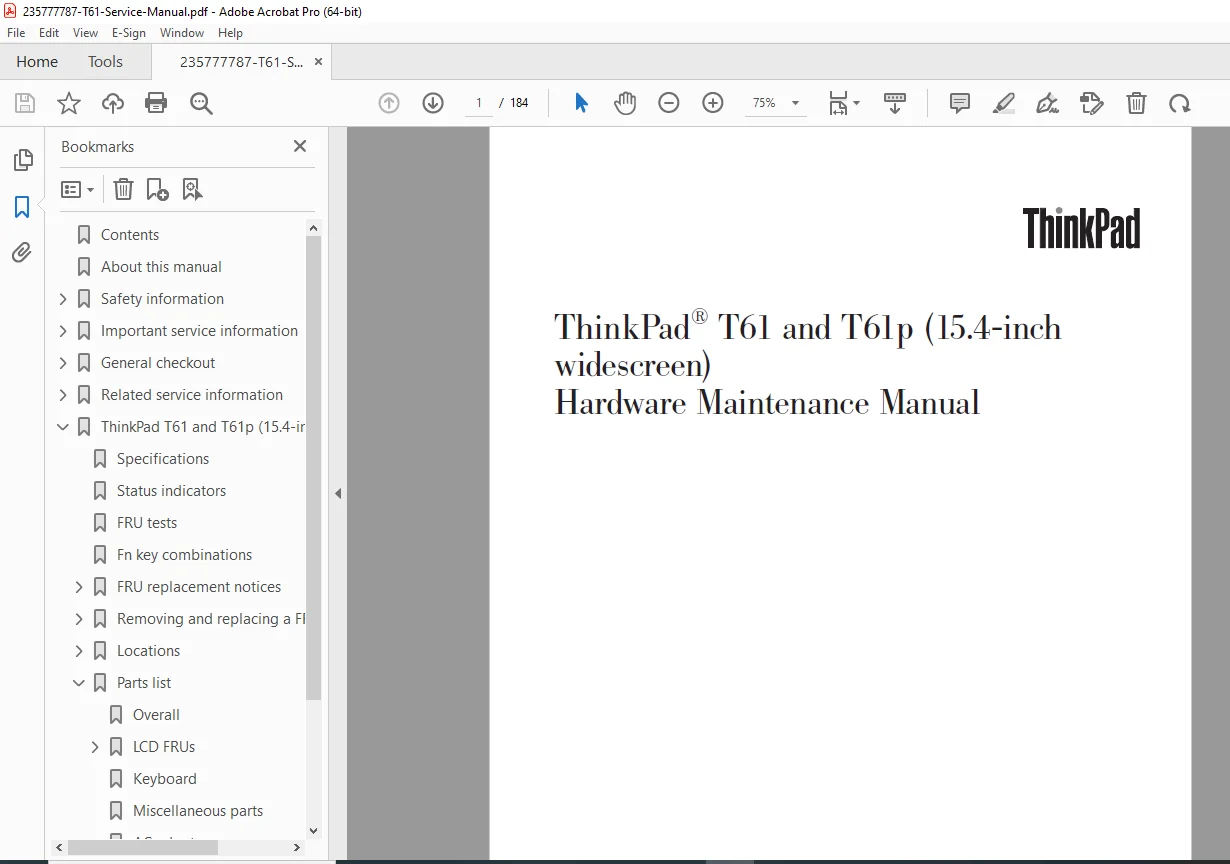
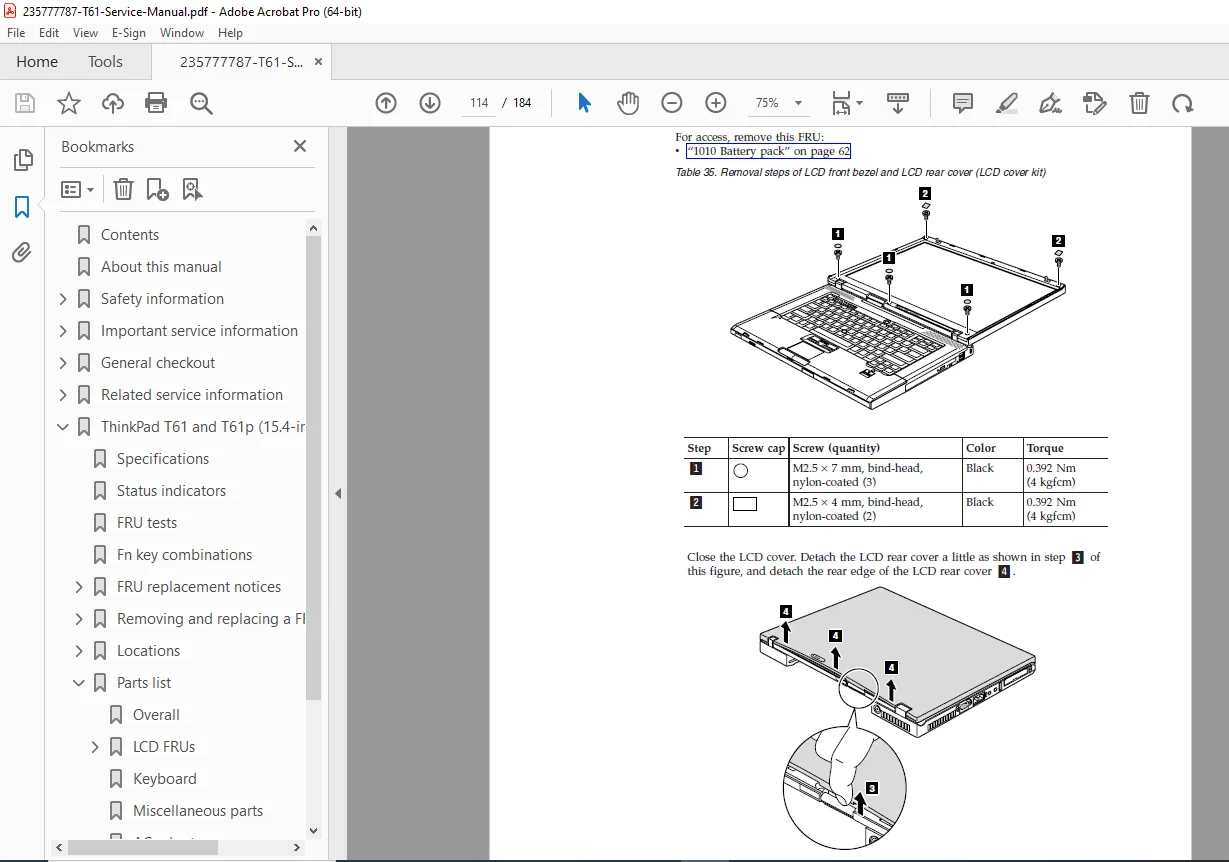
This is the official Hardware Maintenance Manual (HMM) for ThinkPad T61 and T61p (15.4-inch widescreen). It’s written for trained service technicians and provides the workflow used in real repairs: safety → diagnostics → symptom-to-FRU isolation → FRU replacement → parts identification.
✅ Models / Machine Types Covered
ThinkPad T61 & T61p (15.4″ widescreen) — MT: 6463, 6464, 6465, 6466, 6467, 6468, 6471, 6457, 6458, 6459, 6460, 6461, 6462, 6470.
Table of Contents
🛡️ Safety & Service Essentials
General safety, electrical safety, inspection guide, ESD handling, grounding
Safety notices + laser compliance statement
Service strategy for FRU replacement (HDD and system board notes)
How to use error messages + RoHS FRU replacement guidance
🧪 Diagnostics & Checkout
General checkout workflow
PC-Doctor diagnostics (DOS / Windows / Rescue & Recovery)
Power system checkout (AC adapter, charging, battery pack, backup battery)
🔐 Recovery, Passwords & Power Management
Restoring factory contents using Product Recovery discs
Passwords: power-on, hard-disk, supervisor + removal procedures
Power management: screen blank, standby, hibernation
🧩 Symptom-to-FRU Troubleshooting Index
🧰 Product-Specific Information
Specifications, status indicators, FRU tests, Fn key combinations
FRU replacement notices (screw notices, retaining serial numbers)
🔧 FRU Removal & Replacement (Step-by-Step)
Battery pack, Ultrabay Slim device
HDD/SSD (cover, rails, storage converter)
Palm rest (with/without fingerprint reader), DIMM, keyboard, keyboard bezel
WLAN/WWAN Mini Cards, Wireless USB adapter, SIM slot
Backup battery, speakers, fan assembly, CPU
LCD assembly + LCD sub-parts (cover kit, inverter, antenna, hinges/frame, panel/cable)
Base cover, USB sub card, structure frame, system board + card slot assembly
📍 Locations & Parts Lists
Location diagrams (front/rear/bottom views)
Parts lists: overall, LCD FRUs, keyboard, misc parts, AC adapters, power cords, recovery discs, common service tools
🗂️ File Details
| Item | Details |
|---|
| Manual Name | ThinkPad T61 & T61p (15.4-inch widescreen) Hardware Maintenance Manual |
| Models Covered | ThinkPad T61/T61p 15.4″ widescreen (MT list included) |
| Year | Fifth Edition — September 2011 |
| Manual PDF Quality | Clear, searchable technician manual with structured TOC & FRU procedures |
| No. of Pages | 184 pages |
Get the official technician-grade FRU manual with diagnostics, symptom charts, and step-by-step replacements—so you can repair confidently and correctly. Instant download and ready to use.