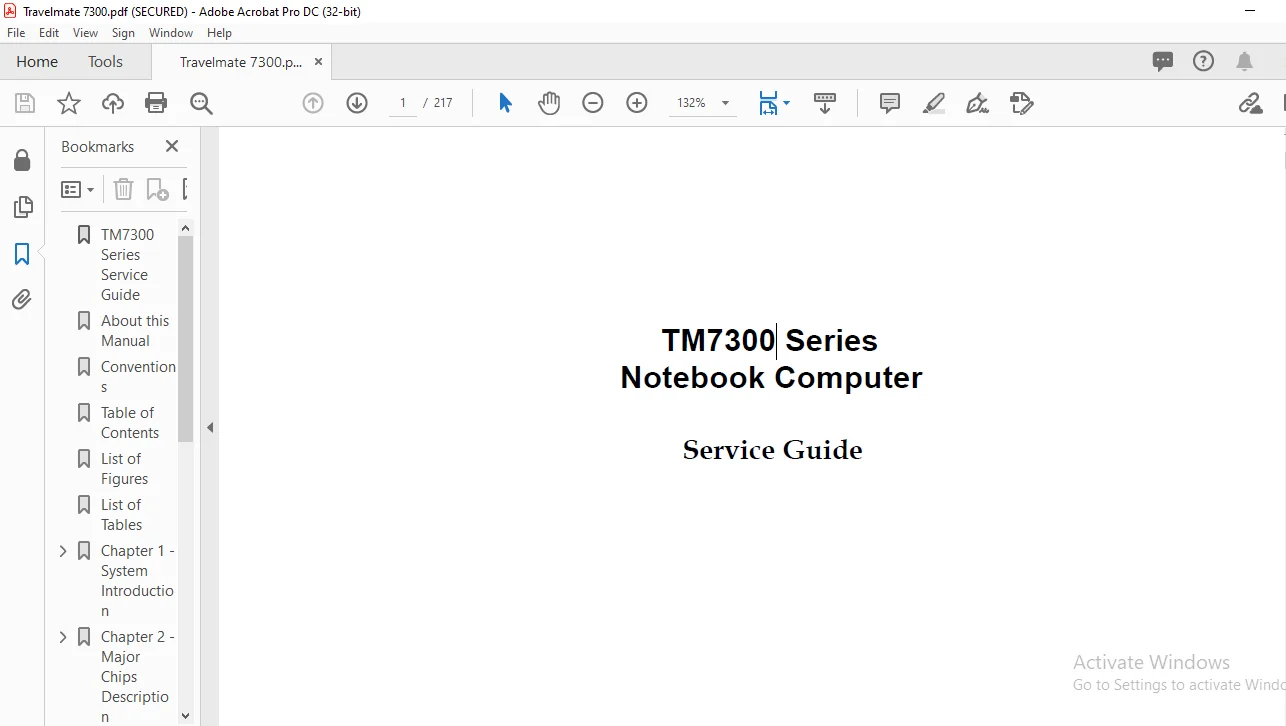
TM7 Series 300 Notebook Computer Service Guide Manual – PDF DOWNLOAD
Original price was: $60.00.$14.95Current price is: $14.95.
TM7 Series 300 Notebook Computer Service Guide Manual – PDF DOWNLOAD
Description
TM7 Series 300 Notebook Computer Service Guide Manual – PDF DOWNLOAD


Preface
Before using this information and the product it supports, please read the following general information.
1. This Service Guide provides you with all technical information relating to the BASIC CONFIGURATION
decided for Acer’s “global” product offering. To better fit local market requirements and enhance product
competitiveness, your regional office MAY have decided to extend the functionality of a machine (e.g.
add-on card, modem, or extra memory capability). These LOCALIZED FEATURES will NOT be covered
in this generic service guide. In such cases, please contact your regional offices or the responsible
personnel/channel to provide you with further technical details.
2. Please note WHEN ORDERING FRU PARTS, that you should check the most up-to-date information
available on your regional web or channel. If, for whatever reason, a part number change is made, it will
not be noted in the printed Service Guide. For ACER-AUTHORIZED SERVICE PROVIDERS, your Acer
office may have a DIFFERENT part number code to those given in the FRU list of this printed Service
Guide. You MUST use the list provided by your regional Acer office to order FRU parts for repair and
service of customer machines
TM7 Series 300 Notebook Computer Service Guide Manual – PDF DOWNLOAD
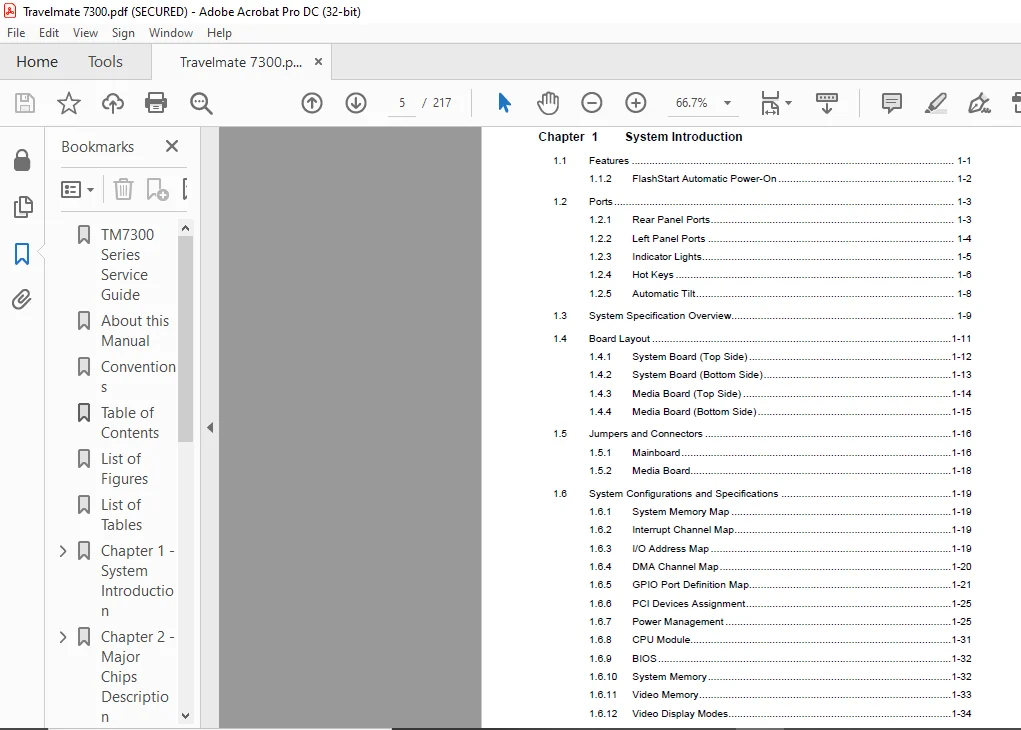
TM7300 Series Service Guide..............................  1
About this Manual........................................  3
Conventions..............................................  4
Table of Contents........................................  5
List of Figures.......................................... 10
List of Tables........................................... 12
Chapter 1 - System Introduction.......................... 14
	1.1 - Features....................................... 14
	1.2 - Ports.......................................... 16
	1.3 - System Specification Overview.................. 21
	1.4 - Board Layout................................... 23
	1.5 - Jumpers and Connectors......................... 28
	1.6 - System Configurations and Specs................ 31
	1.7 - System Block Diagrams.......................... 54
	1.8 - Environmental Requirements..................... 56
	1.9 - Mechanical Specifications...................... 57
Chapter 2 - Major Chips Description...................... 58
	2.1 - Major Component List........................... 58
	2.2 - Intel PIIX4.................................... 59
	2.3 - NM2160......................................... 85
	2.4 - NMA1........................................... 95
	2.5 - Philips 87C552 System Management Controller....100
	2.6 - NS97338VJG Super I/O Controller................105
	2.7 - CL-PD6832: PCI-to-CardBus Host Adapter.........116
	2.8 - Ambit T62.036.C DC-DC Converter................129
	2.9 - Ambit DC-AC Inverter...........................131
Chapter 3 - BIOS Setup Information.......................134
	3.1 - About My Computer..............................135
	3.2 - System Configuration...........................136
	3.3 - Advanced System Configuration..................138
	3.4 - Power Saving Options...........................140
	3.5 - System Security................................142
	3.6 - Reset to Default Settings......................144
Chapter 4 - Disassembly and Unit Replacement.............145
	4.1 - General Information............................145
	4.2 - Removing the Module............................150
	4.3 - Replacing the Hard Disk Drive..................151
	4.4 - Replacing Memory...............................152
	4.5 - Removing the Keyboard..........................154
	4.6 - Replacing the CPU..............................156
	4.7 - Removing the Display...........................157
	4.8 - Disassembling the Housing......................158
	4.9 - Disassembling the Display......................163
Appendix A - Model Number Definition.....................166
Appendix B - Exploded View Diagram.......................168
Appendix C - Spare Parts List............................171
Appendix D - Schematics..................................173
Appendix E - BIOS Post Checkpoints.......................214
PLEASE NOTE:
- This is not a physical manual but a digital manual – meaning no physical copy will be couriered to you. The manual can be yours in the next 2 mins as once you make the payment, you will be directed to the download page IMMEDIATELY.
- This is the same manual used by the dealers inorder to diagnose your vehicle of its faults.
- Require some other service manual or have any queries: please WRITE to us at [email protected]
s.m