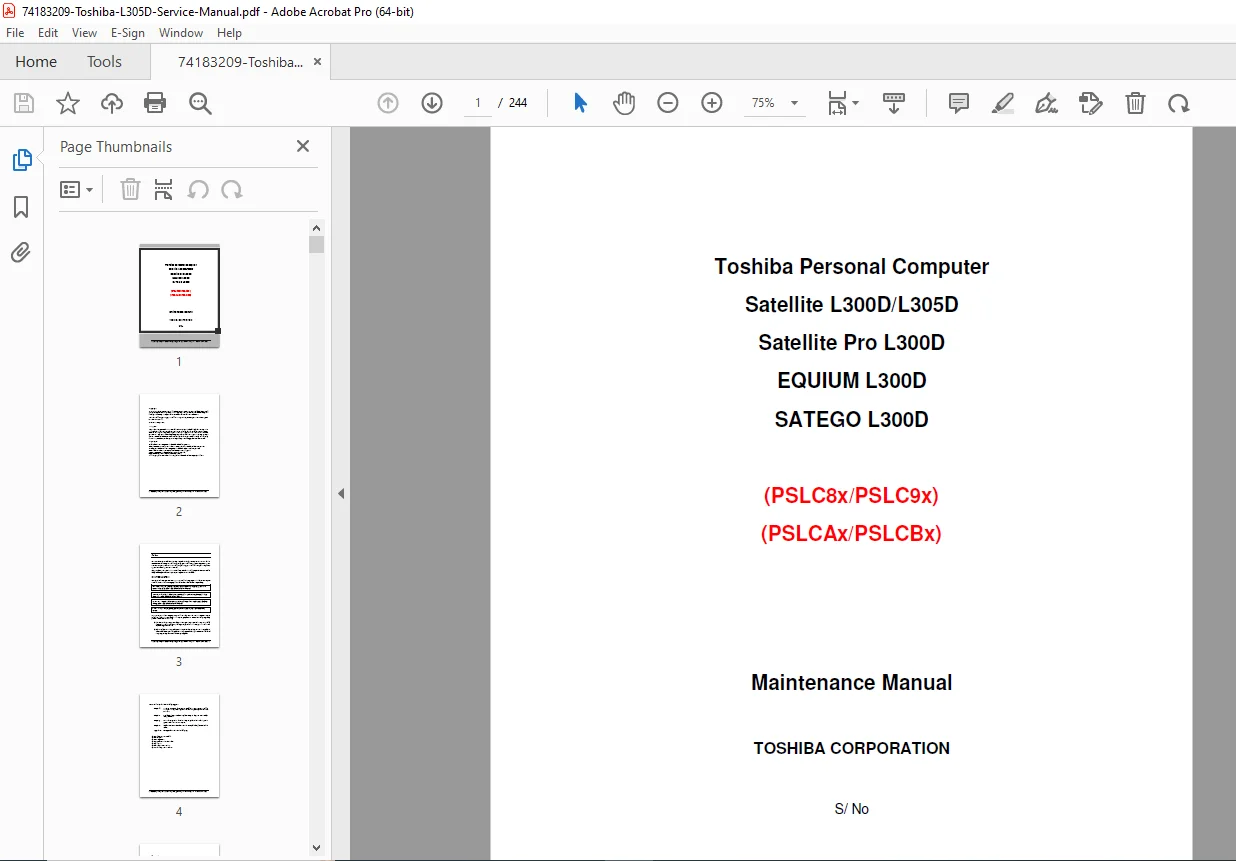
Toshiba Satellite L300D/L305D Series Maintenance Manual (2008) PDF
$19.95
Official Toshiba factory maintenance manual for Satellite L300D/L305D, Pro L300D, EQUIUM L300D300D, SATEGO L300D – 244-page service guide with disassembly photos, troubleshooting flowcharts, test diagnostics, board layouts & pinouts.
Description
Toshiba Satellite L300D/L305D Series Maintenance Manual (2008) PDF DOWNLOAD
Description:
Instant download – Genuine Toshiba Personal Computer Maintenance Manual for Satellite L300D/L305D, Satellite Pro L300D, EQUIUM L300D, and SATEGO L300D series laptops (PSLC8x/PSLC9x, PSLCAx/PSLCBx series), First Edition May 2008. This is the complete 244-page factory service manual used by Toshiba authorized technicians worldwide.
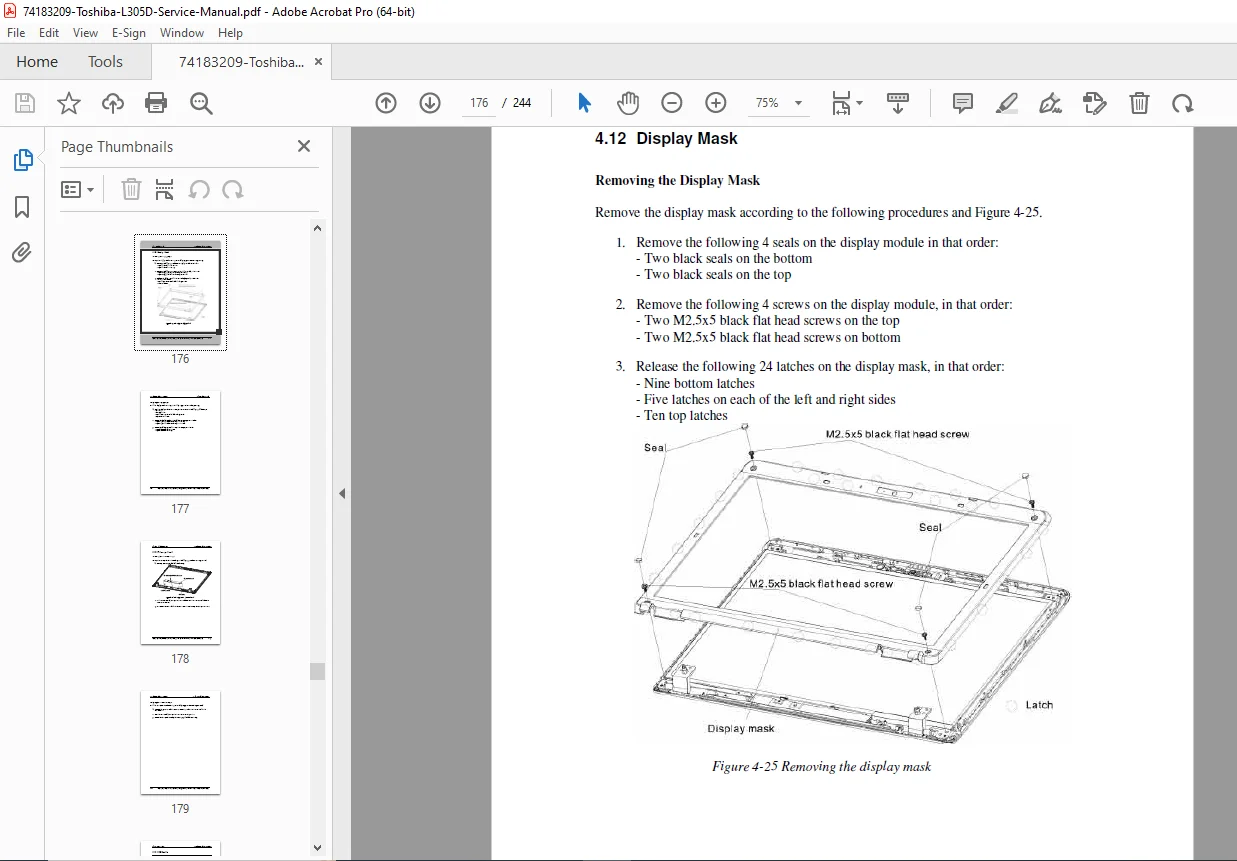
Includes detailed step-by-step disassembly and assembly instructions with clear photos, full troubleshooting procedures and flowcharts, diagnostic test programs, hardware overview, replaceable parts removal/replacement, screw torque specs, board layouts, pin assignments, keyboard scan codes, BIOS/EC/KBC rewrite procedures, and LCD handling precautions.
Essential for repair shops, technicians, and owners searching for the authentic toshiba satellite l300d service manual pdf, toshiba l305d maintenance manual download, or satellite pro l300d disassembly guide – this is the real Toshiba document with everything needed for professional-level repairs.
Detailed Table of Contents (cleanly formatted from manual):
Chapter 1 Hardware Overview
- 1.1 Features
- 1.2 System Unit Components
- 1.3 2.5-inch HDD
- 1.4 Combo CD-RW/DVD-ROM
- 1.5 DVD Super Multi (+-R Double Layer)
- 1.6 Power Supply
- 1.7 Batteries
- 1.7.1 Main Battery
- 1.7.2 Battery Charging Control
- 1.7.3 RTC Battery
Chapter 2 Troubleshooting Procedures
- 2.1 Outline
- 2.2 Basic Flowchart
- 2.3 Power Supply (Procedure 1-3)
- 2.4 System Board (Procedure 1-3)
- 2.5 2.5-inch HDD (Procedure 1-5)
- 2.6 Keyboard (Procedure 1-2)
- 2.7 Display (Procedure 1-3)
- 2.8 ODD (Optical Disk Drive) (Procedure 1-3)
- 2.9 LAN (Procedure 1-2)
- 2.10 Audio Test (Procedure 1-2)
- 2.11 Cooling Module (Procedure 1-2)
Chapter 3 Test and Diagnostic Programs
- 3.1 General
- 3.2 Quick Start (Quick Test, Customization Test, Keyboard Layout, Hotkey, Audio Play/Record, DMI Read/Write, System Info, Logs, Exit to DOS)
- 3.3 Options (Batch Parameters, Item Parameters, LOG Settings, Viewer)
- 3.4 Subtests
- 3.5 System Test
- 3.6 Memory Test
- 3.7 Storage
- 3.8 Video
- 3.9 Communication
- 3.10 Peripheral
- 3.11 Error Codes and Descriptions
- 3.12 Quick Test Item List
Chapter 4 Replacement Procedures
- 4.1 General (Safety, Tools, Screws, Battery, PC Card, Memory Card, Optional Memory)
- 4.2 HDD
- 4.3 ODD Bay Module
- 4.4 Keyboard
- 4.5 MDC Module
- 4.6 Wireless LAN Card
- 4.7 Top Cover
- 4.8 Display Assembly
- 4.9 System Board
- 4.10 CPU Cooling Module and Fan
- 4.11 CPU
- 4.13 Display Mask
- 4.14 FL Inverter Board
- 4.15 LCD Modules
- 4.16 CCD Board and MIC
- 4.17 Speakers
- 4.18 Touch Pad and Button Board
- 4.19 USB, CRT, Power Button Board, AC-IN, RJ11 Cables
Appendices
- Appendix A Handling the LCD Module
- Appendix B Board Layout (System Board Front & Back Views)
- Appendix C Pin Assignments (All connectors: Power, Switch, CRT, LCD, Modem, CCD, Touch Pad, Speakers, WLAN, Keyboard, etc.)
- Appendix D Keyboard Scan/Character Codes
- Appendix E Key Layout (US, JP, etc.)
- Appendix F BIOS Rewrite Procedures
- Appendix G EC/KBC Rewrite Procedures
File Details:
- Manual Name: Toshiba Satellite L300D/L305D Series Maintenance Manual
- Models Covered: Satellite L300D/L305D, Satellite Pro L300D, EQUIUM L300D, SATEGO L300D (PSLC8x/PSLC9x/PSLCAx/PSLCBx)
- Date: First Edition May 2008
- Pages: 244
- Quality: Original Toshiba factory manual, excellent scans, clear photos/diagrams, searchable text, full color where applicable