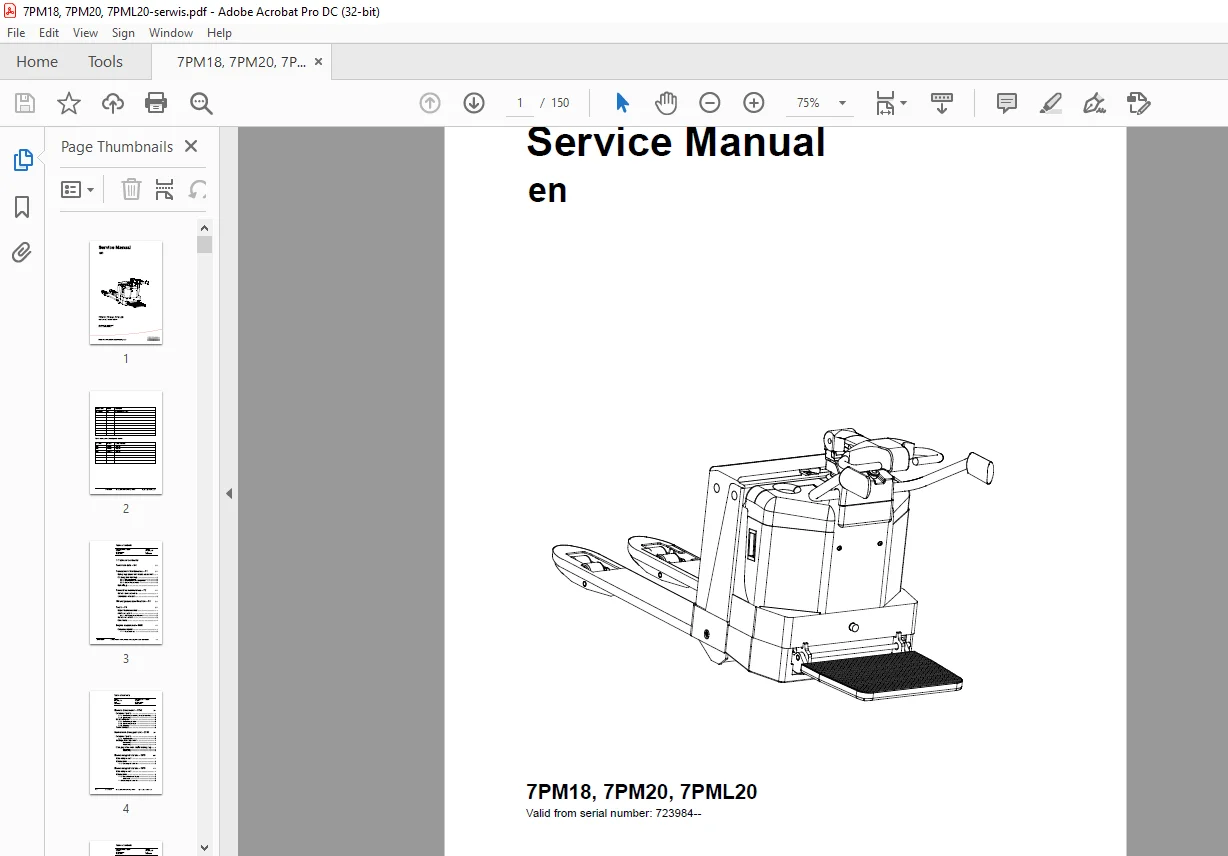
TOYOTA Forklift 7PM18, 7PM20, 7PML20 Service Manual – PDF DOWNLOAD
$28.95
TOYOTA Forklift 7PM18, 7PM20, 7PML20 Service Manual – PDF DOWNLOAD
Description
TOYOTA Forklift 7PM18, 7PM20, 7PML20 Service Manual – PDF DOWNLOAD
FILE DETAILS:
TOYOTA Forklift 7PM18, 7PM20, 7PML20 Service Manual – PDF DOWNLOAD
Language : English
Pages : 150
Downloadable : Yes
File Type : PDF
IMAGES PREVIEW OF THE MANUAL:
TABLE OF CONTENTS:
TOYOTA Forklift 7PM18, 7PM20, 7PML20 Service Manual – PDF DOWNLOAD
Valid from serial number: 723984–
Order number: 222995-040
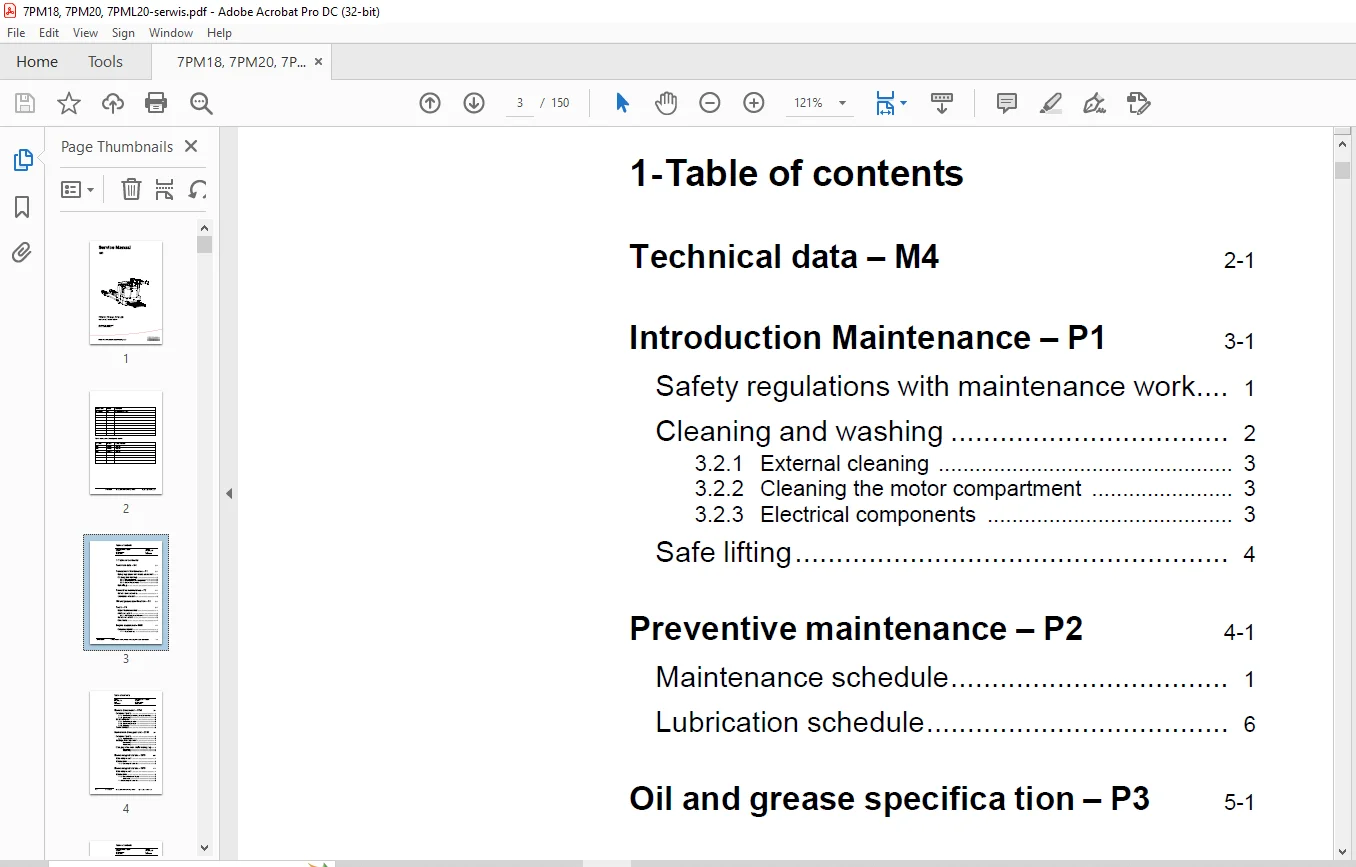
1- Table of contents 3
2- Technical data – M4 11
3- Introduction Maintenance – P1 15
31 Safety regulations with maintenance work 15
32 Cleaning and washing 16
321 External cleaning 17
322 Cleaning the motor compartment 17
323 Electrical components 17
33 Safe lifting 18
4- Preventive maintenance – P2 19
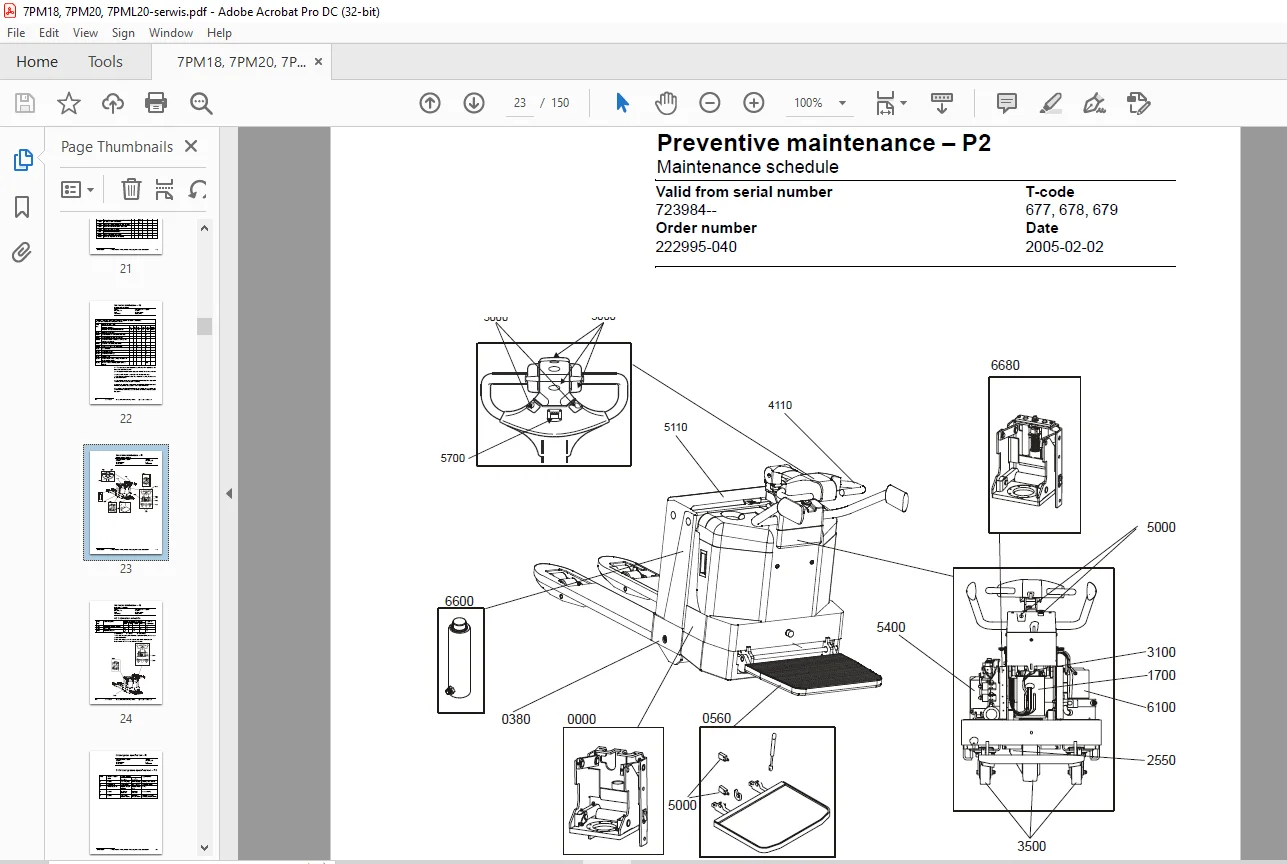
41 Maintenance schedule 19
42 Lubrication schedule 24
5- Oil and grease specifica tion – P3 25
6- Tools – P4 27
61 Super Seal connectors 27
62 AMP connectors 28
621 AMP Connectors, 040 series 29
63 Molex connectors 29
64 Other tools 30
7- Engine suspension- 0450 31
71 Component parts 31
711 Component List 32
8- Electric drive motor – 1760 33
81 Component parts 33
811 Dismantling/assembling of motor from truck 34
812 Assembling 35
82 Service/Repairs 35
821 Dismantling of motor 35
822 Assembling of motor 36
823 Cleaning 37
83 Technical data 38
9- Mechanical drive gear unit – 2550 39
91 Component parts 40
911 Technical data 41
92 Leakage from top cover 42
Dismantling 42
Assembling 42
93 Changing of the drive shaft’s sealing ring 42
Dismantling 42
Assembling 43
10- Electro magnetic brake – 3370 45
101 Main components 45
102 Maintenance 46
1021 Exchange of brake disc 46
11- Electro magnetic brake – 3370 47
111 Main components 47
112 Maintenance 48
1121 Basic Adjustment of gap 48
Adjustment: 48
1122 Exchange of brake disc 49
12- Steering system – 4000 51
121 Component parts, tiller arm 51
122 Adjustments 52
1221 Adjusting of brake microswitch 52
123 Tiller arm handle 53
1231 Dismantling/Assembling 54
Change from ignition key to keyboard (2) 55
Change from keyboard to ignition key (2) 55
Changing of signal button/switch (9, 10) 56
Changing of lift/lowering button (13) 56
Changing of pushbutton (16) 57
13- Electrical System – 5000 59
131 Electrical components 59
132 Symbol List and Wiring Diagram 61
1321 Wiring diagram 1(5) 63
1322 Wiring diagram 2(5) 64
1323 Wiring diagram 3(5) 65
1324 Wiring diagram 4(5) 66
1325 Wiring diagram 5(5) 67
1326 Wiring diagram 1(5) 68
1327 Wiring diagram 2(5) 69
1328 Wiring diagram 3(5) 70
1329 Wiring diagram 4(5) 71
13210 Wiring diagram 5(5) 72
133 Operating description 73
1331 Starting truck 73
1332 Driving speed £ 6 km/h 73
1333 Braking in neutral mode 73
1334 Braking in neutral mode on a slope 73
1335 Braking 74
1336 Lifting the forks 74
1337 Lowering the forks 74
1338 Horn 74
134 Hour meter 74
135 Error codes 75
136 Parameters 89
1361 Operator parameters 89
1362 Parameter description 90
Parameter 1 90
Parameter 2 90
Parameter 3 90
Parameter 4 90
Parameter 5 90
1363 Service parameters 91
1364 Parameter description 92
Parameter 10 92
Parameter 14 93
Parameter 15 – Non-configurable option 93
Parameter 16 – Configurable option #1 93
Parameter 17 – Configurable option #2 93
Parameter 18 – Configurable option #3 93
Parameter 19 – Configurable option #4 93
Option parameters 93
General 93
Parameter #15 Non-configurable options 93
Changing non-configurable options 94
Parameter #16 to 19 configurable optional functions 95
Changing configurable optional functions 95
Parameter 20100
Parameter 21100
Recommendation on parameter setting for freely ventilated batteries101
Instructions for verifying parameter setting102
Recommendation on parameter setting for valve- controlled batteries (VRLA)103
Instructions for verifying parameter setting104
Parameter 22104
Parameter 25104
Parameter 28104
Parameter 39105
Login method and driver parameter access105
Expanded keypad – General105
Expanded keypad – Programming105
Service indication107
137 Part number110
138 Transistor panel110
1381 General110
139 Troubleshooting111
1391 Error codes and troubleshooting111
1392 Reset error112
1393 Safety112
1310 Technical specifications – Curtis 1243113
14- Hydraulic/Pneumatik – 6000115
141 General115
142 Hydraulic chart and list of symbols115
1421 List of Symbols115
143 Adjustments 7PM18116
1431 Adjusting the pressure limit valve116
1432 Tools117
144 Adjustments 7PM20118
1441 Adjusting the pressure limit valve118
145 Hydraulic chart and list of symbols119
1451 List of Symbols119
146 Adjusting the pressure limit valve120
15- PowerTrak cylinder – 6680121
151 Component parts121
152 Dismantling of PowerTrak cylinder122
16- Battery charger (Inbuilt) – 8340123
161 General123
162 Charging123
163 Troubleshooting and service124
164 Technical data124
165 Charging settings125
1651 Freely ventilated batteries125
1652 Valve regulated batteries125
17- Control/computer equipment – 8700127
171 General127
172 Connection127
173 Layout128
1731 Main program screen128
1732 Nodes128
1733 Icons129
1734 Tool buttons and menu bar129
1735 Information window130
1736 Status bar130
174 Connection function130
175 Disconnection function130
176 Downloading program function131
1761 Normal downloading (truck with key)131
1762 Normal downloading (truck with keypad)131
1763 Emergency downloading (truck with keypad)132
1764 Downloading in old versions of logic card132
1765 Emergency downloading (truck with keypad)132
177 Truck report function133
178 Parameters function134
179 Diagnostics function134
1791 Representation of signal colours135
1792 “Tiller arm” tab135
1793 “Drive Controller” tab (transistor regulator – travel)136
1794 “Pump controller” tab (transistor regulator – pump)137
1795 “EPS” steering servo tab138
1710 Other menu functions139
17101 Save to file139
17102 Download from file139
17103 Reset CAN adapter139
17104 Delete error code log139
17105 Reset hour meter139
17106 Read error code log139
17107 Adjust date and time140
17108 Adjusting the hour meter on older cards140
17109 Help140
About the TruckCom application140
171010 Exit140
1711 Specifications140
1712 Installation141
17121 Installation on a PC with Windows® 95/98141
17122 Installation on a PC with Windows XP/ 2000142
17123 Installation on a PC with Windows NT147
17124 In case of communication problems with CAN147
17125 To uninstall147
S.V 26/02/2025