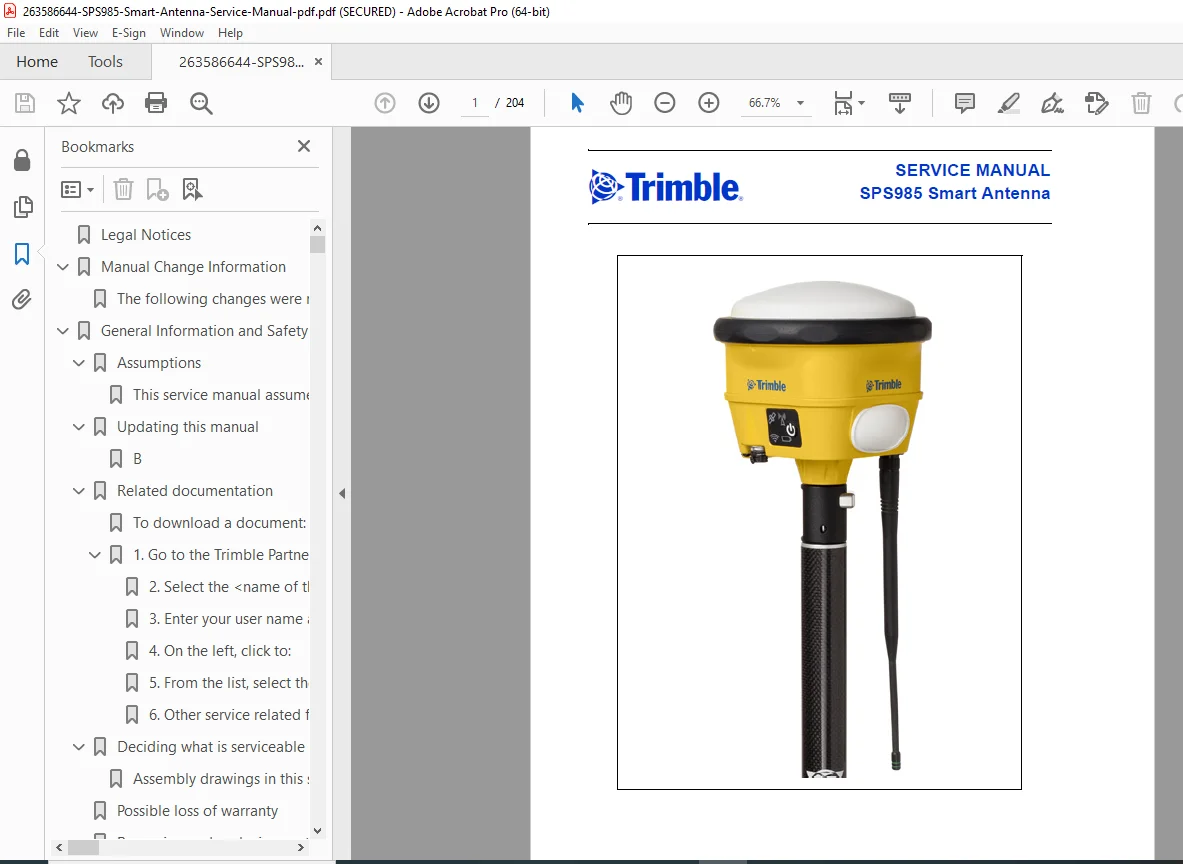
Trimble SPS985 Smart Antenna Service & Repair Manual – Official Factory PDF
Original price was: $95.00.$18.95Current price is: $18.95.
Maximize the uptime of your equipment with this definitive Trimble SPS985 Smart Antenna Service Manual. This comprehensive SPS985 repair guide covers everything from SPS985 disassembly to advanced radio throughput testing. Whether you are troubleshooting Trimble GNSS receiver connection issues, performing a seal integrity test, or replacing the internal battery, this factory-issued PDF provides the precise technical data and torque specifications needed for professional-grade maintenance.
Description
Trimble SPS985 Smart Antenna Service & Repair Manual – Official Factory PDF DOWNLOAD
DESCRIPTION:
This is the official Trimble SPS985 Smart Antenna Service Manual (P/N 82500-SVC), the exact resource used by authorized Trimble service providers. It offers deep technical insight into the mechanical and electrical architecture of the SPS985, ensuring you can diagnose hardware failures and perform repairs with factory precision.
From routine firmware updates using WinFlash Supervisor to complex component replacements like the main digital board or radio module, this manual guides you through every step. It covers all configurations, including the 900MHz, 450MHz, and “No Radio” models.
Manual Organization & Table of Contents
The manual is methodically structured to support technicians in the field or at the bench:
1. General Information & Theory
Safety: Electrostatic Discharge (ESD) precautions and Battery Safety.
Theory of Operation: Mechanical housing structure and Electrical board layout.
Part Identification: Breakdown of kit level and receiver level part numbers.
2. Interfaces & Connectivity
Pinouts: Detailed Lemo connector pinout (Port 1) and USB interface.
LED Status: Comprehensive decoding of Satellite, Radio, Wi-Fi, and Battery LED flash patterns.
Web-Server: Instructions for connecting via Wi-Fi and configuring settings.
3. Troubleshooting & Diagnostics
A complete troubleshooting chart addressing common failure symptoms:
Power Issues: No power at Lemo connector, internal battery failures.
Signal Issues: Poor/Missing GNSS reception, No Radio performance.
Connectivity: Cannot connect to Wi-Fi or Bluetooth.
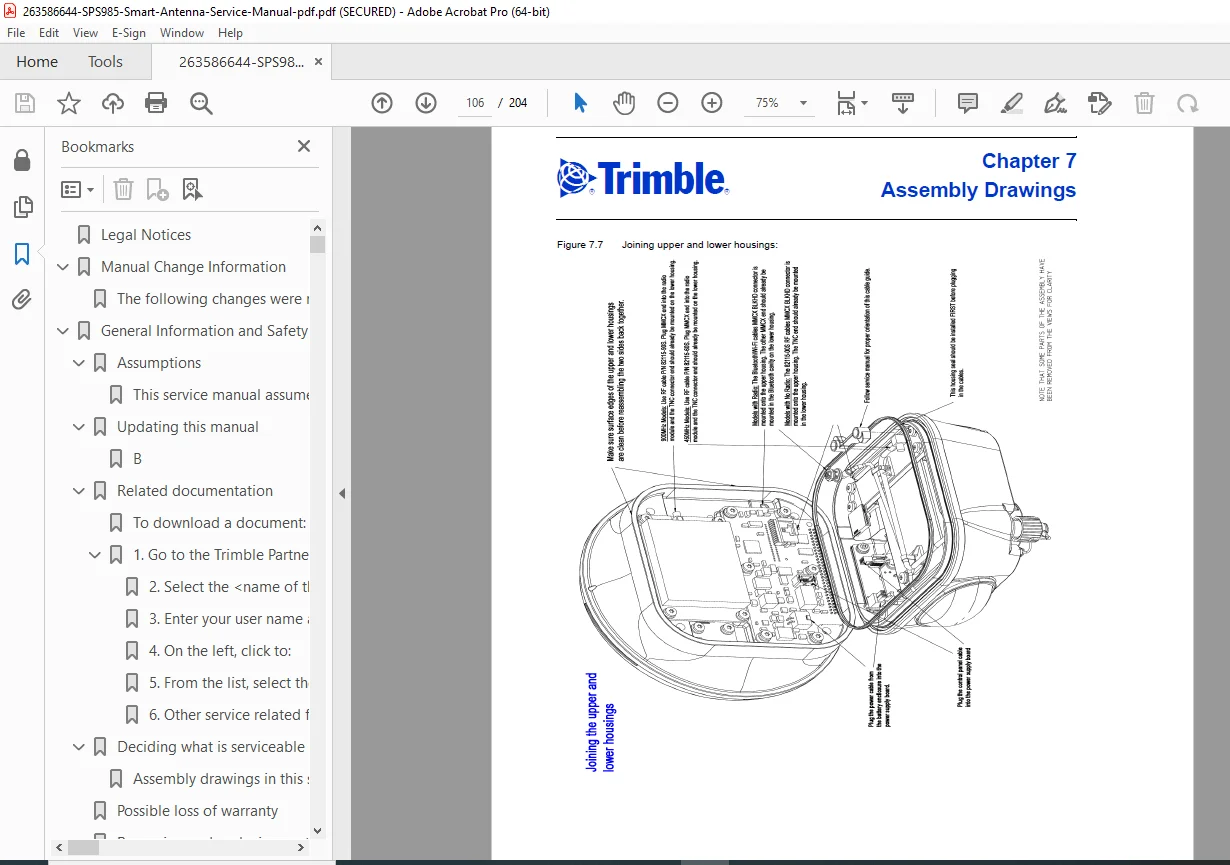
4. Maintenance & Repair (Disassembly/Assembly)
Step-by-step procedures with exploded view references:
Disassembly: Removing the Radome, Antenna Element, and Digital Board.
Component Swap: Replacing the Radio Module (UHF/900MHz) and Power Supply Board.
Lower Housing: Service procedures for the Battery Door, Drawer, and Lemo Connector.
Reassembly: Critical torque specifications and sealing instructions.
Torque Specifications Table
| Fastener Size | Description | Torque |
| M2 (1.5mm Hex) | Battery door hinges | 3.5 in-lb (39.54 N-cm) |
| M3 (T10) | General Mounting Screws | 5.5 in-lb (62.14 N-cm) |
| MMCX (1/4″) | RF Jam Nut | 6.0 in-lb (67.79 N-cm) |
| M4 (1/4″) | Housing Standoffs | 20 in-lb (225.97 N-cm) |
| TNC (1/2″) | Radio Antenna Jam Nut | 18 in-lb (203.37 N-cm) |
5. Performance Verification
Testing: Voltage Input vs. Current Draw, Low Power Logic, and Radio throughput test.
Seal Integrity: Detailed procedure for Vacuum and Pressure decay tests to ensure water resistance.
6. Service Software
WinFlash Utility: Using WinFlash Supervisor for firmware updates and option code entry.
Configuration: Wiping and rebuilding radio configuration blocks.
File Details
Manual Name: SPS985 Smart Antenna Service Manual (P/N 82500-SVC, Revision A)
Models Covered: SPS985 Smart Antenna (900MHz, 450MHz, & Wi-Fi only models)
Year: 2013
File Type: PDF (Searchable, Printable, High-Quality)
Total Pages: 204
Eliminate costly downtime on the job site! Download this official factory service manual instantly to diagnose connection drops, repair hardware failures, and recalibrate your SPS985 Smart Antenna yourself—getting your crew back to work faster and cheaper than the dealer.