Triton FT5000 ATM Automated Teller Machine Service Manual PDF
Original price was: $95.00.$15.95Current price is: $15.95.
Official Triton Systems factory service manual for the FT5000 Automated Teller Machine (Part No. 07103-00036, May 2014). Covers complete P.O.S.T. diagnostics, 100+ error/status code troubleshooting, full module replacement procedures for NMD-100 dispenser, card reader, SPED/EPP assembly, display, printer, and security module, plus cassette servicing, preventive maintenance, cable drawings, field replaceable parts list, and terminal software update procedure. Instant PDF download — 248 pages.
Description
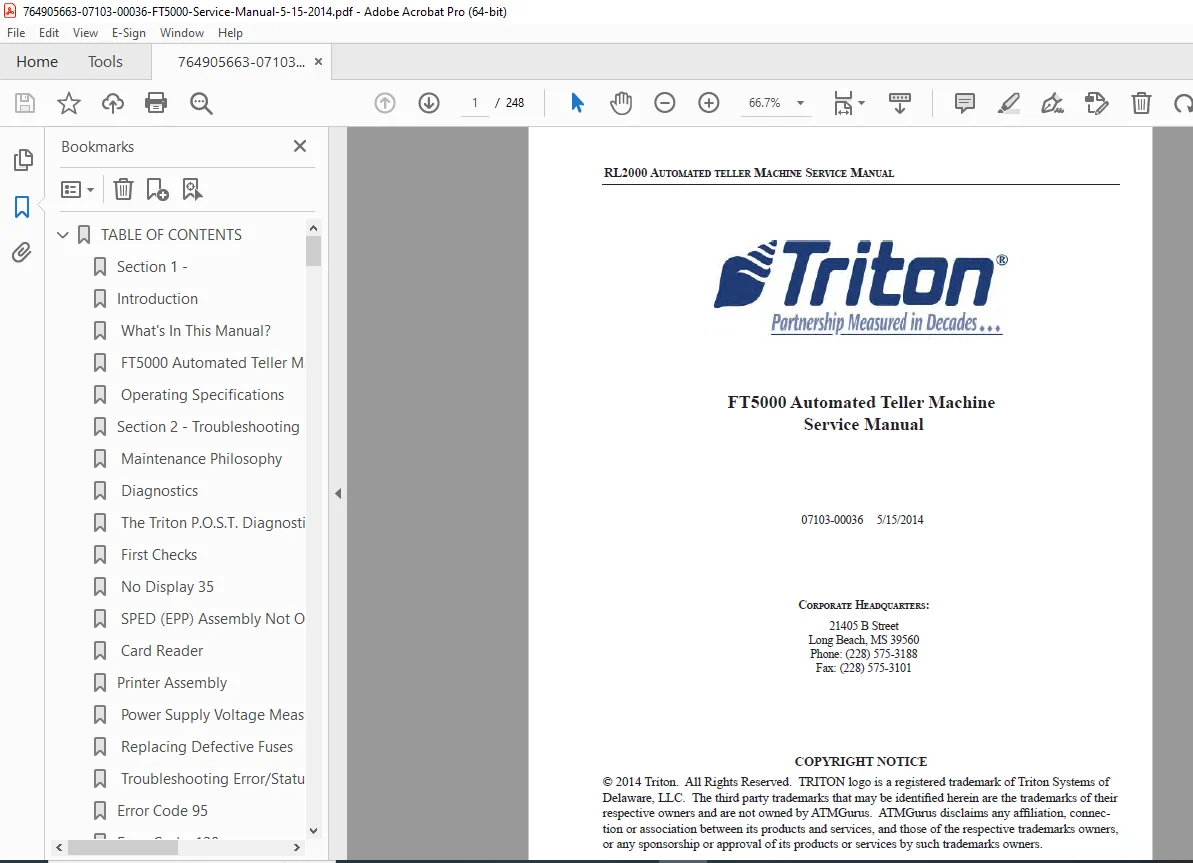
Triton FT5000 ATM Automated Teller Machine Service Manual 07103-00036 PDF DOWNLOAD
DESCRIPTION
Triton FT5000 Automated Teller Machine — Official Factory Service Manual (PDF Download)
This is the official Triton Systems of Delaware factory service manual for the FT5000 Automated Teller Machine, Part Number 07103-00036 (Revision Date: May 15, 2014). At 248 pages, this is the most comprehensive technical reference available for authorized Triton service technicians, independent ATM service organizations (ISOs), and field service engineers responsible for the installation, troubleshooting, module replacement, cassette management, and preventive maintenance of the FT5000 ATM.
The FT5000 is a through-the-wall ATM featuring a 10.4″ color VGA display, NMD-100 cash dispensing mechanism (1–4 cassettes), Triple DES encrypted PIN pad (EPP/SPED), optional EMV smart card reader, Windows CE.NET operating system on an Intel Xscale 32-bit processor, and UL-291 business hours vault with electronic lock. This manual covers every service-critical procedure from boot-up P.O.S.T. diagnostics through full subassembly replacement and NMD-100 cassette adjustment and servicing — with the complete error code library from Code 1 through Code 616.
📋 File Details
| Field | Details |
|---|---|
| Manual Part Number | 07103-00036 |
| Revision Date | May 15, 2014 |
| Model | FT5000 Automated Teller Machine |
| Manufacturer | Triton Systems of Delaware, Inc. |
| Equipment Type | Through-the-Wall ATM |
| PDF Quality | High-quality digital text — fully readable |
| Number of Pages | 248 pages |
| File Format | |
| Language | English |
🖥️ FT5000 Standard Features and Specifications
| Feature | Specification |
|---|---|
| Cassette Capacity | 1 to 4 cassettes |
| Display | 10.4″ (264mm) VGA color, 640 × 480 resolution |
| Receipt Printer | 80mm thermal with presenter |
| RAM | 64 MB standard / 256 MB maximum |
| Operating System | Microsoft Windows CE.NET |
| Processor | Intel Xscale 32-bit, 300 MHz |
| USB Ports | 1 slave + 4 master (flash drives, ad screens) |
| PC Card Slots | 2 (1 occupied by modem) |
| Serial Ports | 4 (1 spare) |
| Journal Storage | 2 MB (32,768 records) |
| Modem | 56kbps internationally certified |
| Card Reader | Dip-style or optional EMV smart card |
| PIN Pad | Encrypting PIN Pad (EPP), Triple DES compliant |
| Vault | UL-291 business hours; electronic lock standard, Cencom optional |
| Accessibility | ADA compliant, audio for visually impaired |
| Connectivity | Dial-up, TCP/IP; wireless optional |
| Dimensions | Depth: 30.0″ vault / 12.0″ sleeve · Width: 16.9″ vault / 21.3″ sleeve · Height: 55.6″ total |
| Weight | 240 lbs. (109 kg) varies with options |
| Operating Temperature | 10°C–40°C (50°F–104°F) |
| Humidity | 20%–80% non-condensing |
| Power Consumption | 2.0A @ 115VAC / 60Hz · 1.0A @ 230VAC / 50Hz |
📚 Complete Table of Contents
SECTION 1 — INTRODUCTION
- What’s In This Manual?
- FT5000 Automated Teller Machine Standard Features and Specifications
- Operating Specifications (temperature, humidity, power)
SECTION 2 — TROUBLESHOOTING
- Maintenance Philosophy — Service strategy and escalation philosophy
- Diagnostics — Overview of diagnostic approach
- The Triton P.O.S.T. Diagnostics — Power-On Self-Test procedures and interpretation
- First Checks — Initial visual and power verification steps
- No Display — Display failure diagnosis
- SPED (EPP) Assembly Not Operating — Encrypted PIN pad troubleshooting
- Card Reader — Card reader fault isolation
- Printer Assembly — Receipt printer fault diagnosis
- Power Supply Voltage Measurements — Voltage rail verification procedure
- Replacing Defective Fuses — Fuse identification, location and replacement
- Troubleshooting Error/Status Codes from the Terminal — Complete error code library:
Error Codes 95–237 (Transaction/Dispenser Codes): 95, 128, 129, 130, 131, 132, 133, 134, 135, 136, 138, 139, 140, 141, 142, 143, 144, 145, 146, 147, 148, 149, 150, 151, 152, 153, 154, 155, 156, 157, 158, 159, 160, 161, 162, 163, 164, 165, 166, 167, 183, 185, 186, 187, 188, 189, 190, 192, 193, 194, 195, 196, 203, 204, 205, 206, 207, 209, 211, 231, 233, 236, 237
Error Codes 300–395 (Communication/Host Codes): 300(30H)[0], 301(31H)[1], 302(32H)[2], 303(33H)[3], 304(34H)[4], 305(35H)[5], 306(36H)[6], 307(37H)[7], 308(38H)[8], 309(39H)[9], 310(3AH)[:], 311, 312(3CH)[?], 313, 314, 315(3FH)[?], 316(40H)[?], 317(41H)[A], 318(42H)[B], 319(43H)[C], 320(44H)[D], 321(45H)[E], 322(46H)[F], 325(49H)[I], 326(4AH)[J], 327(4BH)[K], 329(4DH)[M], 330(4EH)[N], 332(50H)[P], 333(51H)[Q], 339(57H)[W], 343(5BH)[[, 348(60H)[`], 349(61H)[a], 350(62H)[b], 351(63H)[c], 353(65H)[e], 356(68H)[h], 357, 358, 359, 360, 361, 362, 363, 364, 365, 366, 367, 368, 369, 370, 371, 372, 373, 374, 375, 376, 377, 379, 382, 383, 384, 385, 386, 387, 388, 389, 390, 391, 392, 395
Error Codes 500–519 (Modem/Network Codes): 500, 501, 502, 503, 504, 505, 506, 507, 508, 509, 510, 511, 512, 513, 514, 515, 516, 517, 518, 519
Error Codes 600–616 (Card Reader/Printer Codes): 600–616 series
Miscellaneous Error Codes: 1, 3, 4, 5, 6, 11, 13, 14, 17, 18, 48, 65, 143
SECTION 3 — FT5000 MODULE REPLACEMENT
- FT5000 Module Description — All subassembly identification and location reference
- Replacing the Power Supply — Remove and install procedure
- Replacing Defective Fuses — Location, rating and replacement
- Replacing the Main Board Assembly — Remove and install
- Replacing the Modem Assembly — Remove and install
- Replacing the Display Assembly — Remove and install
- Replacing the Printer Control Board — Remove and install
- Replacing the Printer/Cutter Assembly — Remove and install
- Replacing the Receipt Printer and Paper Transport Assembly — Full procedure
- Removing/Installing the Paper Transport Assembly
- Replacing the Docking Assembly — Remove, install docking board
- Replacing the Card Reader — Remove and install
- Replacing the Audio Assembly — Remove and install audio board
- Replacing the Screen Keypad — Left and right screen keypads remove/install
- Replacing the SPED Assembly — Remove, install, and replacing SPED Assembly
- Replacing the Security Module — Remove and install
- Replacing the NMD-100 Dispensing Mechanism — Full remove and install procedure
- Replacing the Shutter Assembly — Remove and install
- Replacing an Electronic Combination in a Business Hours Cabinet — Remove electronic lock, install electronic lock
- Opening the Electronic Lock When the Battery Has Failed — Emergency procedure
SECTION 4 — WORKING WITH FT5000 CASSETTES
- Introduction — Cassette types and compatibility overview
- Cassette Capacity — Currency capacity by denomination
- Media Condition — Used document defects, new/uncirculated document defects
- Refilling the NMD100 Cassette — Step-by-step cassette load procedure
- Working with the NMD100 Reject Vault — Reject vault access and management
- Adjusting the NMD100 Cassette for a Different Size Document
- Adjusting the Note Length
- Adjusting the Note Width
SECTION 5 — FT5000 PREVENTIVE MAINTENANCE
- Introduction — PM schedule and frequency guidelines
- Cleaning the Enclosure — Cabinet exterior and interior cleaning procedure
- Cleaning the Display — Screen cleaning without damage
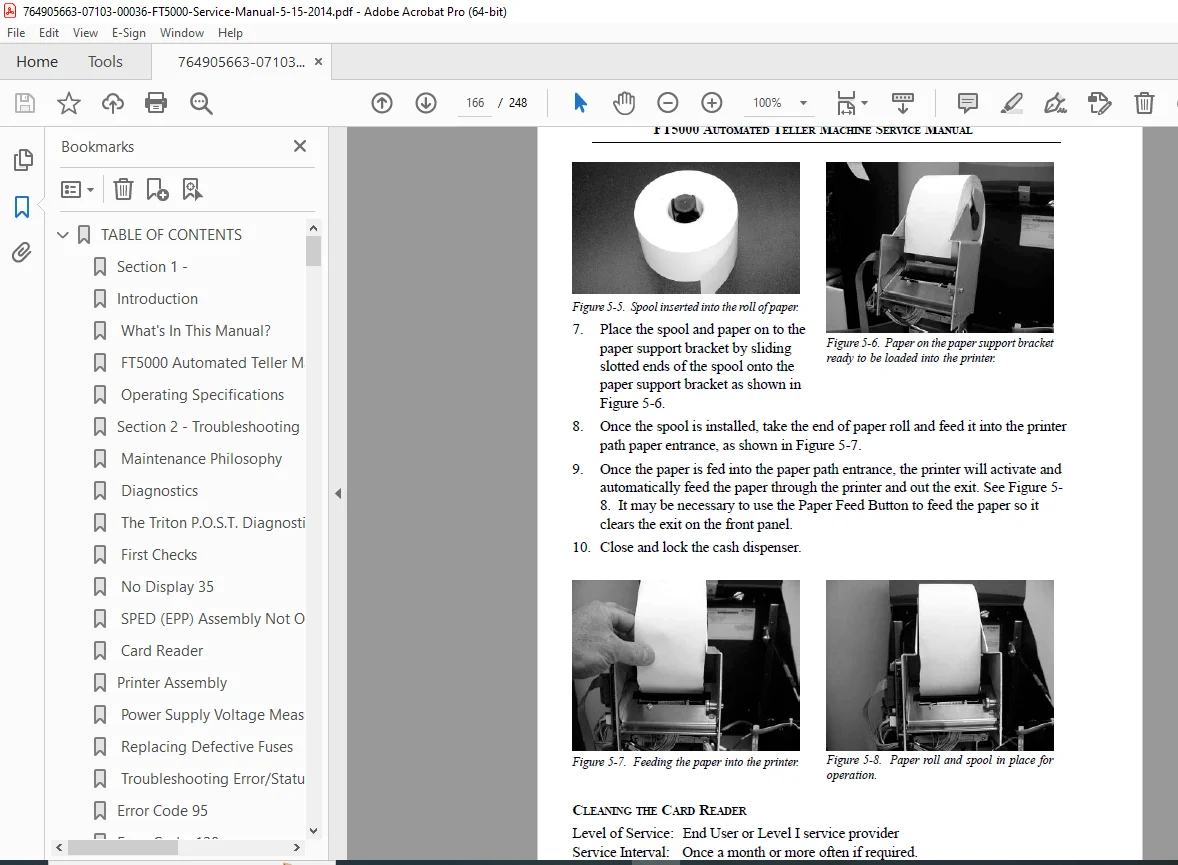
- Replenishing the Receipt Paper in the RL5000 Series Cash Dispenser
- Cleaning the Card Reader — Card path and head cleaning
- NMD-100 Dispensing Mechanism Preventive Maintenance — Full PM procedure with cleaning, adjustment, and inspection steps
APPENDICES
- Appendix A — FT5000 Field Replaceable Parts List — Complete FRP listing with part numbers for ordering replacement components
- Appendix B — FT5000 Cable Drawings — Full cable interconnect diagrams and wiring references for all internal and external connections
- Appendix C — Updating Terminal Software — Step-by-step software update procedure for FT5000 terminal
- Appendix D — AD Graphics User Guide (RL5000/FT5000) — Managing advertising screens: Add New, Delete, Edit, Move Up, Move Down, Coupons (Graphics)
- Appendix E — Resetting the RL/FT5000 Master Password — Password reset procedure for locked terminals
- Appendix F — Rear Service Panel (RSP) Functions — RSP menu navigation and function reference
INDEX — Alphabetical index (pages 233–248)
✅ Who Needs This Manual?
- ATM field service technicians for Triton FT5000 through-the-wall machines
- Independent ATM service organizations (ISOs) servicing Triton FT5000 units without expensive OEM call-outs
- ATM operators and owners needing to understand error codes, perform basic maintenance, or guide technicians
- Cash management and armored car personnel performing cassette load and reject vault procedures
- Bank and credit union maintenance teams managing owned FT5000 ATM fleets
- Technicians needing the complete error code 95–616 diagnostic reference to resolve terminal faults quickly
🏧 Keep Your Triton FT5000 ATM Up and Running — Get the Factory Manual Now
With 248 pages of official Triton Systems service documentation — covering Triton P.O.S.T. diagnostics, 100+ error code troubleshooting procedures, complete NMD-100 dispenser and SPED/EPP replacement steps, cassette adjustment guides, field replaceable parts list, full cable drawings, and a terminal software update guide — this is the definitive service reference for the FT5000 ATM. Purchase now for an instant PDF download.