Uchida AeroCut Prime One Velocity Service Manual PDF
Original price was: $65.00.$26.95Current price is: $26.95.
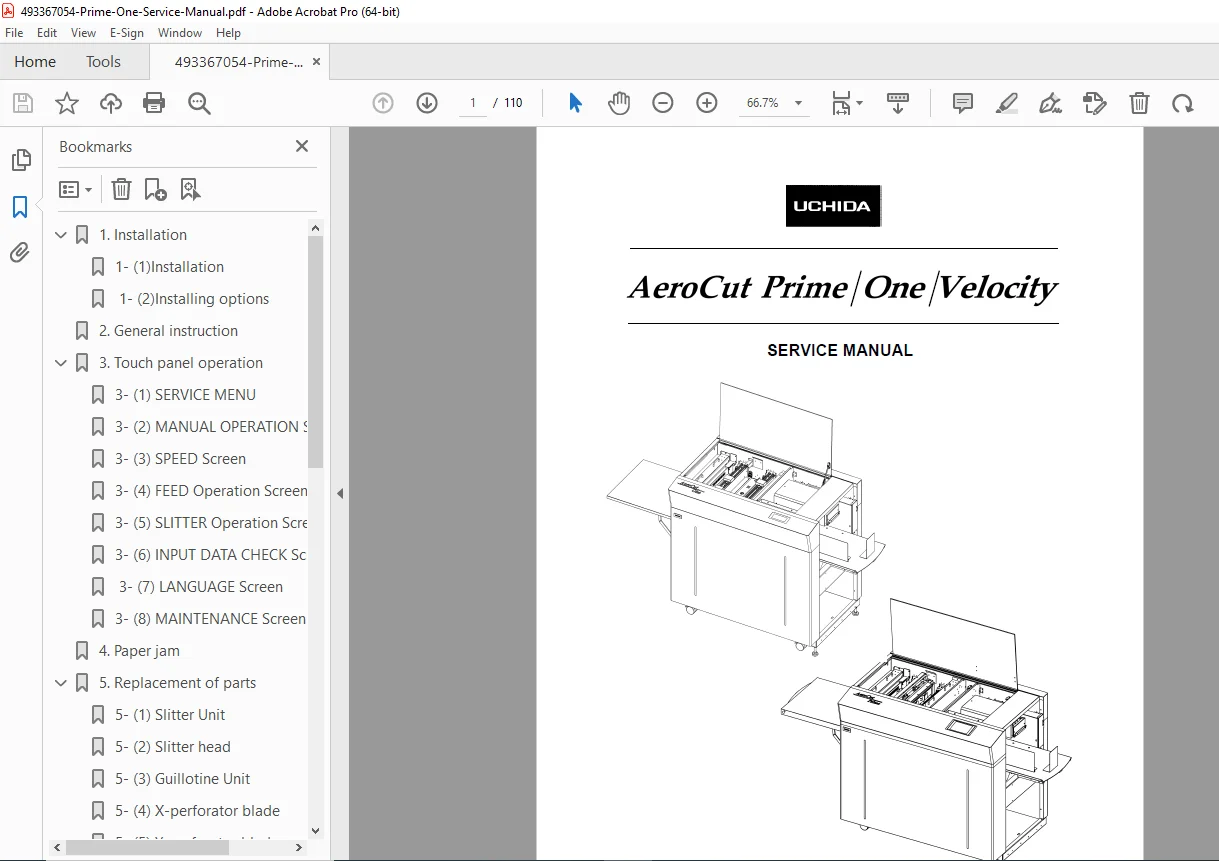
Download the official Uchida AeroCut Prime/One/Velocity Service Manual V1.01 PDF (110 pages). Covers installation, touch panel ops, parts replacement, adjustments, and troubleshooting for slitter/cutter/creaser systems. Ideal for print shop technicians – instant digital access for efficient maintenance.
Description
Uchida AeroCut Prime One Velocity Service Manual PDF
IMAGES:
Table of Contents for Uchida AeroCut Prime/One/Velocity Service Manual (V1.01)
Enhance your digital finisher repairs with this SEO-optimized TOC, featuring keywords like “AeroCut slitter replacement guide” and “Uchida touch panel troubleshooting” for targeted searches in print equipment maintenance.
- 1. Installation (Pages 4-11 | 8 Pages) Step-by-step setup for AeroCut systems to ensure optimal performance.
- 1-(1) Installation (Page 4) – Main unit assembly and positioning.
- 1-(2) Installing Options (Page 7) – Adding accessories like perforators or conveyors.
- 2. General Instruction (Pages 12-15 | 4 Pages) Overview of machine operations and safety guidelines for daily use.
- 3. Touch Panel Operation (Pages 16-28 | 13 Pages) Detailed interface navigation for programming and diagnostics.
- 3-(1) SERVICE MENU (Page 16) – Access to advanced service functions.
- 3-(2) MANUAL OPERATION Screen (Page 18) – Manual control for testing.
- 3-(3) SPEED Screen (Page 20) – Adjusting processing speeds.
- 3-(4) FEED Operation Screen (Page 20) – Feed system controls.
- 3-(5) SLITTER Operation Screen (Page 21) – Slitter setup and adjustments.
- 3-(6) INPUT DATA CHECK Screen (Page 21) – Verifying job data inputs.
- 3-(7) LANGUAGE Screen (Page 26) – Language selection options.
- 3-(8) MAINTENANCE Screen (Page 27) – Maintenance logs and alerts.
- 4. Paper Jam (Pages 29-30 | 2 Pages) Troubleshooting and clearing paper jams in feed/slitter/guillotine areas.
- 5. Replacement of Parts (Pages 31-41 | 11 Pages) Guide to replacing key components for longevity and precision.
- 5-(1) Slitter Unit (Page 31) – Removal and installation.
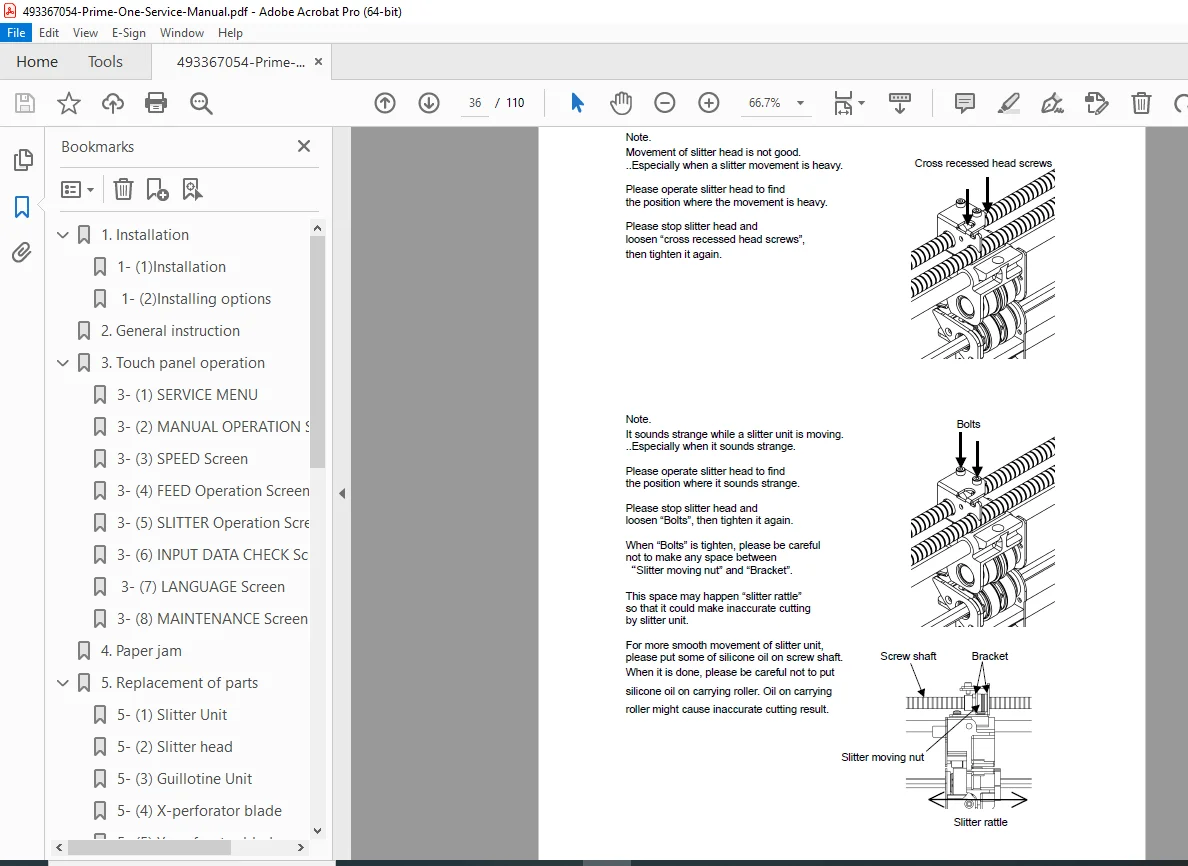
- 5-(2) Slitter Head (Page 33) – Blade head replacement.
- 5-(3) Guillotine Unit (Page 37) – Cutter assembly swap.
- 5-(4) X-Perforator Blade (Page 38) – Horizontal perforator replacement.
- 5-(5) Y-Perforator Blade (Page 40) – Vertical perforator replacement.
- 5-(6) Feed Belt Unit (Page 41) – Belt system maintenance.
- 6. Adjustment (Pages 42-55 | 14 Pages) Fine-tuning for accuracy in cutting, creasing, and feeding.
- 6-(1) Feed Settings (Page 42) – Paper feed optimizations.
- 6-(2) Cut Mark Sensor (Page 50) – Sensor calibration.
- 6-(3) PCB Setting (AeroCut Prime) (Page 51) – Prime-specific board configs.
- 6-(4) PCB Setting (AeroCut One/Velocity) (Page 53) – One/Velocity board setups.
- 6-(5) Accuracy Adjustment (Page 55) – Overall precision tweaks.
- 7. How to Make Layout (Pages 56-66 | 11 Pages) Creating job layouts and using advanced features like barcodes.
- 7-(1) Prime General Template (Page 56) – Standard templates for Prime.
- 7-(2) One General Template (Page 57) – Templates for One model.
- 7-(3) General Template (Inch) (Page 58) – Inch-based layouts.
- 7-(4) How to Use Barcode (Page 59) – Barcode integration for jobs.
- 8. Electricity Related (Pages 67-75 | 9 Pages) Electrical diagnostics and component details.
- 8-(1) Equipment, Electric Circuit, and Parts (Page 67) – Overview of electrics.
- 8-(2) Board Details (Page 70) – PCB specifications.
- 8-(3) Input/Output LED Details (Page 72) – LED indicators for I/O.
- 8-(4) Tap Voltage Details (Page 75) – Voltage settings and checks.
Product Full Description
Unlock expert-level maintenance for your digital finishing equipment with the official Uchida AeroCut Prime One Velocity service manual PDF (V1.01) – a comprehensive 110-page guide from Uchida Yoko Co., Ltd. These versatile slitter/cutter/creaser machines, refined since the original 2010 launch with models like Prime (2016-2017 enhancements), handle sheets up to 370×900 mm and 400 gsm stock for high-speed business cards, postcards, and brochures in print shops. Featuring Wi-Fi connectivity (Prime) and barcode support, they’re staples for efficient post-press operations.
From installation to electrical troubleshooting, this AeroCut service manual equips technicians with illustrated steps, adjustments, and diagnostics to minimize downtime and ensure precision.
Key Features of the Uchida AeroCut Service Manual PDF
- Installation Mastery: Main unit setup and option additions like perforators (Section 1).
- Touch Panel Expertise: Service menu access, manual ops, speed/feed/slitter controls, data checks, language, and maintenance screens (Section 3).
- Jam & Parts Solutions: Clearing paper jams and replacing slitters, heads, guillotines, perforator blades, feed belts (Sections 4-5).
- Adjustment Precision: Feed settings, cut mark sensors, PCB configs for Prime/One/Velocity, accuracy tweaks (Section 6).
- Layout & Barcode Guide: Templates (metric/inch) and barcode usage for automated jobs (Section 7).
- Electrical Diagnostics: Circuits, boards, I/O LEDs, voltage taps for safe repairs (Section 8).
Detailed Table of Contents for Quick Navigation
Find solutions fast with this keyword-optimized TOC, perfect for “AeroCut Prime parts replacement” or “Uchida slitter adjustment guide”.
- 1. Installation (Pages 4-11): Unit setup and options.
- 2. General Instruction (Pages 12-15): Operations overview.
- 3. Touch Panel Operation (Pages 16-28): Service/manual screens, speed/feed/slitter ops, data/language/maintenance.
- 4. Paper Jam (Pages 29-30): Jam resolution.
- 5. Replacement of Parts (Pages 31-41): Slitter unit/head, guillotine, X/Y-perforator blades, feed belt.
- 6. Adjustment (Pages 42-55): Feed, sensors, PCB (Prime/One/Velocity), accuracy.
- 7. How to Make Layout (Pages 56-66): Prime/One templates, inch layouts, barcode use.
- 8. Electricity Related (Pages 67-75): Circuits/parts, boards, I/O LEDs, voltages.
Instant digital PDF download – searchable and printable for your workshop. Essential for maintaining Uchida’s reliable finishers. Download now and conquer “AeroCut Velocity troubleshooting”!