Videojet 1220 1520 Service Manual Repair, Troubleshoot & Parts Guide PDF
Original price was: $95.00.$18.95Current price is: $18.95.
Official Videojet 1220 & 1520 continuous inkjet printer service manual (P/N 462272-01, Rev AA). Covers complete installation, printhead repair, ink system troubleshooting, illustrated parts list, EHT calibration, fault codes, and maintenance procedures. Ideal for technicians servicing Videojet CIJ printers. Includes detailed replacement instructions, CSB test points, encoder setup, and software upgrade procedures. Instant PDF download – 324 pages of professional-grade technical documentation.
Description
Videojet 1220 1520 Service Manual Repair, Troubleshoot & Parts Guide PDF DOWNLOAD
Description
Videojet 1220 / 1520 Continuous Inkjet Printer – Official Service Manual
This is the official factory service manual for the Videojet 1220 and Videojet 1520 continuous inkjet (CIJ) printers — one of the most comprehensive Videojet 1220 1520 repair and troubleshooting guides available. Whether you are performing routine maintenance, diagnosing fault codes, or replacing components, this manual provides everything a qualified technician needs.
📋 File Details
| Detail | Info |
|---|---|
| Manual Name | Videojet 1220/1520 Service Manual |
| Part Number | P/N 462272-01, Rev AA |
| Models Covered | Videojet 1220, Videojet 1520 |
| Year | July 2011 |
| PDF Quality | High quality, text-searchable, bookmarked |
| Total Pages | 324 pages |
| File Format |
📚 Table of Contents
Compliance & Regulatory Information
- CE Mark conformance (EU EMC Directive 2004/108/EC, Low Voltage Directive 2006/95/EC)
- FCC Rules Part 15 compliance (USA)
- Canadian regulatory information
Chapter 1 – Introduction
- Videojet 1220/1520 printer overview
- About the manual & related publications
- Language codes, abbreviations & acronyms
- Content presentation conventions
Chapter 2 – Safety
- General safety guidelines
- Electrical safety – power supply, cables, bonding & grounding, fuses
- Fluid safety – ink, make-up fluid, cleaning agents, MSDS guidance
- Compressed air safety
- UI-related and other important safety guidelines
Chapter 3 – Main Parts
- Printer overview & cabinet layout
- Control panel, mains power switch, electronics & ink compartment doors
- Umbilical and connector panel details
- Electronics Compartment: PSU, Control System Board (CSB), fan, positive air pump, Printer Interface Board (PIB), EHT module
- Ink Compartment: Ink Core Module, smart cartridges, gutter pump, condenser assembly (1520 only), vent recovery system (1220 only)
- Printhead: cover, valve module, engine, functions & operation
- Hydraulic system overview
Chapter 4 – Installation
- Tools & supplies list
- Typical production line setup
- Unpacking and inspection
- Commissioning steps:
- Ink system & electronics inspection
- Printhead inspection
- UI login & printer configuration
- Installing ink and make-up cartridges
- Priming the Ink Core Module
- System flush purge & umbilical purge
- Ink stream alignment & viscosity calibration
- Clean stop / clean start procedures
- Final checks
- Password level setup
- Throw distance setting
- Encoder installation – internal, external & auto encoding
- Speed compensation setup
- Print trigger and stack light installation
- Nozzle adjustment
- EHT and viscosity calibration
Chapter 5 – Printer Operation
- Resetting run hours
- Restoring calibration parameters
- System backup & full system restore
- Umbilical purge procedure
Chapter 6 – User Interface
- Menu descriptions: System, Configure, Diagnostics Screen
- User interface terminology and key descriptions
Chapter 7 – Replacement Instructions
- Printhead bonding during printing
- Bonding during servicing
Chapter 8 – Maintenance
- Ink system fan filter replacement (IP55 & IP65) for Videojet 1220/1520
- Floor filter replacement (IP65 and IP55 variants)
- Ink change procedure – parts/tools and step-by-step process
Chapter 9 – Troubleshooting
- Startup problems – printer fails to start
- Display faults – backlight, LCD, keypad
- Beacon indication
- Printer status icons – indicator icons, fault icons, warning icons (comprehensive fault code reference)
- Voltage checks
- Jet start/stop diagnostics – quick start, clean start, clean stop
- CSB test points
- Safe Screen software upgrade – USB (.exe), .INST, .bin/.nb0 file procedures
- Backup & restore calibration data and messages
- Clogged nozzle procedures – nozzle flush, system flush purge, syringe cleaning
- Loss of modulation correction
Chapter 10 – Illustrated Parts List (IPL)
- How to read the IPL
- Videojet 1220/1520 printer assembly
- Electronics compartment parts (CSB, PSU, PIB, EHT, fans, pumps, connector panel, display door assemblies)
- Ink compartment parts (cartridges, septum, ink core, filters, condenser, vent recovery, cabinet foot)
- Printhead parts (valve module, printhead engine, 90° printhead)
- Cables
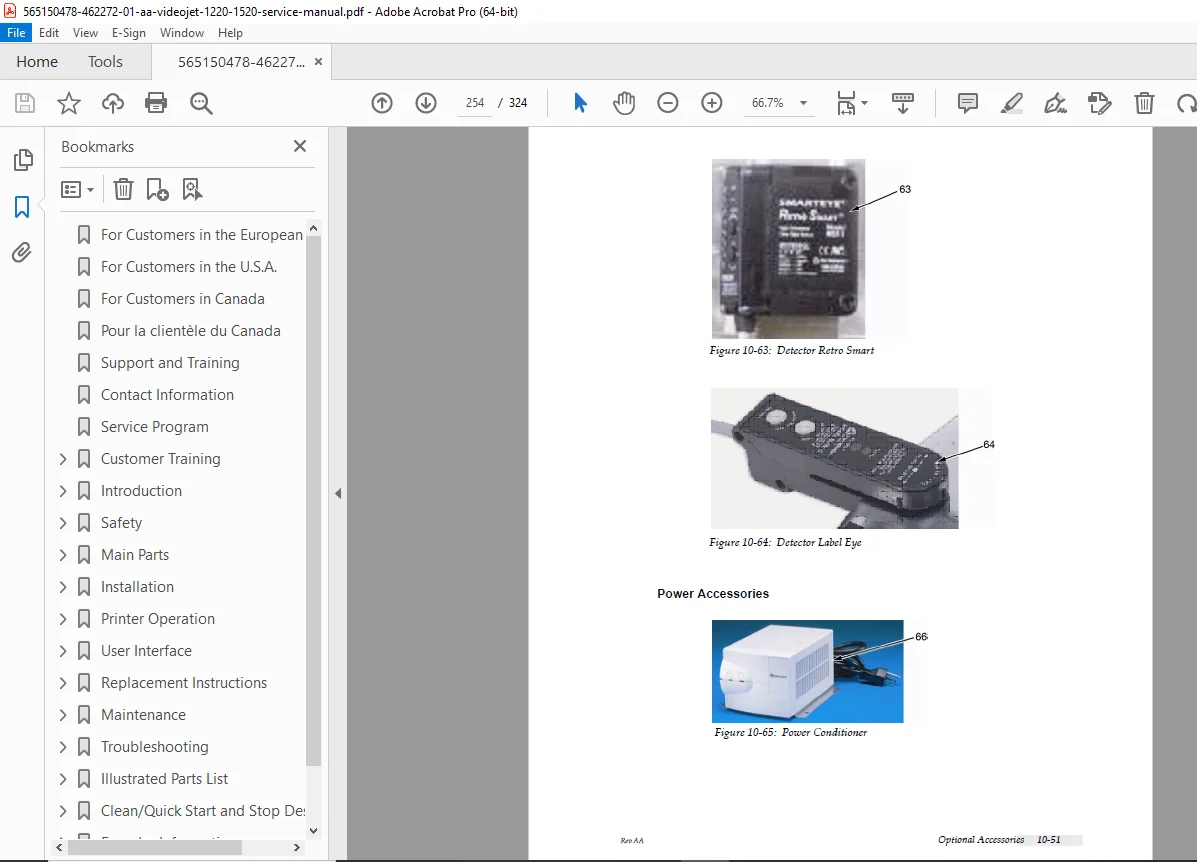
- Optional Accessories: beacon kit, dry air kit, static/mobile/printhead stands, wall mount, wash station, shaft encoder, product detectors, power accessories, DIN plugs
- Miscellaneous accessories – connectivity, hydraulics, umbilical assemblies
- Tools kit
Appendices
- Clean/Quick Start and Stop descriptions & standards
- Encoder information (internal, external, auto)
- Universal CSB test points reference
🛒 Sales Pitch
Stop wasting hours guessing — this official 324-page Videojet 1220/1520 service manual gives you every schematic, fault code, calibration procedure, and illustrated parts diagram you need to get your printer back online fast. Download instantly and start servicing with confidence.