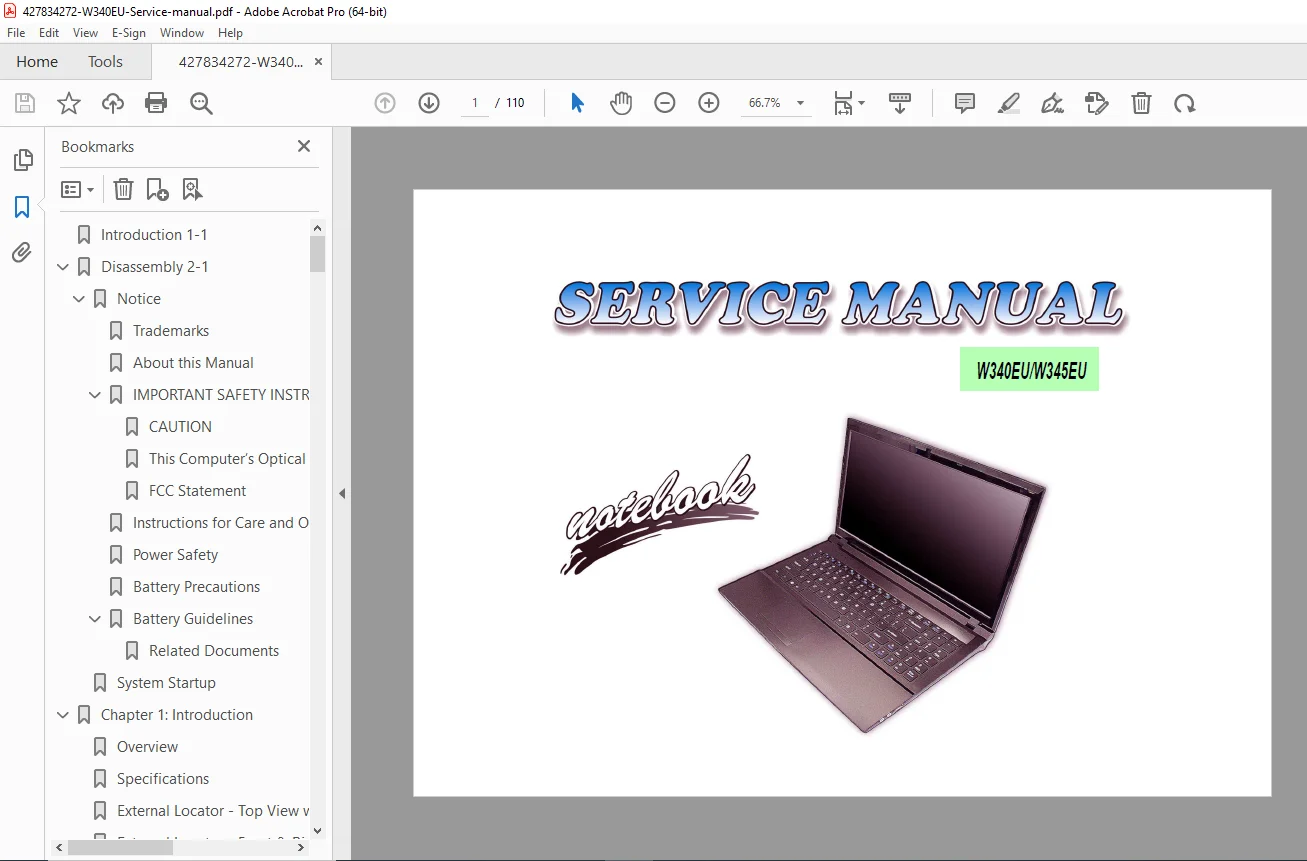
W340EU W345EU Notebook Service Manual – PDF DOWNLOAD
Original price was: $65.00.$15.95Current price is: $15.95.
The official W340EU W345EU notebook service manual disassembly guide is essential for technical staff. It provides step-by-step procedures for component repair and replacement, covering the notebook hard disk drive RAM keyboard replacement. This manual is crucial for advanced troubleshooting, featuring the complete W340EU W345EU schematic diagrams parts list for the Intel HM76 Chipset laptop repair guide. Also includes the necessary W340EU W345EU BIOS update guide for comprehensive maintenance
Description
W340EU W345EU Notebook Service Manual Disassembly, Schematics & Parts List – PDF DOWNLOAD
Long Description
⚙️ Overview
The W340EU/W345EU Notebook Service Manual is the definitive reference for authorized technicians and computer service engineers.
It provides detailed step-by-step instructions for component disassembly, replacement, and board-level troubleshooting, ensuring accurate diagnostics and repair.
This comprehensive service manual includes schematic diagrams, BIOS update instructions, and parts lists for both the W340EU and W345EU models, built around the Intel HM76 Chipset.
It is indispensable for advanced laptop servicing, hardware upgrades, and fault isolation at both the mechanical and electrical levels.
📑 Table of Contents / Key Information Categories
Chapter 1 – Introduction
Overview of the notebook series
Technical specifications:
CPU support and Intel HM76 Chipset details
Memory, LCD, Audio, and Power features
Input/Output interfaces and external component locators
Mainboard and component layout diagrams
Chapter 2 – Disassembly
Detailed step-by-step disassembly procedures for all serviceable components
Illustrated guides for safe component handling and replacement
Disassembly Procedures include:
Removing the Battery
Removing/Installing the Component Bay Cover
Removing the Hard Disk Drive (W340EU & W345EU)
Removing the Optical (CD/DVD) Drive
Removing the System Memory (RAM)
Removing/Installing the Processor (CPU) (Note: CPU is not user-serviceable)
Removing the 3.75G and Wireless LAN Modules
Removing the Keyboard (includes ribbon cable precautions)
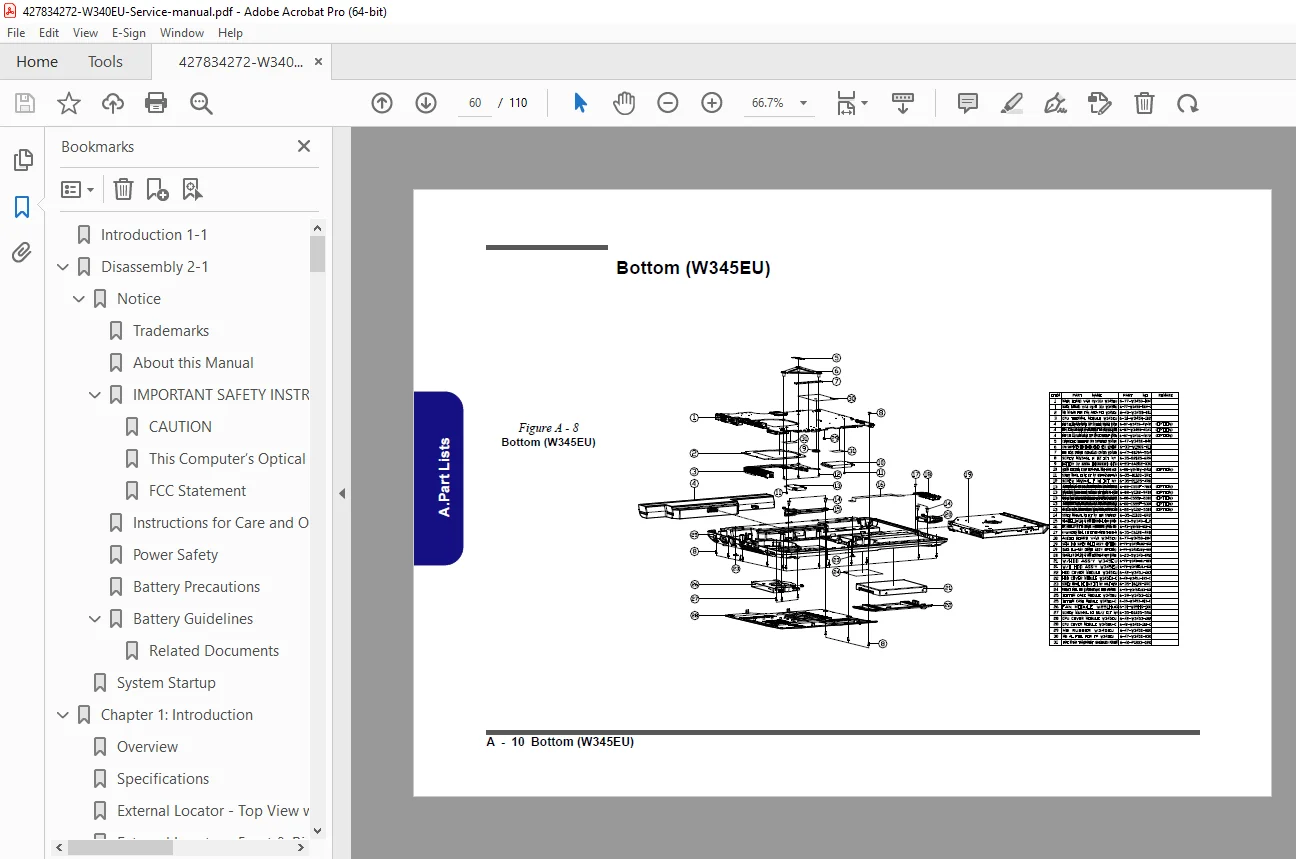
Appendix A – Part Lists
Detailed parts catalog with component numbers and diagrams
Cross-reference of part compatibility between W340EU and W345EU
Mechanical, electrical, and structural component listings
Appendix B – Schematic Diagrams
Complete electronic schematics and board-level block diagrams
Covers signal flow and system logic for hardware troubleshooting
Schematic Highlights:
System Block Diagram
Processor (7 pages: DMI, FDI, DDR3, and Power control)
DDR3 SO-DIMM schematic
PCH (Platform Controller Hub – 9 pages: RTC, HDA, SATA, PCIE, USB, Power)
USB3.0, Power, WLAN, CCD, 3G, TPM
LAN, SATA HDD, ODD
KBC-ITE IT8518 and Power Subsystem
Appendix C – Updating the FLASH ROM BIOS
BIOS update and recovery procedures
Tools and software requirements for flashing
Step-by-step method for downloading and updating system BIOS
🧰 Technical Highlights
Full Intel HM76 Chipset repair coverage
Illustrated keyboard, RAM, and HDD replacement
Board-level schematic and power trace diagrams
System BIOS update and recovery guide
Complete W340EU/W345EU parts identification and cross-references
📄 Short File Details
| Detail | Value |
|---|---|
| Manual Name | SERVICE MANUAL W340EU/W345EU Notebook |
| Models Covered | W340EU, W345EU Series Notebook Computer |
| Year | May 2012 (Version 1.0) |
| Manual PDF Quality | High-quality, searchable text and diagrams |
| No. of Pages | 110 pages |