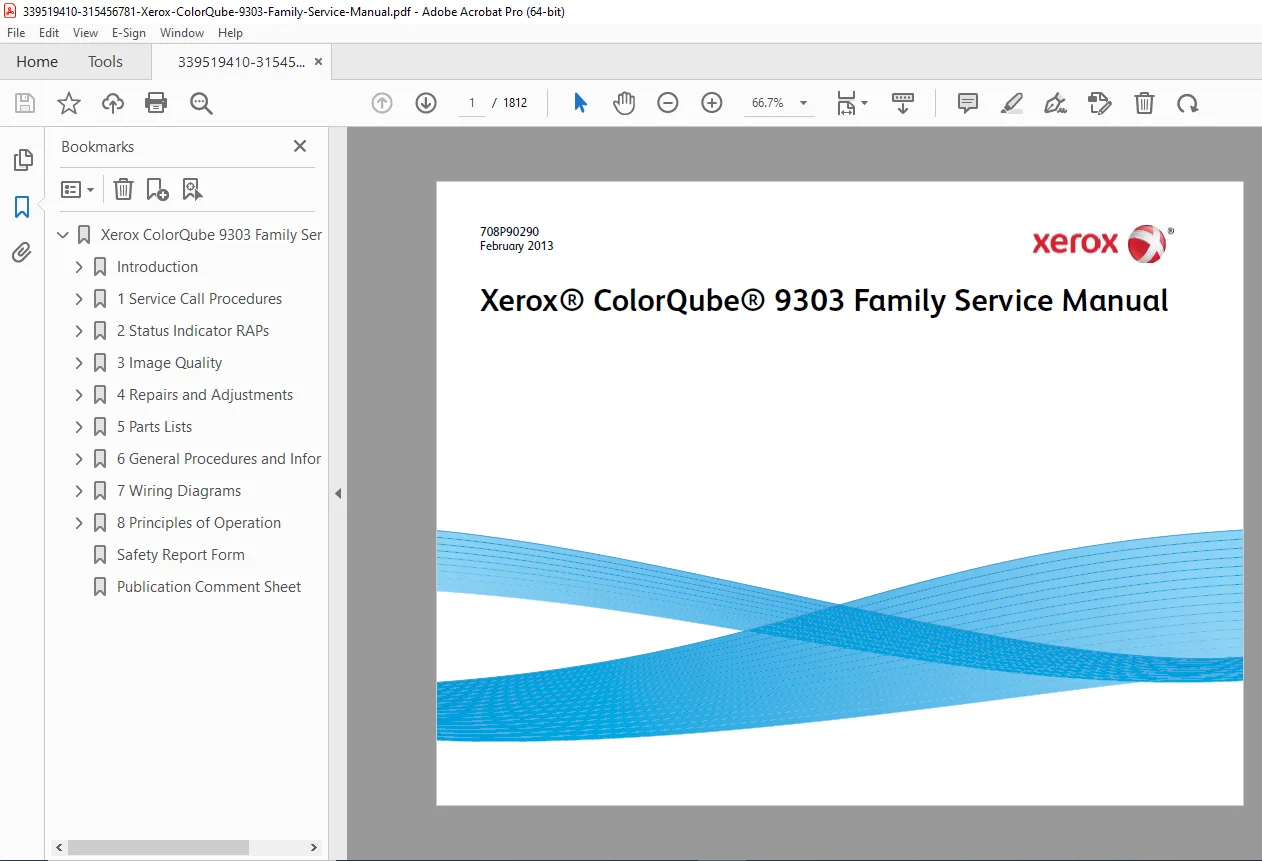
Xerox ColorQube 9301/9302/9303 Service Manual (708P90290, Feb 2013) PDF
Original price was: $95.00.$18.95Current price is: $18.95.
Factory service manual PDF for the Xerox ColorQube 9301 / 9302 / 9303 (9303 Family). Covers complete service call procedures, fault-code RAP diagnostics, image quality troubleshooting, detailed repairs & adjustments, full illustrated parts list, general procedures/specs, wiring data & diagrams, and principles of operation. Ideal for technicians and service centers.
Description
Xerox ColorQube 9301/9302/9303 Service Manual (708P90290, Feb 2013) PDF DOWNLOAD
Description
If you service or maintain the ColorQube 9300-series, this is the complete OEM service manual designed to help you diagnose faults, restore print quality, replace parts correctly, and verify the machine after repair. The manual is organized exactly the way field techs work: start with service call procedures, follow fault codes to RAPs, complete repairs/adjustments, then verify and close the call.
🗂️ What’s Inside (Neatly Categorized)
🔰 Introduction & Safety
About this manual + how to use it (start with Section 1, follow RAP links)
Safety information, ESD cautions, warnings, tolerances (DC voltage ranges, resistance tolerance)
Mod/Tag identification guidance
Remote control panel notes for 9303F software 071.xxx and higher
1️⃣ Service Call Procedures (Section 1)
SCP 1 Initial Actions
SCP 2 Call Actions
SCP 3 Fault Analysis (how to route to the correct RAP/checkout)
SCP 4 Subsystem Maintenance (HFSI, lubrication, cleaning routines)
SCP 5 Final Actions
2️⃣ Status Indicator / Fault Code Diagnostics (Section 2)
Repair Analysis Procedures (RAPs) to diagnose and isolate machine faults
Fault-code structure guidance and how to interpret codes and history files
3️⃣ Image Quality (Section 3)
Image Quality RAPs (IQ RAPs) for common print defects
Checkouts and setup procedures to restore print quality
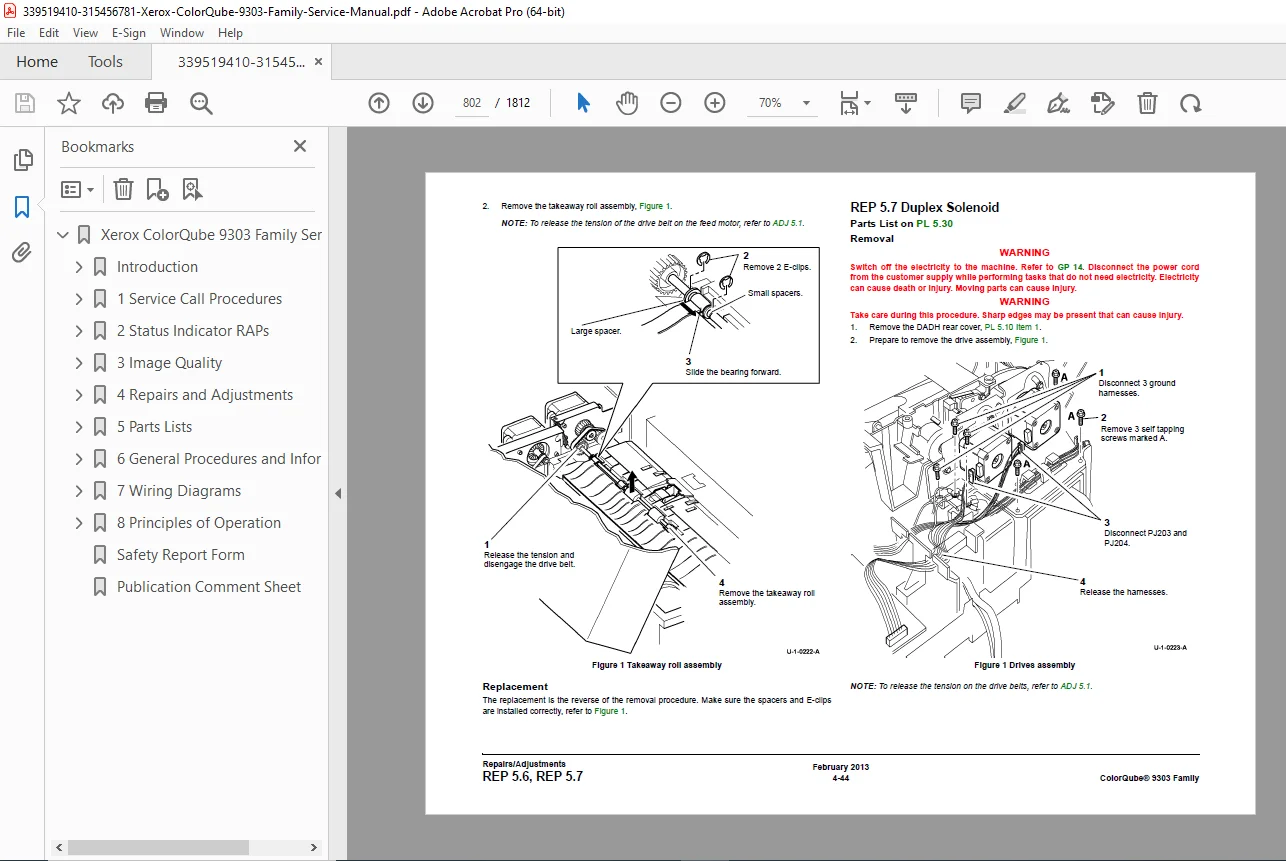
4️⃣ Repairs & Adjustments (Section 4)
Step-by-step removal/replace procedures when safety, tools, lubrication, or post-adjustment is required
Adjustments required to keep the machine operating within specification
5️⃣ Illustrated Parts List (Section 5)
Detailed exploded views + spare parts references
Includes access parts needed to reach spared components
6️⃣ General Procedures / Information (Section 6)
Service mode, fault history, diagnostics how-to
Specifications, maintenance routines, network/admin tools guidance
Installation space requirements and service access notes
7️⃣ Wiring Data (Section 7)
PWB layouts, plug/jack locations, wiring diagrams for power distribution and machine networks
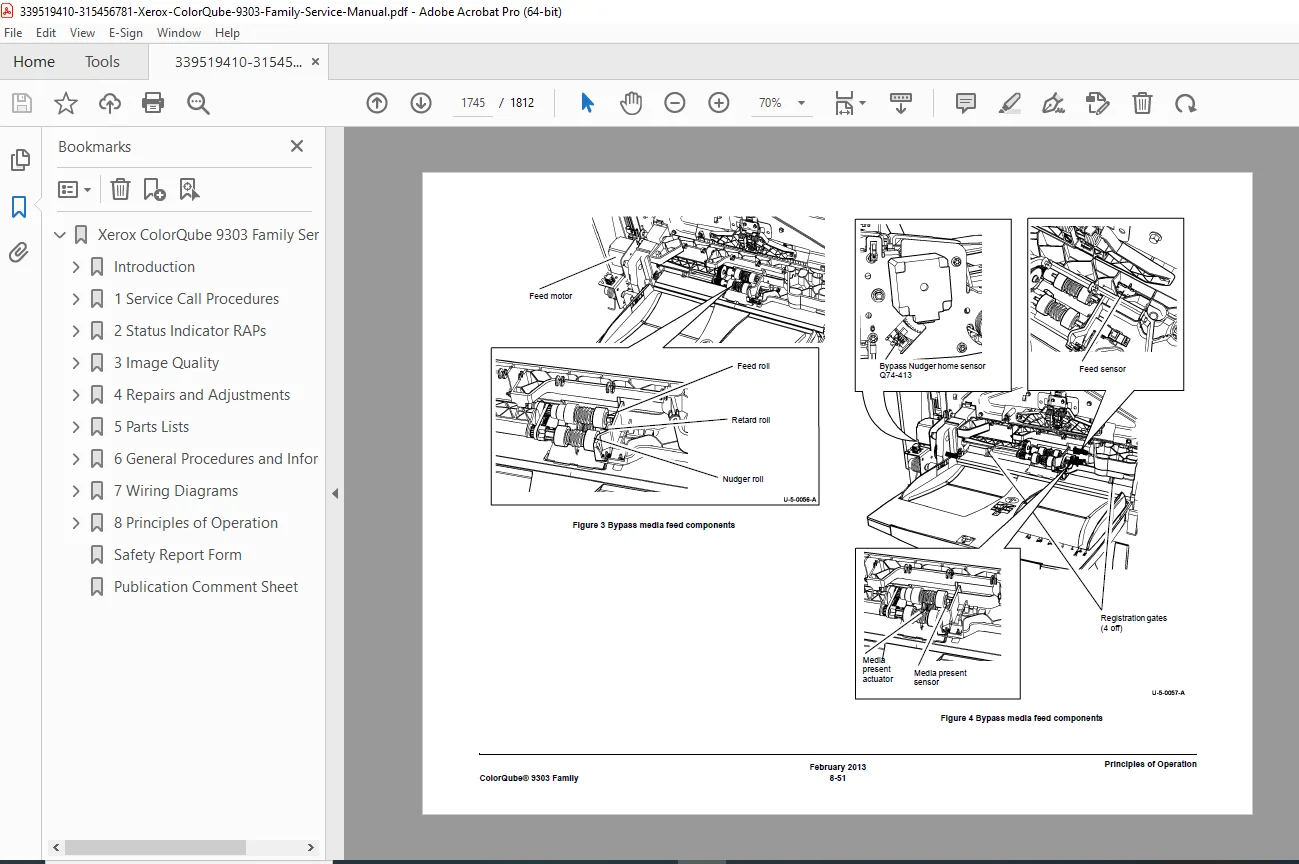
8️⃣ Principles of Operation (Section 8)
System overview and operational theory for deeper troubleshooting and training
🗂️ File Details
| Item | Details |
|---|---|
| Manual Name | ColorQube 9303 Family Service Manual (Doc: 708P90290) |
| Models Covered | ColorQube 9301 / 9302 / 9303 (9303 Family) |
| Year | February 2013 (covers updates through Feb 2013 revision) |
| Manual PDF Quality | High-detail OEM service manual (diagnostics, procedures, wiring, parts) |
| No. of Pages | 1812 pages |
Stop guessing and fix it right the first time—this complete factory service manual gives you the RAP diagnostics, wiring, and repair procedures technicians rely on. Instant download so you can start troubleshooting immediately.