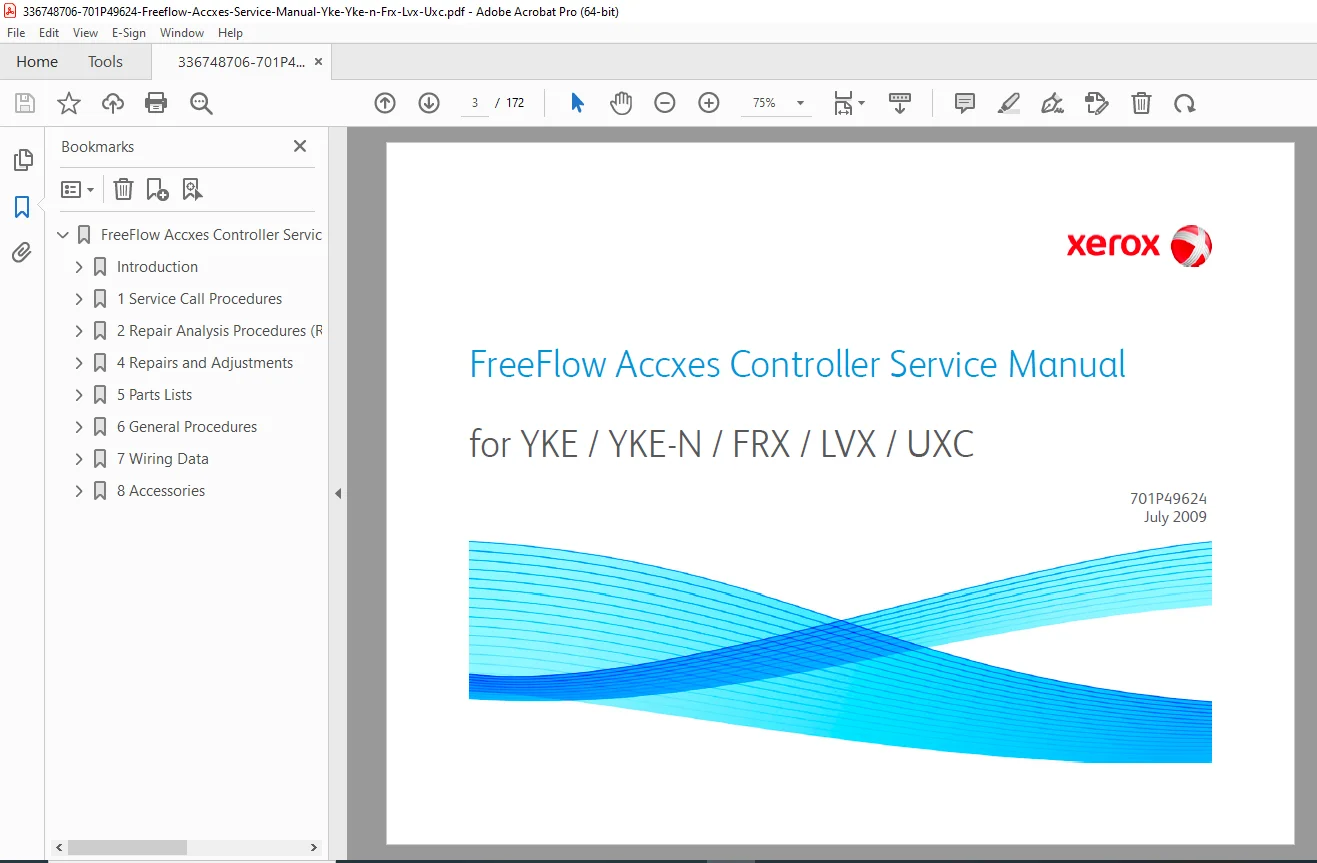
Xerox FreeFlow Accxes Controller Service Manual – YKE FRX LVX UXC Repair PDF
Original price was: $95.00.$18.95Current price is: $18.95.
Restore your wide-format print production with this comprehensive Xerox FreeFlow Accxes Controller Service Manual. This technical guide covers the entire family of Accxes print servers (YKE, YKE-N, FRX, LVX, UXC) based on Dell Optiplex hardware. It includes critical data on POST diagnostics, beep codes, firmware recovery, and full hardware disassembly. A must-have for technicians maintaining Xerox 6204, 6050, 8850, and 510 Accxes systems.
Description
Xerox FreeFlow Accxes Controller Service Manual – YKE FRX LVX UXC Repair PDF DOWNLOAD
DESCRIPTION
Complete Diagnostic & Repair Guide for Xerox Print Servers
This Xerox FreeFlow Accxes Controller Service Manual is the official technical resource for installing, troubleshooting, and repairing the external print servers used with Xerox Wide Format systems. Whether you are dealing with a boot failure on a YKE controller or need to upgrade the firmware on a UXC unit, this manual provides factory-level procedures.
The guide covers the specific Dell Optiplex-based hardware used for these controllers (GX280, GX520, GX745, Optiplex 755, Optiplex 760) and the proprietary Accxes Linux-based software.
Critical Service Information:
Diagnostic Codes: Decode Beep Codes, System Light Patterns (Diagnostic Lights 1-2-3-4), and Error Messages to identify motherboard, memory, or power failures immediately.
Repair Analysis Procedures (RAPs): Step-by-step logic for solving specific issues like “Lost Connection to Network,” “No Communication with Scanner,” and “6204 Printer Link Down.”
Software Recovery: Detailed instructions for Software Recovery (reloading GNU/Linux & Accxes), BIOS Recovery, and Firmware Upgrades using WebPMT or Document Submission Tool.
Command Line Utilities: Complete list of Accxes Debug Commands (e.g.,
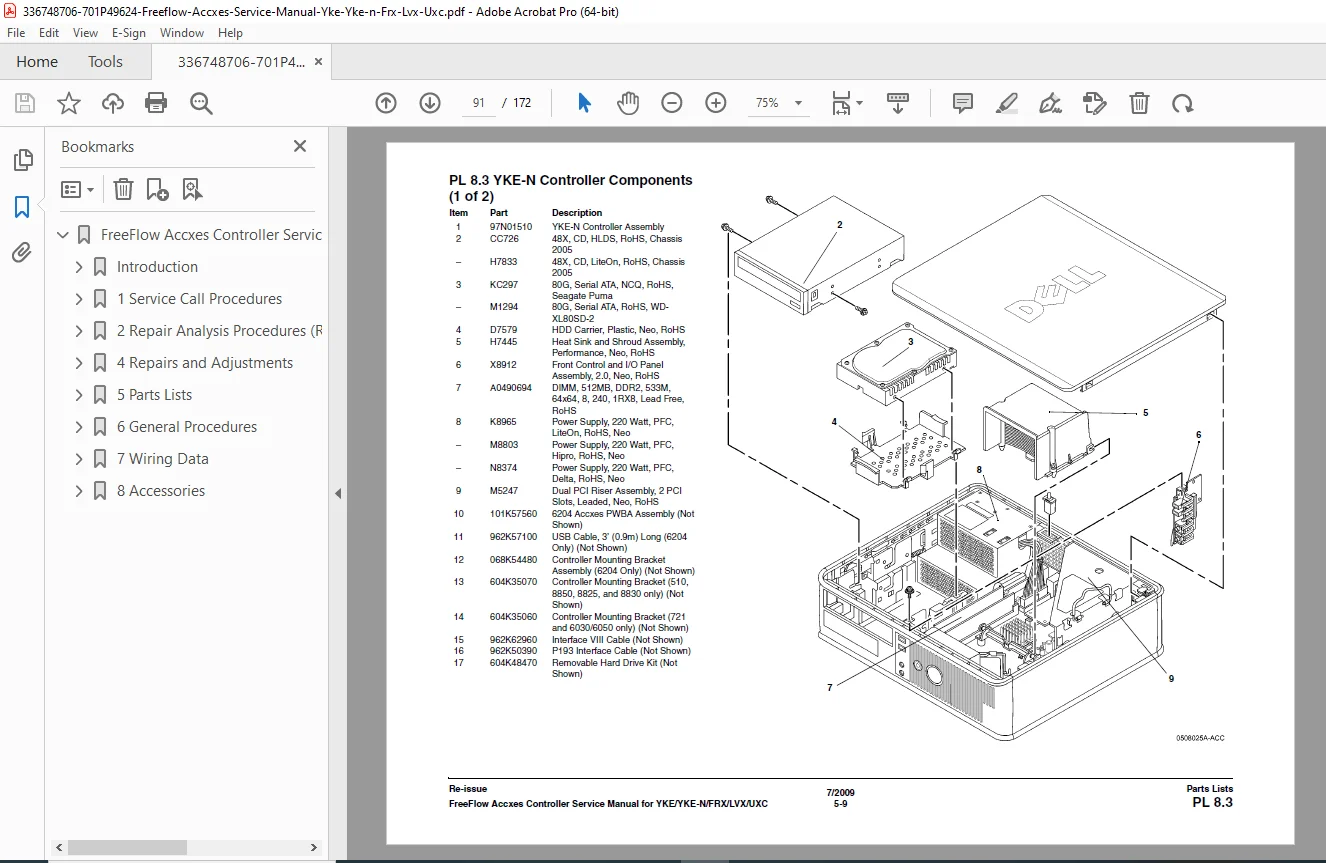
killAccxes,restoreSetup,dhcpSet) for deep system analysis via serial connection.Hardware Repair: Illustrated removal and replacement guides for Hard Drives, Power Supplies, IOT Interface PWBs, Firewire Cards, and System Boards.
Table of Contents Overview:
1. Service Call Procedures
Call Flow & Initial Actions
Workstation Checkout & System Checks
Error Messages: Normal Boot Messages, Firmware Download Errors, Test Print Error Codes (e.g., 50000003)
2. Repair Analysis Procedures (RAPs)
Power On Self Test (POST)
Feature Not Enabled / E701 Fault Code
Network & Scanner Communication Faults
6204 Specific RAPs: Printer Link Down, No UI, Communication Errors
3. Repairs & Adjustments
Covers & Chassis: Removal of YKE/FRX/UXC covers.
Core Components: Battery, Memory (RAM), Processor, Power Supply.
Interface Cards: IOT Interface PWB, Firewire PWB, Card Cage.
Drives: Hard Disk Drive (SATA/IDE), CDROM.
4. Parts Lists
Complete spare parts breakdown for YKE, YKE-N, FRX, LVX, and UXC controllers.
Includes part numbers for Motherboards, Risers, Cables, and Cosmetic parts.
5. General Procedures
System Configuration: Setting IP Addresses (Static/DHCP), Backup/Restore Parameters to USB.
Compatibility Charts: Matching Accxes software versions to Hardware types.
Wiring Data: Block Schematic Diagrams (BSDs) and Pinouts.
FILE DETAILS
Manual Name: FreeFlow Accxes Controller Service Manual (701P49624)
Models Covered: YKE, YKE-N, FRX, LVX, UXC (Supporting Xerox 88xx, 510, 721p, 6030/6050, 6204, 6279)
Year: 2009 (Re-issue)
File Type: High-Quality Searchable PDF
Total Pages: 172 pages
Get your print server back online fast. Download the Xerox FreeFlow Accxes Service Manual instantly to access the precise diagnostic codes and software recovery commands you need. Don’t waste time guessing—fix it right the first time with factory-standard procedures!