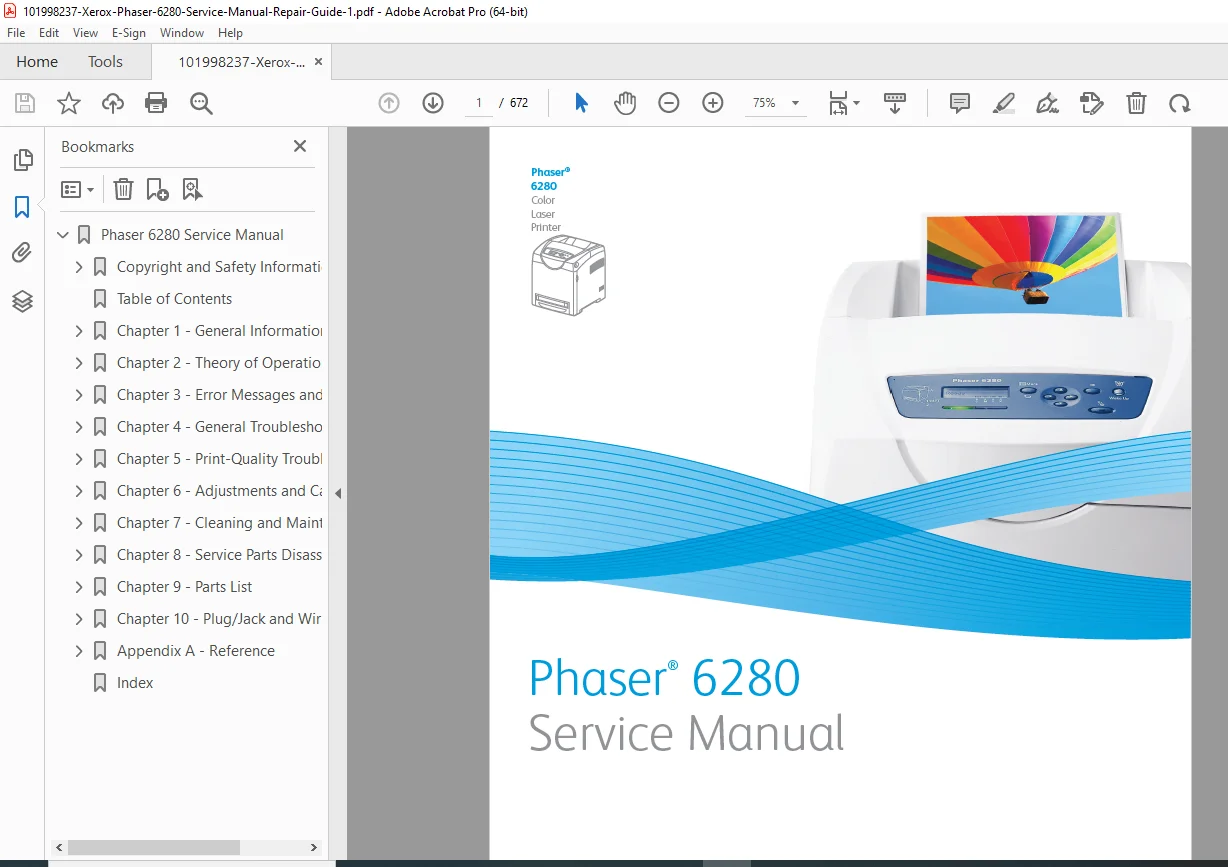
Xerox Phaser 6280 Color Laser Printer Service Manual PDF
Original price was: $85.00.$18.95Current price is: $18.95.
Official Xerox Phaser 6280 service manual PDF for color laser printer repair and maintenance. Full guide with troubleshooting, error codes, disassembly instructions, parts lists, wiring diagrams, adjustments, and print-quality fixes. 672-page high-resolution digital download with detailed schematics. Ideal for technicians.
Description
Xerox Phaser 6280 Color Laser Printer Service Manual PDF DOWNLOAD
Description
This is the official Xerox Phaser 6280 Color Laser Printer Service Manual (November 2008 edition). This comprehensive 672-page factory guide is designed for qualified technicians, providing in-depth technical information for diagnostics, repair, maintenance, adjustments, and parts replacement on the Phaser 6280 series color laser printer (all configurations, including base, N, and DN models with optional duplex, memory, hard drive, and 550-sheet feeder).
Key Coverage Includes:
- Complete printer overview, specifications, and operational theory
- Error codes with chain-link procedures and jam troubleshooting
- Service diagnostics, motor/sensor tests, and control panel checks
- Print-quality defect analysis with repeating defect ruler
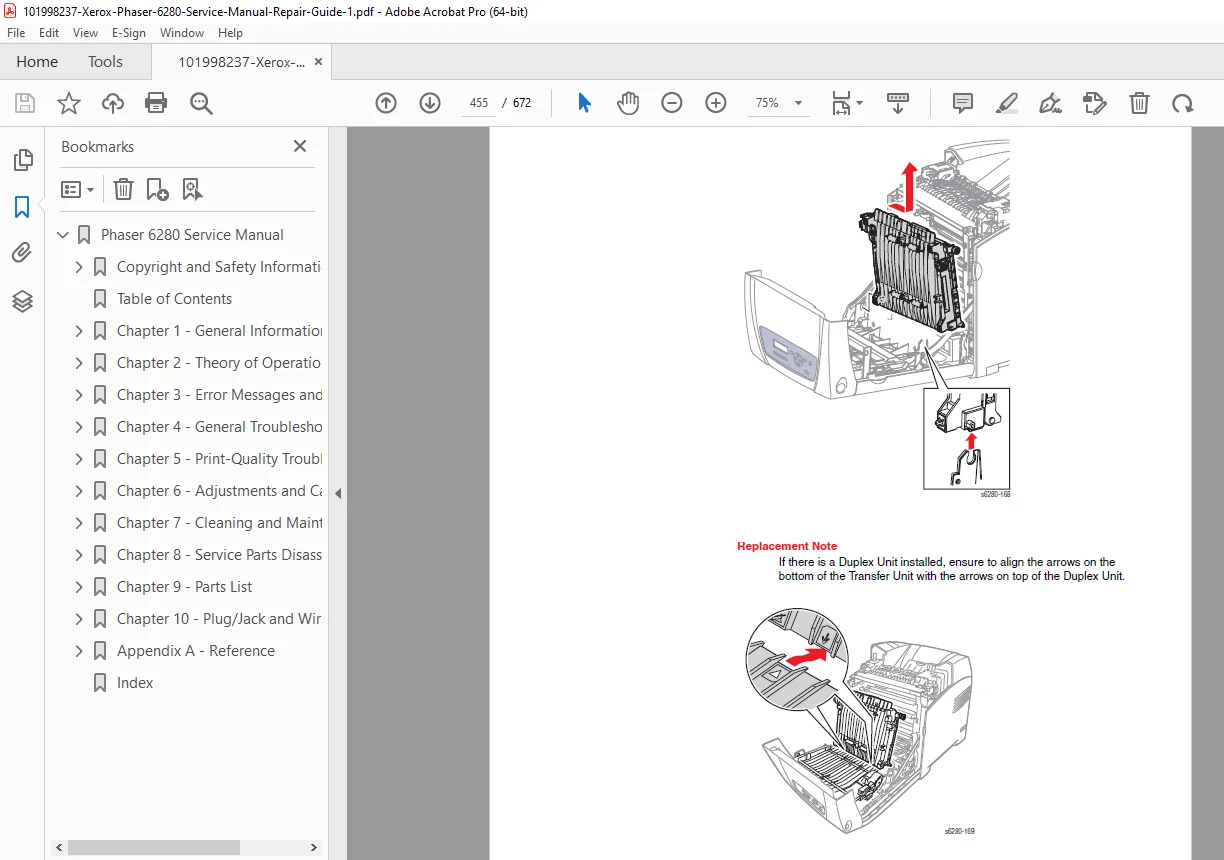
- Step-by-step disassembly/reassembly with safety notes
- Detailed exploded views and parts catalogs
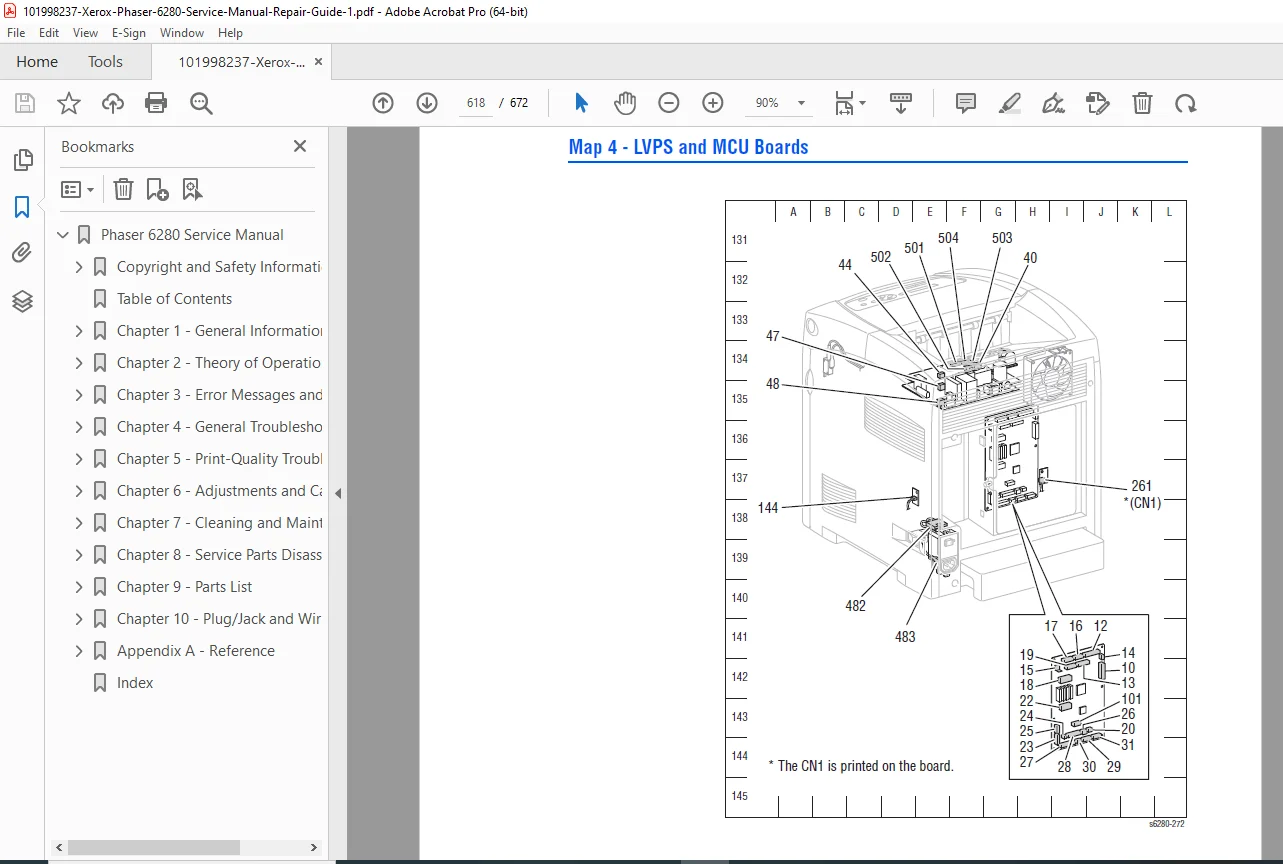
- Wiring diagrams, plug/jack locators, and firmware update instructions
Table of Contents (Main Chapters & Key Sections)
Chapter 1 – General Information
- Printer Introduction & Configurations
- Parts of the Printer (Front/Rear Views, Control Panel)
- Options (Duplex Unit, Hard Drive, 550-Sheet Feeder)
- Specifications (Physical, Media, Electrical, Print Speed)
Chapter 2 – Theory of Operation
- Printing Process (Charging, Exposure, Development, Transfer, Fusing)
- Paper Path & Major Assemblies
- Drive Transmission Routes
- Printer Modes & Control Systems
Chapter 3 – Error Messages and Codes
- Error History Report
- Jam Procedures (Tray 1/2/3, Registration, Exit, Duplex)
- Consumable/Maintenance Errors
- Configuration, Firmware & Sensor Errors
Chapter 4 – General Troubleshooting
- Service Diagnostics Entry & Menu Maps
- Motor, Clutch & Sensor Tests
- Power Supply, Noise & Network Issues
Chapter 5 – Print-Quality Troubleshooting
- Defect Definitions & Repeating Defect Measurement
- Light/Blank Prints, Spots, Ghosting, Skew, Background Issues
Chapter 6 – Adjustments and Calibrations
- Color Registration Correction
- NVM Initialization & Parameter Settings
Chapter 7 – Cleaning and Maintenance
- Cleaning Procedures (Print Cartridge, ADC Sensor)
- Service Maintenance & RIP Procedures
Chapter 8 – Service Parts Disassembly
- Covers, Paper Tray & Feeder
- Xerographics, Drive Assemblies, Electrical Components
- Options (Duplex Unit, 550-Sheet Feeder)
Chapter 9 – Parts List
- Serial Number Format & Usage Instructions
- PL1–PL12: Covers, Tray, Feeder, Transfer, Xerographics, Fuser, Frame, Drive, Electrical, Duplex, Optional Feeder
- Supplies & Service Kits
Chapter 10 – Plug/Jack and Wiring Diagrams
- Plug/Jack Locators & Designators
- Detailed Wiring Maps (Electrical, Drive, Laser, Fuser, etc.)
Appendix A – Reference
- Menu Map
- Firmware Updates
- Chain Link Codes & Acronyms
File Details
- Manual Name: Phaser 6280 Color Laser Printer Service Manual
- Models Covered: Xerox Phaser 6280 (all variants and options)
- Year: 2008 (First Printing: November)
- PDF Quality: High-resolution, fully searchable, crisp diagrams and text
- Total Pages: 672
Gain professional-level access to Xerox factory diagnostics and repair procedures for your Phaser 6280. Fix errors, replace parts accurately, and restore perfect print quality — instant download ready for immediate use!