Acer TravelMate C210 Service Manual PDF – Disassembly, Repair & FRU Parts List
Original price was: $95.00.$18.95Current price is: $18.95.
Official Acer TravelMate C210 Series Service Guide. This essential repair document covers complete disassembly procedures, system troubleshooting, BIOS settings, and a full FRU (Field Replaceable Unit) list. Perfect for upgrading memory, replacing the LCD/Digitizer, or diagnosing motherboard issues on your convertible tablet PC.
Description
Acer TravelMate C210 Service Manual Disassembly, Repair & FRU Parts List PDF DOWNLOAD
Description:
Master Your Repair with the Official Acer TravelMate C210 Service Guide
This Acer TravelMate C210 Service Manual is the definitive technical resource for the C210 convertible Tablet PC series. Whether you are performing a simple SSD upgrade or a complex motherboard replacement, this guide provides the factory-standard procedures required to do the job correctly.
This manual is critical for dealing with the C210’s unique hardware, specifically the rotating hinge mechanism and digitizer panel. It includes detailed exploded views, screw lists, and troubleshooting flowcharts to help you isolate failures quickly.
Key Technical Coverage:
Complete Disassembly: Step-by-step removal instructions for the Battery, HDD/ODD Modules, Keyboard, and the complex LCD Module (including hinge covers and digitizer panel).
System Utilities: Comprehensive guide to the PhoenixBIOS Setup Utility, including setting Supervisor Passwords, Boot order, and using the BIOS Flash Utility.
Troubleshooting: Extensive error code index, including POST Codes (Beep codes), Symptom-to-FRU charts, and diagnostic steps for Audio, Video, and Power systems.
Hardware Specifications: Detailed technical data on the Intel Core 2 Duo processors, Intel 945GM chipset, and memory address maps.
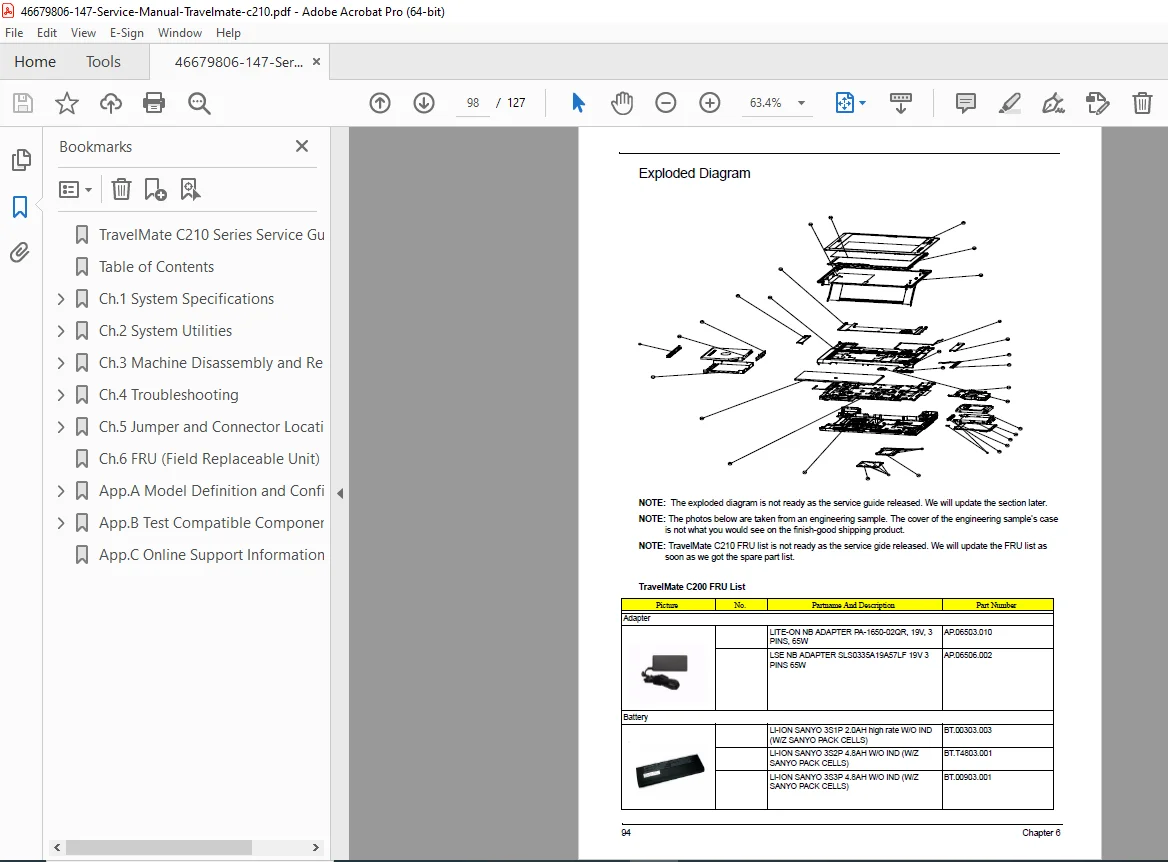
Parts Catalog: A complete FRU (Field Replaceable Unit) List with part numbers for every component, from the motherboard to the specific localized keyboards and power cords.
Table of Contents Overview:
Chapter 1: System Specifications
System Block Diagram & Board Layout
Top/Bottom/Side Views & Indicators
Hardware Config (CPU, RAM, Audio, Video)
Jumper & Connector Locations
Chapter 2: System Utilities
BIOS Setup Utility & Navigation
Security Options (Password Removal)
Boot Sequence & Flash Utility
Chapter 3: Machine Disassembly and Replacement
Disassembly Procedure Flowchart
Removing the Main Unit & Upper/Lower Case
LCD Module Disassembly (Bezel, Inverter, Digitizer)
Thermal Module & CPU Replacement
Chapter 4: Troubleshooting
System Check Procedures (Power, Memory, Disk)
POST Error Messages & Beep Codes
Undetermined Problems & Intermittent Failures
Chapter 5: Jumper and Connector Locations
Top and Bottom View Diagrams
Chapter 6: FRU List
Exploded Diagrams & Part Numbers
File Details:
Don’t risk damaging your tablet’s delicate hinge or digitizer! Download this official service manual instantly and get the confidence, diagrams, and part numbers you need to fix your Acer TravelMate C210 right now.