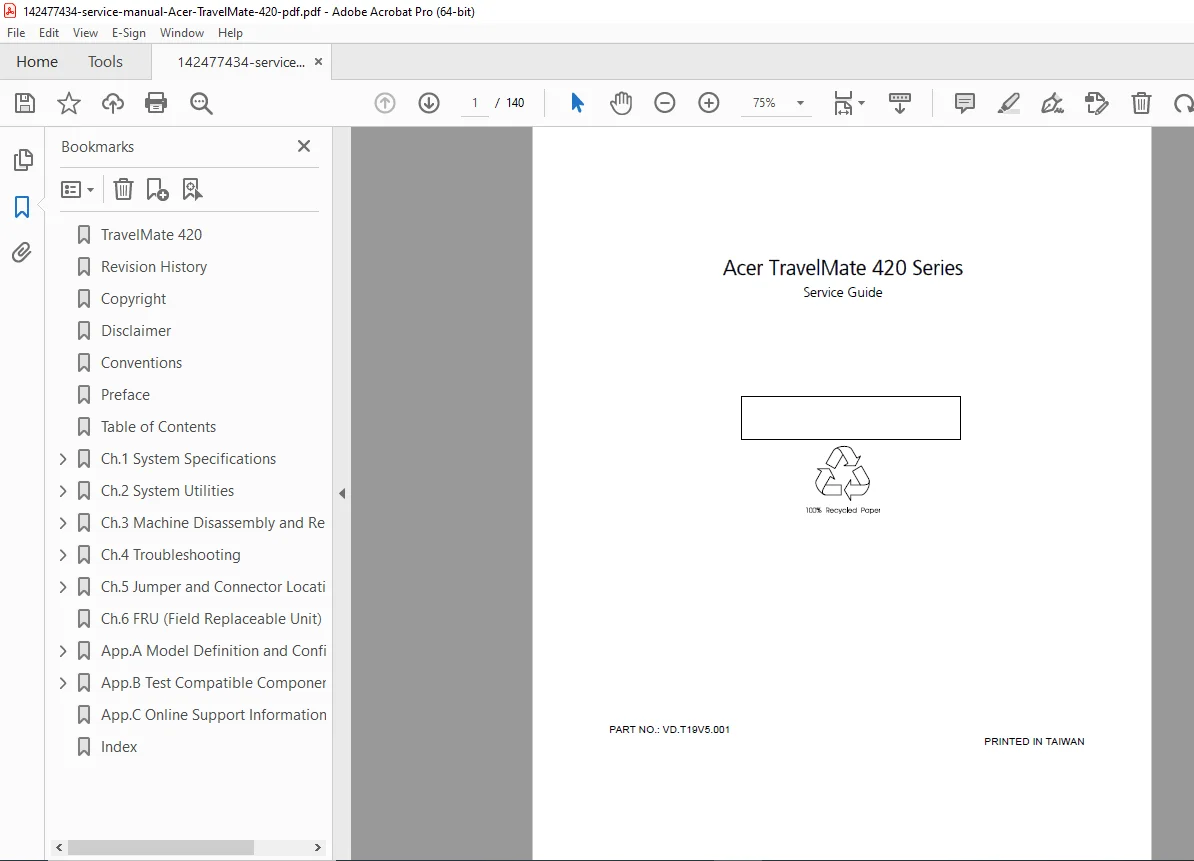
Acer TravelMate 420 Series Service Manual (VD.T19V5.001) – PDF
Original price was: $95.00.$18.95Current price is: $18.95.
Get the official Acer TravelMate 420 Series Service Guide—perfect for technicians and DIY repairs. Includes hardware specs, BIOS setup & diagnostics, full disassembly/reassembly steps, troubleshooting/POST error guides, connector & jumper locations, and FRU parts list. Instant PDF download for fast repairs and accurate part replacement.
Description
Acer TravelMate 420 Series Service Manual (VD.T19V5.001) – PDF DOWNLOAD
Description
If you’re repairing, diagnosing, or rebuilding an Acer TravelMate 420 Series laptop, this official Service Guide provides the exact procedures and technical data used by service technicians—so you can fix problems faster, avoid errors, and replace parts confidently.
✅ What this service manual helps you do
Identify hardware configurations and key system specifications
Configure BIOS Setup Utility correctly
Run diagnostics and confirm faulty parts before replacement
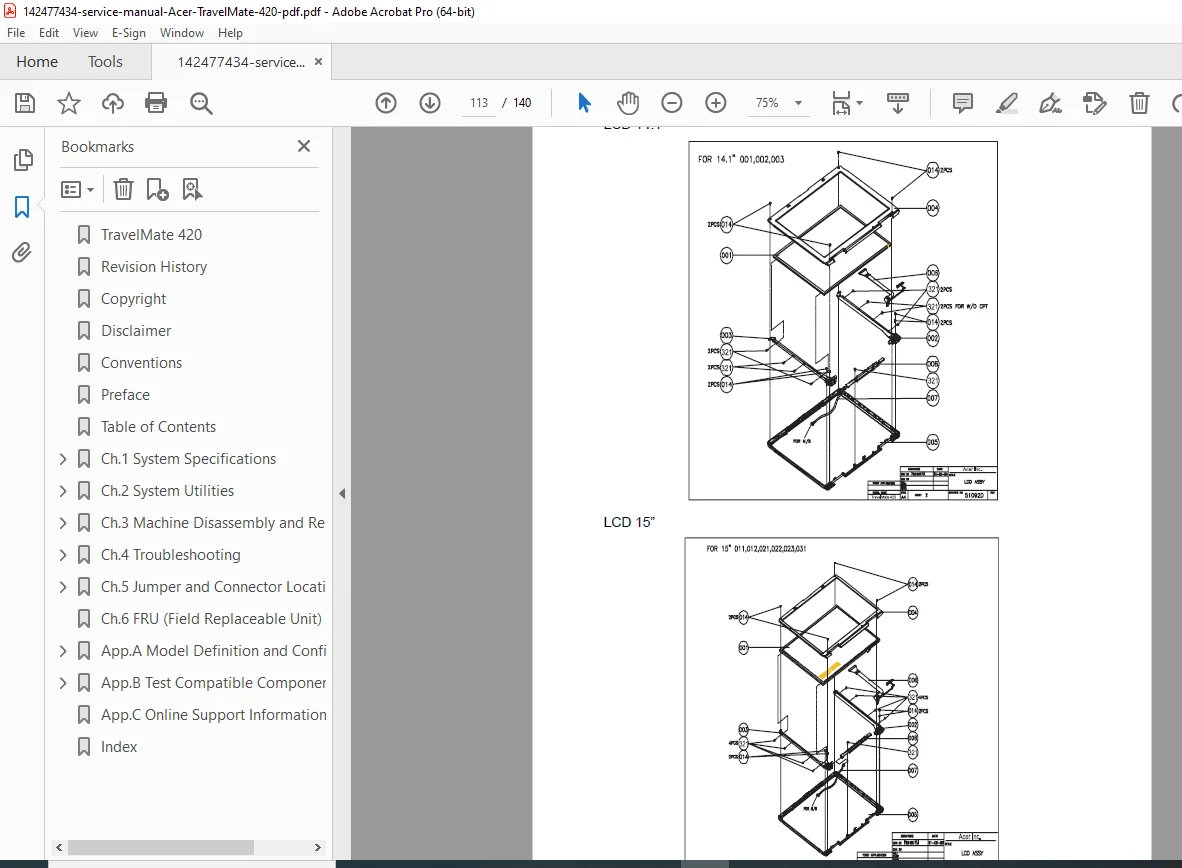
Follow step-by-step disassembly & reassembly workflows (main unit, LCD, HDD, ODD, memory, etc.)
Troubleshoot power, display, keyboard, touchpad, audio, and POST errors
Locate motherboard connectors/jumpers and verify settings
Use the FRU list to match and order correct replacement parts
🗂️ Table of Contents
Chapter 1 — System Specifications
Features
System Block Diagram
Board Layout (Top View / Bottom View)
Outlook Views (Front / Left / Right / Rear / Bottom)
Indicators / Lock Keys
Embedded Numeric Keypad / Windows Keys / Hot Keys
Euro Symbol / Launch Keys / E-Mail Detection
Touchpad Basics
Hardware Specifications and Configurations
Chapter 2 — System Utilities
BIOS Setup Utility (Info / Main / System Devices / Security / Boot / Exit)
BIOS Flash Utility
System Diagnostic Diskette (Running Diagnostics Program)
Chapter 3 — Machine Disassembly and Replacement
General Information / Before You Begin
Disassembly Procedure Flowchart
Remove Optical Module / HDD Module / Memory
Remove Keyboard / LCD Module / VGA Board
Disassemble Main Unit / LCD Module / External Modules
HDD Module / Optical Drive / Combo Drive Module
Chapter 4 — Troubleshooting
System Check Procedures (Drives, Keyboard, Memory, Power, Touchpad, Display, Sound)
POST Error Messages / Error Message Index
Symptom-to-FRU Index
Intermittent & Undetermined Problems
POST Task Routines
Flash BIOS Error Message Index
Chapter 5 — Jumper and Connector Locations
Top View (SW1 Lid Switch / SW2 Settings)
Bottom View
Chapter 6 — FRU (Field Replaceable Unit) List
Appendices
Model Definition & Configuration (TravelMate 420 Series)
Test Compatible Components (Windows XP / Windows 2000)
Online Support Information
Index
📌 File Details
| File Detail | Information |
|---|---|
| Manual Name | Acer TravelMate 420 Series – Service Guide |
| Models Covered | TravelMate 420 Series |
| Year | 2002 (with later revisions noted) |
| PDF Quality | Clear digital manual (text + diagrams) |
| Pages | 140 pages |
Repair it the right way—this official TravelMate 420 service manual gives you the exact teardown steps, diagnostics, and troubleshooting flow used by technicians. Instant download so you can start fixing in minutes.