Description
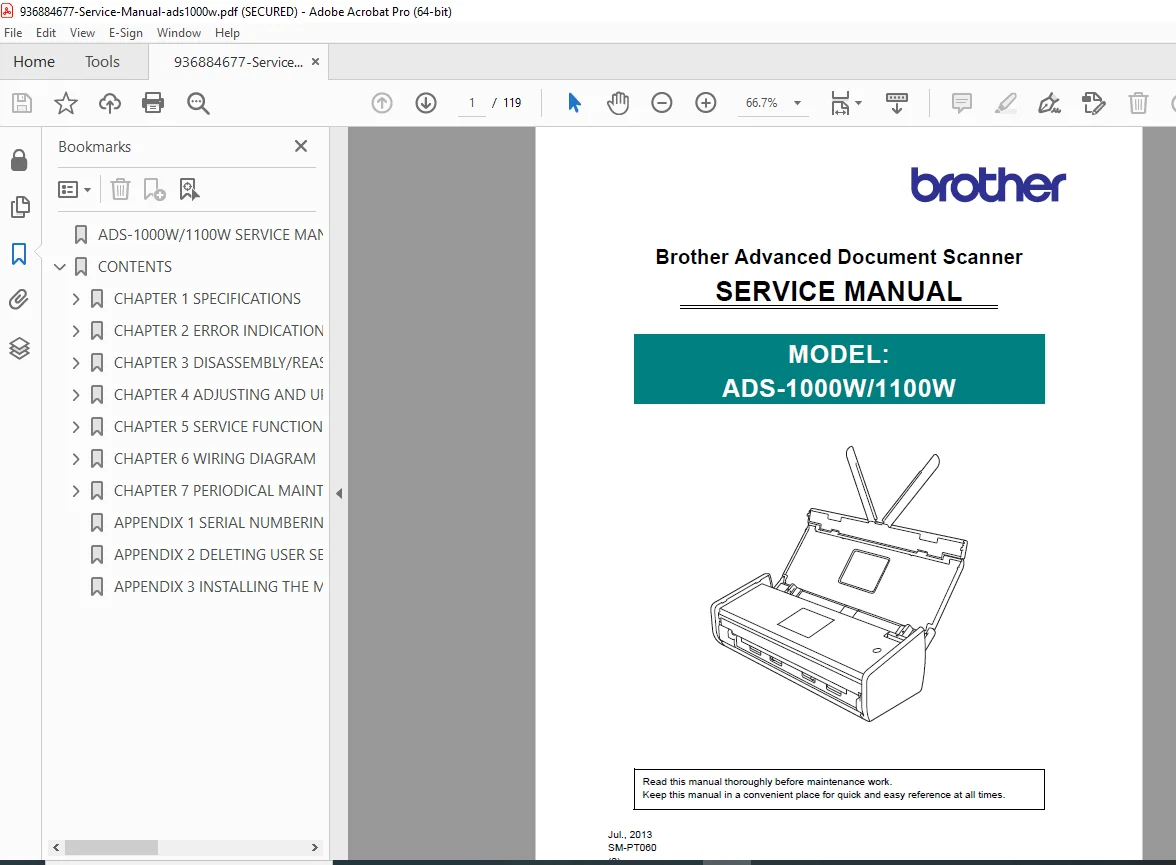
This is the genuine Brother Advanced Document Scanner Service Manual for the ADS-1000W and ADS-1100W models (SM-PT060, July 2013). It is the same confidential technical manual used by authorized Brother service engineers worldwide.
Designed for professional repair and maintenance, this manual provides complete internal architecture, error diagnostics, disassembly instructions, firmware handling, and wiring diagrams—far beyond what a user guide offers.
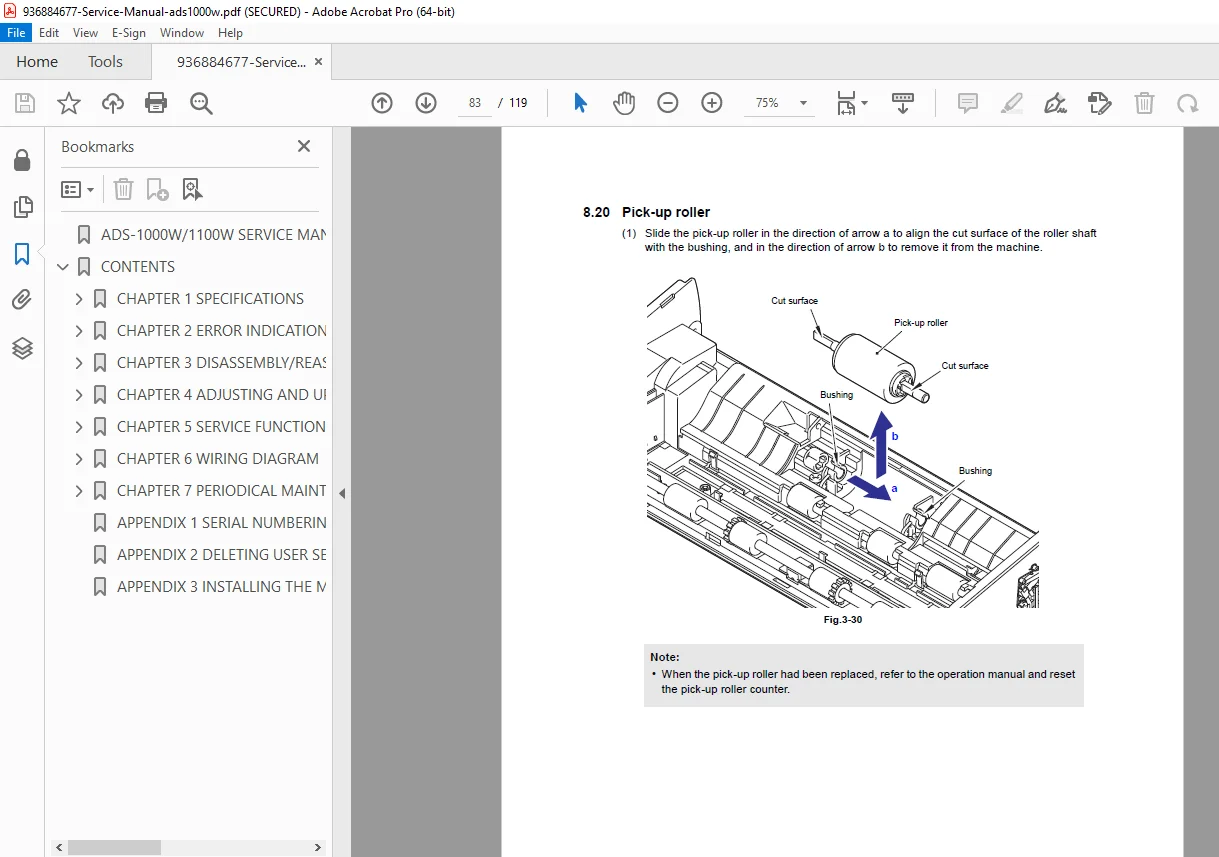
Whether you’re repairing feed issues, replacing CIS units, fixing network faults, or restoring a dead scanner, this manual gives you exact factory procedures.
📚 What This Manual Covers
🔧 Chapter 1 – Specifications
Scanner hardware specifications
Network & wireless connectivity details
Service information & consumables
Paper handling & media limits
Scanner performance data (DPI, speed, memory, power)
🚨 Chapter 2 – Error Indications & Troubleshooting
LED fault pattern interpretation
Error messages and root causes
Step-by-step troubleshooting for:
Blank scans
USB & PC connection errors
Memory & storage failures
Paper & card jams
Wireless LAN faults
CIS mismatch & EEPROM errors
Image defect diagnosis:
Vertical streaks
Hue defects
Blank or dark scans
Registration errors
Feeding problems:
Multi-feed
Wrinkling
Jamming
Card feed errors
🧩 Chapter 3 – Disassembly & Reassembly
⚙️ Chapter 4 – Adjustments After Parts Replacement
Main PCB replacement procedure
Firmware installation
EEPROM initialization
Serial number restoration
CIS white level calibration
Roller & pad counter reset
🛠 Chapter 5 – Service Functions
🔌 Chapter 6 – Wiring Diagrams
🔄 Chapter 7 – Periodical Maintenance
📂 File Details
| Detail | Information |
|---|
| Manual Name | Brother Advanced Document Scanner Service Manual |
| Models Covered | ADS-1000W / ADS-1100W |
| Year | 2013 |
| PDF Quality | Original factory manual, searchable & illustrated |
| Pages | 119 pages |
🚀 Instant Download – Repair with Factory Precision
Stop guessing and start fixing like a pro. Download this Brother ADS-1000W / 1100W Service Manual now and get complete factory diagnostics, disassembly, and repair guidance—ready for immediate use.