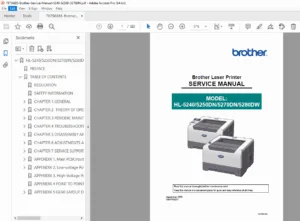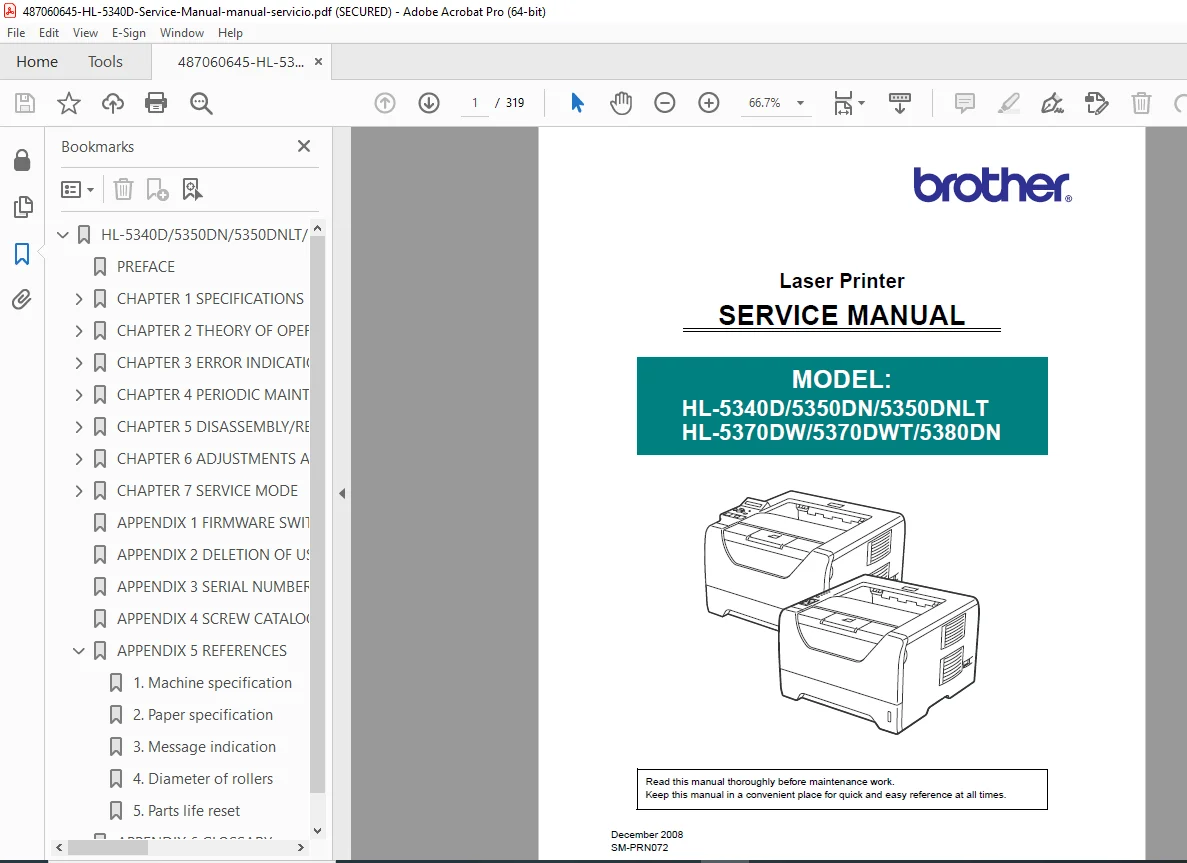
Brother HL-5340D, HL-5350DN, HL-5370DW Service Manual PDF
Original price was: $95.00.$18.95Current price is: $18.95.
Official Brother HL-5340D service manual covering the complete HL-5300 series. This laser printer troubleshooting guide includes comprehensive repair instructions, Brother printer maintenance schedules, and disassembly procedures. Features detailed solutions for HL-5350DN repair, paper jam removal, error codes 5370DW, and fuser unit replacement. Essential for fixing print defects and resetting parts life counters
Description
Brother HL-5340D, HL-5350DN, HL-5370DW Service Manual PDF DOWNLOAD
DESCRIPTION
Restore your printer to peak performance with the complete Brother HL-5340D Service Manual. This factory-issued guide covers the entire HL-5300 series, providing the technical data, schematics, and maintenance procedures required for professional-grade repairs.
Whether you are diagnosing Brother printer maintenance messages, resolving complex laser printer troubleshooting issues, or performing a routine fuser unit replacement, this manual offers clear, step-by-step instructions. It is an indispensable resource for IT technicians and DIY repairers looking to extend the life of their equipment.
Manual Features & Content Breakdown
The manual is logically structured to guide you through every aspect of the printer’s operation and repair:
1. Specifications & Components
General Specs: Processor, memory, interface (USB/Network), and print speeds.
Paper Handling: Media specifications for standard trays, MP trays, and duplex units.
Electronics: Power consumption, noise levels, and dimension diagrams.
2. Theory of Operation
Mechanical Overview: Paper supply, registration, transfer, and eject paths.
Print Process: Step-by-step explanation of charging, exposure, development, transfer, and fusing.
Toner & Life Detection: Understanding new toner detection, developing bias, and cartridge life counters.
3. Error Indication & Troubleshooting
Error Codes: Complete list of LED indications and LCD error messages (e.g., “Replace Drum”, “Fuser Cover Open”).
Paper Feeding Problems: Solutions for “No Feeding”, “Double Feeding”, and “Paper Jams” in Tray 1/2/3 and DX unit.
Image Quality Defects: diagnosing issues like vertical streaks, ghosting, faint print, white spots, and black bands.
Network Issues: Troubleshooting wired and wireless LAN connectivity (HL-5370DW).
4. Periodic Maintenance
Consumable Replacement: Step-by-step guides for replacing the Fuser Unit, Laser Unit, and Paper Feeding Kits (MP/T1/T2/T3).
Cleaning Procedures: Proper cleaning of the corona wire, exposure drum, and scanner windows.
5. Disassembly & Reassembly
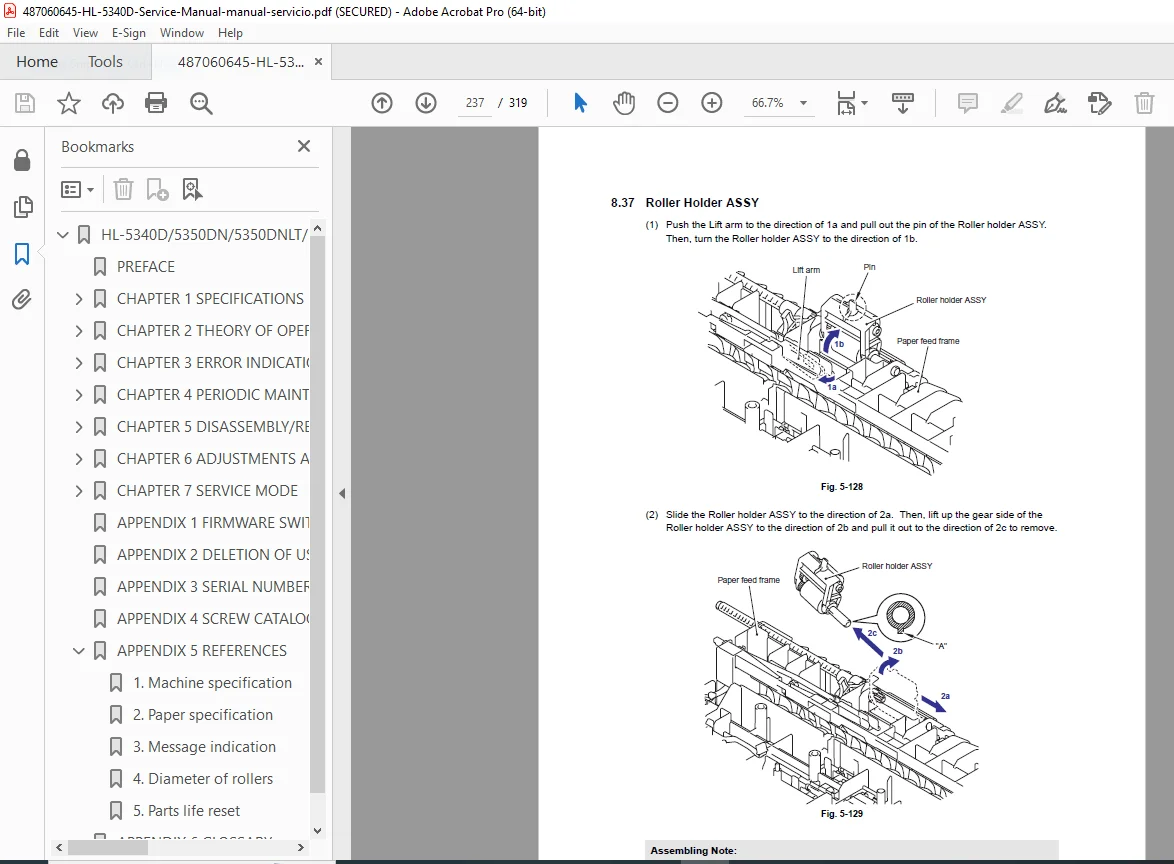
Detailed Removal Guides: Covers, Main PCB, High-Voltage Power Supply (HVPS), Laser Unit, and Drive Motors.
Screw Catalog: Identification of screw types and torque values.
6. Service Mode & Adjustments
Maintenance Mode: How to access the hidden service menu.
Parts Life Reset: Procedures to reset counters for the fuser, laser, and PF kits after replacement.
Firmware: Instructions for updating printer firmware.
File Details
| Feature | Detail |
| Manual Name | Brother HL-5340D / 5350DN / 5370DW Service Manual |
| Models Covered | HL-5340D, HL-5350DN, HL-5350DNLT, HL-5370DW, HL-5370DWT, HL-5380DN |
| Manual ID | SM-PRN072 |
| Year | 2008 |
| File Type | High-Quality, Searchable PDF |
| Total Pages | 319 Pages |
Stop struggling with cryptic error lights and paper jams. Download the Brother HL-5340D Service Manual instantly and get the factory-approved solutions you need to fix your printer yourself—saving you time and expensive service calls!