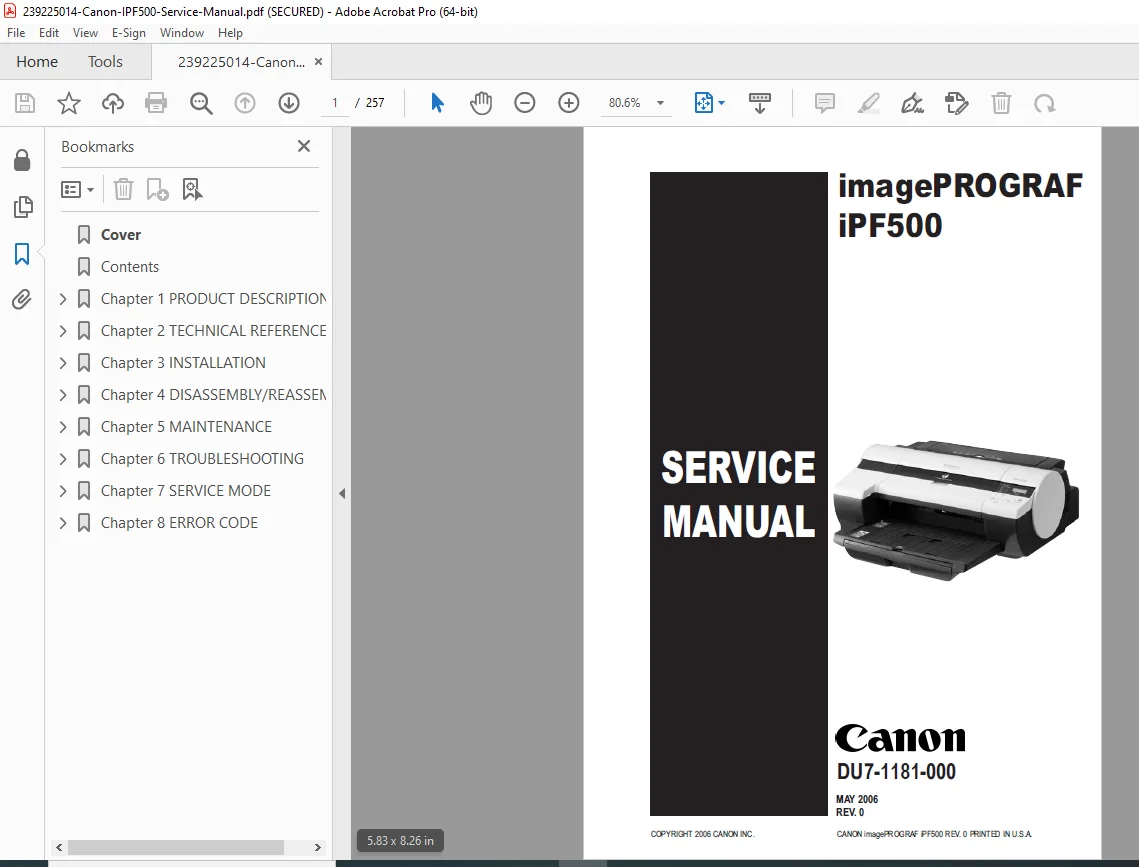
Canon imagePROGRAF iPF500 Service Manual – Repair & Troubleshooting PDF
Original price was: $65.00.$15.95Current price is: $15.95.
This is the official Canon imagePROGRAF iPF500 Service Manual (May 2006). It provides full technical theory, maintenance, repair procedures, printhead and ink system servicing, complete disassembly/reassembly instructions, service mode operations, and error code diagnostics. Essential for technicians troubleshooting carriage, purge unit, cutter system, and ink supply faults.
Description
Canon image PROGRAF iPF500 Service Manual – Repair & Troubleshooting PDF DOWNLOAD
DESCRIPTION
This is the factory-authorized Canon imagePROGRAF iPF500 Service Manual, the primary reference used by Canon-certified service personnel. The iPF500 is a 17-inch / A2 large-format 5-color printer, designed for professional graphic output, CAD drawings, and proofing environments.
This manual provides detailed service theory, system component understanding, printhead replacement workflow, ink routing diagnostics, carriage and cutter servicing, media feed repair, and service mode troubleshooting.
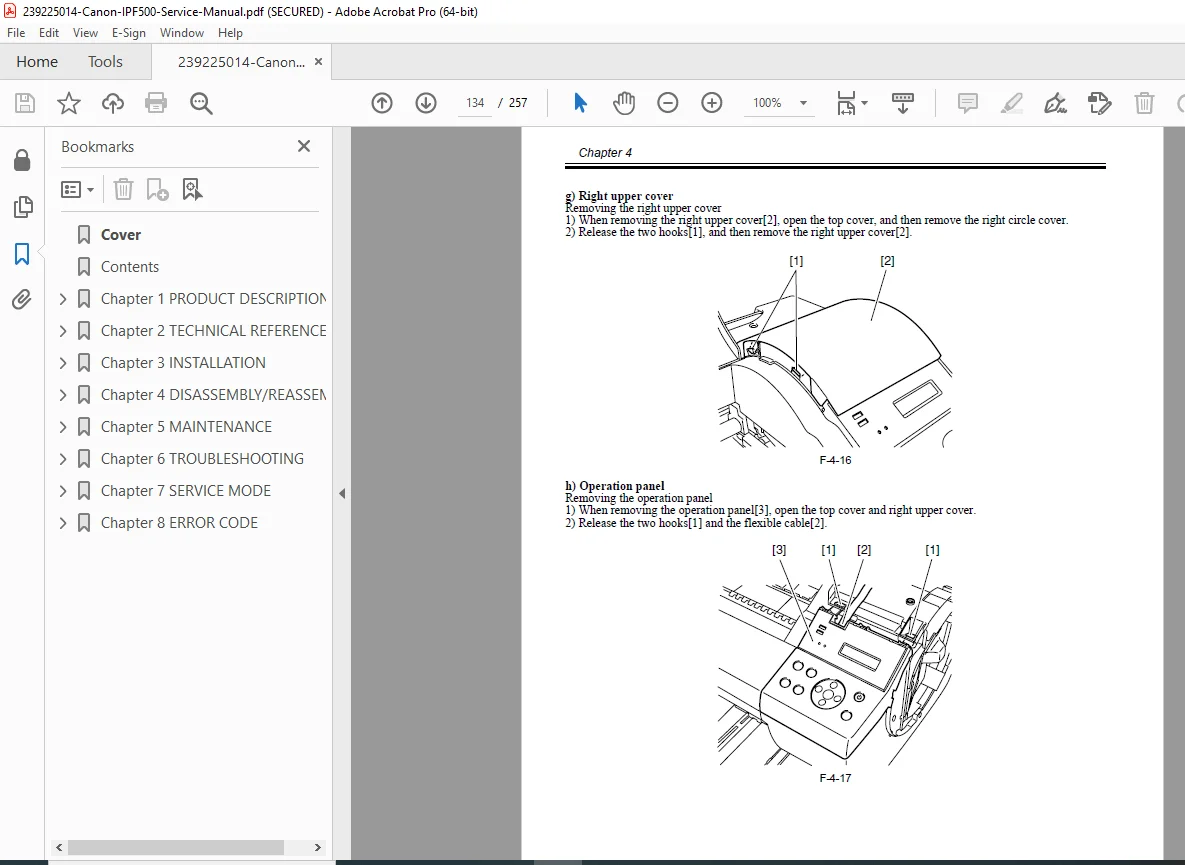
It includes complete Canon iPF500 disassembly and reassembly procedures for every Field Replaceable Unit (FRU), making it essential for workshop and on-site repair technicians.
TABLE OF CONTENTS
• PRODUCT DESCRIPTION
• Features & Specifications
• Printhead & Ink Tank Overview
• Safety and Handling Notes
• Component Names & Printer Structure
• TECHNICAL REFERENCE
• Mechanical System Theory (Ink Passage & Purge Unit)
• Maintenance Cartridge & Waste Ink System
• Electrical System Overview (Main Controller & Power Supply)
• Sensor Function & Detection Logic
• Firmware Flow and Operational Control
• INSTALLATION
• Unpacking & Initial Setup
• Installation Checklist
• Image Quality & Operation Check
• Transporting / Reinstalling Procedures
• DISASSEMBLY / REASSEMBLY (Full FRU Service Section)
• External Covers
• Carriage Unit
• Cutter Unit
• Driving Unit
• Feeder Unit
• Roll Feed Unit
• Purge Unit / Waste Ink Unit
• Ink Tank Unit
• Control PCBs
• Sensors and Wiring Harnesses
• TROUBLESHOOTING
• Symptom-Based Troubleshooting Flow
• Warning Message Interpretation
• Print Quality Failure Cause Isolation
• Electrical Signal / Connection Inspection Points
• Firmware Update Procedure
• SERVICE MODE
• Entering / Exiting Service Mode
• Service Mode Menu Tree
• Special Diagnostic Commands
• Printhead & Ink Circuit Maintenance Functions
• ERROR CODES
• Warning Code Table
• Error Code Table (Hardware/System/Ink/Paper)
• Service Call Error Table & Corrective Actions
FILE DETAILS
| Detail | Value |
|---|---|
| Manual Name | Canon imagePROGRAF iPF500 Service Manual |
| Models Covered | imagePROGRAF iPF500 |
| Year / Revision | May 2006 (Rev. 0) |
| PDF Quality | Official Canon Factory Service Manual (Searchable/Printable) |
| Pages | ~100+ Pages |