Canon PC800–PC980 Series Service Manual PDF – DOWNLOAD
Original price was: $85.00.$15.95Current price is: $15.95.
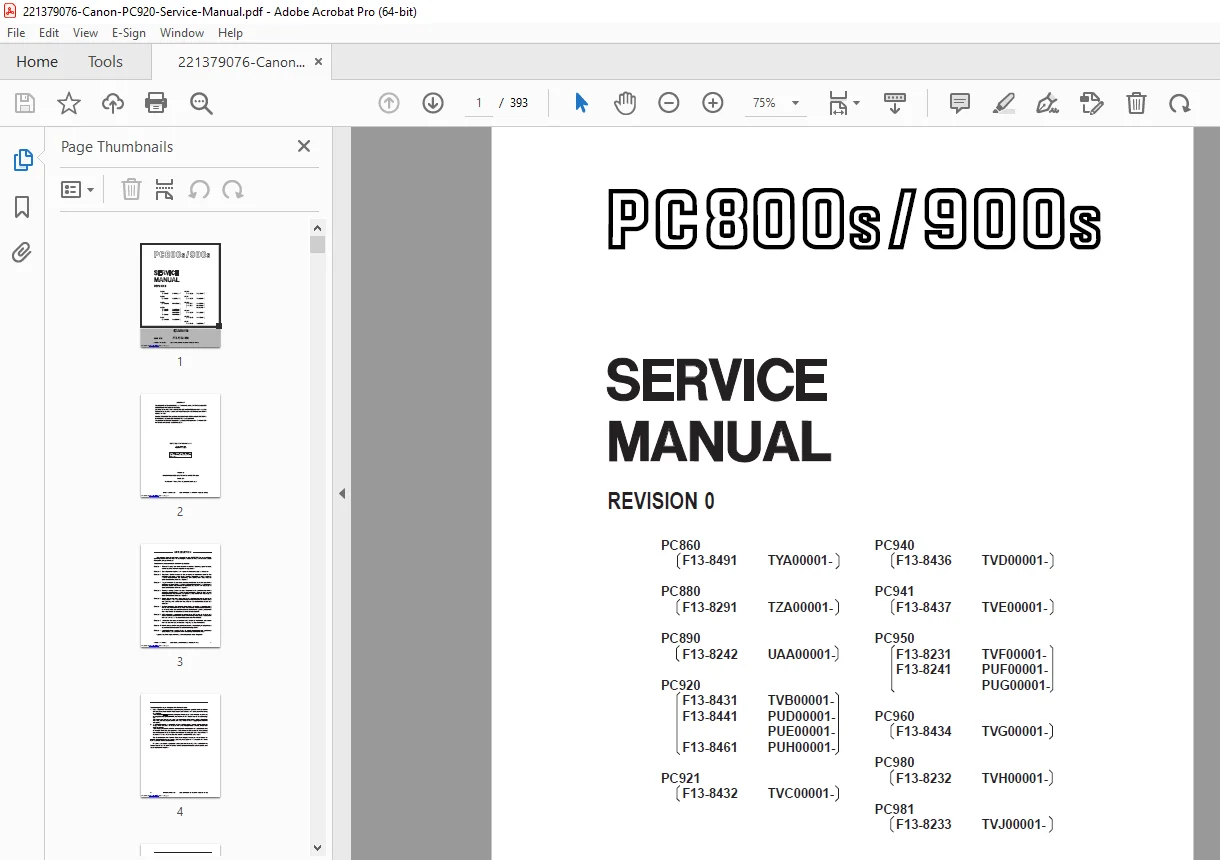
This is the complete official Canon PC800–PC980 Series Service Manual PDF, covering PC860, PC880, PC890, PC920, PC921, PC940, PC941, PC950, PC960, PC980, and PC981 models. This factory manual includes full disassembly, error codes, maintenance procedures, optical system adjustments, copier image troubleshooting, wiring diagrams, and full repair instructions for Canon analog photocopiers.
Description
Canon PC800–PC980 Series Service Manual PDF (PC860, 880, 890, 920, 940, 950, 960, 980, 981) DOWNLOAD
Description
This is the complete Canon PC800–PC980 Series Service Manual, the original factory reference used by Canon-certified technicians for all service operations, adjustments, and repairs.
The manual supports a large family of Canon personal copiers—PC860, PC880, PC890, PC920, PC921, PC940, PC941, PC950, PC960, PC980, and PC981—all sharing the same mechanical, electrical, and optical architecture. This PDF gives full coverage of copier operation, disassembly, troubleshooting, maintenance schedules, wiring diagrams, sensor maps, optical path adjustments, and step-by-step repair procedures.
It includes complete copier theory, detailed image formation analysis, jam detection logic, optical scanning adjustments, developer/toner control, fusing system repair, and electrical component testing.
This is the definitive technical reference for restoring any PC800/900-series Canon personal copier.
Table of Contents
1. Introduction
Manual structure
Supported models (PC860–PC981)
Safety precautions
Symbols and conventions
General handling precautions
2. Product Specifications
Copier dimensions & weight
Power rating / consumption
Warm-up time
Copy speed
Image resolution
Paper feeding and capacity
Fusing method (Thermal Roller System)
Optical scanning system overview
3. Basic Operation Theory
3.1 Overall Copier Process
Photoconductor (drum) charging
Exposure system (lamp + mirrors + lens)
Development process (toner adhesion)
Image transfer
Separation
Cleaning
Fusing cycle
3.2 Optical System
Exposure lamp
Mirror assembly
Lens assembly
Scanning carriage movement
Optical signal control
3.3 Electrical Control Theory
DC controller
Power supply logic
Heater control
Motor drive sequences
Sensor feedback loops
3.4 Mechanical Drive System
Main motor
Gear train
Paper pickup unit
Registration roller timing
Exit roller drive
4. Maintenance & Adjustments
4.1 Periodic Maintenance
Cleaning points
Lubrication
Drum life checks
Fusing unit checks
Exposure lamp checks
4.2 Copier Adjustments
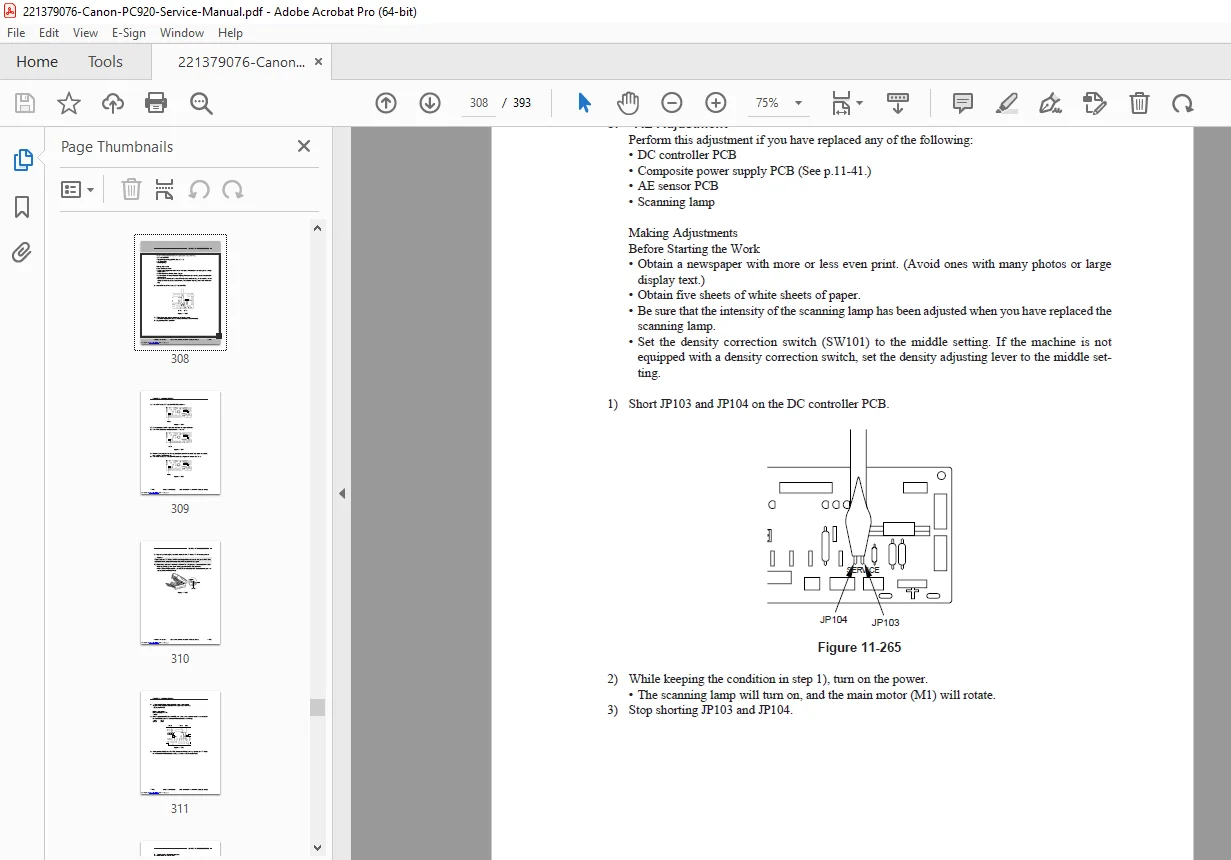
Exposure lamp adjustment
Optical density
Document glass height & alignment
Mirror alignment
Main charger voltage check
Transfer separation adjustments
5. Disassembly & Reassembly (Full Illustrated Procedures)
5.1 Exterior Components
Platen cover
Document glass
Front & side covers
Upper unit frame
5.2 Mechanical Components
Pick-up roller unit
Registration roller
Feed roller set
Separation pad
Exit rollers
5.3 Imaging / Optical Components
Exposure lamp
Mirrors 1–4
Lens block
Scanner carriage
Drum unit
Developing unit
5.4 Fuser / Fixing Unit
Fixing film
Heater lamp
Thermistor
Thermal fuse
Pressure roller
Separation claws
5.5 Electrical Components
DC controller PCB
Power supply PCB
Motor assemblies
Sensor blocks
Wiring harnesses
Each section includes diagrams, torque values, cautions, alignment notes, and reassembly checks.
6. Troubleshooting & Error Diagnosis
6.1 Basic Troubleshooting Flow
No power
Blank copies
Dark copies
Backgrounding
Light copies
Paper jams
Image density problems
6.2 Copy Quality Issues
Spots and streaks
Lines and banding
Foggy image
Toner scatter
Dark top/bottom edges
Drum contamination
Mirror contamination
6.3 Paper Feed Problems
Misfeeds at tray
Delay jams
Curling paper
Exit jams
Duplex feed issues
6.4 Electrical & Sensor Troubleshooting
Heater errors
Exposure lamp faults
Drum rotation issues
Main motor faults
DC controller faults
PSU faults
6.5 Diagnostic Modes
Test Mode / Service Mode operations
Output checks
Sensor activation tests
Lamp test
Motor test
7. Wiring Diagrams & PCBs
Full copier wiring diagram
DC controller board layout
Signal input/output mapping
Connector pinout descriptions
Motor/sensor wiring harnesses
Heater/fuser electrical circuit
8. Parts Information
Drum unit components
Optical carriage components
Fuser components
Mechanical frame components
Feed rollers & gears
Sensor blocks
Electrical boards
Canon PC800/900 series cross-compatible parts list
📁 File Details
| Field | Details |
|---|---|
| Manual Name | Canon PC800–PC980 Series Service Manual |
| Models Covered | PC860, PC880, PC890, PC920, PC921, PC940, PC941, PC950, PC960, PC980, PC981 |
| PDF Quality | High-quality OEM factory PDF |
| Pages | 398 |
| Contains | Full service procedures, troubleshooting, wiring diagrams |