Canon imageRUNNER 2204 / 2004 Series Service Manual – PDF Download
Original price was: $75.00.$19.95Current price is: $19.95.
Official Service Manual for the Canon imageRUNNER 2204 / 2004 Series multifunction copier. Includes technical theory, disassembly/assembly, PCB diagnostics, laser system servicing, adjustment procedures, troubleshooting flowcharts, error & jam codes, and service mode instructions. Clear searchable PDF for professional field technicians.
Description
Canon imageRUNNER 2204 / 2004 Series Service Manual – PDF Download
Product Description
This is the complete Canon imageRUNNER 2204 / 2004 Series Service Manual, used by Canon-certified technicians for installation, maintenance, diagnostics, and repair work.
The manual provides full mechanical, electrical, and control system servicing, including:
Engine & imaging process theory
Scanner, laser, pickup-feed & fixing system breakdowns
Part replacement procedures & torque points
Full troubleshooting logic for copy, print, scan, and fax issues
Service mode configuration & reset procedures
Suitable for:
Service centers
Field technicians
In-house workshop repair teams
Copier rebuilders / refurbishers
✅ Models Covered (Official Coverage)
imageRUNNER 2204
imageRUNNER 2204N
imageRUNNER 2004
Network & USB-only variants
Optional modules:
DADF-AT1 Document Feeder
Duplex Unit-C1
Cassette Feeding Module-AD1
Heater Kit-M2
Handset-K1
Table of Contents
1. Safety & Handling
Laser safety
Power supply handling
Toner and lithium battery precautions
Cleaning & disassembly notes
2. Product Overview
Model lineup
Features and specifications
External & internal component identification
Control panel & operation overview
3. Technical Explanation
System functional configuration
Original exposure (scanner) system
Controller system
Laser exposure system
Image formation process
Fixing system
Pickup/feed system
Remote service monitoring support
4. Periodical Service
Scheduled maintenance items
Service intervals & lubrication points
5. Disassembly & Assembly
Cover removal sequences
PCB removal (Controller, Power, HVT, etc.)
Laser scanner removal
Image formation system replacement
Fixing unit & drive mechanism access
Feed & roller system service
6. Adjustment
Basic adjustment procedures
Adjustments required after part replacement
Scanner and controller calibration
Print engine alignment
7. Troubleshooting
Initial diagnostic flow
Test print patterns & evaluation method
Image defects troubleshooting
Mechanical operation faults
Communication / scan / fax issues
Version upgrade methods
8. Error, Jam & Alarm Codes
Error code meanings & repair actions
Jam code positions & clearing guidance
Alarm indicators & recovery sequences
9. Installation Procedures
Site & environment preparation
Unpacking and assembly
Network, fax & panel setup
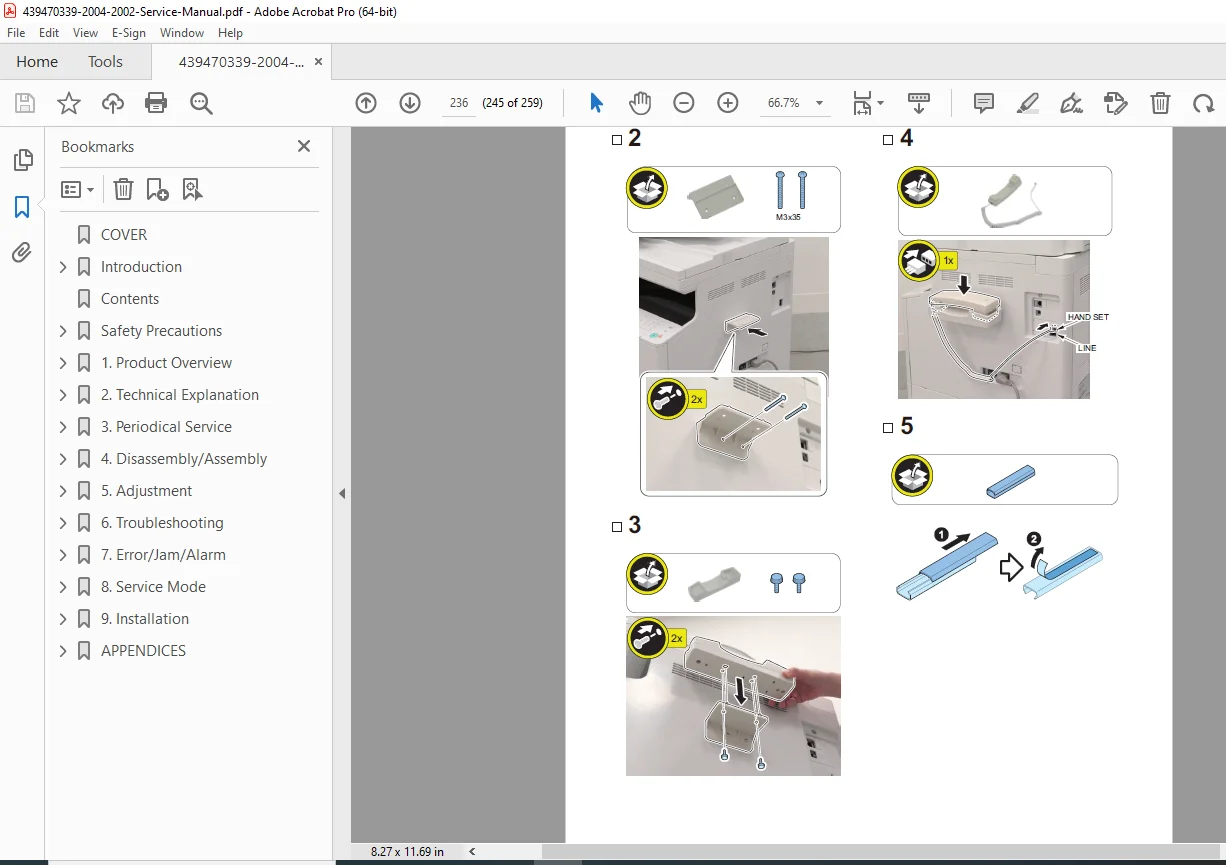
Optional accessory installation
Appendices
Service tools list
General timing charts
Full circuit diagrams
Backup/data reset reference
📂 File Details
| Item | Details |
|---|---|
| Manual Name | Canon imageRUNNER 2204 / 2004 Service Manual |
| Format | Searchable PDF |
| Quality | High resolution with clear diagrams |
| Pages | 259 |
| Language | English |