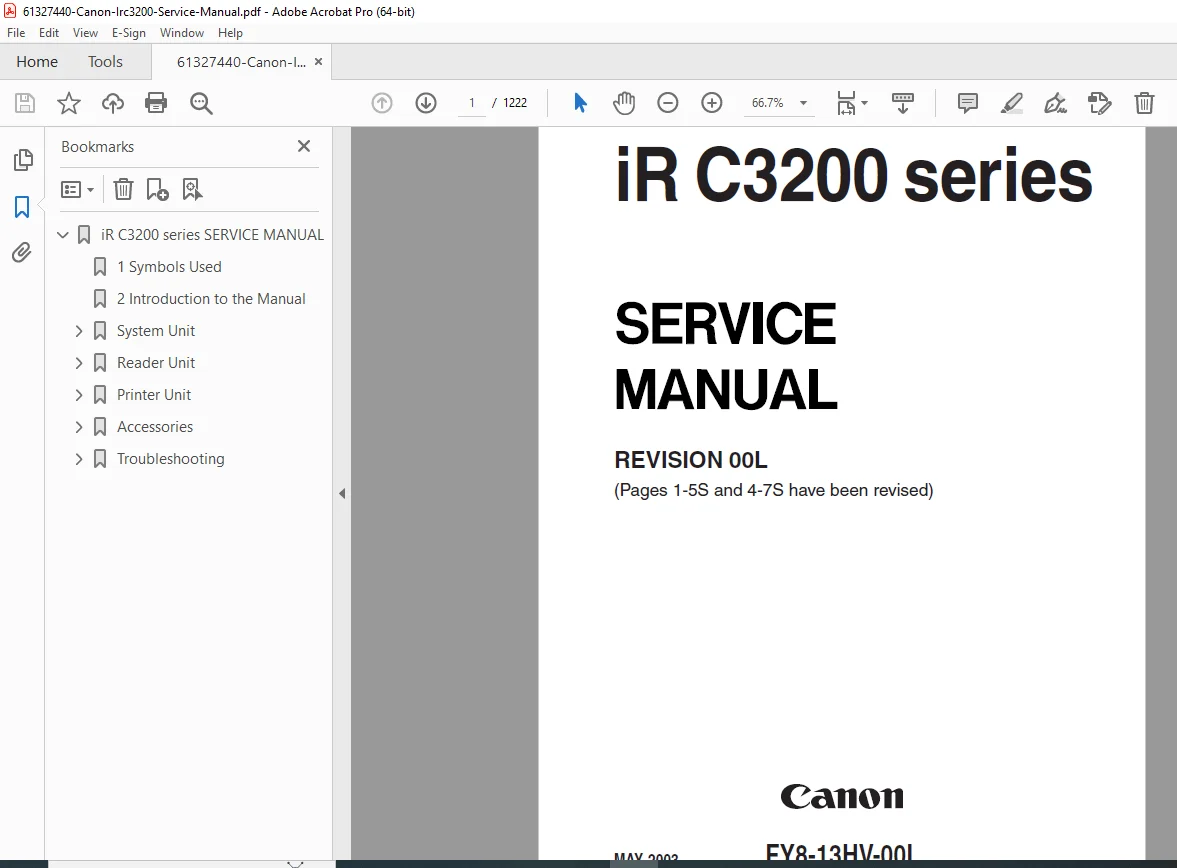
Canon iR C3200 / C3220 / C3100 Series Service Manual – Complete PDF
Original price was: $95.00.$25.95Current price is: $25.95.
Complete Canon iR C3200 / C3220 / C3100 Series Service Manual. Includes system overview, mechanical and electrical disassembly, service mode procedures, error codes (E000–E805), fuser fixing troubleshooting, laser/scanner adjustments, image quality corrections, PCB wiring diagrams, sensors, motors, harness maps, and full parts/component specifications. Essential for technicians.
Description
Canon iR C3200 / C3220 / C3100 Series Service Manual – Complete PDF DOWNLOAD
DESCRIPTION
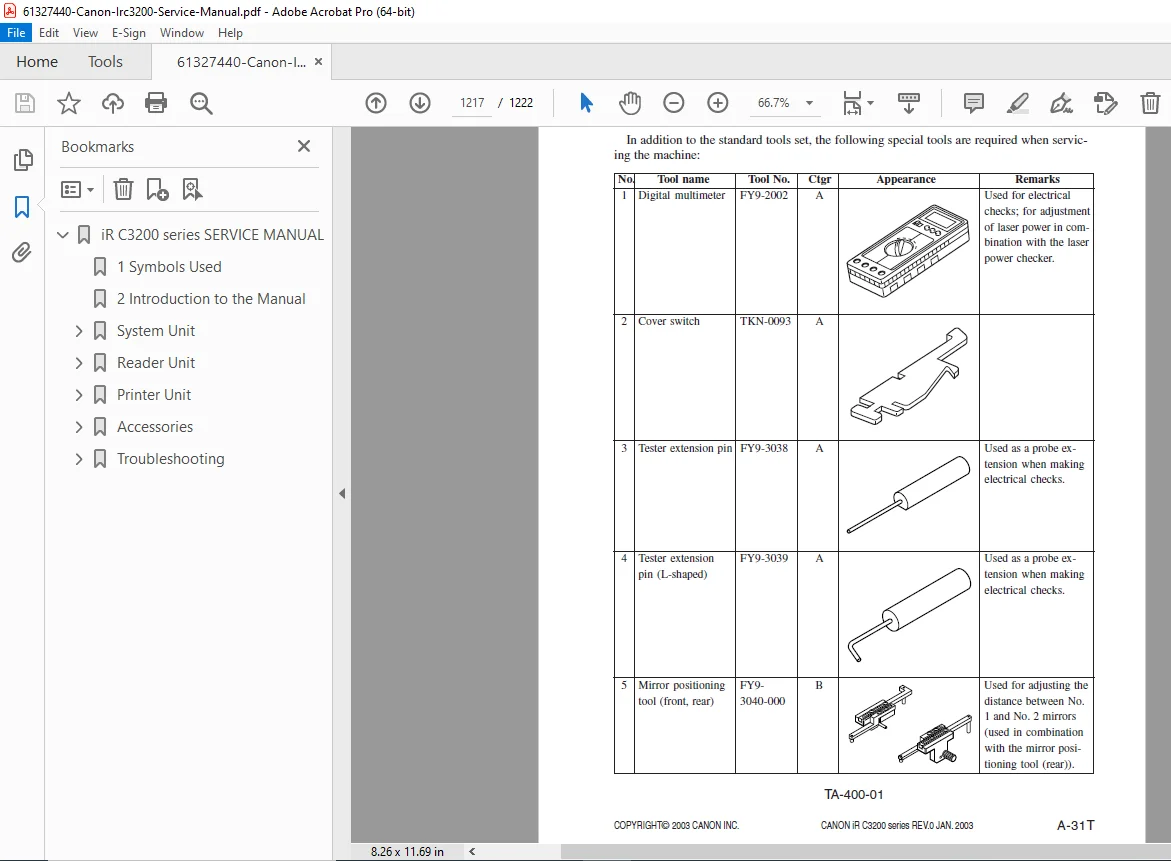
This official Canon Service Manual covers the full iR C3200 / C3220 / C3100 Series multifunction color digital copiers. It is the same engineering-level manual used by Canon-certified technicians and includes complete diagnostics, repair, image quality adjustment, disassembly, wiring, sensors, motors, PCB descriptions, and troubleshooting workflows.
The PDF contains extensive, deeply detailed chapters for all service procedures, including lubrication, scanner unit drive, color registration, DC controller logic, laser polygon adjustments, fuser temperature control, and network controller diagnostics.
Table of Contents
SECTION 1 – PRODUCT OUTLINE
System configuration
Installation conditions
Machine specs
Copy/print engine overview
Color imaging process flow
SECTION 2 – BASIC OPERATION
Power-on sequence
Pickup/feeding mechanism
Laser writing system
Developing & transfer processes
Fuser/fixing system
Duplex mechanism
Scanner operation
SECTION 3 – PERIODIC MAINTENANCE
Periodic inspection items
Life counters
Consumable replacement timings
Lubrication points
Cleaning procedures
SECTION 4 – IMAGE QUALITY ADJUSTMENTS
Registration alignment
Density control
Color calibration
Halftone patches
Shading correction
Fixing pressure/temp adjustment
SECTION 5 – DIAGNOSTICS & TROUBLESHOOTING
Complete Error Code List (E000–E805)
Fixing assembly errors
Scanner errors
Laser unit errors
Fan/HV power errors
Feed sensor errors
Jam codes & locations
SECTION 6 – SERVICE MODE
How to enter Service Mode
COPIER > ADJUST > functions
Counter reset
DC controller checks
Sensor monitoring
Output tests for motors, clutches, fans
SECTION 7 – MECHANICAL DISASSEMBLY
Exterior covers
ADF
Scanner & laser unit
Fuser/fixing assembly
Transfer belt
Paper feed units
Duplex unit
Drive assemblies
All motors & clutches
SECTION 8 – ELECTRICAL COMPONENTS
PCB overview
DC Controller
Reader Controller
Main Power Supply
Laser Driver
Drum drive system
Sensors & solenoids
SECTION 9 – WIRING DIAGRAMS & BLOCK DIAGRAMS
System wiring map
Power block diagram
Engine block diagram
I/O mapping
Harness routing
SECTION 10 – PARTS LIST
Mechanical parts
Electrical parts
Consumables
Canon OEM part numbers
🔧 2. Key Technical Highlights
✔ Comprehensive Error Code Coverage (E000–E805)
Includes solutions for:
E000 Fixing temp abnormality
E061–E064 Scanner/laser faults
E100–E199 Reader detection errors
E400–E499 Network & PCB communication
E700–E799 Main Controller faults
Jam codes, tray sensors, registration sensors
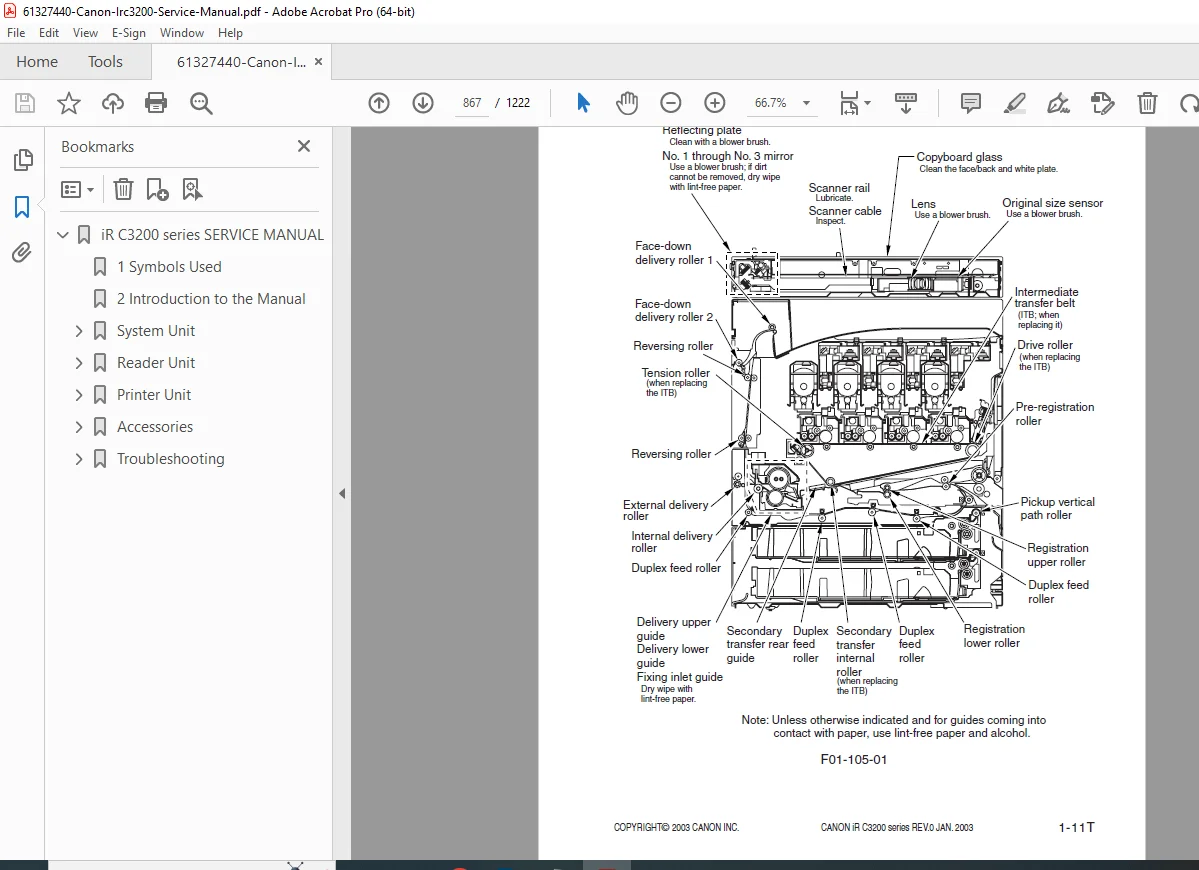
✔ Detailed Mechanical Disassembly With Diagrams
Every unit broken down step-by-step:
Fuser/fixing assembly
Drum unit
ITB transfer belt
Pickup/feed rollers
Scanner unit
Laser optical unit
Polygon motor replacement
✔ Service Mode Procedures
Includes all COPIER > ADJUST, COPIER > FUNCTION, COPIER > DISPLAY functions.
✔ Color Image Quality Adjustments
Patch color calibration
Density misalignment
Background fog correction
Registration drift
Low-density & toner scatter issues
✔ Complete Wiring Diagrams
Includes board-level wiring, sensor lines, motor lines, power supply maps.
📄 FILE DETAILS
| FIELD | DETAILS |
|---|---|
| Manual Name | Canon iR C3200 / C3220 / C3100 Series Service Manual |
| Models Covered | iR C3100 Series, iR C3200, iR C3220 |
| Year | 2003–2004 (based on file metadata & engine revision) |
| PDF Quality | High-quality, OCR-ready, includes diagrams, wiring, TOC |
| Total Pages | 1222 |